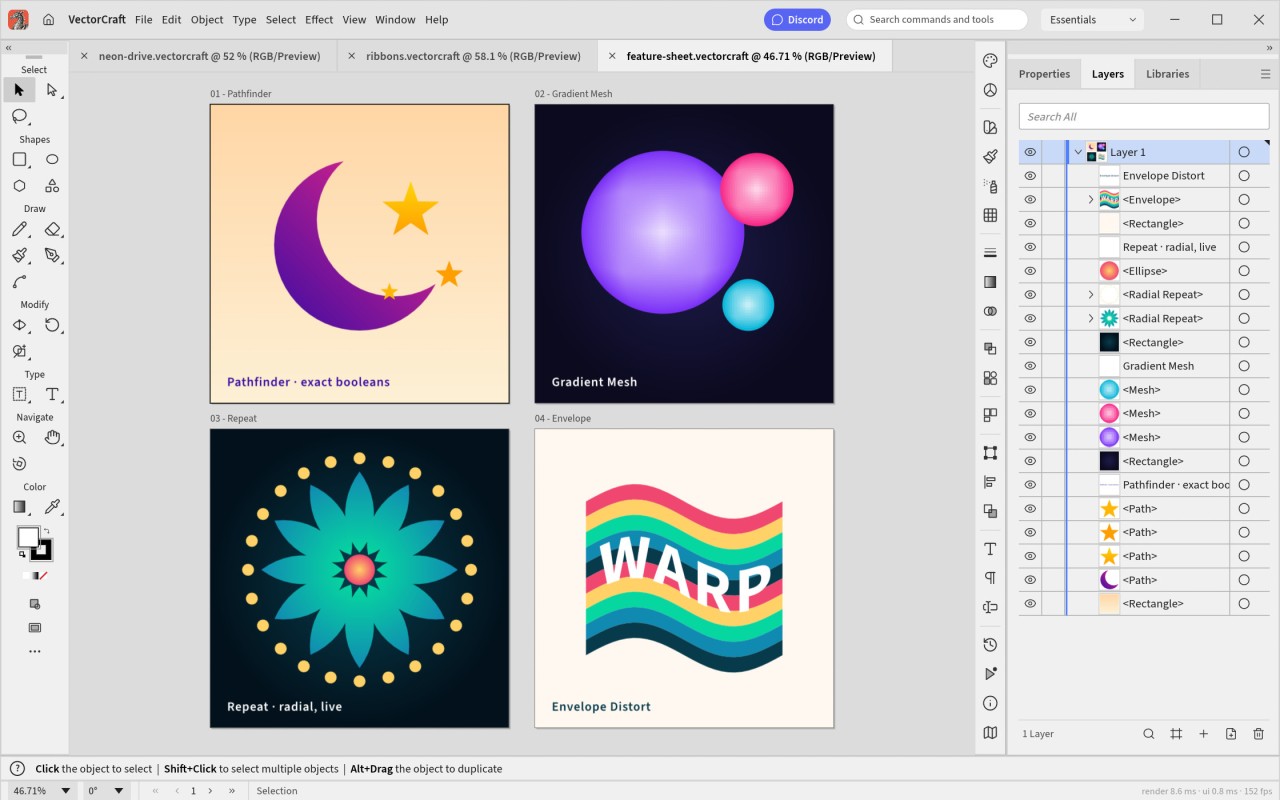
Developed by the ArtCraft team, VectorCraft is part of a free, open-source alternative to Adobe’s Creative Suite. Written in the Rust programming language, it lets you create all kinds of graphics and illustrations. Designers will find familiar features borrowed from Adobe Illustrator, such as drawing with a pen tool, working with layers, and editing outlines.
Free and open source, it’s aimed at anyone who wants a design tool without a subscription. The project is still in early development, though: some features are incomplete, and compatibility with Illustrator files isn’t perfect.
This means that VectorCraft can’t replace all of Adobe Illustrator’s features yet. Support for Illustrator’s own .ai files is limited: some elements of an Illustrator document may not be preserved correctly. To share an illustration, SVG and PDF are often better choices. Scripting, generative AI features, and some 3D effects are still missing.
But still, if you are interested, you should check it, as it is continuously updated and new features are added regularly.
Why Should I Download VectorCraft?
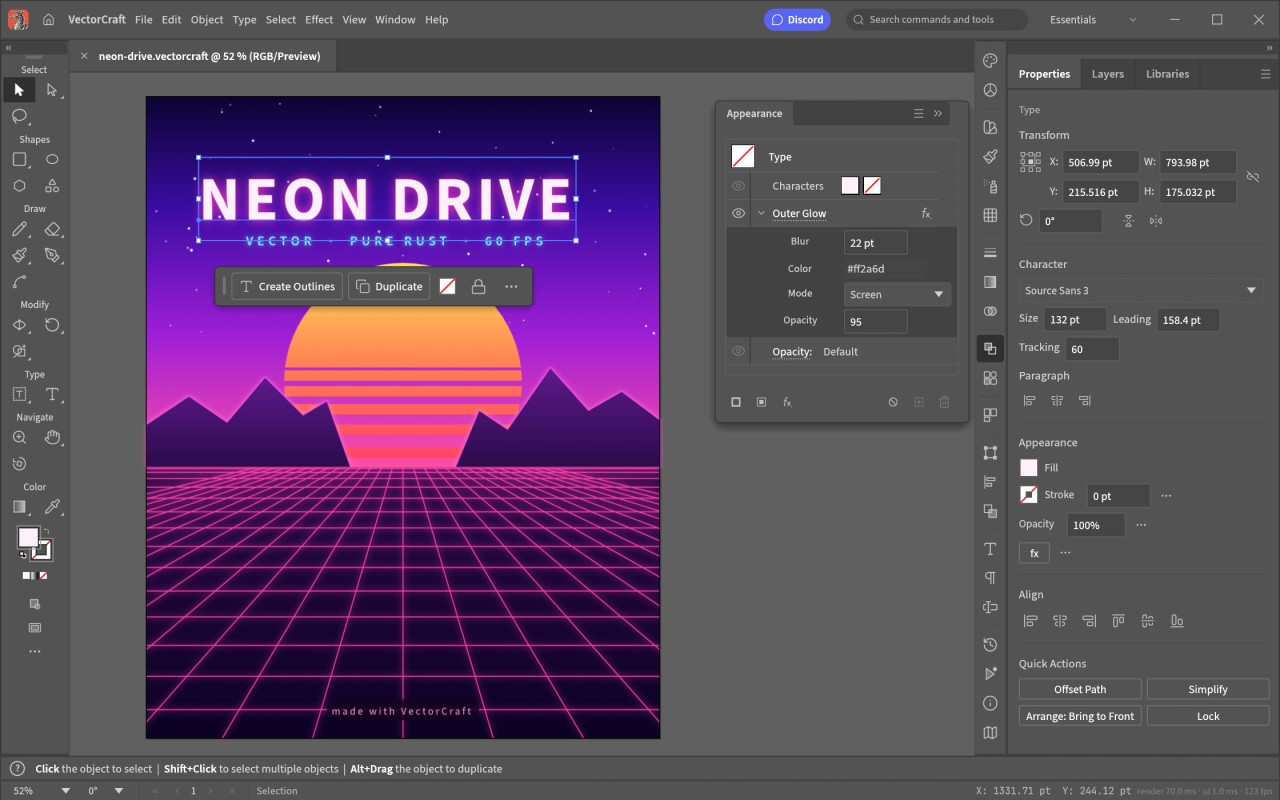
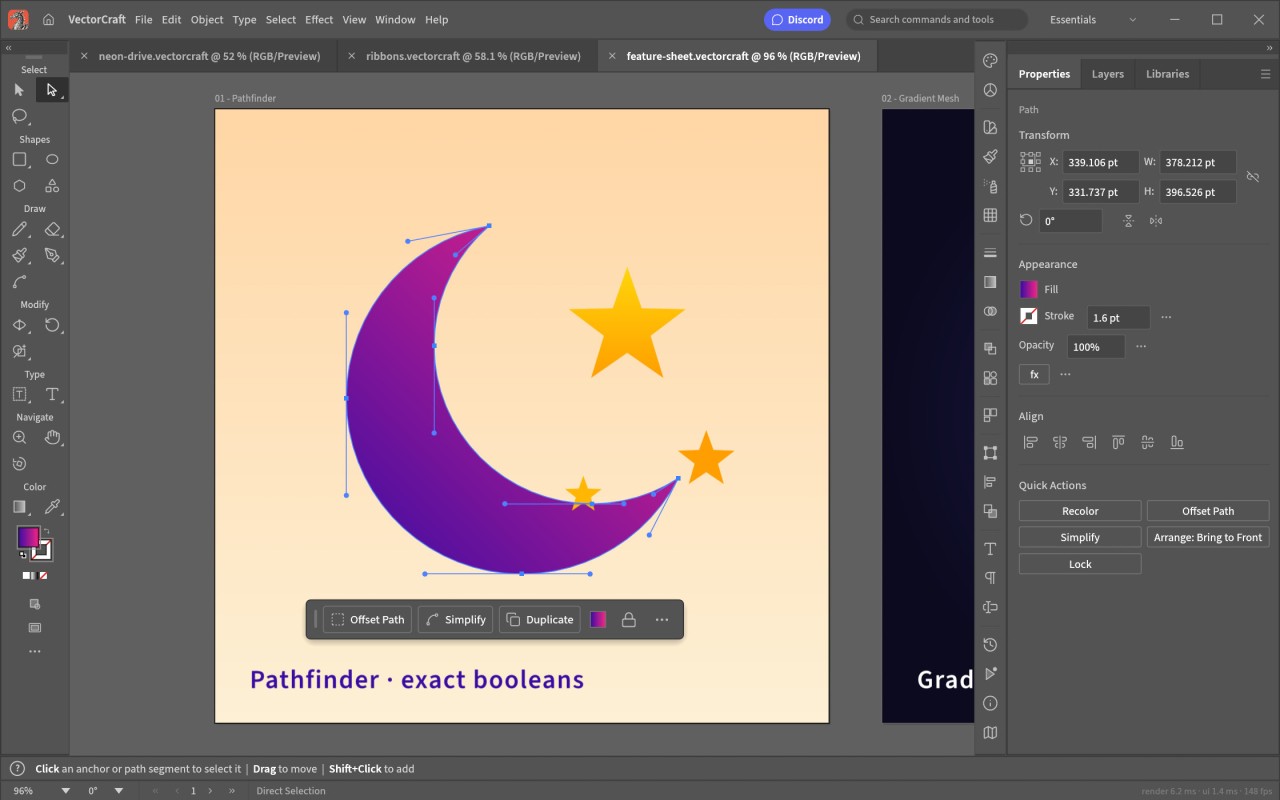
Using VectorCraft is straightforward, as its interface mimics that of other illustration software. You just have to create a document and then pick the tools you need. With the pen tool, you can easily sketch all kinds of shapes, from the simplest to the most detailed. Once your drawing is done, it’s easy to adjust the points that shape your lines, harmonize colors, and style your vectors. Alignment guides also make it easier to position the different elements.
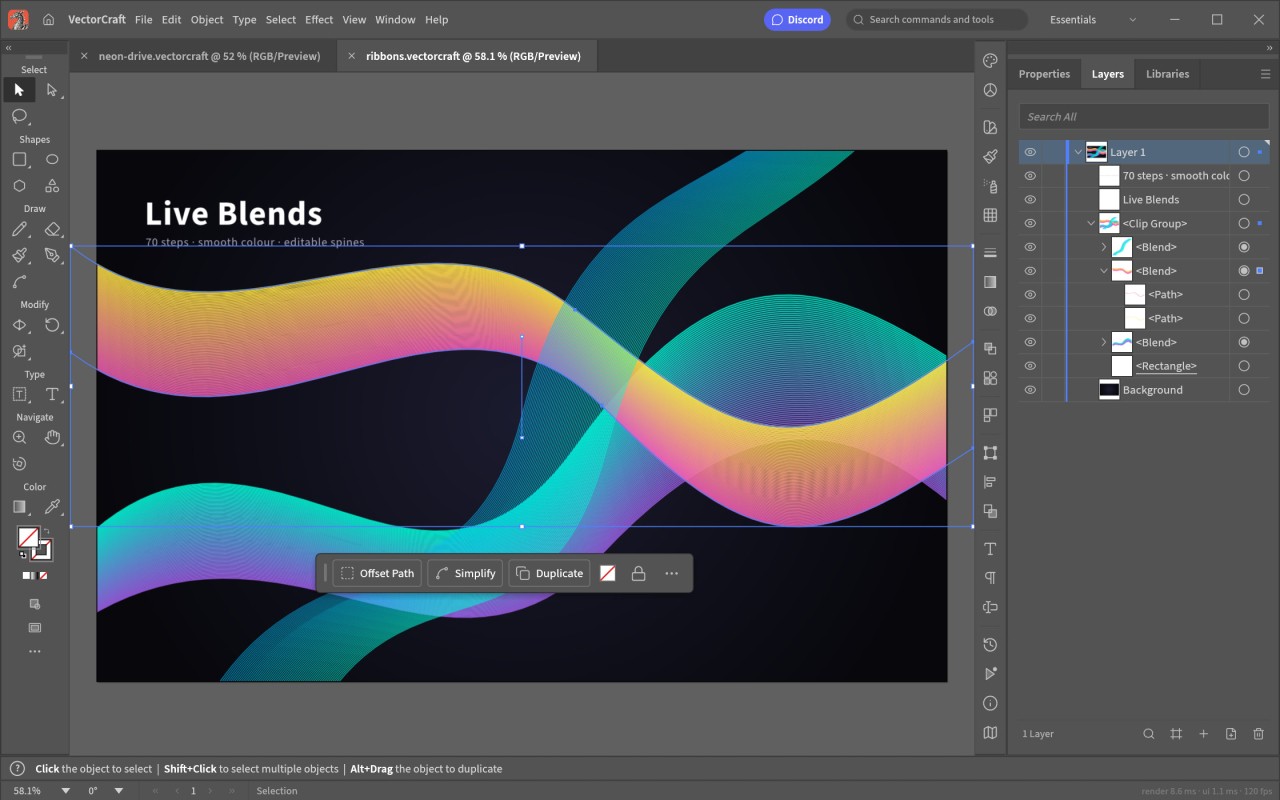
Layers let you separate the different parts of a drawing. For example, you can put a logo’s text on one layer and its symbol on another. That makes it easier to change one element without affecting the others. The software also lets you combine shapes precisely, for instance by merging two shapes or cutting one out of another, as well as apply gradients and edit paths. The Appearance panel, color swatches, and unlimited undo help you try out ideas without any risk.
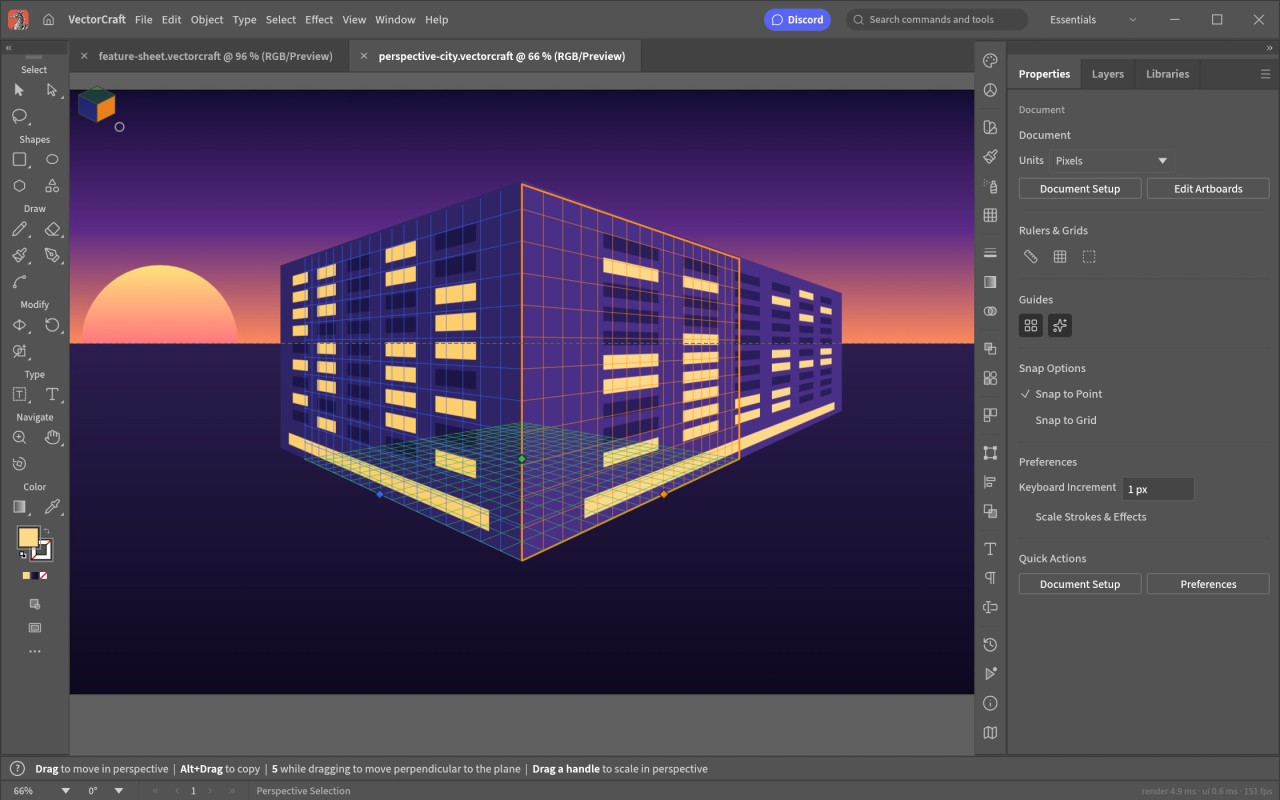
To go further, VectorCraft offers effects you can edit at any time: shape blends, envelope distortion (which bends a design to fit a shape), radial repeats, and drop shadows. A perspective grid, a dimension tool for measuring lengths and angles, and multiple artboards (several pages in the same document) round out the package.
The software can turn an image made of pixels into vector paths, with many tracing presets. This is handy for reworking a drawing or creating an illustration from an existing picture. The result, however, depends on the quality of the original file and how much detail it contains.
When your creation is finished, you can export it as SVG or PDF for vector use, and as PNG, JPEG, or WebP for the web. Multi-size export prepares various sizes in one go. The software also imports SVG and PDF files, which makes it easy to pick up existing documents, as well as EPS and PSD files. Its own file format is documented and based on JSON, a widely used text format.
Finally, VectorCraft includes automation tools and an MCP server, a standard way for AI tools to connect to other software. These features let external tools, including Claude Code, carry out tasks in the app. They’re designed for users who want to automate part of their work and aren’t needed for everyday drawing.
Is VectorCraft Free?
You can download VectorCraft for free. The project is open source, relying on MIT and Apache licenses. Using it doesn’t require any subscription. The code is public, so anyone interested can study how it works and help improve it.
What Operating Systems Are Compatible with VectorCraft?
VectorCraft is available on Windows, macOS, Linux, and FreeBSD. There’s also a web version that runs in any recent browser. It relies on WebAssembly, a technology that lets complex apps run in a web page and can be hosted on a simple web server.
On Windows, you can choose between an installer and a portable version that runs without installation. This 64-bit version suits most PCs running Windows 10 and Windows 11. On Mac, a single disk image works on both Apple Silicon and Intel Macs.
On Linux, multiple packages are available (we provide the link to the AppImage one) depending on your distribution. Each format is available for x86_64 and ARM64 processors. On FreeBSD, a ready-to-use archive is available.
Building the software from its source code requires installing Rust. This method is meant for people who are comfortable with development tools.
What Are the Alternatives to VectorCraft?
Adobe Illustrator is the program VectorCraft openly takes its cues from, and it’s widely used by design professionals. Focused on graphic design, it’s an all-in-one solution for creating logos, icons, illustrations, and visual identities. It brings together powerful tools for line drawing, color work, and typography, along with features such as Image Trace, which turns a photo or a sketch into vector shapes. Illustrator also includes generative AI tools powered by Adobe Firefly, which can create vector graphics from a simple text description or suggest new color variations for a design. Another strength is how well it fits into Adobe’s ecosystem: you can move your work back and forth with Photoshop and InDesign, and share colors and graphics between apps through your Creative Cloud libraries. It runs on Windows and macOS, and there’s also a version for iPad. Using it requires a paid subscription.
Affinity by Canva is a design app created by Serif, the British studio Canva bought in 2024. It has replaced the three former Affinity apps (Designer, Photo, and Publisher) with a single program that brings vector drawing, photo editing, and page layout together. You switch from one to another through separate workspaces, called the Vector, Pixel, and Layout studios, so you only see the tools you need for the task at hand. You can edit paths, manage layers, work on several artboards, and get your designs ready for print, then send a project straight to Canva if you need to. The app is free with a free Canva account and runs on Windows, macOS, and iPad. Only the artificial intelligence features require a paid Canva subscription. For anyone coming from Illustrator, it’s a free option that covers far more than vector drawing.
Inkscape is a free, open-source vector drawing app that has been around since 2003 and is developed by a community of volunteers. It uses SVG, the standard format for vector graphics on the web, as its native format, and runs on Windows, macOS, and Linux. It covers the essentials of vector illustration: drawing tools, layers, gradients, text, combining shapes, and turning a pixel image into vector paths. It can also handle documents with several pages and export to PDF, PNG, and other common formats. Extensions add extra features, and its large community has produced plenty of tutorials to help beginners get started. While it doesn’t offer every feature of the leading paid tools, it remains a popular choice for anyone looking for vector drawing software without a subscription, and, like VectorCraft, it will appeal to fans of open-source software.