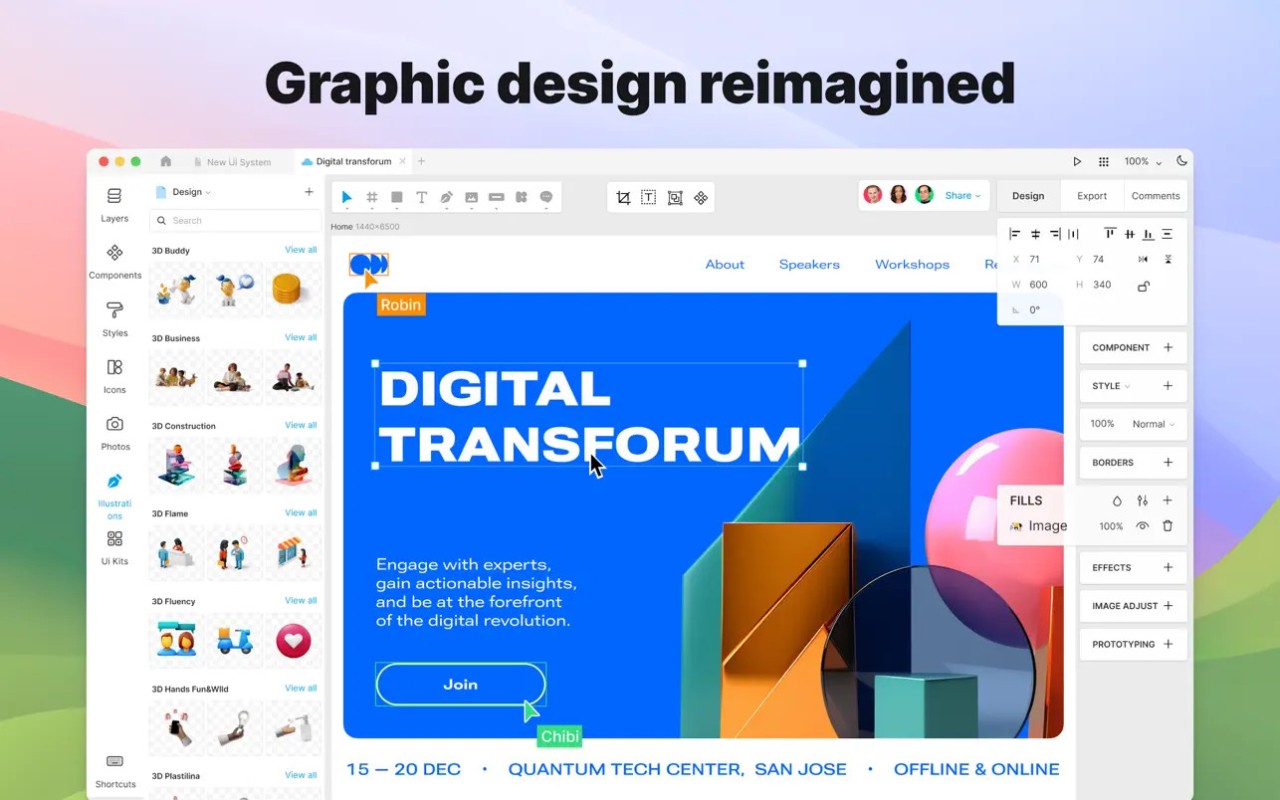
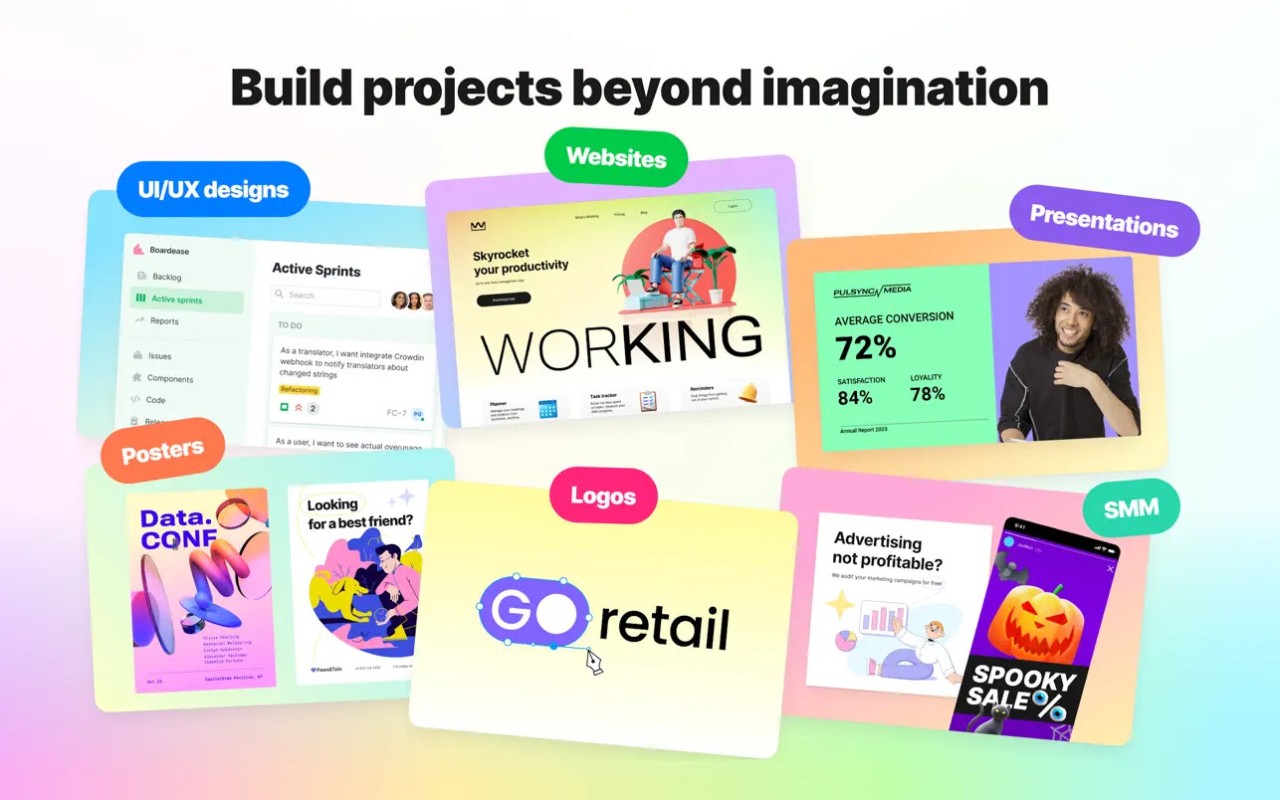
Lunacy is a graphic design application built for UI designers, product teams, and other creatives who need to produce polished digital designs. You can use it to create website layouts, mobile app interfaces, prototypes, and other visual projects, with tools for organizing components and building responsive layouts. Its interface will feel familiar if you've used other professional design applications, but it also includes features intended to reduce the time spent on repetitive tasks.
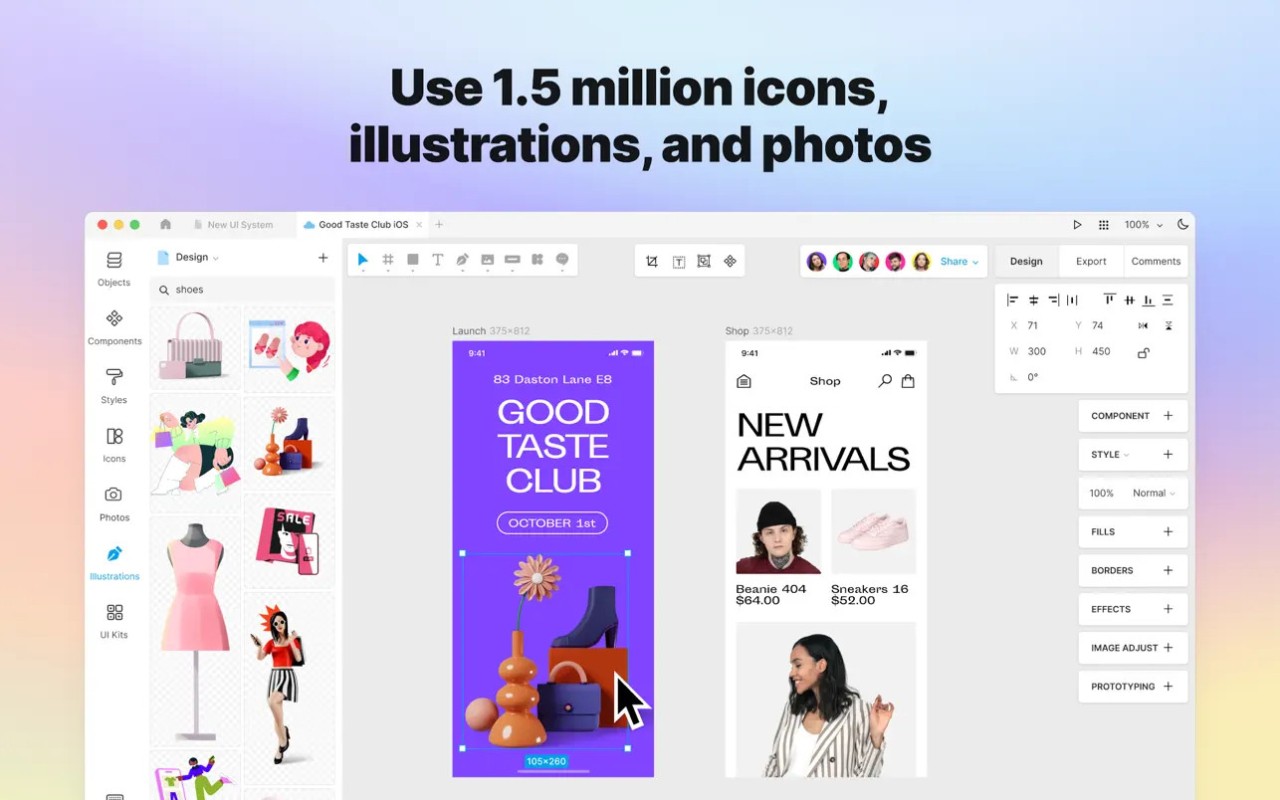
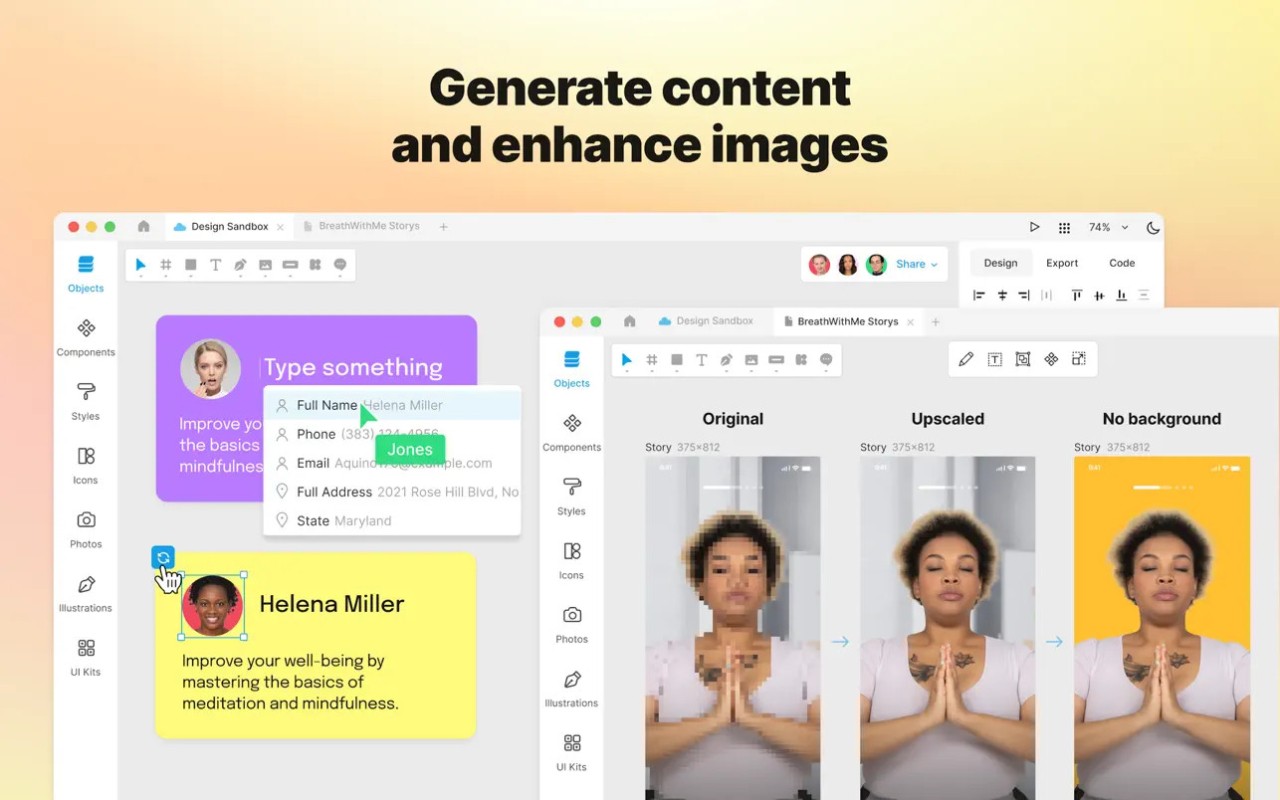
One of Lunacy's biggest advantages is its combination of design tools and built-in resources. Instead of searching elsewhere for every icon, illustration, photo, or placeholder avatar, you can access visual assets directly within the application. AI-powered features can also help with tasks such as removing image backgrounds, enlarging images, and generating text for interface mockups.
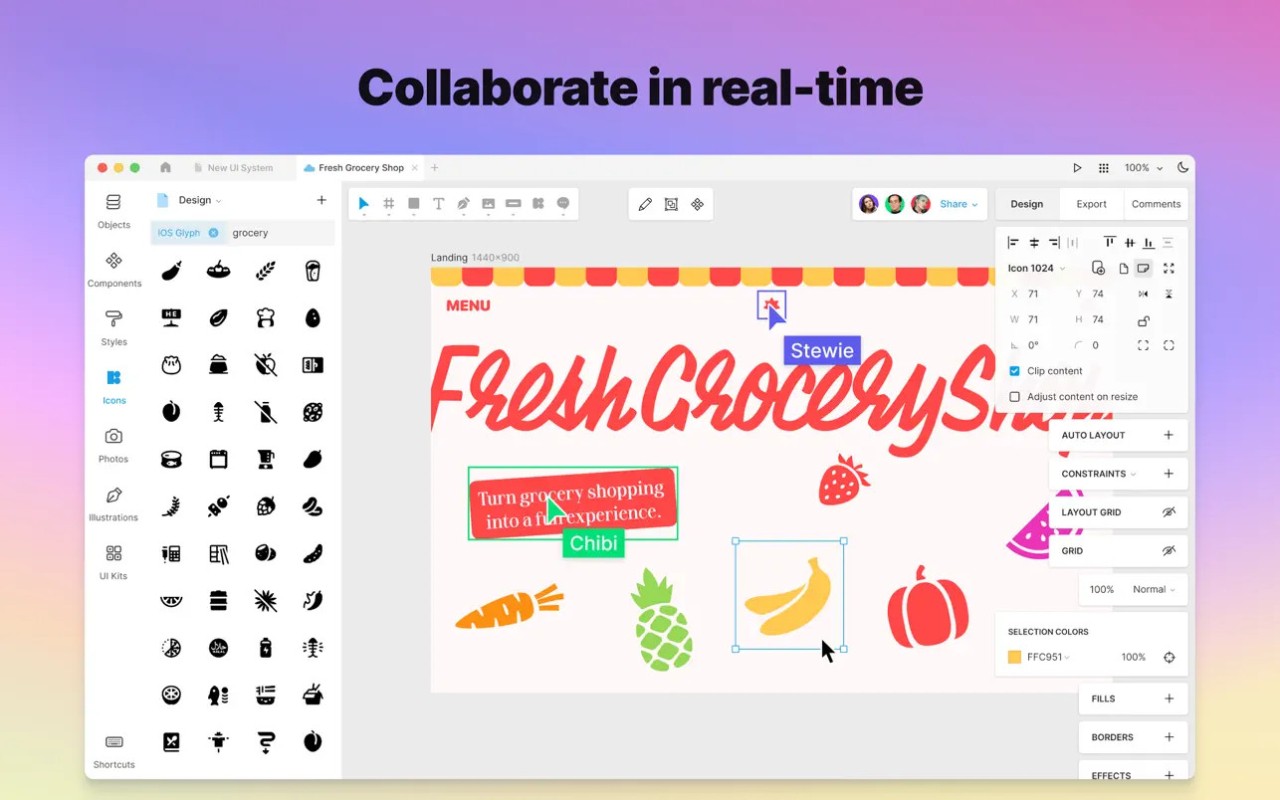
Lunacy supports collaboration and can work offline, which gives you flexibility whether you're working with a team or designing on your own. It also offers native applications for Windows, macOS, and Linux, alongside a browser-based version. This makes it a practical option for designers who want professional features across different operating systems without relying entirely on a browser-based workflow.
Why Should I Download Lunacy?
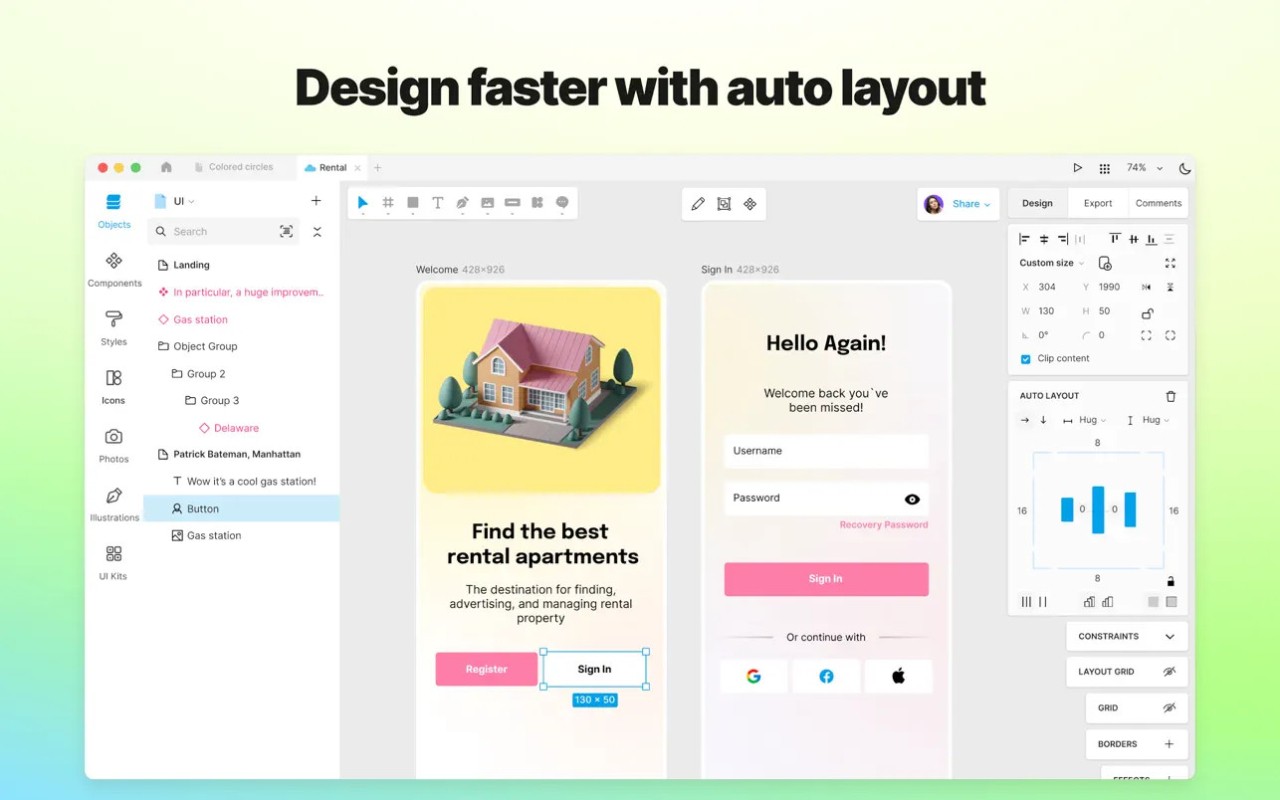
Lunacy brings many of the tools you'd expect from a professional UI/UX design application into one workspace. You can create responsive layouts using automatic layout rules and constraints, build reusable components, and develop clickable prototypes to test how an interface works before handing it to developers.
Real-time collaboration lets teammates work together, while offline mode means you can continue designing without a reliable internet connection. Its built-in graphics library is particularly useful if you regularly create interface mockups. You can add icons, illustrations, photos, and UI kits directly to your projects rather than hunting for assets across different websites.
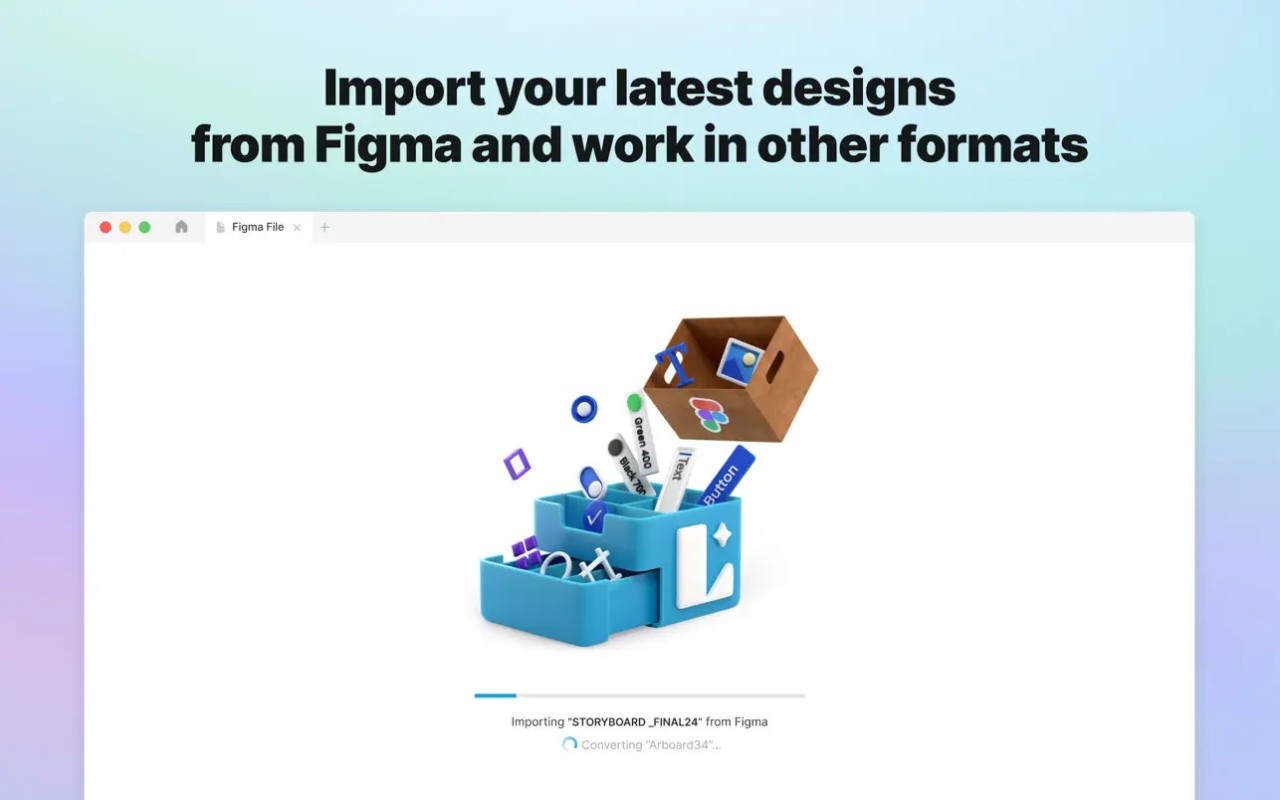
Lunacy also includes AI tools for removing image backgrounds, upscaling images, generating placeholder text, and creating avatars. These features won't replace every specialist editing tool, but they can speed up common design tasks. Lunacy also supports importing Figma designs, which can help if you're moving an existing project into a different workflow. For teams, shared libraries and access controls provide ways to organize assets and manage who can view or edit work. Some cloud and team features require a paid plan, so larger organizations should check which options suit their workflow.
Another advantage is its cross-platform approach. The native desktop apps are designed to run directly on Windows, macOS, and Linux, rather than relying entirely on a browser. You can also open Lunacy in a browser if you prefer not to install the desktop application. Together, these options make it a flexible choice for individual designers and teams working across different systems.
Is Lunacy Free?
Lunacy is free to download and use for personal and commercial design work, making it an appealing option if you want professional design tools without an upfront software cost. You can create designs and prototypes without buying a full license. However, paid plans are available for users who need additional cloud storage, team features, or access to certain built-in graphics without attribution requirements.
What Operating Systems Are Compatible with Lunacy?
Lunacy offers native desktop applications for Windows, macOS, and Linux. The macOS version supports both Apple Silicon and Intel Macs, and you can download it directly or use Homebrew. There is also a browser-based version for people who prefer working online and don't want to download anything.
What Are the Alternatives to Lunacy?
Figma is a popular alternative for teams that prioritize real-time collaboration and a shared design workflow. It offers interface design, interactive prototyping, reusable components, and developer handoff tools, with much of the work taking place in the browser. Its free Starter plan is useful for personal projects, although it has limits on files, team libraries, and some advanced features. Figma is worth considering if you need to collaborate frequently with designers, developers, and other stakeholders.
Penpot is a strong option if you prefer open-source software and want more control over your design infrastructure. It supports interface design, responsive layouts, reusable components, design tokens, and interactive prototypes. You can use it in a browser or self-host it on your own server, which can be especially helpful for teams with specific privacy or data-management requirements. Its open standards also make it useful for connecting design work with development.
Pixso combines UI design, prototyping, collaboration, and developer handoff in a cloud-based workspace. It supports importing designs from tools such as Figma and Sketch, along with reusable components, automatic layouts, and design systems. Its free plan has limits on design files and some collaboration features, while paid plans expand team resources and project management options. Pixso is worth trying if you want a browser-focused alternative with a familiar interface-design workflow.