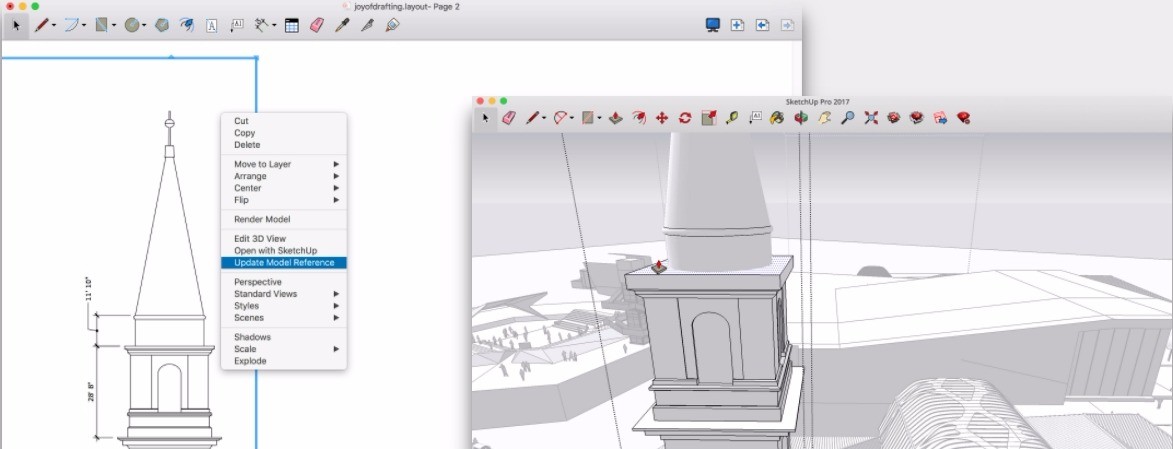
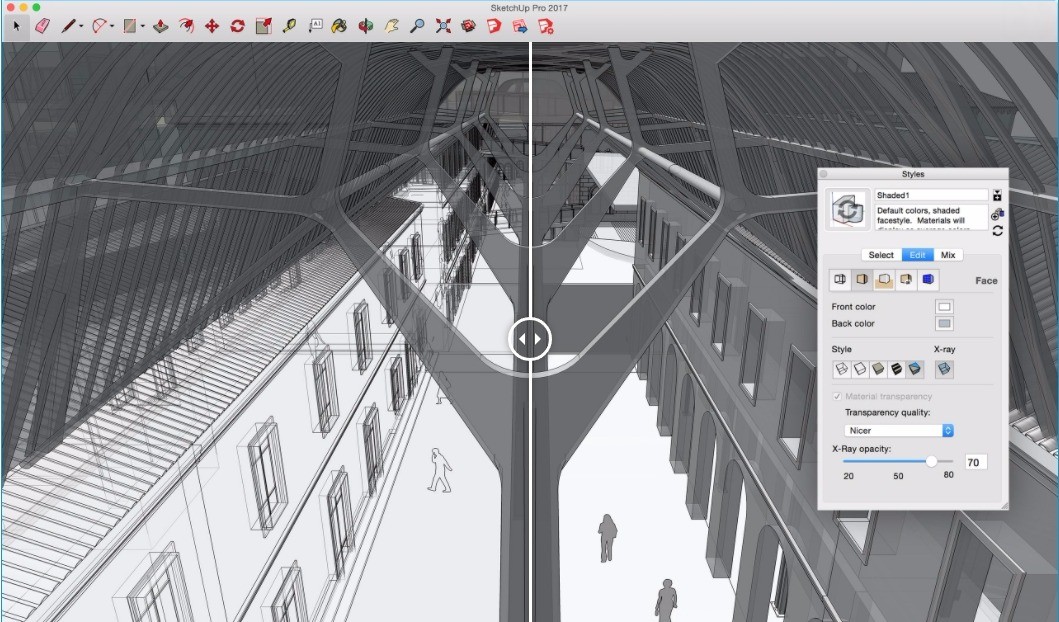
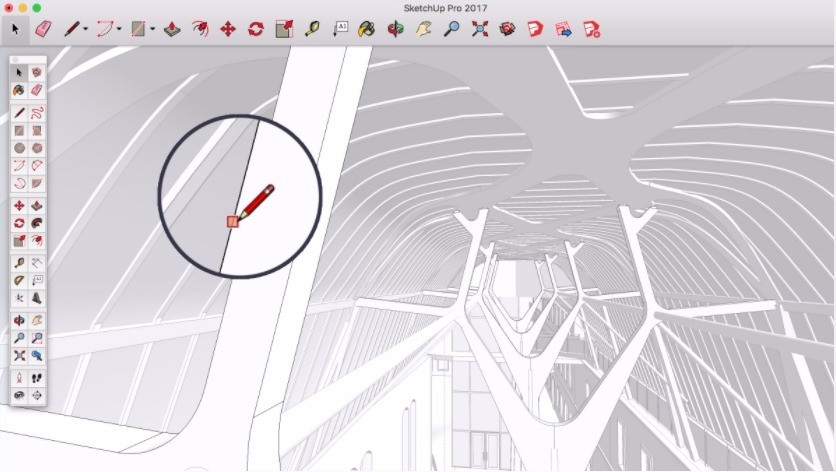
The 3D modeling software SketchUp enables numerous users to produce design modifications that they can easily share. The software serves as a preferred choice for architects, designers, engineers, and hobbyists who wish to bring their creative ideas to life. The user-friendly interface of SketchUp sets it apart from complex CAD products since it provides accessible 3D modeling tools for developers with no steep learning barriers. Designers can use SketchUp to create houses while doing interior space planning and landscape work because it provides the required flexibility and design tools for their visions. SketchUp also features a new graphics engine with Ambient Occlusion, enhancing visual depth and realism within the modeling environment.
SketchUp delivers powerful modeling abilities alongside a user-friendly system, which makes it stand out among similar applications. Users create basic shapes, which they transform into complex structures using push, pull, and stretch operations. A broad range of plugins supports this software, which enables users to implement functions including rendering, animation, and lighting effects, and more. A strong online community exists within this software where users can access both free models and tutorials as well as supplementary tools for enhancing their workflow.
SketchUp began as a basic design tool, but it has transformed into a complete 3D modeling software, which now enables professionals across industries to work on their projects. The software also supports new import/export formats such as USDZ and glTF, allowing seamless integration with augmented reality apps and game engines.
Why Should I Download SketchUp?
Multiple factors make SketchUp the preferred 3D modeling application available today. People at any level of expertise can choose this software because its user-friendly design combines with professional-grade functionality. Most users select the program because its design methodology is straightforward for 3D work. SketchUp enables users to start making models immediately since the software eliminates the need to spend lengthy training sessions before usage. Beginners who need to learn 3D modeling can understand SketchUp basics quickly since the tool provides both simplicity and advanced functionality.
The flexibility factor of downloading SketchUp serves as a motivation to get this program. The software helps users design architecture along with interior spaces and furniture models, and developmental elements for gaming purposes. The software lets you carry out quick design changes because its design enables instant modifications. The push-pull technology in SketchUp eliminates the need for complex procedures because users can easily modify basic shapes with superior modeling ease. Users on iPad can also leverage the Scan-to-Design feature, converting scanned spaces directly into editable 3D models using Apple’s RoomPlan technology.
The ability to collaborate strongly supports using SketchUp as a design tool. Although teamwork is often critical in project completion, SketchUp enables smooth model sharing between users, including team members and clients. The platform enables multiple file format storage, which enables you to access your work through various devices and cloud storage tools. Use of SketchUp facilitates team collaboration because the software lets you obtain instant feedback and perform updates easily on shared models.
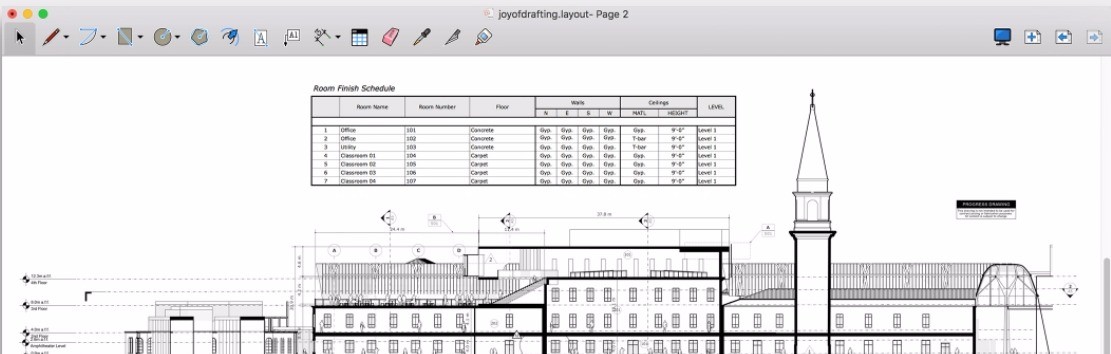
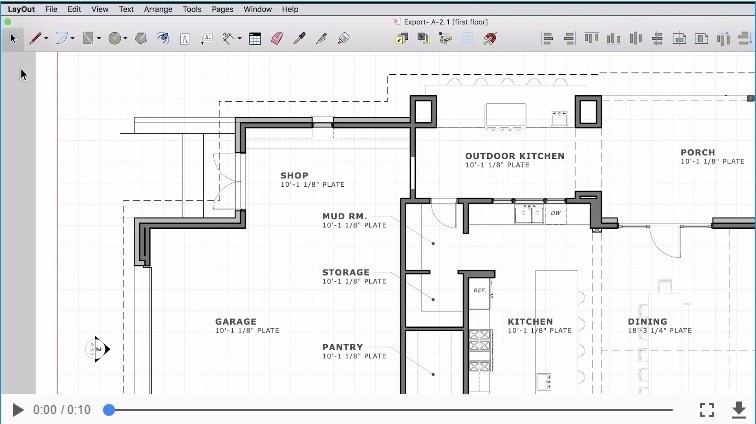
Enhanced integration with Trimble Connect allows for improved model sharing, annotations, and collaborative feedback. Users can find rapid design acceleration through the large 3D Warehouse library because they can save valuable time by downloading pre-made objects to insert them into their projects. LayOut has been updated to a versionless format and now includes Draft Mode, which improves performance when working with complex documents.
Is SketchUp Free?
Users can access SketchUp's free version, although its feature set is limited compared to the paid editions. SketchUp Free operates through a web platform that gives users essential 3D design tools to develop and conserve their projects free of charge. Using the free version entails missing advanced features that exist in its premium variations. Additional tools for SketchUp users become accessible through the purchase of SketchUp Pro and SketchUp Studio, which introduce enhanced modeling functions alongside better export abilities and professional workflow functionality.
The free version works well for basic 3D modeling tasks, as it provides all the core tools needed by users who do not require advanced rendering or extended export options. Complex project professionals using SketchUp might discover limitations within the free edition, so they need to choose the upgraded paid versions to access complete software capabilities.
What Operating Systems Are Compatible with SketchUp?
SketchUp runs on both Windows and macOS, making the software accessible to a wide range of users. You can install SketchUp on your PC or Mac without running into compatibility issues during setup. The program optimizes itself to work seamlessly with contemporary operating systems, providing stable operation on all devices.
Online users who want to use SketchUp Free can access the software directly through their web browsers, which makes it usable on any system with an internet connection. Users find this feature valuable because it allows them to work on their models from different machines and locations without restrictions. Users who require offline access with advanced features should choose downloadable paid versions of the software because they offer these benefits compared to the free versions.
What Are the Alternatives to SketchUp?
The open-source 3D modeling software Blender provides its users with all the necessary tools from model creation to sculpting and animation, and rendering capabilities. Blender provides an advanced interface along with extensive features that set it apart from SketchUp's simplistic design approach, meant for ease of use. The software operates extensively in video game development studios and animation studios, and for special effects projects. Users who require advanced professional features have Blender as an ideal choice because it is available for free. The learning process for Blender takes longer than SketchUp because it comes with a more complex interface that needs greater dedication from new users. Blender includes support for massive buffers in .blend files, enhanced animation workflow with a 12x faster graph editor, Vulkan backend support, and improved asset management for better organization of models.
Engineers and architects require precise technical drawings and drafting features from AutoCAD, which serves as their preferred alternative software tool. AutoCAD functions as an enterprise-level CAD application because it enables users to develop precise 2D and 3D models, while SketchUp maintains an easy-to-use modeling platform. Engineers and construction professionals widely use this platform because it provides advanced technical design tools. AutoCAD delivers better precision than SketchUp, but users require high experience levels and a deep understanding of the platform for effective usage. This commercial software meets the needs of professionals who require advanced design features along with its associated payment system. AutoCAD integrates advanced 2D/3D tools, the Autodesk Assistant for conversational AI support, multi-user markup capabilities on the web, and Smart Blocks for reusable standardized content.
Through its cloud infrastructure, Autodesk developed Fusion 360 as a 3D design software that offers high-end modeling together with simulation tools and manufacturing capabilities. Product design and engineering professionals choose Fusion 360 as their tool since it enables them to design detailed, adjustable models through parametric modeling. Fusion 360 serves industrial and mechanical design requirements instead of SketchUp's purpose in architectural and general-purpose 3D modeling. Users seeking combined CAD, CAM, and CAE functionality within one program should find Fusion 360 to be an excellent platform. The technical nature of Fusion 360 surpasses SketchUp, but it still offers users a combination of complex features with user-friendly functions. Fusion 360 includes generative design optimization, AI-assisted design suggestions, Fastener Auto Length for automatic placement of fasteners, and GPU-based stock simulation for manufacturing processes.
If you just need to view SketchUp files, there is a solution to use the free SketchUp viewer software provided by SketchUp. You will not be able to make any changes to those files, but you will be able to open them.