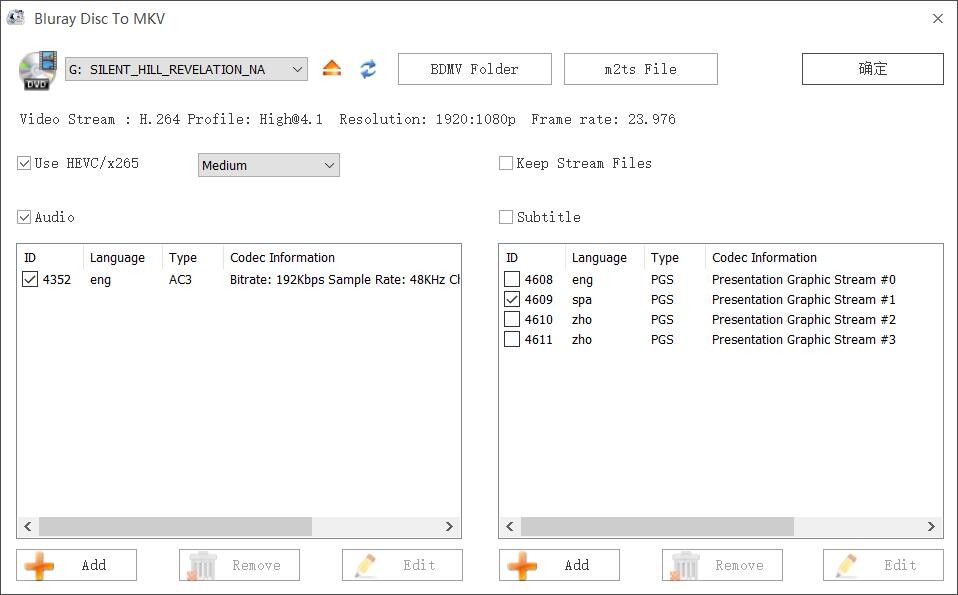
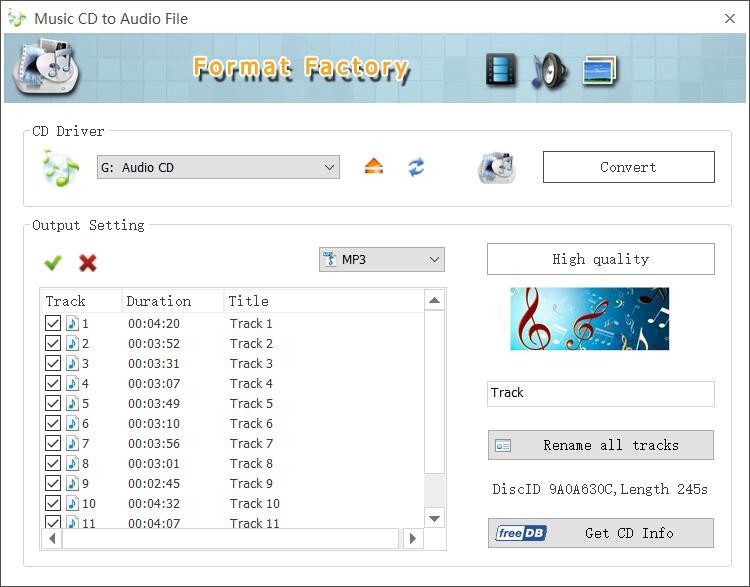
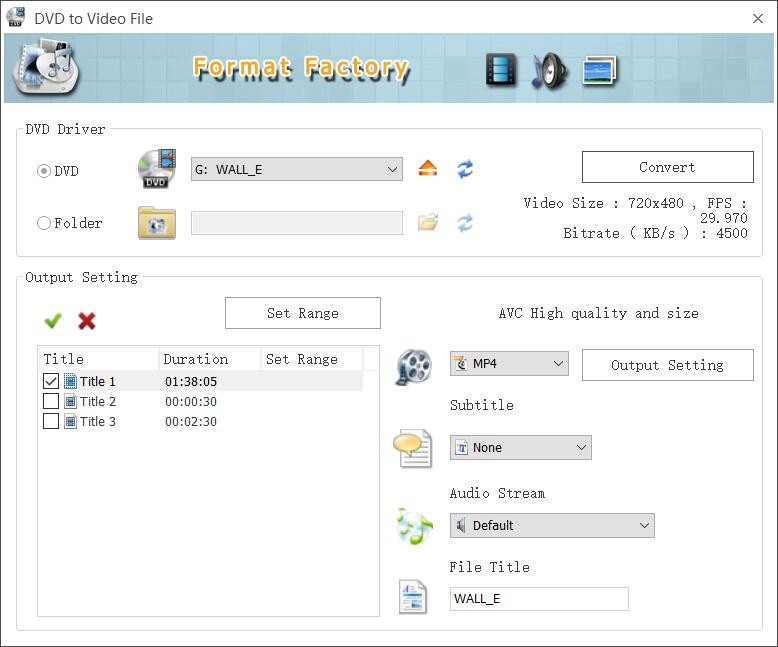
Format Factory is a free multimedia file converter that handles videos, audio files, images, and documents across a wide range of formats. Many users turn to Format Factory when they need to convert files for compatibility reasons, whether for personal projects or work. The interface is approachable and well-organized, yet the conversion engine behind it is one of the more capable options available today. Beyond standard conversions, it also supports DVD and CD ripping to video or audio formats, and can create .iso images from disc content.
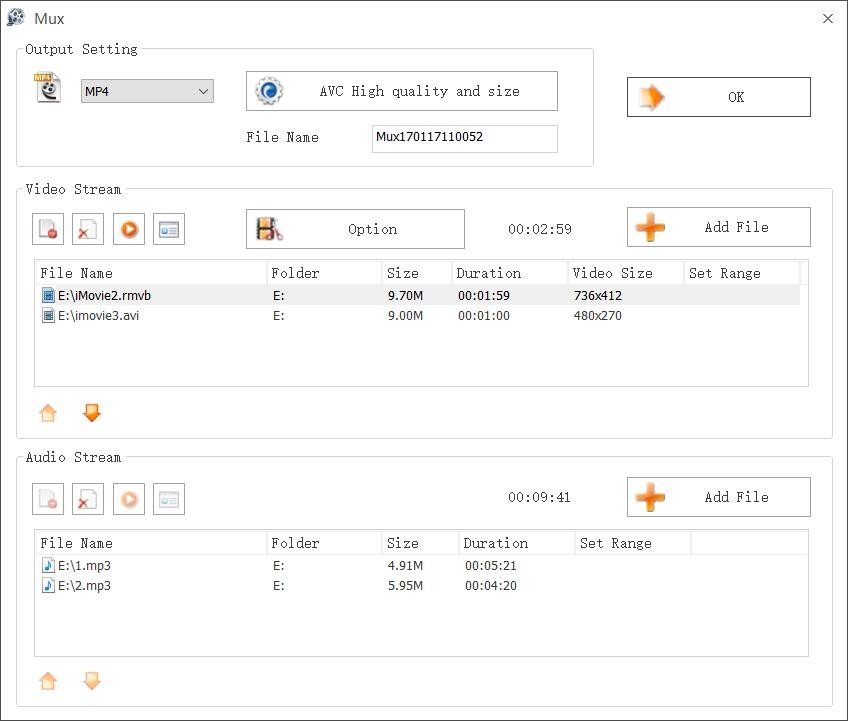
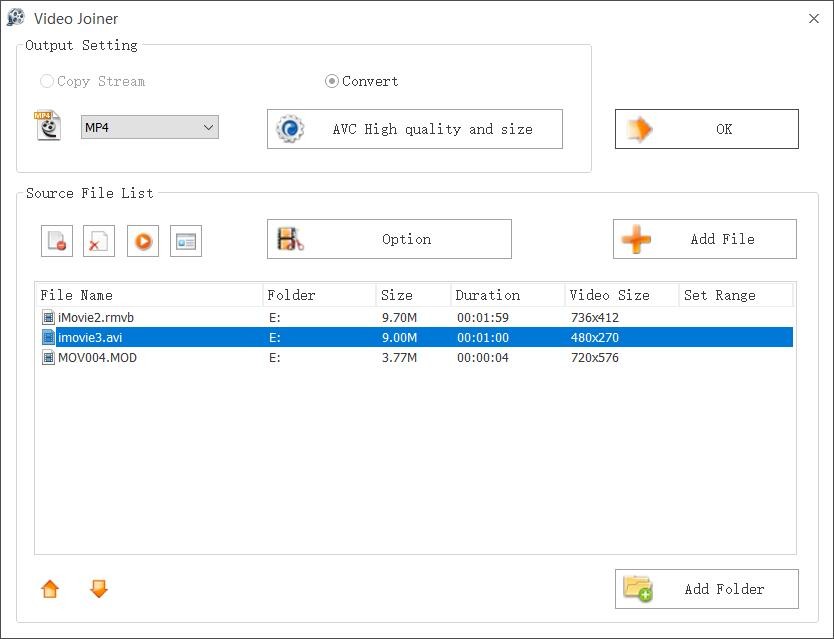
Batch processing is one of Format Factory's strongest features. You can queue multiple files and convert them all at once, saving a significant amount of time compared to handling each file individually. The software also includes built-in tools for resizing images, merging video clips, and even repairing corrupted media files. Conversions maintain good quality while optimizing file sizes for storage or sharing. Additional features include video delogo (removing logos or watermarks), video muxing, splitting, joining, and support for extracting archive formats like zip and rar. The repair function is particularly useful when a video does not play correctly in its current state, as Format Factory can often salvage the content during conversion.
Format Factory is useful for content creators, students, and professionals who regularly work with multimedia files. Whether you need to shrink large videos into smaller formats, change image file types, or extract audio tracks from video, it handles the job in one place. It also supports PDF conversion to text, Word, Excel, or image formats and can record your screen or download videos from websites.
Why Should I Download Format Factory?
Anyone who converts files regularly will appreciate what Format Factory brings to the table. Its biggest advantage is the sheer number of formats it supports. Video, audio, image, and even PDF conversions are all covered. Changing an MP4 to AVI, extracting MP3 audio from a video file, or converting PNG images to JPG takes just a few clicks. The software also handles newer image formats like WebP and HEIC, includes device presets for iPhone, iPad, PSP, Android, and BlackBerry, and lets you fine-tune encoding parameters like resolution, bitrate, and metadata.
The interface is one of the main reasons people stick with Format Factory. Even if you have never converted a file before, the process is intuitive. You select your files, choose an output format from a clear list of options, and the software does the rest. Batch conversion is a major time saver, letting you process dozens of files without babysitting each one.
Built-in editing tools add practical value when working with media files. You can resize, crop, and rotate images before converting them. For video, trimming, merging, and compressing clips are all available, covering the kind of quick edits that come up regularly in content creation workflows. The software also supports adding watermarks to images, attaching metadata to media files, GPU-accelerated conversions for faster processing, and a built-in media player for previewing files before you export.
File size reduction is another practical benefit. Format Factory can compress media files without noticeably degrading quality, which is handy when you need to save storage space or share files through email or upload them to platforms with size limits. Keeping your files organized and portable becomes much easier with this kind of control.
Privacy is a factor worth considering, too. Online conversion tools require you to upload files to someone else's servers, which raises obvious concerns about data security. Format Factory runs entirely offline on your machine. Your files never leave your computer during the conversion process, which makes it a safer choice for handling sensitive or proprietary content.
For anyone dealing with multiple file formats on a regular basis, Format Factory is a practical and reliable option. It solves compatibility headaches, includes useful editing features, and handles conversions quickly without charging a cent.
Is Format Factory Free?
Format Factory is entirely free. Every conversion feature is available without payment, and there are no limits on how many files you can process. The software is supported by advertisements within the interface, which is how it sustains the free model. Batch conversion, editing tools, and all format support are included at no cost.
Note that Format Factory's official website can be unreliable at times, but we provide a safe way to download the application through a safe link.
What Operating Systems Are Compatible with Format Factory?
Format Factory is a Windows application. It runs on Windows 7 through Windows 11, and works on both 32-bit and 64-bit systems, covering a wide range of hardware configurations.
There are no official versions for macOS or Linux. Users on those platforms will need to either use a different conversion tool or run Format Factory through a Windows virtual machine or compatibility layer.
Format Factory also lacks mobile apps for Android or iOS, so mobile users will need to look elsewhere for on-device file conversion.
For Windows users, Format Factory remains one of the best free conversion tools available, though its reach stops at the Microsoft ecosystem.
What Are the Alternatives to Format Factory?
Format Factory is a strong free option, but several alternatives offer similar or expanded functionality, particularly for users on other operating systems.
HandBrake is one of the most popular free alternatives for video conversion. It is open-source and freely available on Windows, macOS, and Linux. HandBrake excels at compressing large video files with minimal quality loss and offers detailed control over encoding parameters across multiple video formats. Because it focuses exclusively on video, it is the better choice for users who need fine-grained video conversion and compression tools.
Freemake Video Converter is another Windows-based option with a feature set comparable to Format Factory, covering video, audio, and image conversions. It also supports DVD and Blu-ray ripping and burning, photo slideshow creation with background music, and importing videos from online sources. The interface is clean and handles a wide range of file formats. Free users should be aware that output files may include a watermark unless you upgrade to the premium version. For users who need a general-purpose converter with some extra media creation tools, Freemake is a solid pick.
CloudConvert takes a different approach as a browser-based platform that requires no software installation. It supports over 200 file formats, including archives, spreadsheets, and eBooks, and offers file optimization tasks like PDF and image compression. GPU-based encoding for H264, HEVC, and AV1 is available, along with cloud storage integration and API access. For users who prefer not to install software or who need cross-platform access, CloudConvert is a versatile web-based alternative.