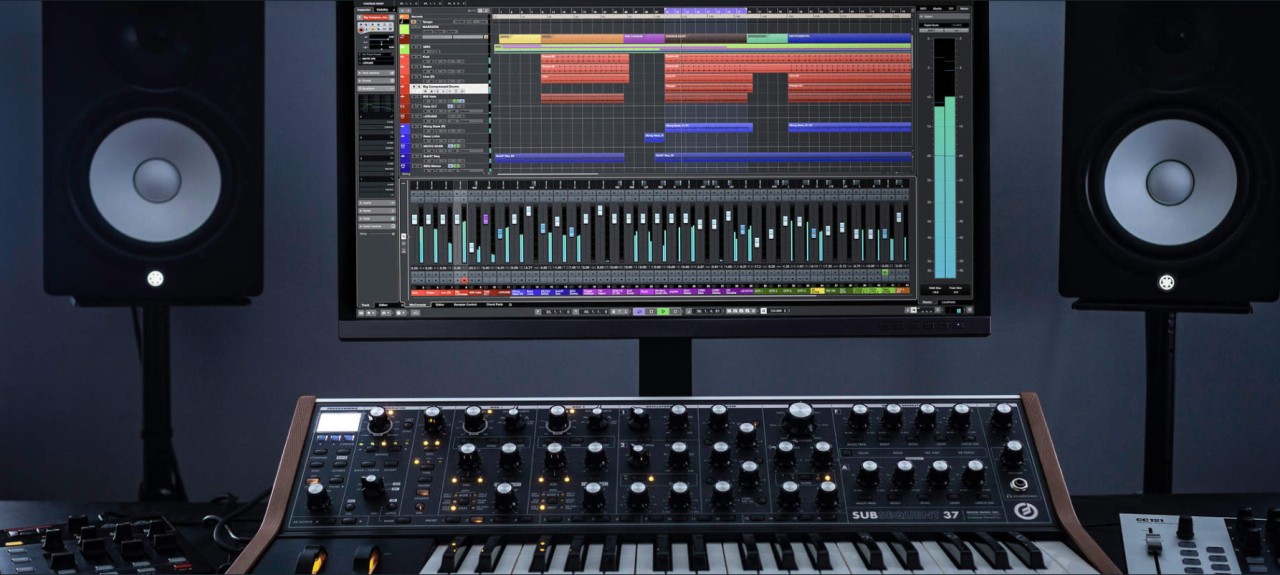
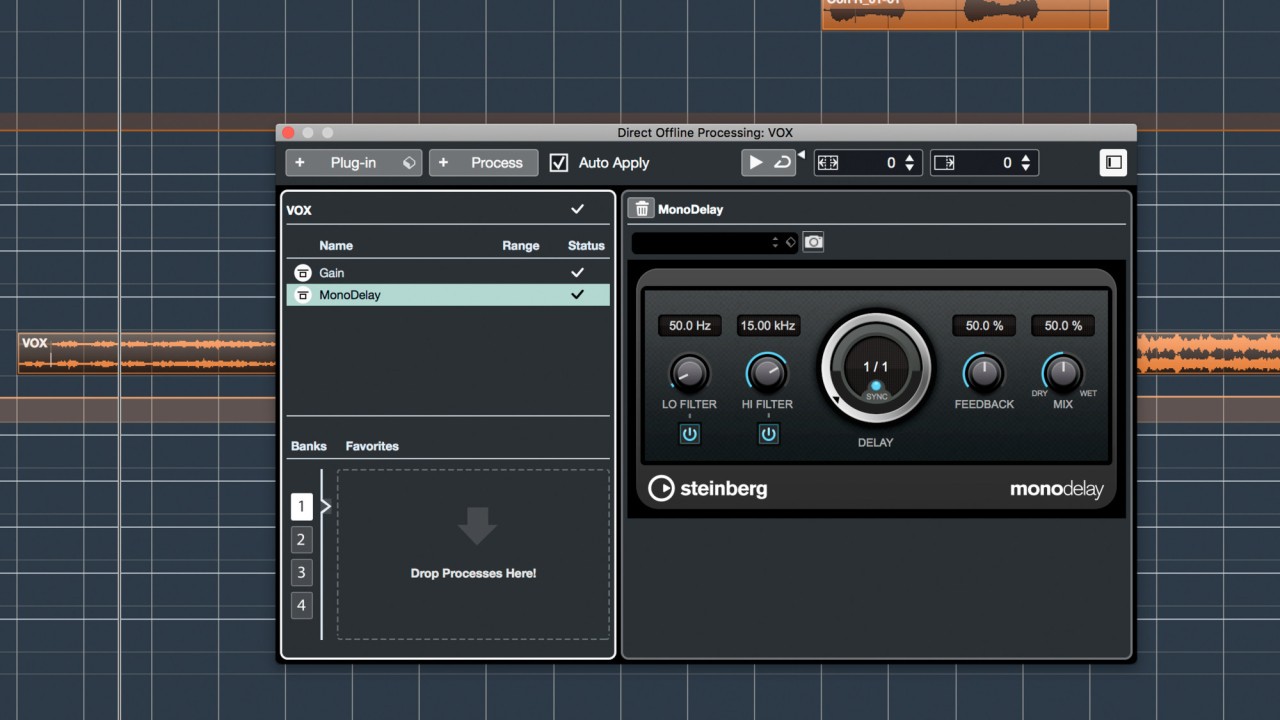
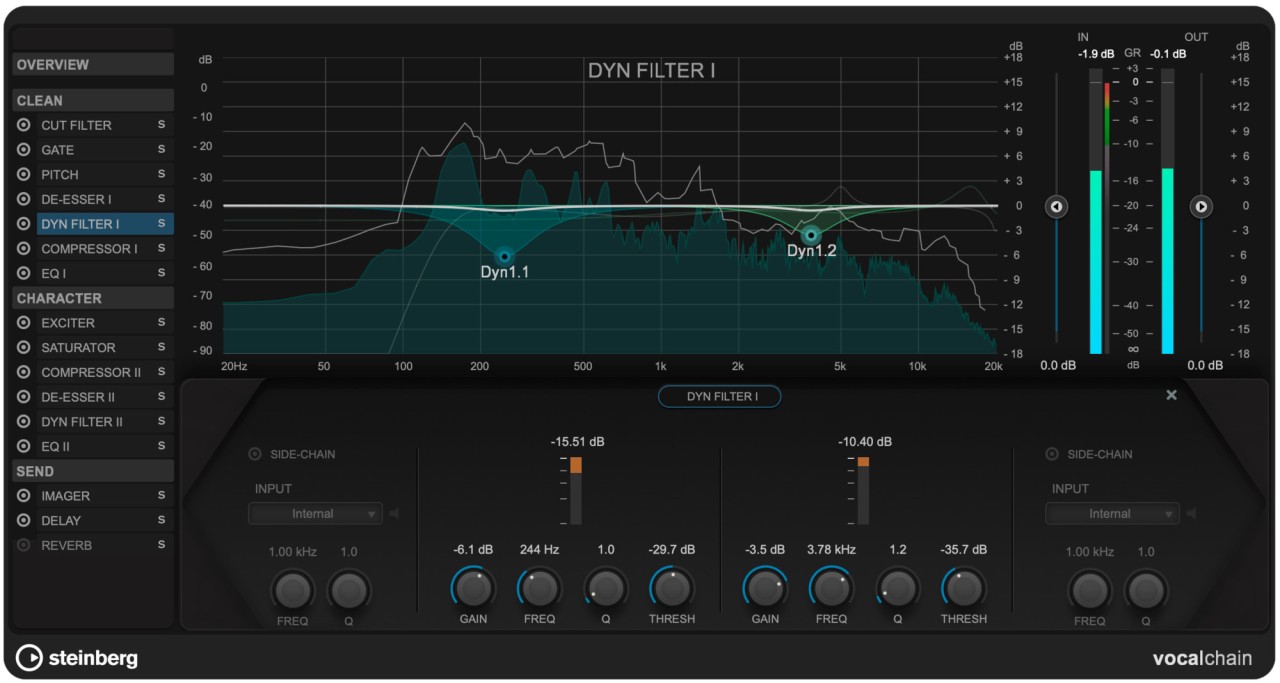
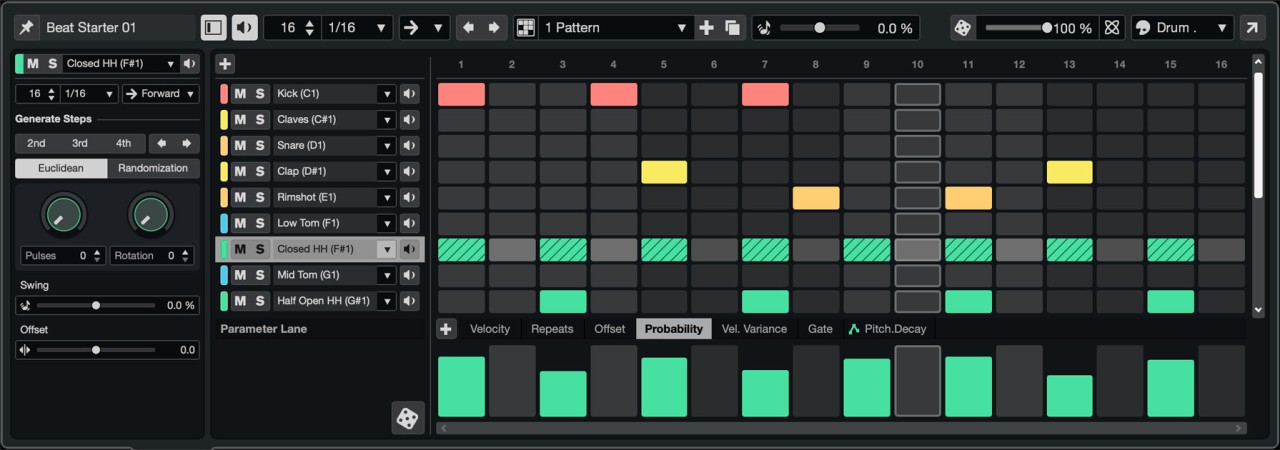
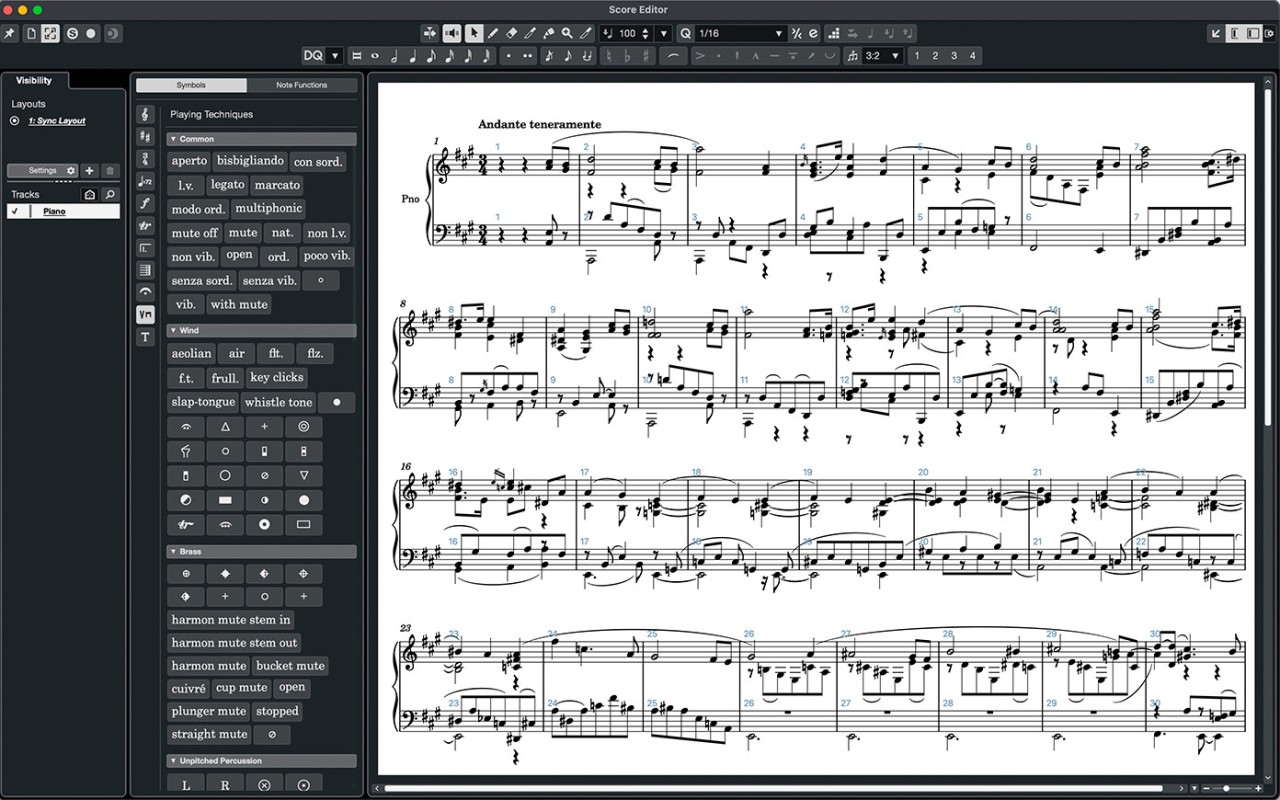
Developed by Steinberg, Cubase offers a complete production system accessible to both experts and casual users. This digital audio workstation (DAW) provides a robust system that allows musicians to perform various recording processes, edits, and mixing and mastering tasks to achieve exceptional musical results. Cubase delivers complete features to enable them to record vocals while also allowing MIDI track sequencing and multi-layered arrangement mixing.
Cubase's platform combines a user-friendly interface with complex functions for music producers of various skill levels. The software includes a comprehensive set of virtual instruments, sound design tools, and audio effects that allow you to shape music in any direction. It allows you to record multitrack audio, perform MIDI sequencing and audio editing, and perform score editing functions, making it suitable for music production in all genres.
Cubase's audio engine operates on high-resolution quality with low latency performance, allowing for smooth recording and playback without delays or sound cracking. The software stands out because it includes extensive MIDI features that allow you to create intricate musical orchestrations accurately and artistically. Its VST support enables you to add third-party plugins to create an infinite collection of sounds for your music production needs. Cubase music production software supports all genres, including classical, electronic, rock, and pop music, allowing you to express your creative musical visions.
Why Should I Download Cubase?
The decision to download Cubase provides serious music producers with transformative capabilities. Alternatively, known as a full creative studio rather than just a DAW, you can completely manage your sound attributes. Cubase is your complete studio toolbox, allowing you to create new music, record and perfect live instruments, and effectively mix down finished projects. Both beginners and experienced producers can use the software, although professional users will benefit from deeply advanced tools.
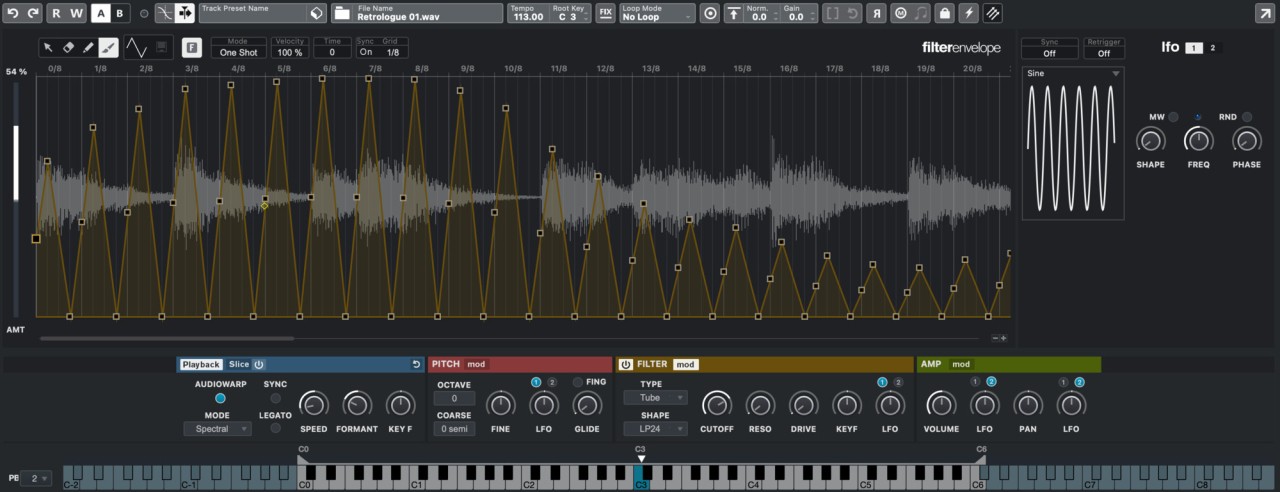
The primary motivation for purchasing Cubase software is its extensive functionality. The features of this software automatically transform based on the musical production style you choose. The basic instruments in the software offer full-spectrum functionality, ranging from conducting symphonic arrangements to programming electronic music. The software provides solutions to all production needs through its collection of samplers and synthesizers, as well as drum kits that deliver real piano sounds. It supports VST, allowing you to add new sound libraries and customize your mix. Its flexibility frees you from its inherent limitations, giving you complete freedom during creative moments.
Cubase audio processing capabilities deliver superior sound quality. The audio engine's precision ensures that your tracks remain clear and powerful even after multiple levels of processing thanks to its high bit depth and sample rate operation. The application maintains optimal sound quality through any process that includes reverb applied to vocals or the layering of synth sounds. The advanced editing tools can handle both basic cuts and advanced pitch and time manipulation tasks. The use of tracks will be crystal clear throughout the entire modification process.
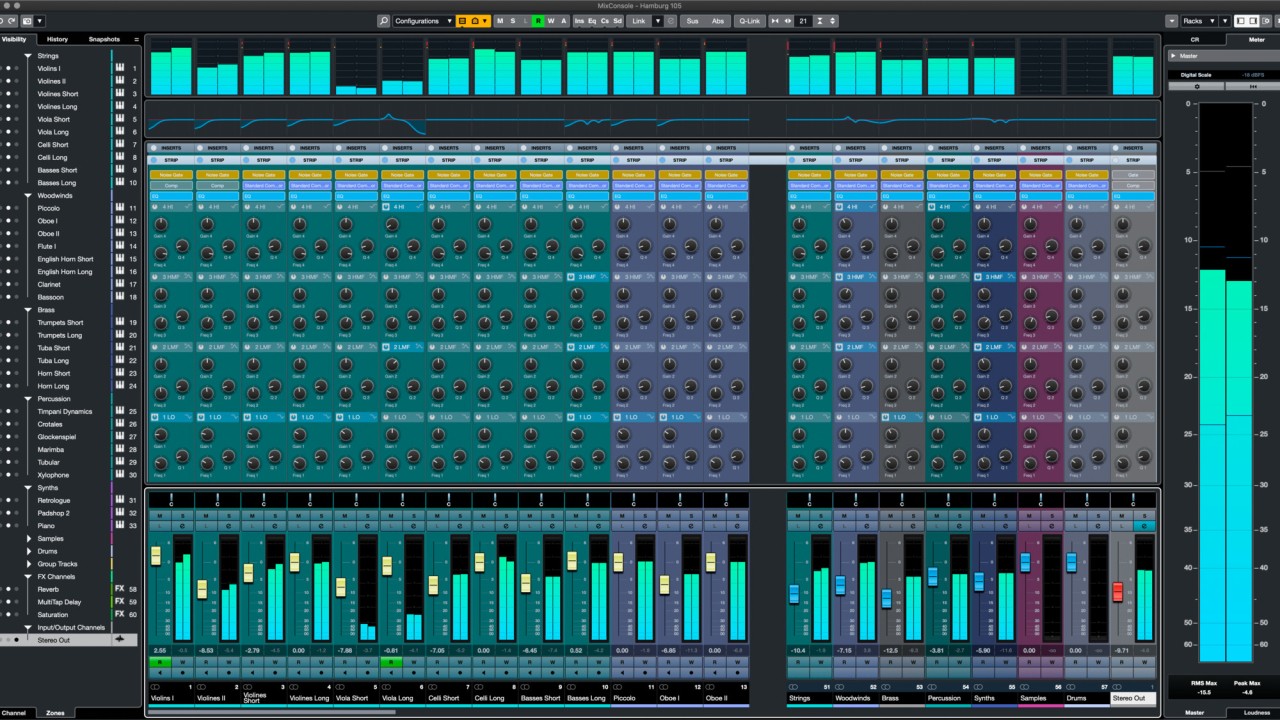
Cubase stands out because of its superior workflow optimizations. The software ensures a well-organized user flow, allowing you to maintain an uninterrupted creative workflow. The drag-and-drop feature, combined with real-time stretching and a customizable mixer, allows musicians to focus on their audio without being distracted by complicated technical processes. You can handle track organization and effect processing alongside level modification using a few basic clicks, which grants Cubase an easier user experience than competing DAWs.
Is Cubase Free?
No, Cubase is not free. Steinberg provides Cubase through multiple editions, such as Cubase Elements, Cubase Artist, and Cubase Pro. Users can find the Cubase edition that suits their financial constraints and specific requirements because the software offers multiple versions with distinct offerings at various price points.
Steinberg enables prospective users to try Cubase through a trial period, but the software is not available at no cost. Cubase's professional tools offer exceptional value when one decides to acquire this software.
What Operating Systems Are Compatible with Cubase?
The software works with two popular system types, Windows and macOS, which allows users from various backgrounds to access it. Users can operate Cubase with Windows 10 and its following versions while using macOS Mojave, which launches with the latest operating systems.
Before you install the software, you should verify the system requirements because it operates efficiently on contemporary computers. Users can expect consistent Cubase performance despite utilizing either a production rig or standard desktop computer system because of its optimized audio engine alongside its powerful processing capabilities.
What Are the Alternatives to Cubase?
Music producers and audio engineers may choose Cubase as their top DAW selection, yet other software options are available for their production needs. Several production software programs provide equivalent functionality and features to suit different user preferences and work methods. The list of alternatives to Cubase includes options that appeal to producers seeking cheaper solutions or different methods of operation.
FL Studio stands as one of the preferred alternatives because of its effective pattern-based music production features. Electronic music producers love FL Studio because its step sequencer design easily integrates with an extensive offering of plugins. The beat-making and composition features of FL Studio are designed for hands-on interaction through its visual approach, which lets producers make complex musical arrangements without feeling overwhelmed. The program's elegant interface design allows users to customize its appearance to their needs, and the drag-and-drop method simplifies mixing and arranging operations. The software provides users with various integrated sound tools, including synthesizers and samplers.
Users can benefit from Audacity as their second option, despite it being categorized as an open-source audio editor instead of a full digital audio workstation. Although Cubase outperforms it in terms of MIDI functions, the software excels at audio recording, then basic editing, and finally multitrack projects. Audacity's simple interface allows users to manage audio cuts and copies, paste audio content, add effects, and perform noise reduction operations. Audacity is an excellent podcast recording tool, but it can also be used for vocal recording and basic mixing. Users prefer the software because it is free, making it ideal for entry-level audio work or basic tasks.
Magix Music Maker serves as a friendly DAW designed to assist beginners who need a simple and direct music production experience. The application has a user-friendly interface with drag-and-drop functionality that allows users to stack loops, beats, and melodies together. New users can launch track experiments through this application because it provides basic functions, although it lacks Cubase's extensive features. Musicians who seek rapid music creation above deep technical knowledge find Magix Music Maker the optimal solution. The integrated sound library and loops are excellent tools for beginning musicians due to their quick demonstration feature and inspiration objective.