Musixmatch is an app that syncs lyrics with whatever you are listening to across major music platforms like Spotify and YouTube. You can also search for songs using fragments of text you remember, translate lyrics into multiple languages, and identify music playing around you.
It works well as a listening companion, whether you are trying to understand songs in a foreign language, follow along with something you already love, or discover new music. Musixmatch has a large community of contributors and works directly with the biggest streaming services to maintain a database covering millions of tracks. That coverage means it delivers reliable results for almost any song, and the app itself is straightforward to use.
Whether you are a karaoke fan, a casual listener, or someone using music to practice a new language, Musixmatch has something useful to offer. The way it syncs and highlights words in time with playback makes it just as practical for singing along at home as it is for following the words with friends or working on your pronunciation.
Why should I download Musixmatch?
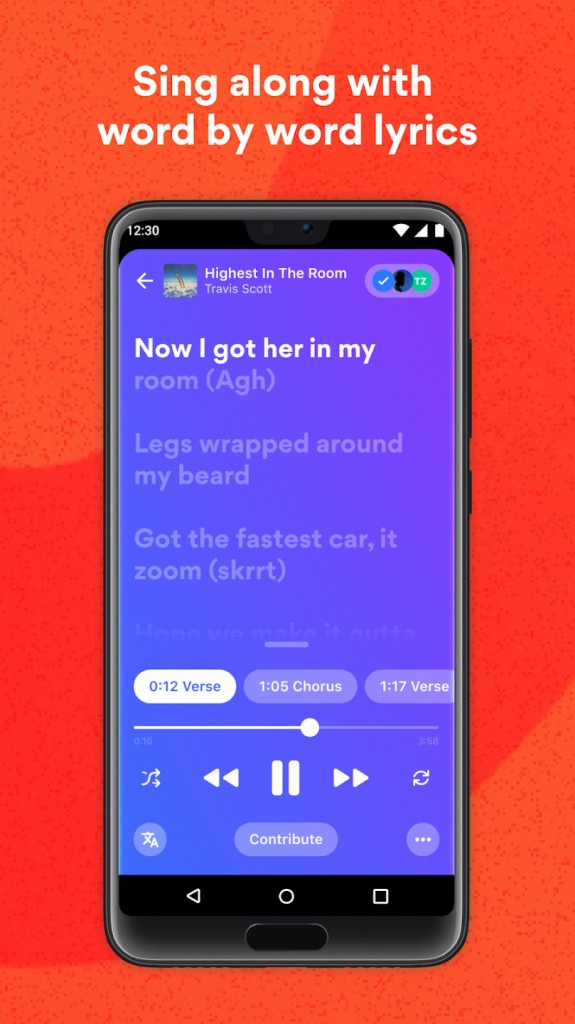
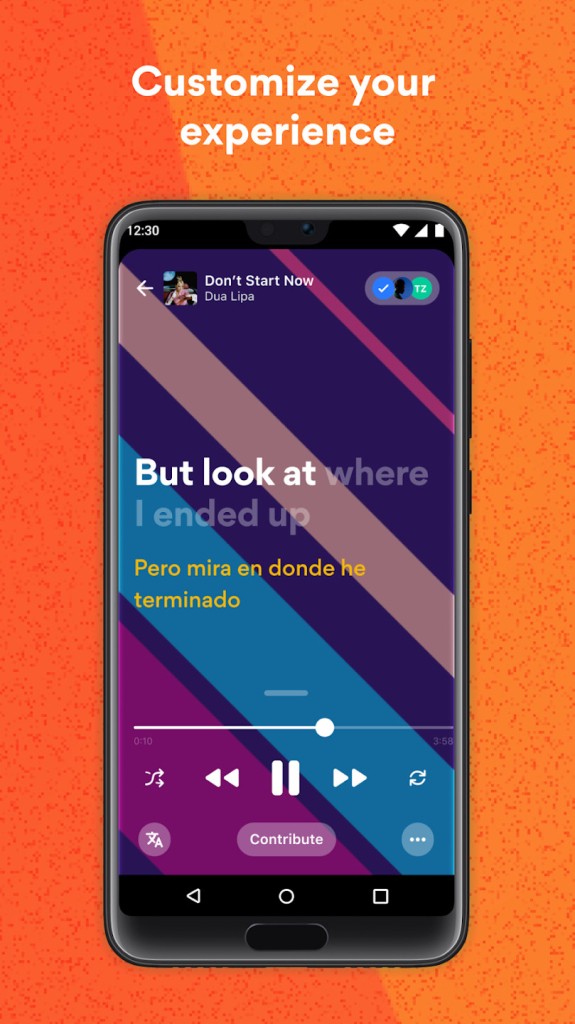
When you listen to music through Musixmatch, it pulls from its lyrics library and displays the text of the song line by line and word by word in real time. It is a genuinely useful way to learn new vocabulary, improve language skills, or simply engage more deeply with songs you already know.
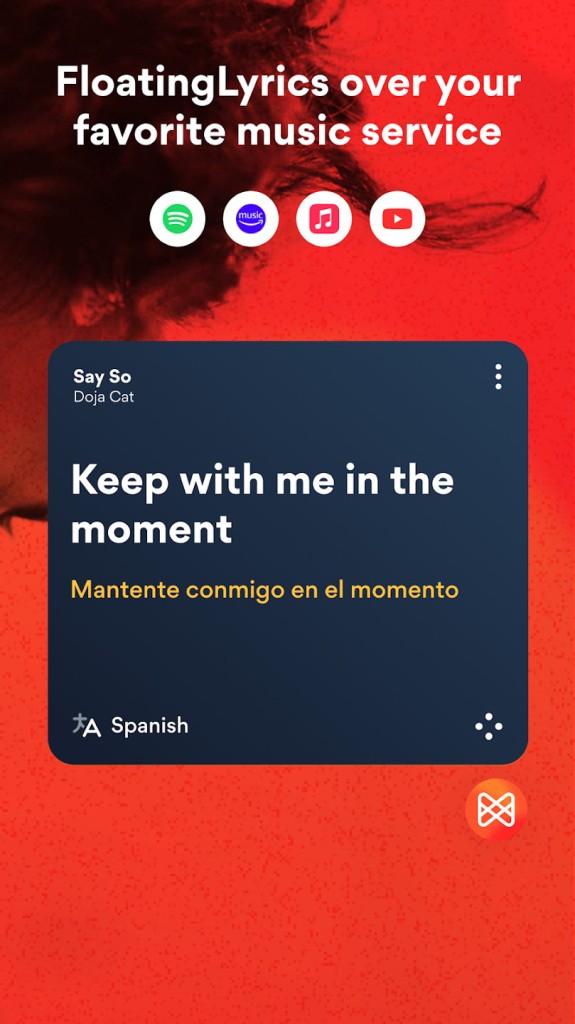
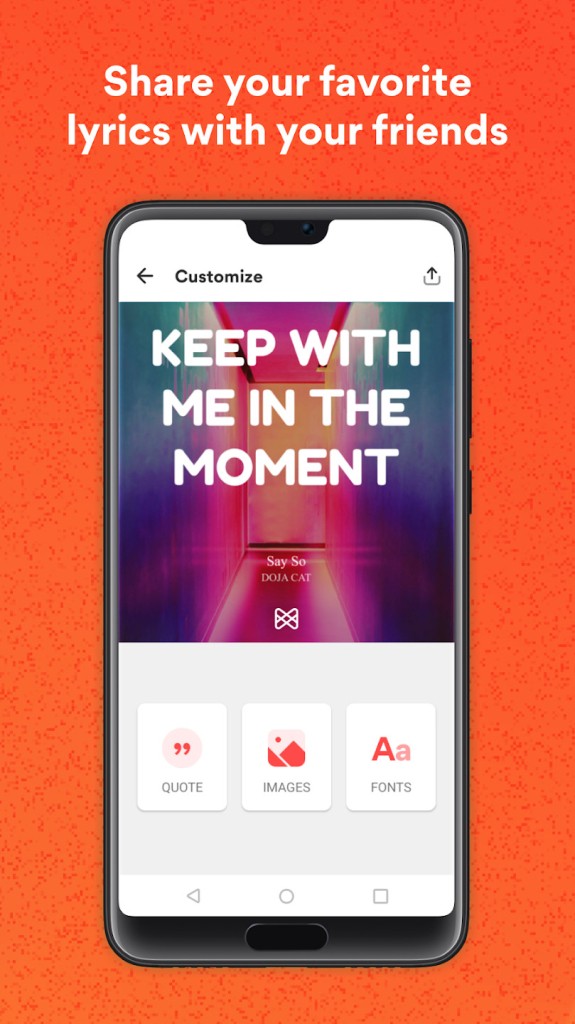
It does this through a floating widget that sits on top of your streaming app, whether that is Spotify, Apple Music, Amazon Music, or YouTube. You do not need to switch between apps or stop what you are doing to follow the lyrics. You can also create shareable images from your favorite lyric moments and post them directly to Instagram, Facebook, or other platforms.
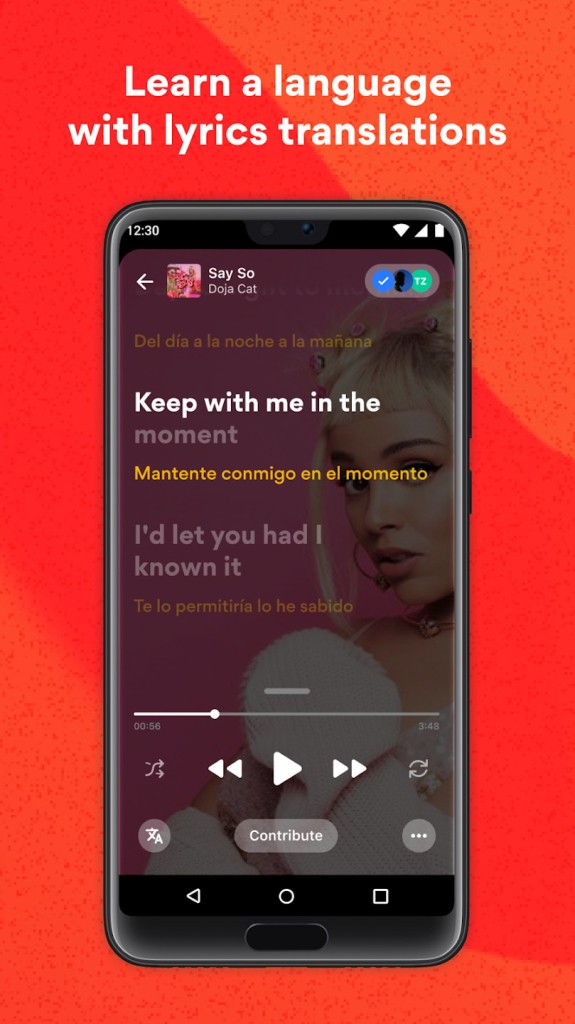
The built-in translation feature lets you toggle between the original lyrics and a translation in your chosen language, displayed side by side. This is useful both for understanding the meaning of a track and for practicing pronunciation in languages you are learning.
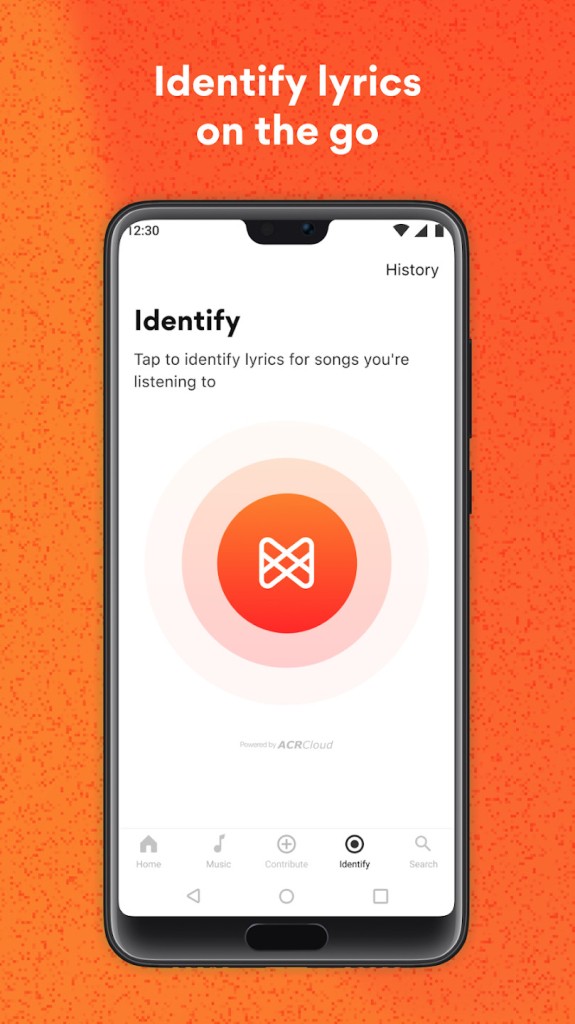
Musixmatch also identifies music in the background, similar to Shazam. Tap a button when a song is playing, and the app returns the artist name, title, album information, and full lyrics. It is a handy tool for spontaneous music discovery when you are out and hear something you want to track down later.
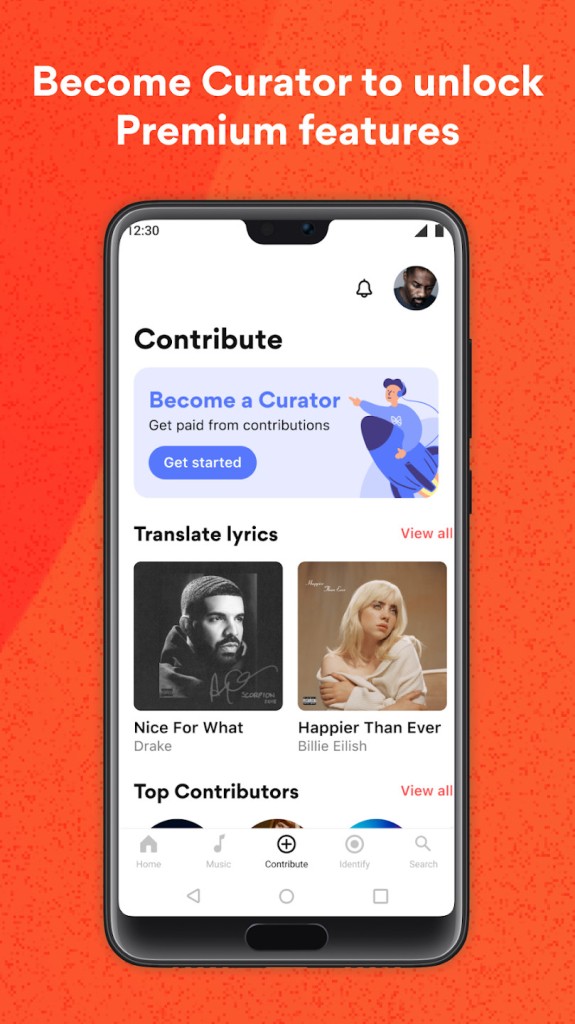
Because the app integrates with the major streaming platforms, you stay in your preferred service and do not have to reroute your listening habits to use Musixmatch. You can also contribute to the database by submitting translations, correcting sync timing, or filling in missing lyrics. Contributors earn points and can compete in the community ranking system, which gives the platform a useful self-correcting quality over time.
Is Musixmatch free?
Yes, Musixmatch is free to download and use across platforms. The free version is supported by ads, which is a reasonable trade-off for the range of features on offer at no cost.
A Premium subscription removes ads and unlocks additional features, including word-by-word sync, unlimited lyrics translations, offline access, and tools for cleaning up your music library metadata.
What operating systems are compatible with Musixmatch?
On mobile, Musixmatch requires Android 8.0 or later for Android devices, and iOS 13.0 or later for iPhones and iPads.
On desktop, the Musixmatch web service works across all major browsers, including Chrome, Firefox, Safari, and Edge, regardless of operating system. A Chrome extension is also available that integrates lyrics directly into the Spotify web player.
What are the alternatives to Musixmatch?
Shazam is the most widely recognized music identification tool available. Developed by Apple, it has a clean interface that can be integrated into the iPhone control center for quick access. Once a match is found, the song is added to your personal history, and through its streaming platform integrations, Shazam can build a playlist of everything you have discovered. You can preview tracks, view lyrics, or open the song directly in Apple Music or Spotify. Shazam is free and available on iOS, macOS, and Android.
SoundHound takes a similar approach but adds one particularly distinctive feature: it can identify a track even when you are humming the melody or singing without any accompaniment. That makes it useful when you have a tune stuck in your head but cannot remember enough of the words to search for it. SoundHound is available on iOS and Android and can also be activated by voice with the phrase "Hey SoundHound." It integrates with Spotify, Apple Music, and YouTube, and offers synchronized lyrics and a personal search history. A paid premium version removes ads and adds advanced music recognition and noise reduction for better results in difficult listening conditions. The SoundBites and Nibbles features let you browse through playlists and artist content within the app.
Finally, for Deezer users, the music streaming platform also offers a feature to identify the surrounding music. Just open the search page on your Deezer app and click on the SongCatcher logo. Let the app listen to the surrounding sound through your smartphone’s microphone and see the result. You can add the song to your playlist, open the artist page, etc.