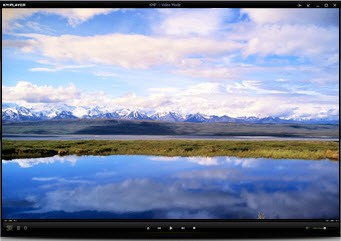
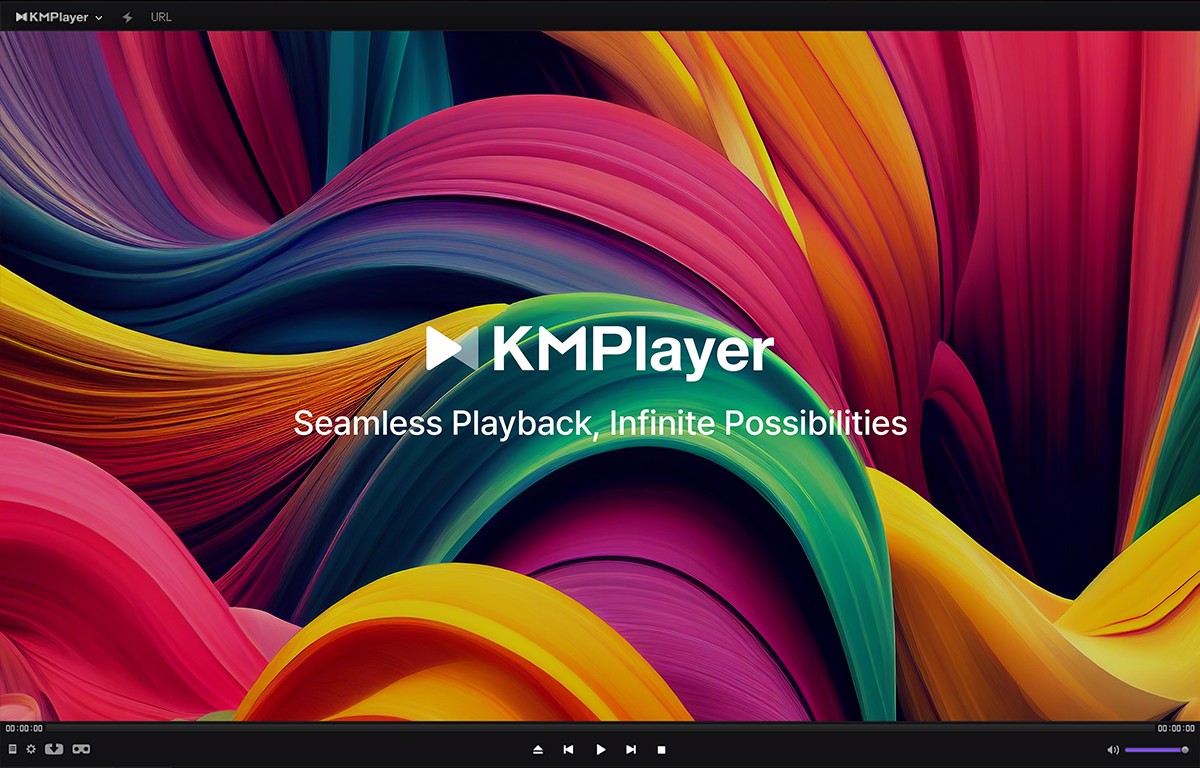
KMPlayer is a feature-rich multimedia player with a long track record of handling just about every media format you can throw at it. Originally developed by Pandora TV, it's become a popular choice for users who want more control over their playback experience without sacrificing performance. KMPlayer goes beyond basic video playback, positioning itself as a full multimedia solution that covers streaming, video, and audio formats alike.
Format support is one of its strongest selling points. KMPlayer handles AVI, MP4, MKV, FLV, 3GP, MPEG, and many more file types without hesitation. It also supports 4K and UHD resolution, delivering smooth playback without dragging down your system. Whether you're watching movies, listening to music, or viewing photos, KMPlayer keeps the visuals crisp and the performance steady.
Playing media is only part of the equation, though. KMPlayer also includes subtitle support, VR and 3D playback, and screen recording. You can apply visual filters, tweak audio output settings, and customize the experience to suit your preferences. The interface itself is modern and well-organized, making it easy to navigate your media library without getting lost in menus or cluttered options.
Why Should I Download KMPlayer?
KMPlayer is a solid pick if you want a media player that goes further than the basics. Rather than just opening and playing files, it gives you real control over how you watch and listen to your content. Whether you're a casual viewer or someone who cares about fine-tuning your playback settings, KMPlayer has features that cater to both ends of the spectrum.
One of the top reasons to download KMPlayer is its near-universal format support. You don't need to hunt for extra plugins or codec packs to play your files. From common formats like MP4 and MP3 to less typical ones like OGG and FLAC, KMPlayer handles them all natively. That means fewer headaches when you come across an unfamiliar file type, since KMPlayer will almost certainly play it without complaint.
Customization is another big draw. KMPlayer gives you control over playback speed, subtitle synchronization, audio equalization, and video rendering. The settings can look intimidating at first glance, but once you dig in, you'll find a surprising amount of control over your playback quality. You can build and manage playlists, adjust aspect ratios, apply audio filters, and tune the output to match your listening preferences, whether you like heavier bass or a more balanced sound profile.
Subtitle handling is also a standout feature. You can load external subtitle files, adjust their appearance, and fix timing issues on the fly. KMPlayer supports a wide range of subtitle formats, so you're rarely stuck without options. If you need to resize subtitle text or correct syncing problems, the tools are built right in and easy to use, which is a real convenience for anyone who regularly watches foreign-language content.
Is KMPlayer Free?
KMPlayer is completely free to download and use. There are no subscription fees or premium tiers to worry about. The app does display some advertisements, which can be mildly annoying depending on your tolerance for that sort of thing. That said, the ads don't lock you out of any features. Everything KMPlayer offers is available at no cost, and the occasional ad is the tradeoff for getting a full-featured media player without paying anything.
What Operating Systems Are Compatible with KMPlayer?
KMPlayer supports Windows 7, 8, 8.1, and 10, as well as macOS. On the mobile side, apps are available for both Android and iOS, giving you plenty of flexibility for playback on the go.
The experience stays consistent across platforms, so you get the same core feature set whether you're using a desktop, laptop, or phone. Cross-platform support means you can stick with KMPlayer as your primary player across all your devices without having to learn a different app for each one.
What Are the Alternatives to KMPlayer?
KMPlayer covers a lot of ground, but other media players might suit your needs better depending on what you're looking for. Three notable alternatives worth considering are Kodi, MPC-HC, and VLC.
Kodi goes well beyond simple media playback. It works as a full entertainment center, letting you organize and stream your collection of movies, TV shows, and live content from multiple sources. Plugins and add-ons expand their functionality even further, adding capabilities like recording, live TV, and streaming service integration. If you want to turn your device into a home theater hub and manage a large media library from one place, Kodi is purpose-built for that. The customization options are extensive, making it ideal for users who like to tailor their setup down to the smallest detail.
MPC-HC (Media Player Classic - Home Cinema) takes the opposite approach: it's lightweight, minimal, and focused purely on efficient playback. It uses very few system resources and runs high-definition content smoothly without any lag. The interface is stripped-down and classic in appearance, which makes it easy to navigate without wading through layers of settings. If you just want a player that opens fast, plays your files reliably, and stays out of your way, MPC-HC is one of the best options around.
VLC Media Player is one of the most widely used media players in the world, and with good reason. It plays virtually any file type without needing extra codecs, making it a natural fit for anyone who deals with various media formats. VLC can also stream content directly from URLs, so you can watch online videos without requiring a separate app. As an open-source project, it benefits from continuous community development and runs on every major platform, from desktops to smartphones. For reliable, consistent playback across movies, music, and streaming, VLC is difficult to beat.