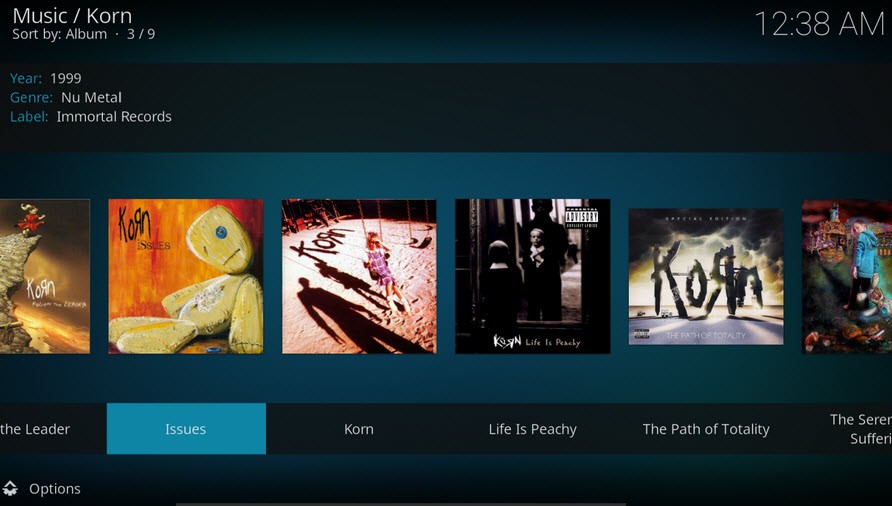
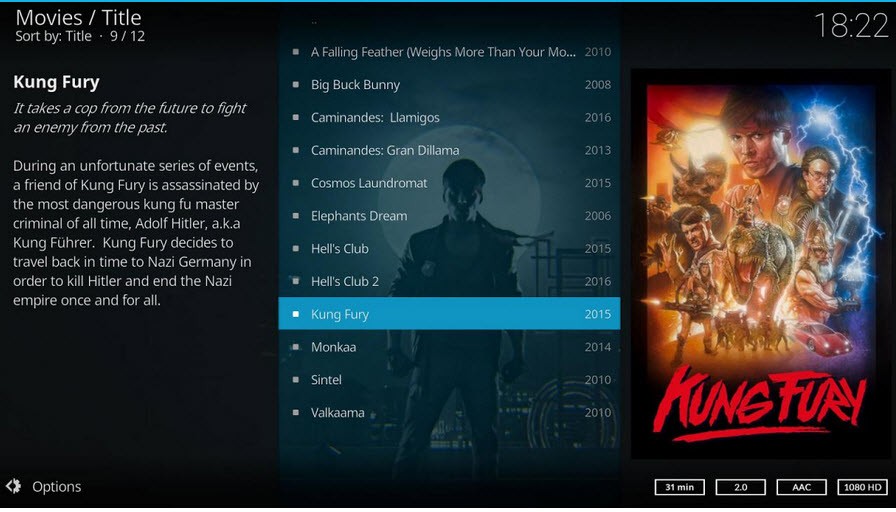
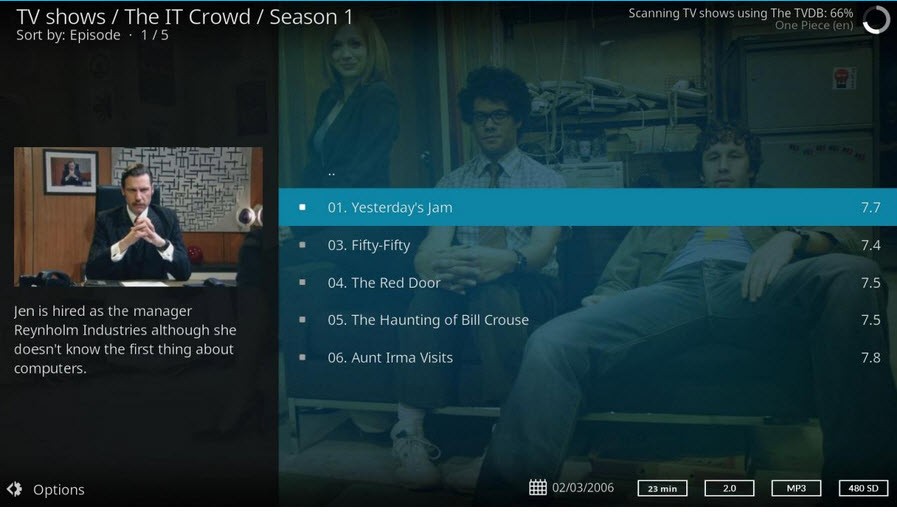
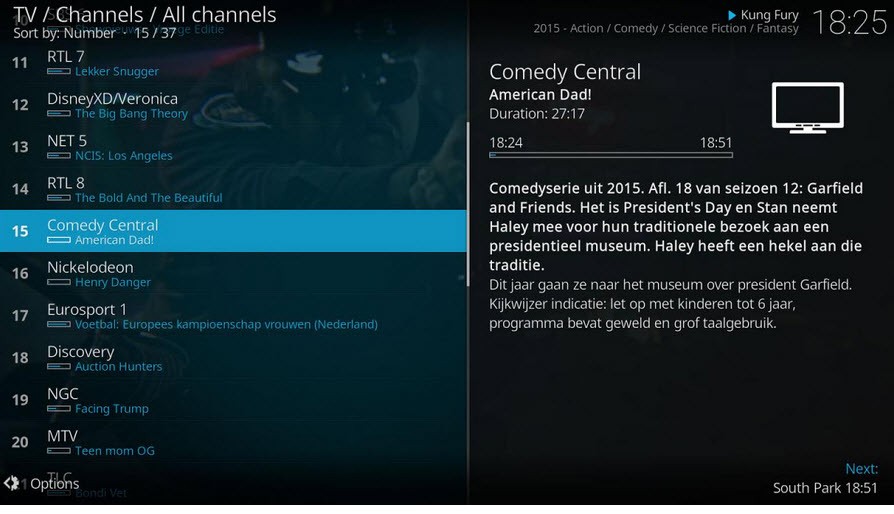
The media player Kodi delivers enhanced functionality without forcing users to perform complex tasks just to view shows. Open-source development provides Kodi users with free software that is continuously enhanced by multiple community developers.
The core functionality of Kodi includes turning any device into an all-inclusive entertainment center that serves as a media hub. Kodi provides a single platform where users can stream movies, manage podcasts and photographs, listen to music, and navigate their entire digital media collection.
Local file playback is the one option Kodi offers. The player lets users access numerous add-ons that stream digital content discovered across the entire internet. Building a proprietary streaming platform is what Kodi enables through its user-defined content management system.
The platform does not constrain you with established menus or predefined content collections. Your customization options within this interface extend to the point where you can adjust everything, from appearance features such as skin and layout. The platform automatically adapts to your current device, whether you use a TV, laptop, or Raspberry Pi.
Beyond motion pictures and television programming, the system brings numerous features to users. You can add music libraries through integration and arrange your photos, along with getting weather information, through the system. The learning experience for add-ons and personalization options will take some practice, but once you get used to these features, your system will function as an individual theater platform. As one of those exceptional utilities, it expands freely without overwhelming you. The program operates independently but does not abandon users. The key to mastering this tool involves putting effort into discovering its capabilities.
Why Should I Download Kodi?
When you download Kodi, you gain more than a standard media player because it lets you experience your digital media in an entirely different way. Most users manage their media collection across multiple devices, including computers and music libraries, with various streaming subscriptions. Kodi brings all that together.
The process of jumping between multiple programs ends because you consolidate all your content into a single unified interface. The software combines all content at once in one unified platform, which creates a huge convenience factor during leisure viewing time.
Among all the features that Kodi provides, it functions to merge content in an exceptional manner. Kodi is ridiculously customizable. Users can modify the skins along with interface adjustments to suit personal design choices while applying their preferred media organization structures.
Traditional media players restrict users from having such levels of customization freedom in their platforms. These media players exist in two extreme states, which prevent users from personalizing their experience. Kodi provides users complete independence to design their software interface without imposed constraints. Kodi provides all the necessary tools that allow you to construct your personalized media space.
Among the features Kodi users enjoy is its approach to add-ons. These handy plugins enhance the application's capabilities, allowing you to stream content online and link to third-party features. You can activate add-ons that let you stream live television broadcasts alongside music from your preferred services, regardless of geographic blocking restrictions. Your media player displays extraordinary capabilities without burdening it with many additional standalone applications. Control makes up more than options because the system gives users this ability.
Kodi operates smoothly during large file transfers and high-resolution streaming. Waiting times for buffering or interface slowness will not be part of your experience since Kodi offers instant services. The system operates at an exceptional speed while remaining very light despite its advanced functionality. The system functions without delay, even when installed on a Raspberry Pi setup, even though you would typically expect some lag.
Is Kodi Free?
Users can access Kodi for free. Anyone can enjoy Kodi because the platform offers a free basic edition with no hidden payment requirements.
Users can get Kodi from the official website to download their preferred platform version then create their personalized media center. You will face no hidden fees since it uses open-source code for free access.
What Operating Systems Are Compatible with Kodi?
Every operating system platform maintains equal importance to Kodi throughout its operation. Kodi operates effortlessly across Windows, macOS, Linux, and Android systems, as well as iOS with a few adjustments, and the Raspberry Pi. The application functions across all smart TVs, laptop setups, and mobile phone configurations without any complications.
The platform selection is limitless because Kodi operates across all platforms without compatibility restrictions. Downloading the appropriate program version for your system and following the short installation instructions enables your device to function straightaway. The freedom to use different operating systems provides comfort, as it prevents being limited to a single ecosystem.
What Are the Alternatives to Kodi?
Kodi works very well, but there are viable alternatives available on the market.
The media player MPC-HC (Media Player Classic - Home Cinema) stands out as one of the top alternatives. MPC-HC is a simple yet efficient open-source media player that offers lightweight functionality. Although it lacks the customization power of Kodi, the player provides basic video playback with ease. This media player is especially useful for older computers because it requires minimal hardware. You can easily open your file, then activate play mode to finish the job.
The solid media player selection includes VLC Media Player. This application works well as a basic player because it accepts all file formats without any trouble. The obscure file formats and corrupted videos pose no challenge to VLC Media Player, which can successfully play any media content. Kodi provides a media center atmosphere, but VLC Media Player delivers amazing daily functionality despite lacking this aspect. The program lets you play files without installing a codec pack and prevents playback issues. Users can operate it without any additional configurations because it works right away. The application operates across multiple platforms because it supports all device types.
KMPlayer stands out as a suitable alternative for users who value a more stylish media player. This player presents itself with contemporary visuals and professional high-definition content management skills. You can use 3D playback and support for VR videos in this application, which adds appealing options for users with these preferences. Kodi provides better customization features and add-on support, yet the user interface of Popcorn Time appears more visually appealing for basic media consumption.