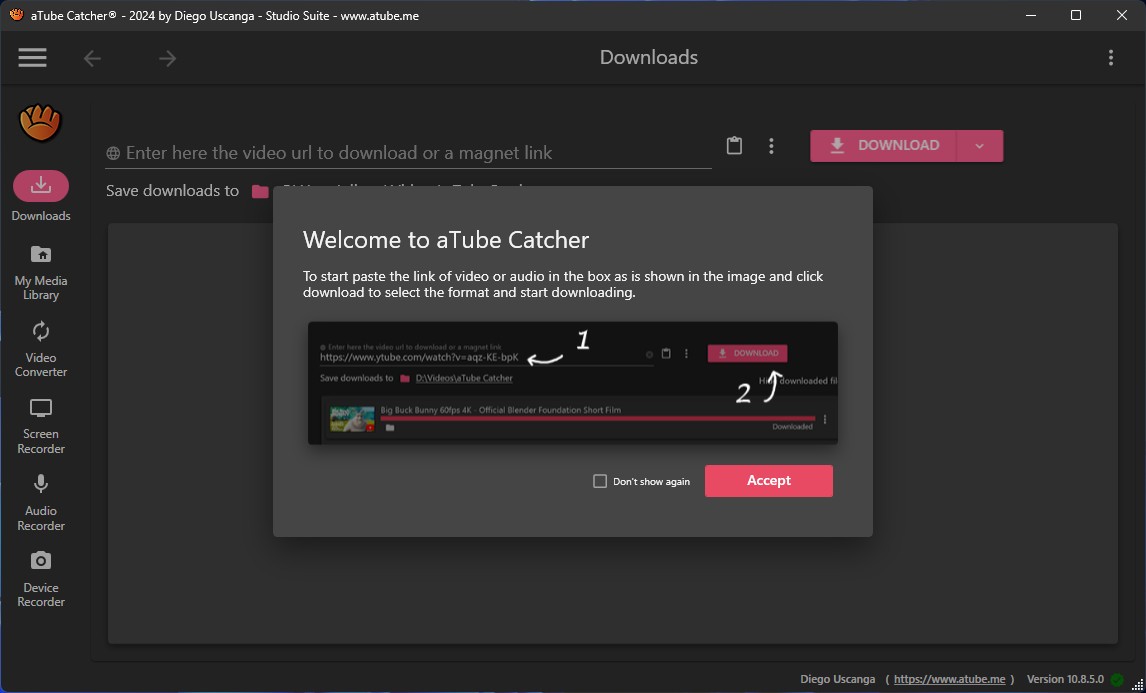
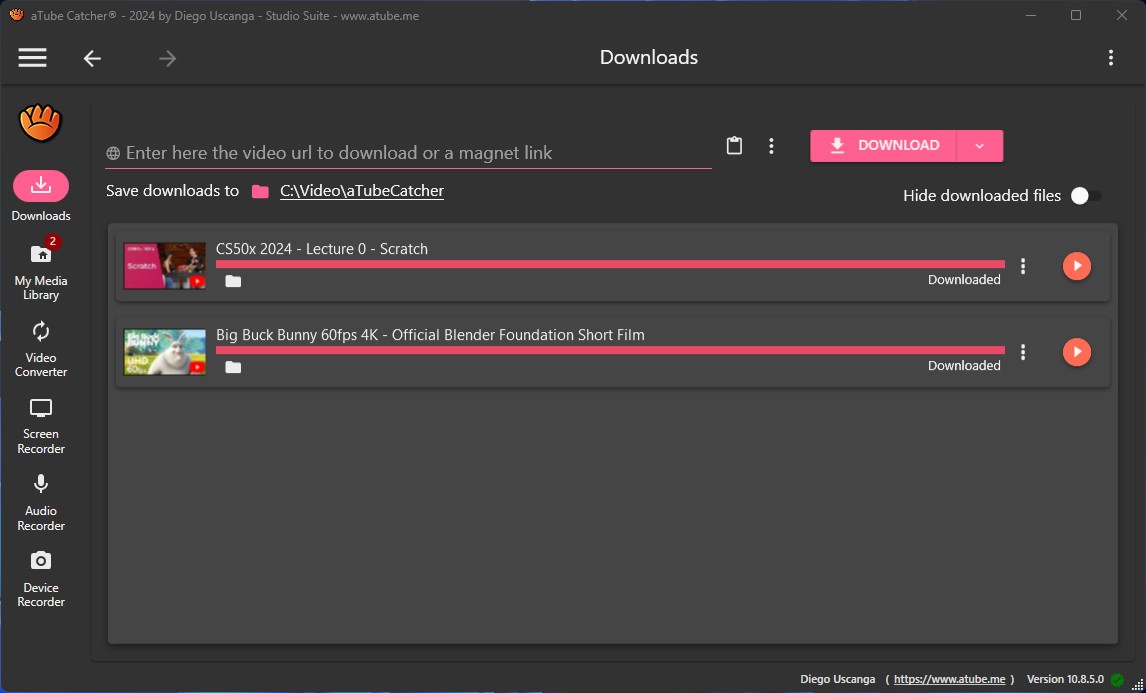
Users who wish to save online videos on their devices can use the lightweight software called aTube Catcher. Users mainly use the software to download videos from YouTube, Dailymotion, Vimeo, and other video-sharing sites.
You can convert your downloaded videos to multiple file formats using aTube Catcher. These formats suit different offline viewing needs, CD-burning preferences, mobile transfer requirements, or save-it-for-later playback. The program allows users to make independent choices about their downloaded content without requiring internet access at the time of choosing. The application is easy to operate since its design eschews unnecessary graphics.
Since its first release many years ago, aTube Catcher has continued being popular because it offers a high level of versatility. Users can download complete playlists in addition to using this software to record screen activity, convert media files, and extract audio from various videos, all through a single program.
The program comes in a small format but includes multiple practical features that perform reliably. If obtaining offline versions of online media content is essential to your workflow, this tool will work perfectly.
Why Should I Download aTube Catcher?
There are many reasons to use aTube Catcher. For example, if you discover a video online, you may lose access to it in the future. aTube Catcher provides a solution for storing valuable content by allowing users to download videos, tutorials, lectures, and personal material. The product lets you save content without requiring consistent internet access or worrying about video disappearing or privacy changes.
The program operates once, via a single download, to give you permanent control. The tool does not limit itself to downloading files; it also enables users to convert file formats, streamline videos, and extract audio segments independently. A downloader alone is not its only purpose. It’s a flexible media tool.
ATube Catcher provides substantial time savings as one of its main attractions. The process of converting videos with aTube Catcher is simple: users just need to add links and choose formats, without encountering annoying payment requests or having to flip through browser extensions. Users can download files in any format, including MP4, MP3, AVI, WMV, and 3GP, because the platform provides automatic options for all file formats. The program supports device-specific file formats, including iPod and PSP, and files ready for Android operating systems. The batch downloading tool enables you to organize multiple files for simultaneous processing without manual one-by-one processing.
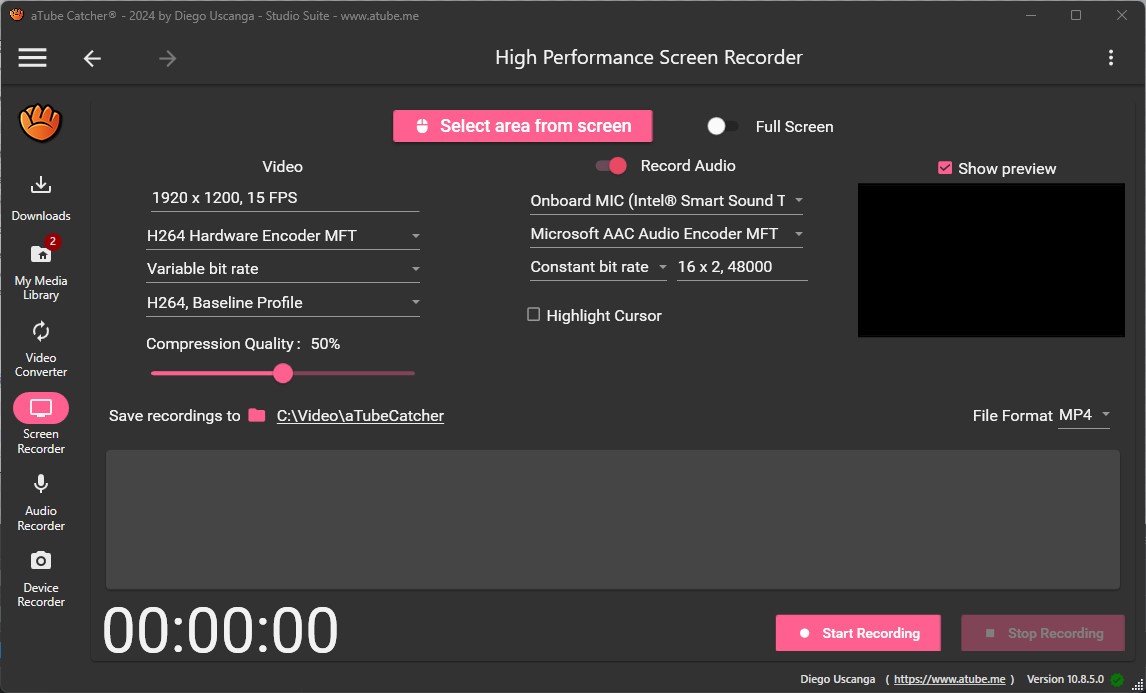
Screen recording features, together with other tools, are integrated into the program. The application enables users to record their webinars alongside calls and screen content for later playback. The program serves as an effective way to preserve content that cannot be directly saved, including live streams and restricted private videos that prevent downloads. The screen capture system functions easily but addresses regular usage requirements. Another feature of this program is its burning tool benefit. The program enables users to convert videos and music files to burnable CDs or DVDs without the need for external burning programs. Built-in CD functionality benefits people who continue to use this format, even though it is a dying technology.
This tool requires very few computer system resources. Old laptops experience no performance issues with the program, and it avoids installing heavy frameworks or additional software packages. The program comes with a tiny installation package that provides a straightforward, uncluttered user interface. The program maintains a quiet operational profile while remaining focused, without implementing paywall restrictions on its features.
The application respects users' time while providing an intuitive process for saving important material. The application provides reliable performance even though it lacks a modern design, yet it achieves tasks accurately upon your requests. When it comes to fundamental requirements, a large number of users simply require basic functionality.
Is aTube Catcher Free?
The popular video converter, aTube Catcher, is free. All core platform features exist without forcing payments or requiring users to subscribe. The tool lets users access complete downloading and conversion, along with video recording features, without encountering any locked premium areas.
During installation, users must exercise caution because the software may present additional offers they can decline.
What Operating Systems Are Compatible with aTube Catcher?
The developers designed aTube Catcher solely for Windows. aTube Catcher functions properly on all Windows variants from Windows 7 to Windows 11.
The software's programming runs exclusively on Windows operating systems, and it lacks support for macOS and Linux systems. It has no mobile versions for Android or iOS.
The desktop or laptop system uses this program effortlessly as long as your device has a reliable internet connection and sufficient disk space for quick installation and low resource utilization.
What Are the Alternatives to aTube Catcher?
Users who need different video download options from aTube Catcher can use several similar tools.
The popular application Free YouTube Download, which DVDVideoSoft developed, serves as a widely used tool. The application focuses on YouTube video downloads and excludes all screen recording and disc-burning features. The application interface of this tool features a simpler design than aTube Catcher, with a cleaner, more modern appearance. The program provides a basic user experience by refraining from overwhelming users with features, yet it restricts you to using only YouTube. Your content from non-YouTube sources will be incompatible with the program.
Online users can use noTube to download YouTube videos and convert them to MP4 or MP3 format in their web browser. The software provides quick processing without installation and has a minimal application footprint. You can accomplish the task by visiting the site, entering your video link, and selecting the format before downloading. The browser-based service enables fast use, especially when software installation is restricted on your device. As a web tool, the software operates within the browser framework, yet depending on browser capabilities, it might exhibit lower stability and reduced functionality when compared to complete desktop applications.
The MP3 conversion tool Free YouTube to MP3 Converter operates reliably as another option that DVDVideoSoft provides. The program focuses exclusively on users who need to save audio files. The tool serves users whose main focus is digital music compilation, as well as users who need audio lecture storage and interview playback. Users find the application easy to operate, and it captures MP3 files directly from video URL links. The program allows simple use with three steps that include pasting the link, then selecting a quality level, before finally enabling the download function. Users who need high-quality audio recordings without other functionality can find excellent performance from this program.