Unity first made its name in video games, but what it can do stretches a long way past them. It is a real-time development environment for building 2D and 3D content that runs on desktop computers, mobile devices, and virtual and augmented reality headsets.
Most people arrive wanting to make a game, then discover the rest of it: app development, simulations, visual storytelling, walkthroughs of buildings that have not been built yet. Unity is not only for professional studios, either, since artists, students, hobbyists, and full production teams all put it to work on their own projects.
The layout takes a little practice, but it clicks soon enough, with drag-and-drop handling the basics and scripting giving you complete control when you need it. You can build everything yourself from nothing, or pull in ready-made assets and skip a few steps. A whole ecosystem sits behind all of it.
Unity does not put walls around what your project can become. Whatever your level of programming experience, you can take a concept and turn it into something people can use. Keeping an experience alive and responsive after launch is a rarer quality in software than it sounds.
Why Should I Download Unity?
Unity gives you the tools to build playable apps and games that genuinely respond to whoever is using them. It hands creative people control over interaction, movement, and the way a project reacts the moment somebody touches it.
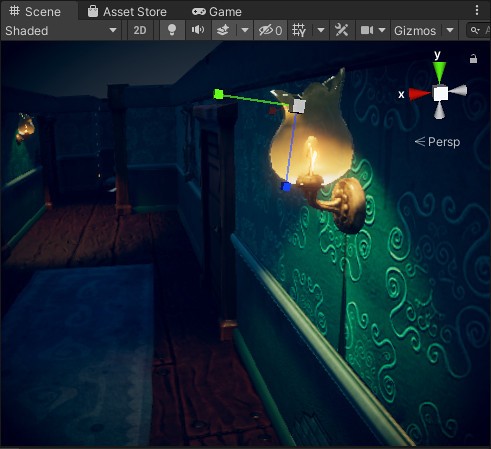
Platformers, 3D racers, story-driven visual novels, workplace training simulators: Unity supports all of them. The real-time engine shows you the effect of a change the second you make it. There is no waiting around and no laborious test cycle just to find out whether an idea worked. Adjust something, and you watch the result appear on screen straight away.
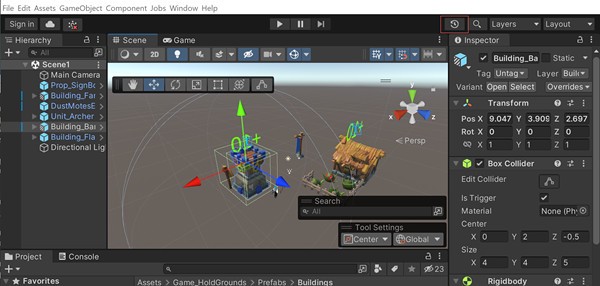
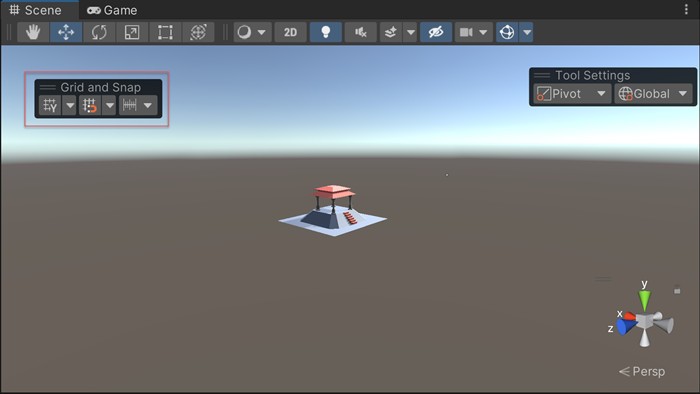
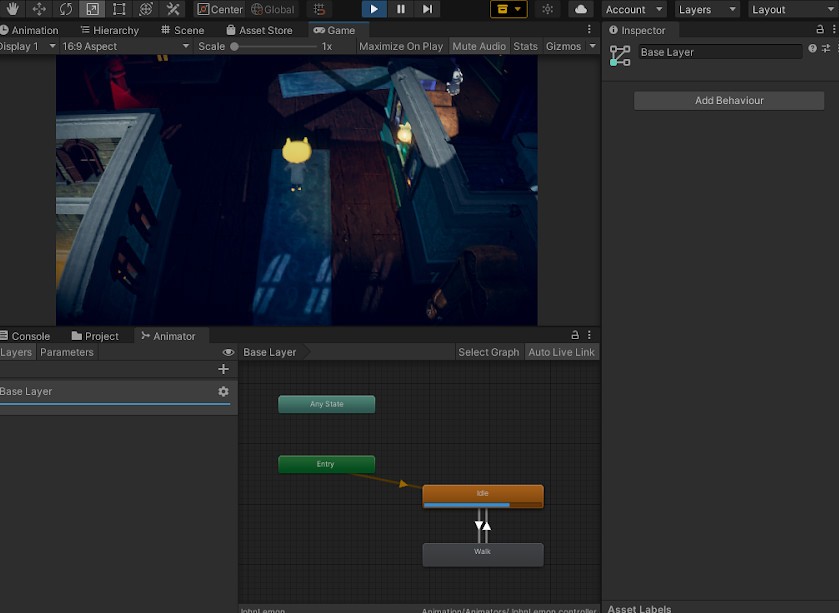
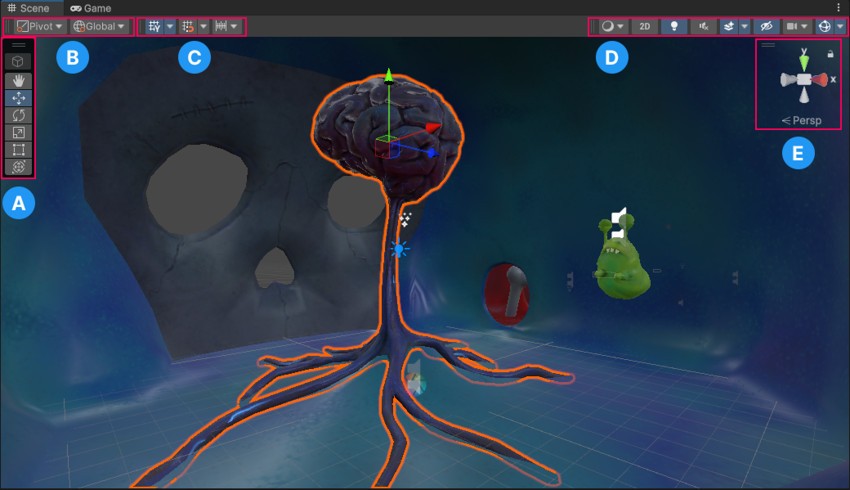
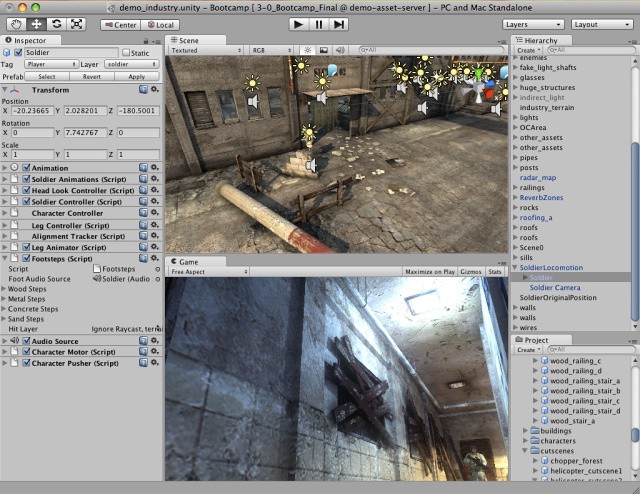
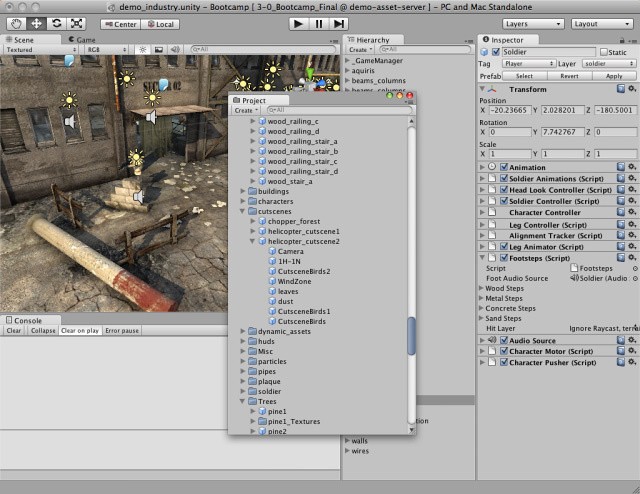
Its interface looks intimidating at first glance, which puts some beginners off, but after a little exploring it starts to feel like a workshop where everything has its place. Scenes, game objects, and scripting files are all laid out clearly. You get full freedom to assemble a project the way you pictured it. And the best part? You're not alone.
Unity's learning community is one of the most active anywhere in this space. Whatever problem you run into, somebody has already asked about it and somebody else has already answered it. There are official tutorials, video courses, busy forums, and YouTube creators who walk through complicated projects from beginning to end in full detail.
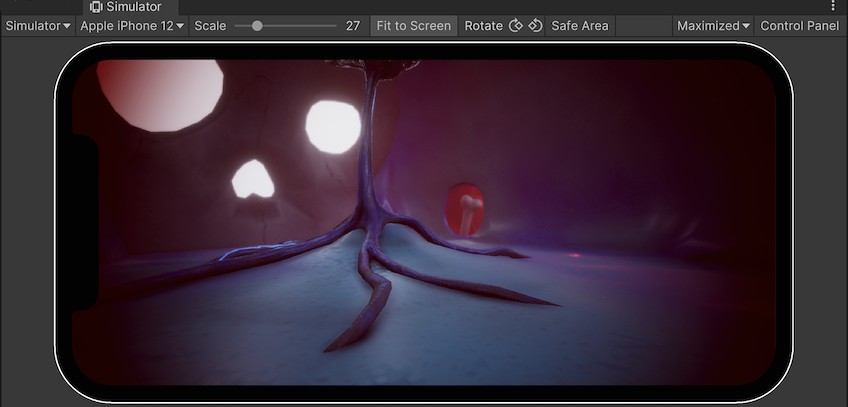
Cross-platform development is covered too. You do not have to build separate versions by hand for Android, iOS, Windows, macOS, WebGL, or consoles. One build and a few setting changes later, your project is ready to go out to several devices at once. That flexibility is why people feel comfortable committing serious time to Unity, since whatever they finish can travel wherever it needs to go.
Unity also lets you keep growing an idea rather than abandoning it halfway. Start with a small prototype or a tiny game just to learn the ropes. When the project gets more ambitious, you carry on in the same place instead of switching engines and rebuilding everything from scratch. Unity scales alongside whatever you are making, so it earns its place today and again later on.
Is Unity Free?
Unity's free tier covers individual developers and small teams earning under a certain revenue threshold. The personal plan costs nothing to download and still opens up most of what the engine can do, without asking for a card up front.
Studios and businesses pulling in serious revenue from their projects move up to one of Unity's paid plans instead. For learning, for general game development, and for launching something small, the free version already has everything you need.
What Operating Systems Are Compatible with Unity?
Unity supports every major operating system. It runs on Windows, macOS, and Linux machines alike, and whichever one you are on, installation is quick and painless. Once the editor is in place, the way it behaves stays consistent from one system to the next.
That matters if you work across several computers, or if your teammates are all on different hardware. Moving between machines will not scramble your project layout or noticeably change how it performs. Unity holds its full feature set and its design power in every environment you put it in.
What Are the Alternatives to Unity?
Unity suits a lot of people, but there are other tools worth knowing about if you are building apps or interactive projects of your own.
Adobe AIR is one of them. It lets you build Windows and mobile applications using HTML, JavaScript, and Flash. AIR performs well with rich media applications and casual games, and its tooling runs across multiple platforms, though it cannot match Unity when it comes to 3D game flexibility. Developers already working inside Adobe's wider platform tend to find AIR the path of least resistance.
Electron takes a different route, aimed at cross-platform desktop applications rather than games. It runs on HTML, CSS, and JavaScript, the same web technologies you would reach for when building a site. Visual Studio Code and Slack were both built on it. If you already know your way around web development, Electron turns those skills into a desktop interface without much retraining at all. It works best for interactive business tools rather than games or heavy 3D content, yet it is an excellent answer for anyone who needs a functional app with a modern look. Developers like it for being lightweight, easy to customize, and backed by a large community that steers where the project goes next.