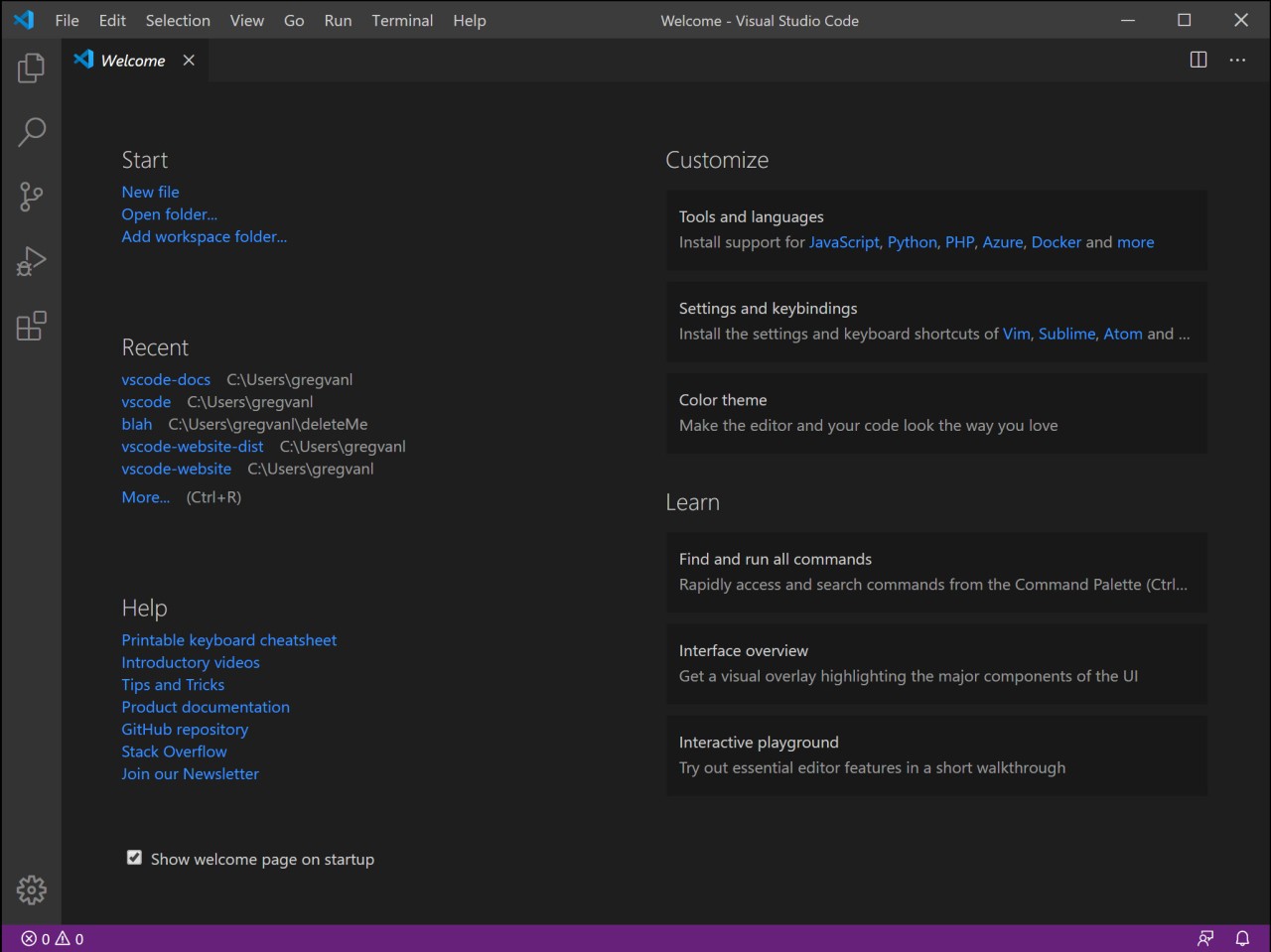
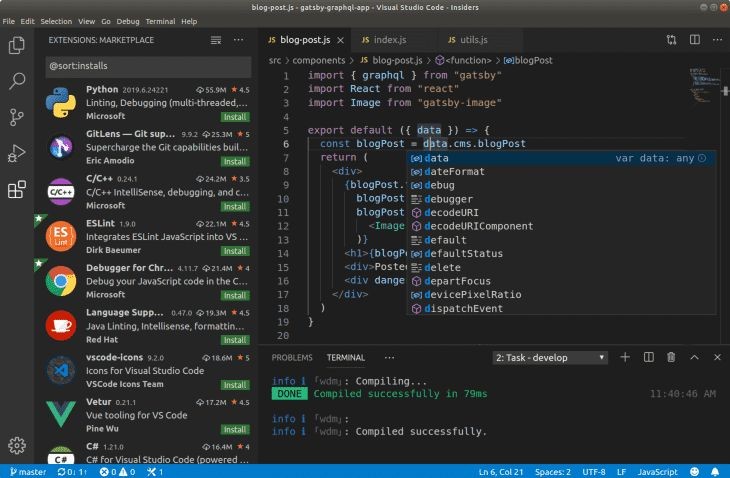
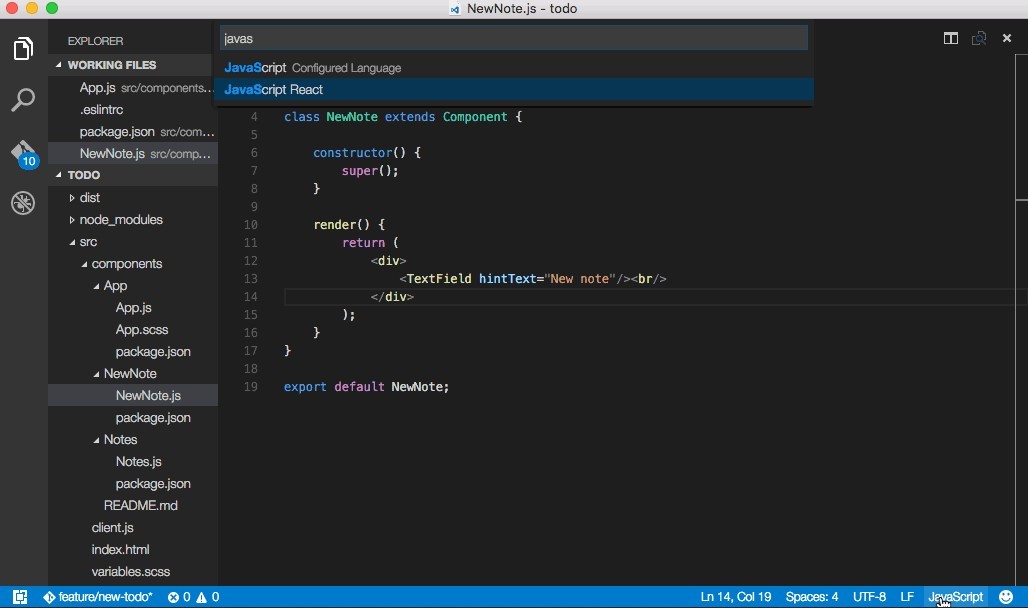
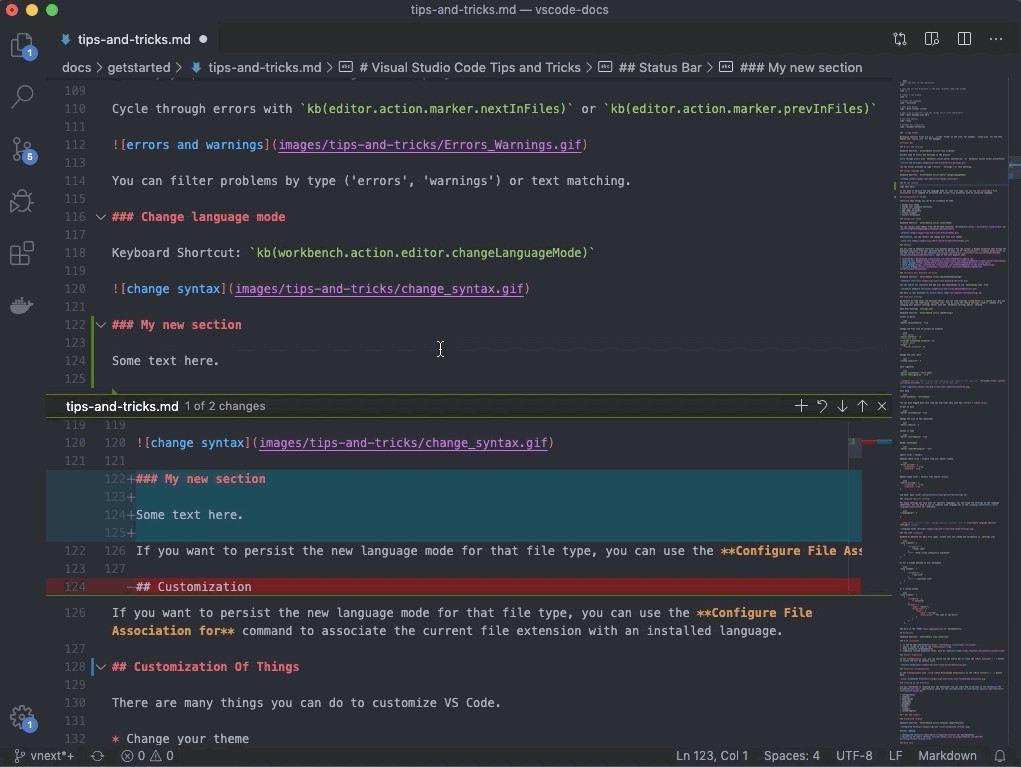
Developers typically refer to Visual Studio Code as VSCode. This lightweight programming tool serves developers for writing and editing diverse programming languages through its source code editor. VSCode extends beyond being an ordinary text editor with multiple advanced features built into its platform.
The tool offers multiple features that speed up your programming tasks while boosting organization and saving you from technological aggravation. The software provides code debugging functionality along with version control features and real-time collaboration capabilities, in addition to syntax highlighting tools. The program maintains its quick functionality even when operating on less resource-intensive machines.
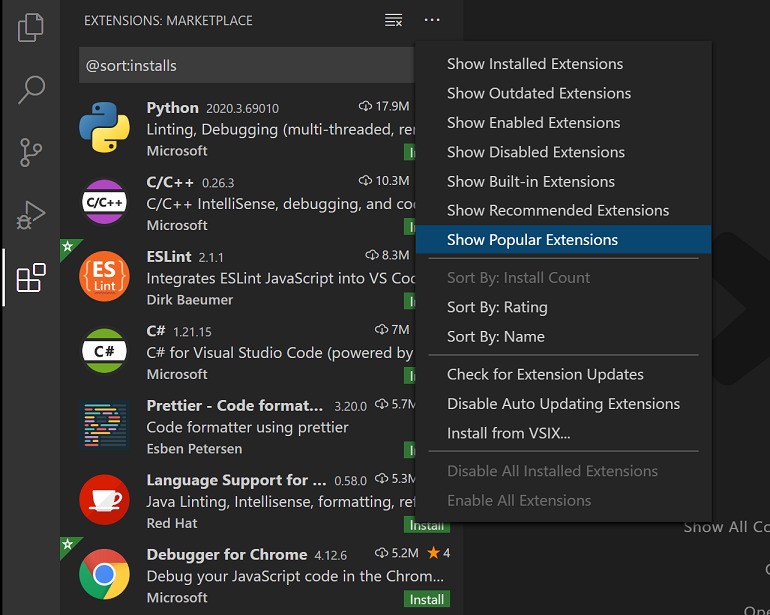
VSCode achieves perfection through its uncluttered interface that houses strong capabilities. The application provides a neat environment where you can start working right away without distractions. The more you use it, the more capabilities you discover. The platform adjusts its capabilities through extensions based on your programming needs, including web development and Python, along with C++ and every other coding language.
Developers who work with teams or utilize daily version control find the built-in Git support and other features of VSCode highly attractive. The platform welcomes every skill level from beginner to expert, with its gentle, beginner-friendly nature and advanced technical functions.
Why Should I Download VSCode?
Writing code involves a common set of challenges. The tool you use may switch between platforms, and ask you to relocate files manually and perform repeated online searches for error messages. VSCode places all project features under a single user interface to solve these problems. The editor has all the necessary tools, so developers can access the terminal and documentation alongside GitHub without having to switch between platforms. Its customization options turn VSCode into a self-designed productive workspace with simple and intuitive functionality.
People tend to keep using VSCode because of its fast operation. The program starts up quickly, maintains low system resource demands, and operates without notable delays. The application performs efficiently when handling extensive codebases. The search and file navigation tools are a game-changer. A few seconds suffice to navigate between files, functions, and references. The program’s responsiveness saves significant amounts of system power.
Customization is another major plus. Users have the freedom to select specific features after adding extensions to the system. The program allows users to enable only the commands they wish to use. Front-end developers can integrate their programming tools, which include HTML, CSS, JavaScript, along with framework tools for Angular and React. Data scientists can use all the necessary Python frameworks together with support for Jupyter Notebook. The development experience resembles creating your own customizable toolbox to accompany you on different projects.
The intelligent tool IntelliSense is highly valuable to developers. The tool serves two functions simultaneously—identifying errors while forecasting your keying behavior, and displaying definitions and recommended inputs to enhance your coding competence. These features improve your work process when you need to interact with new programming languages or library components. The built-in debugger allows users to locate code errors without complex debugging efforts.
The platform’s community-focused nature makes it stand out. Extensions, theme shortcuts, and integrations all exist because developers continuously create and distribute their own tools. The platform continues to develop in new directions, which helps developers maintain relevant office practices rather than following organizational preferences.
Is VSCode Free?
Yes, VSCode is completely free. The platform is both free and licensed through Microsoft, and you can access the full version of the program without needing to pay anything.
What Operating Systems Are Compatible with VSCode?
VSCode was built to function with all prominent computing systems. The software supports Windows, macOS, and Linux operating systems. The download and setup procedure is quick and simple.
You can take advantage of frequent updates regardless of your operating system, since the platform supports all operating systems. The lightweight nature of this tool allows it to operate on dated computer systems. VSCode will work without issues provided your device runs current software.
What Are the Alternatives to VSCode?
Although VSCode enjoys mass popularity, there are other text editors available on the market. The search for a new IDE or editor depends on personal requirements such as deeper project management tools and Java support or a different interface. Several developers like editors that enforce coding standards through strong opinions, as well as editors that supply predefined project frameworks. There are several good solutions in this category.
The Java development community trusts Eclipse IDE because it’s been around for a long time. Eclipse operates as a complete integrated development environment that delivers various tools to support enterprise-scale project compilation alongside debugging and management features. The system requires significant computing resources. Developers utilizing complex Java applications and demanding dependency management tasks find Eclipse IDE to be a dependable solution.
Theia IDE belongs in the same category as VSCode because it utilizes web platforms for both cloud and desktop usage. The tool serves as an open-source inspiration for VSCode features and provides a customizable framework. Theia IDE provides a solid foundation for organizations that want to develop their own custom Integrated Development Environment framework.
As an open-source IDE solution, NetBeans stands out for Java coding. It also boasts features for PHP and HTML5, and C++ language support. The Apache Foundation supervises NetBeans today. Users appreciate its simple user interface and reliable execution. Extension support in NetBeans is not on the same level as VSCode, but the platform provides consistent operations alongside unmatched ease of use. NetBeans functions as a dependable tool that suits educational work and legacy project management.