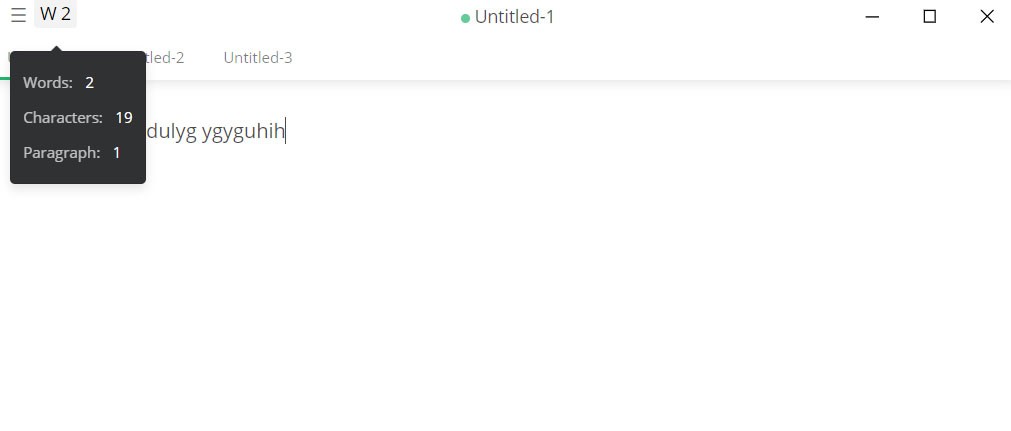
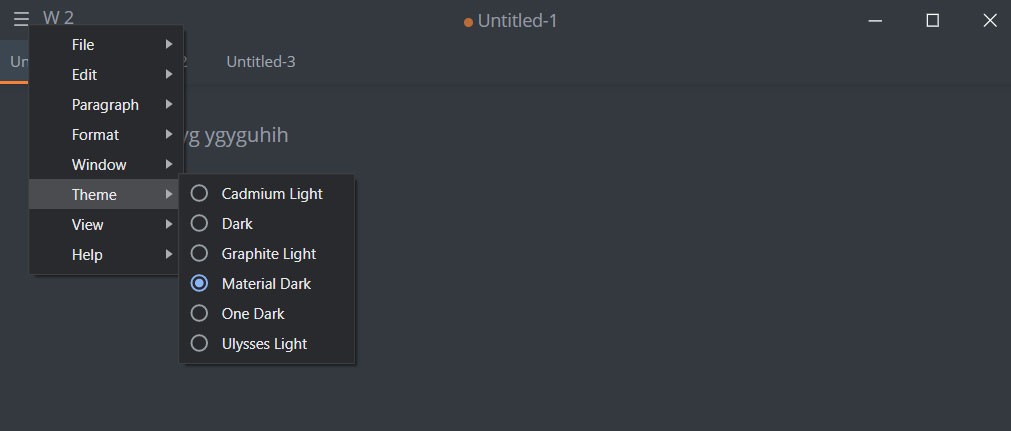
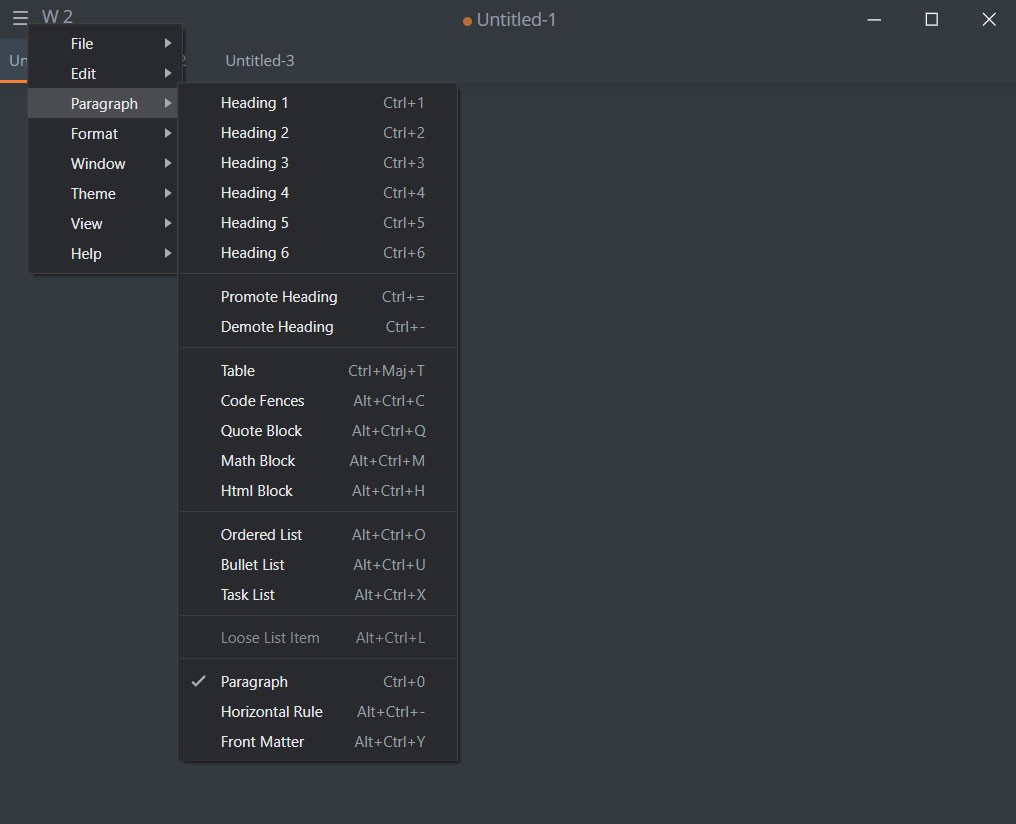
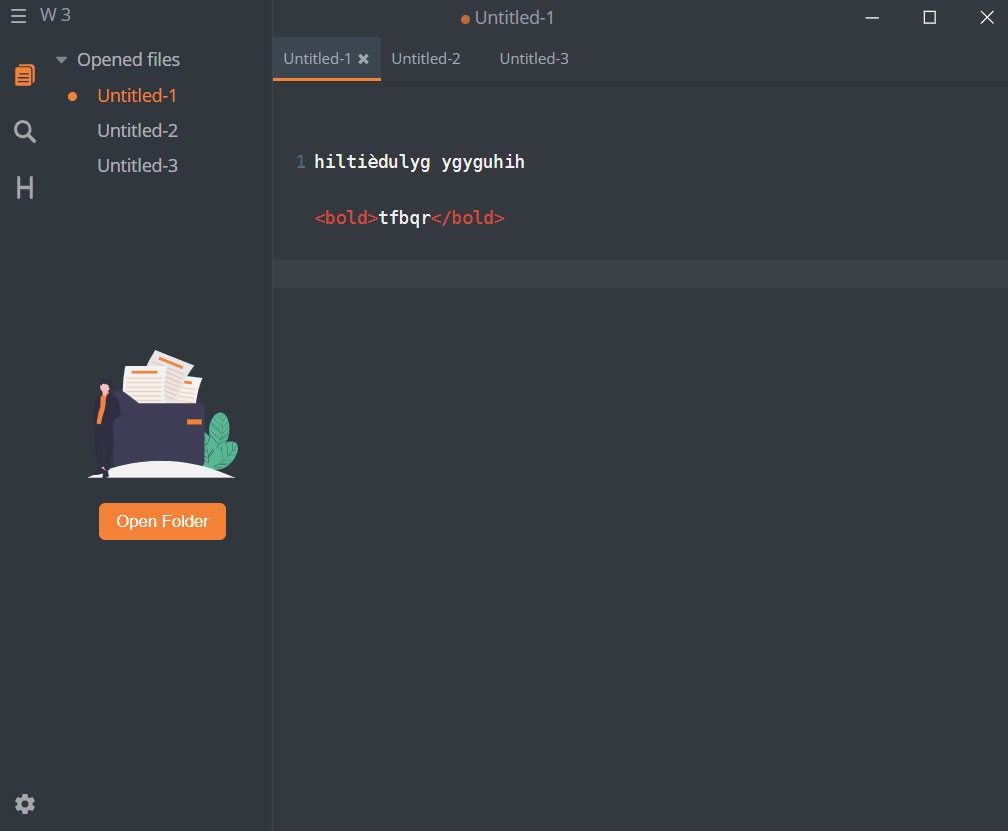
The open-source markdown editor Mark Text provides users with a streamlined product intended for users who seek a simple, uncluttered writing environment. Mark Text functions as an editor that offers users a straightforward and pleasant experience for markdown writing by letting them format their text easily. The application serves developers and writers together with content creators due to its streamlined interface that stays away from standard editor interruptions.
The application implements Electron development, which results in native platform support together with a native-like user experience. As an option, it stands strong when writing for GitHub along with blogging and creating documentation, because it adopts the CommonMark and GitHub Flavored Markdown standards. The real-time preview system, auto-save function, and syntax highlighting tools enable smooth operations, although nothing feels excessive. The application lets you concentrate on writing your text without additional interruptions.
The application skips creating new features while maintaining its core functions. The software keeps markdown conventions while providing suitable command capabilities, which prevent users from becoming overwhelmed. The middle-ground features of Mark Text work well for users who have had previous experiences with editors both light and bloated.
Why Should I Download Mark Text?
Using Mark Text provides an awe-inspiring experience because the tool operates directly toward the goals of its users. The program launches when you open it to begin typing, which automatically incorporates its functionality. Users face no learning difficulty while using the program because it avoids complex menu structures. The tool developers took great care in constructing it while keeping the user experience simple.
Many writers discuss the flow experience, during which the external world loses focus, and writers merely get immersed in their work. Mark Text encourages that state. The user interface fades while your words appear alongside a real-time preview. The application suits users who want immediate note-taking or editing, as well as content revision and mobile idea creation. The software excels as a markdown editor, so it does not attempt to be a solution for every task.
The live preview engine represents one distinguishable characteristic of Mark Text. Switching tabs or using shortcuts becomes unnecessary to view your markdown document's rendering, since Mark Text shows it automatically during typing. It happens as you type. The instant preview function creates a sense of comfort, which allows users to experience real-time document development.
Mark Text understands its users seek both an editor along a dependable application that safeguards their work. The program steps in with auto-save and file recovery functions, which quietly protect your work. The system quietly operates in the background until it is necessary for it to bail you out during system failures. The tool is developed by users for users because the source code is open, thus maintaining personal control from an abstract profit-focused development team.
The application requires no advertisements, no account registration, nor any login or authorization systems. After the download process, users can run the application to enter into the system. That’s rare these days. Your privacy, as well as your time and stored data, remain protected by this application. Mere concern for privacy and a preference for simplicity provide sound reasons to try it out.
Users who create documentation and manage GitHub repositories or maintain a knowledge base collection find Mark Text to be an excellent solution. Due to its compatibility with GitHub Flavored Markdown, the tool operates seamlessly within developer operations. The tool seamlessly fits in for creating README files, changelogs or any type of general notes. The application works without any configuration needs because you can just type your content and save it.
The choice to download Mark Text should be made by anyone who requires an interface that provides a minimalistic writing environment that focuses only on their words. The application targets its purpose flawlessly, despite not providing solutions for all tasks.
Is Mark Text Free?
Yes, Mark Text is 100% free. Everyone has access to Mark Text because it is an open-source application. Users can use Mark Text without charges or any requirement to create an account or advance to a premium version. After downloading the software, you will receive a complete package with all features activated right from installation.
What Operating Systems Are Compatible with Mark Text?
The Electron-based architecture of Mark Text enables its compatible operation on Windows and macOS, in addition to Linux. All users can install and operate Mark Text without issues, regardless of their operating systems, which include Windows 11 machines and MacBooks with macOS or Linux setups such as Ubuntu or Fedora.
The app delivers identical usage across different platforms, which means learning the system on one computer will translate directly to any other platform. The platform-wide update cycle produces predictable behavior, since all platforms receive release notifications simultaneously.
What Are the Alternatives to Mark Text?
Mark Text stands as an excellent choice for markdown editors, yet it exists within a wider selection of available options. Mark Text has several alternative applications that focus on unique user needs and present varying degrees of user experience.
For people seeking a third editing solution, it is worth considering UltraEdit. This tool stands within the heavier weight category. The tool delivers substantial strength performance, even though it is not cost-free. UltraEdit serves as a widespread tool among developers and coders since it provides high-performance editing functionalities for multiple file types. Users needing column mode with scripting alongside FTP integration and syntax highlighting across multiple programming languages will find their solution in UltraEdit. This editing tool delivers complete functionality exceeding what Mark Text provides, yet it remains simpler than other, heavier applications.
One well-known alternative is Simplenote. Users who desire cloud-based storage systems benefit from using this program, which has existed for a long time. Simplenote enables automatic device synchronization for notes, along with markdown functionalities embedded in the application. This application keeps things basic while providing functional note-taking capabilities, although it does not specialize in a markdown system depth. As device synchronization is your main requirement, you should consider Simplenote as your first choice.
Of all the solutions, Obsidian represents the most unique direction. The platform functions as a knowledge management tool instead of functioning as a conventional markdown editor. The system allows you to connect notes into elaborate networks while viewing the mental connections that resemble a digital brain. The features of Obsidian help users who handle complicated projects while using digital mind systems and connecting elements between various documents. The application supports Markdown language, but its core functionality surpasses basic Markdown functionality through the addition of metadata enhancements and extension functionality.