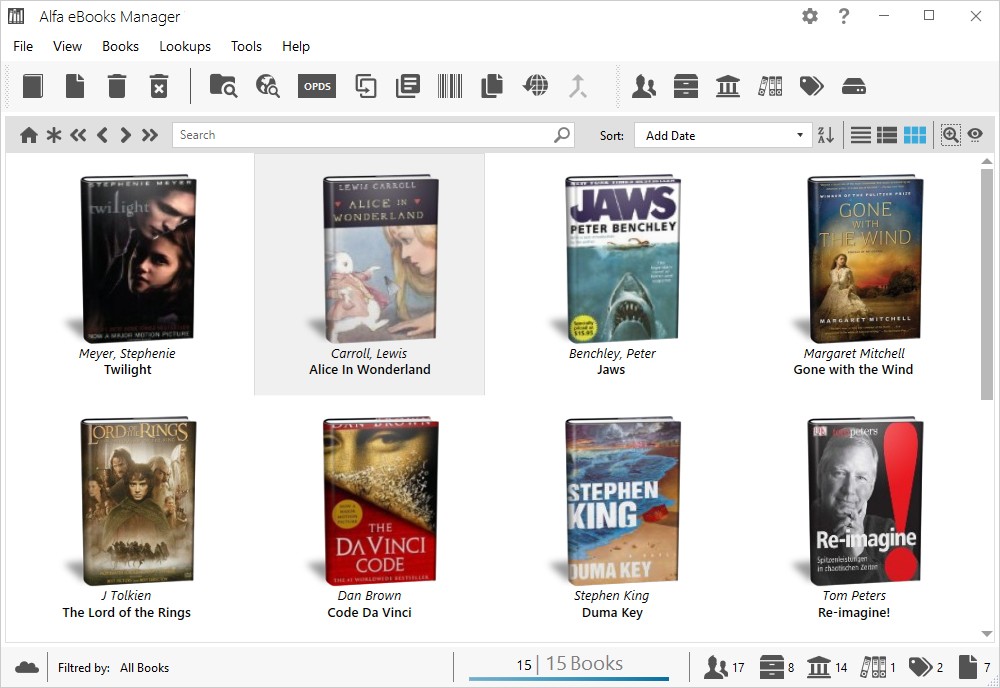
The digital library management software Alfa eBooks Manager was developed to serve customers who collect eBooks, listing their titles for organization or content enjoyment. Alfa provides users from all downloader backgrounds, including PDF, EPUB, MOBI, and audiobook enthusiasts, together with shelf digitizers, with their necessary organizing instruments.
The program involves more than file storage capabilities. Alfa eBooks Manager operates as a digital library supervisor, enabling users to manage digital content with the same organizational structures they would use for physical books.
The interface design takes the form of a virtual bookshelf presentation. The user experience follows the patterns that book enthusiasts encounter in regular libraries. The program allows you to drag your books into its system while enabling category and tag assignments that let you view all your data from one interface.
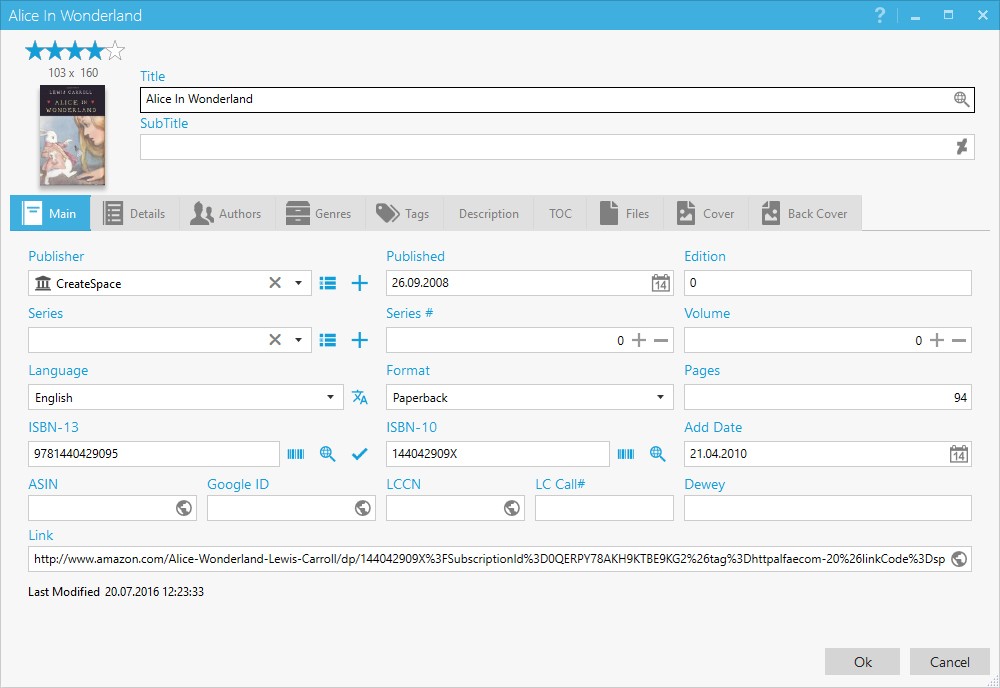
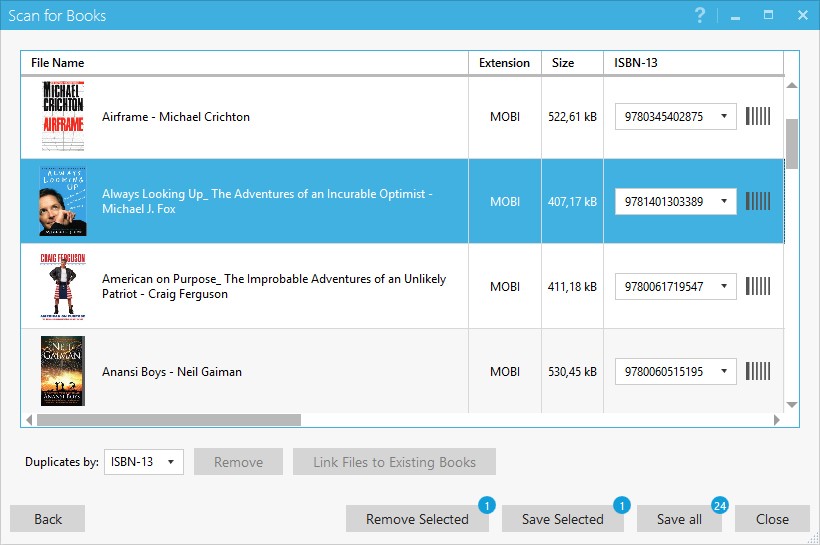
Through this software, you gain control by editing author information while adding notes and viewing files according to their genres or series status, and you can detect duplication. The application enables effective control over numerous files that would otherwise remain in disordered folders through its user-friendly interface. Alfa is more significant than a general application because it transforms into the central organization system for your collection.
Why Should I Download the Alfa eBooks Manager?
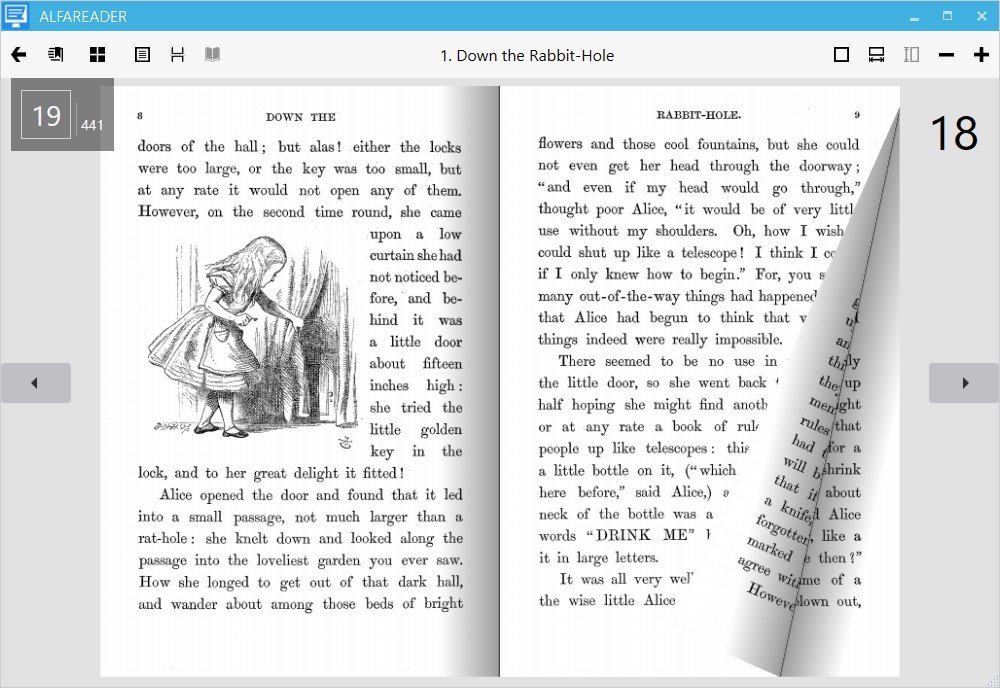
The application provides users with the ability to read their eBooks through available digital tools. The tools that assist with file organization follow those that allow reading. The file management program Alfa eBooks Manager serves as an upgraded version of standard duplicate file management systems. Alfa eBooks Manager identifies the typical struggles users face through cluttered books and duplicated titles, and unorganized filenames. Alfa eBooks Manager has been designed precisely for digital collectors who need organized structures with clear displays, along with aesthetic visual experiences during their title browsing.
Alfa helps you consolidate. The application gathers your collection from multiple storage types, such as folders and hard drives, and different formats, including cloud backups, and displays it through a simple visual interface. Inactivity needs to recall where your files are kept because this program manages the storage locations for you. The scanning process retrieves metadata and cover images, which results in an organized display of your collection devoid of a disordered appearance. Alfa proves most helpful for people who have accumulated their collection over time, while the system has become disorganized.
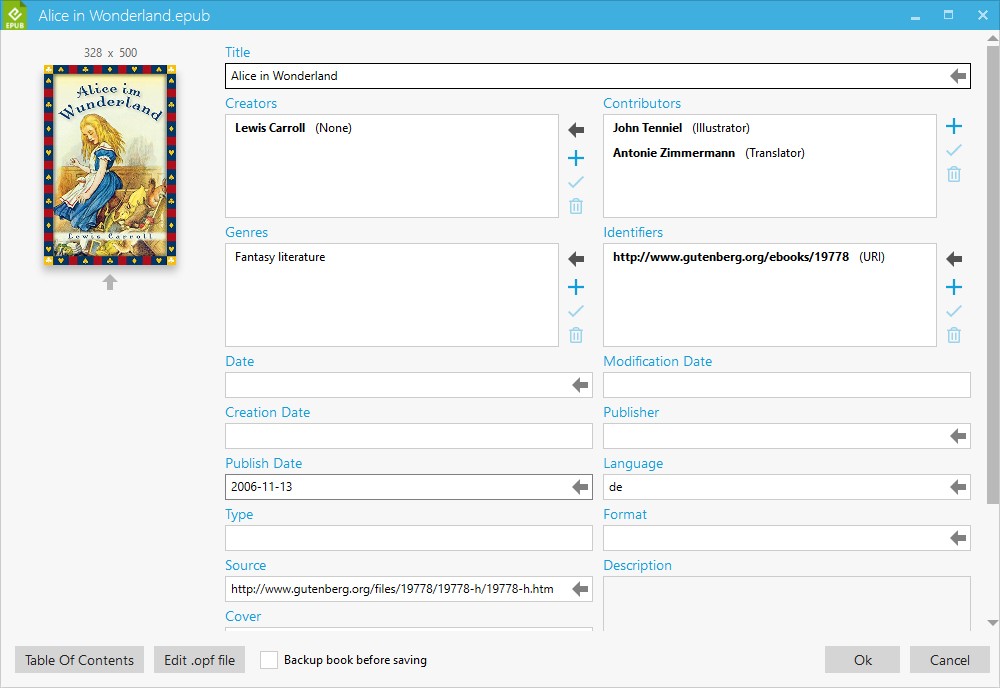
The program serves simultaneously as a program that edits metadata. Alfa provides users with a tool to update author names and correct release dates, and add synopses to files without original metadata. The program lets users retrieve details from online resources, or they can manually insert that information. The tool stands out as an essential tool because it enables researchers to build professional reference collections. Manually added physical books can be fully managed in the platform through manual entry features, which also support the addition of custom fields and cover association.
The reading status tracker serves as an additional useful function within the program. Users can indicate through marks their reading progress by selecting between completed books and actively reading ones, or titles they intend to read. The feature proves useful in tracking thousands of items when your library inventory reaches a significant size. The program enables you to secure your data with passwords as well as backup your entire library framework and modify the user interface according to individual needs. The application matches your book management style instead of dictating your actions.
Technology expertise is unimportant to use this system. Any user who does not understand library software can still learn to use this product easily. The system presents information through a well-ordered visual design. The application functions as a unified user interface that displays the entirety of your collected content, independent of its acquisition method, between PDFs, EPUBs, and audiobooks. Alfa eBooks Manager provides orderly organization to your content, thus becoming essential as you pile up more books.
Is Alfa eBooks Manager Free?
The software package Alfa eBooks Manager provides users with free along with paid subscription options. Library users can access core functions, including book cataloguing as well as metadata editing, within the free version of Alfa eBooks Manager. The Pro version of Alfa eBooks Manager provides additional features, which include file automation and Web server functionality, together with cloud synchronization options that are available with an upgrade to the paid model.
What Operating Systems Are Compatible with Alfa eBooks Manager?
Customers who use Alfa eBooks Manager can install the software on Windows-based platforms only. Windows 7 through Windows 11 support Alfa eBooks Manager, but the application does not have official macOS or Linux support. The software achieves optimal performance results, which operate smoothly on typical computer equipment. The native Windows platform delivers the optimal performance for Alfa, so users will achieve better results when they use the software on its designated operating system.
There also exists an Android app that allows you to read barcode ISBNs called Alfa ISBN Scanner.
What Are the Alternatives to Alfa eBooks Manager?
At this time, Alfa stands among many eBook management alternatives, but it provides users with one of the most intuitive visual interface designs. Certain options exist if your workflow requirements, along with your operational needs, differ from the mainstream usage of Alfa eBooks Manager.
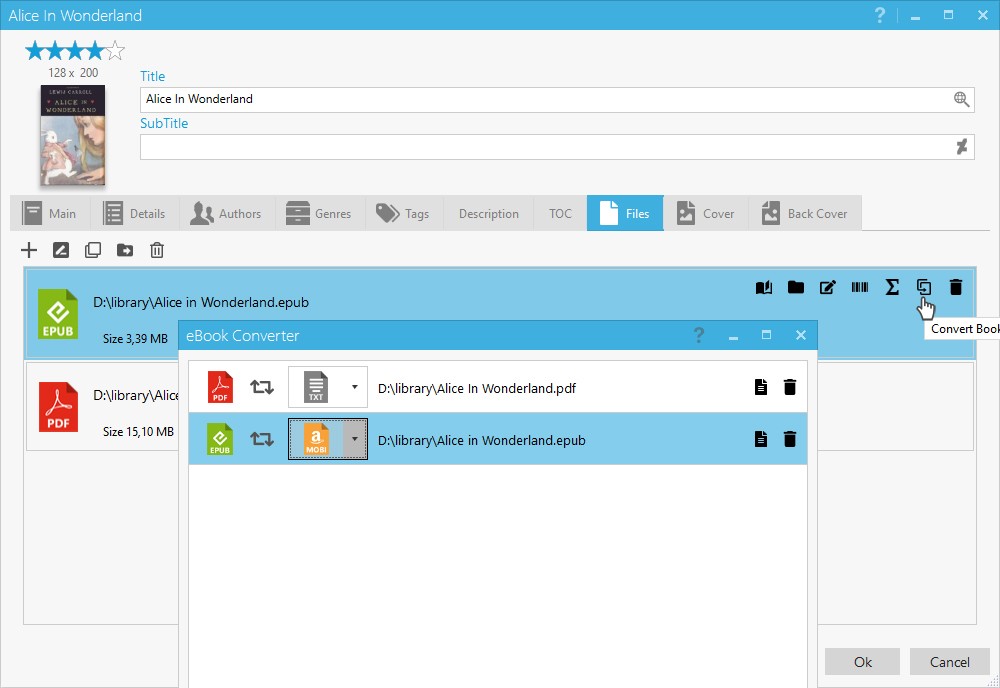
Open-source eBook manager Calibre stands as the most popular program among all its alternatives. Calibre grants users high customization along with robust conversion features and plugin capabilities, and supports multiple platforms. Through the program, users achieve format conversion and e-reader sync functions and operate content server capabilities. Calibre provides an excellent toolset experience, while other users find visual catalogues more appealing. The application presents an out-of-date screen design, but users can harness its versatile features through advanced customization. Consumers who love scripting and automation or want full control of their metadata will find Calibre to serve as their primary digital work platform.
Users who choose to work with Online eBook Converter platforms can access its platform for their conversion needs. These platforms function as web-based tools enabling users to add eBooks for format conversion, which includes switching between MOBI to EPUB and PDF to AZW3 conversions. These programs are suitable for individual tasks without offering cataloguing or metadata editing capabilities, but serve as useful tools nevertheless. For users who need to resolve formatting issues and prepare content for Kindle usage, an online converter system provides an adequate solution. You cannot achieve a library structure nor interface through its temporary functionality, despite being an ad-hoc solution.
Those who work with EPUB file creation or editing should find Sigil to be both unique and extraordinarily helpful. The WYSIWYG eBook editing features of Sigil allow users to view their EPUB files through a code-level interface for complete HTML and metadata modification. This program functions best for those who wish to build structured eBooks rather than handle unorganized books. This program functions as free open-source software that specializes in development and optimization rather than file organization, like Alfa.