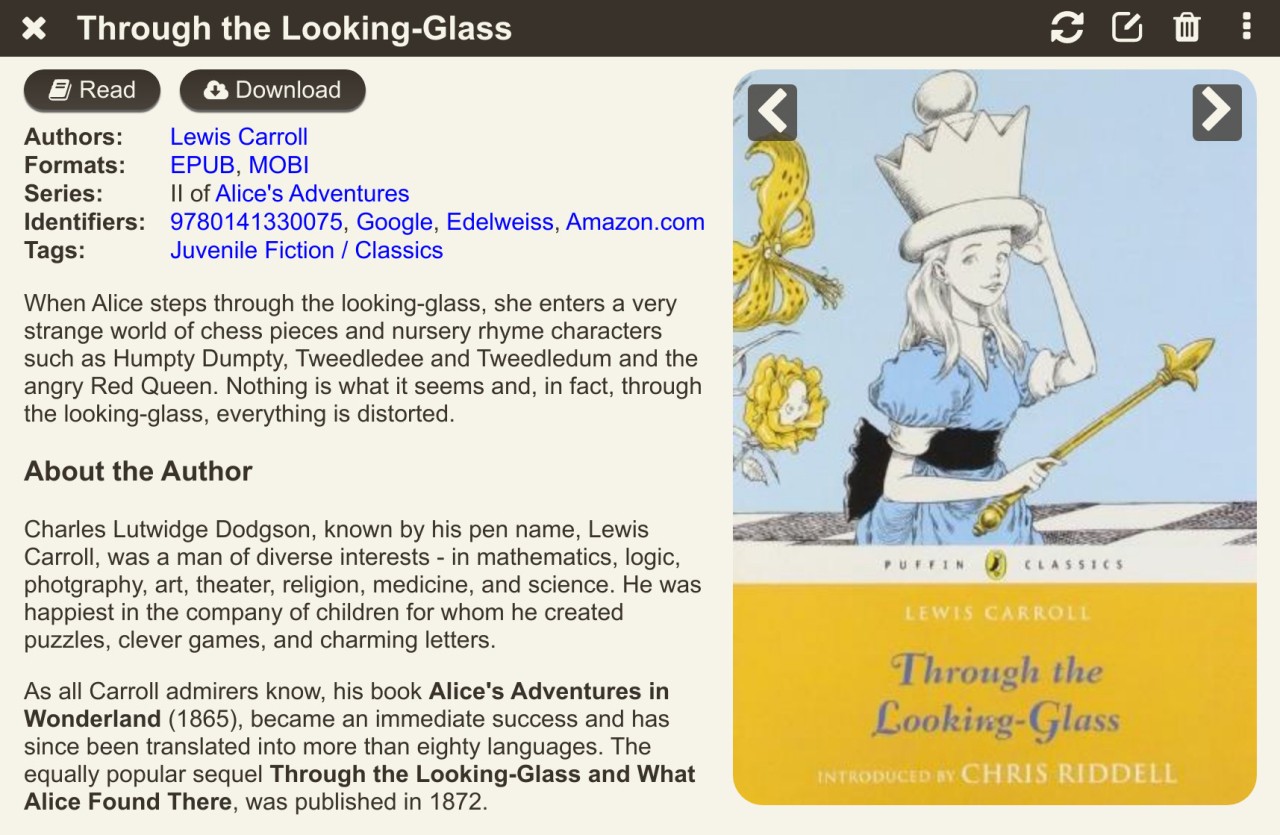
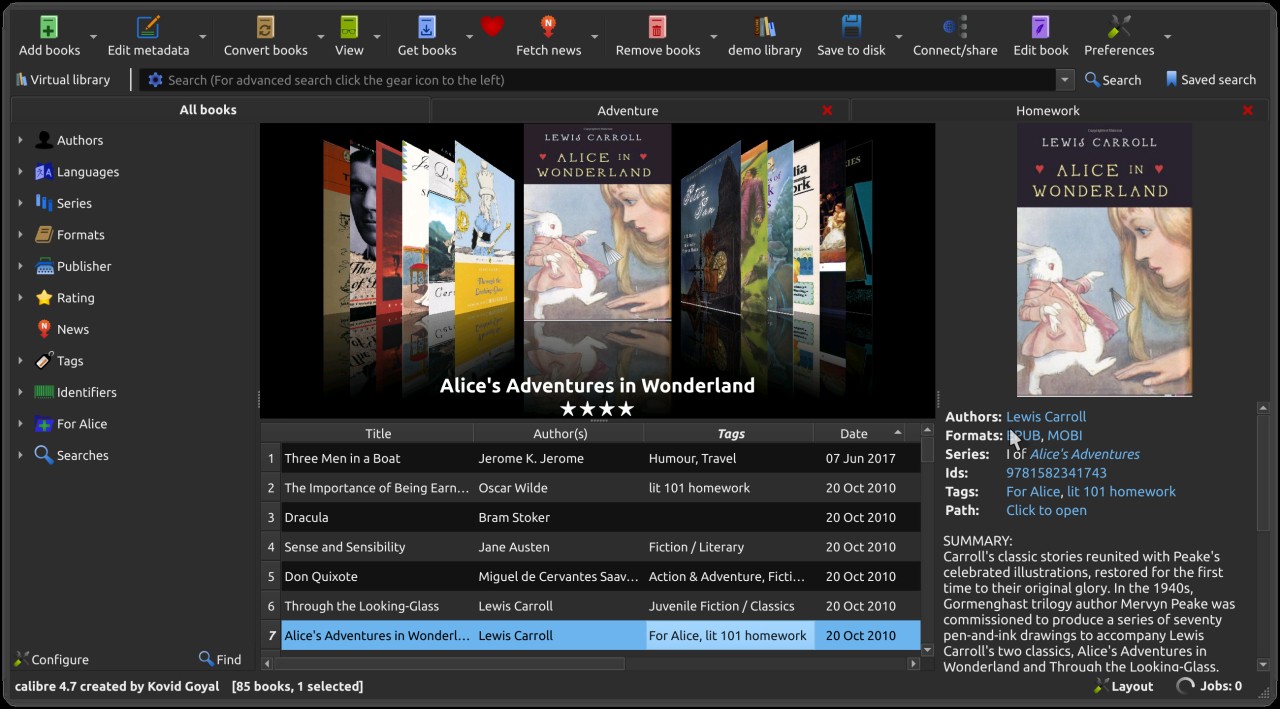
Calibre functions as a discreet tool that radically changes your digital book handling system. The core functionality of Calibre operates as a free library-management tool that extends beyond traditional library organization capabilities.
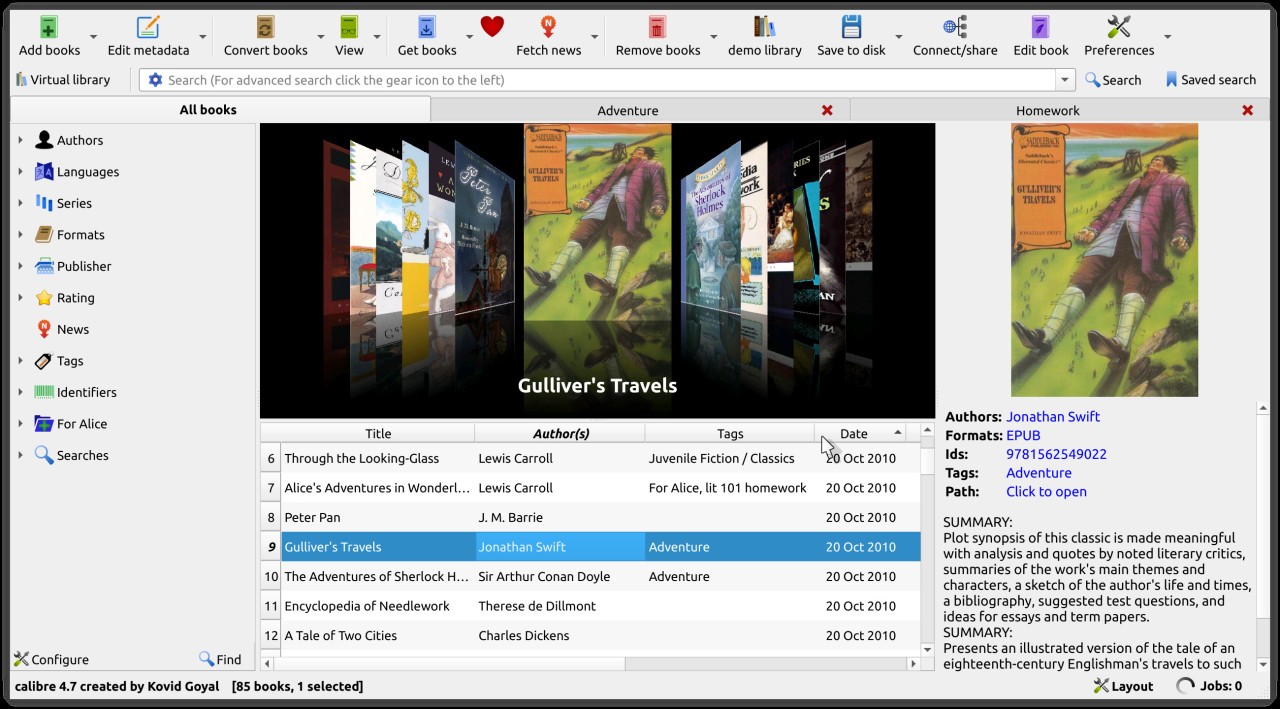
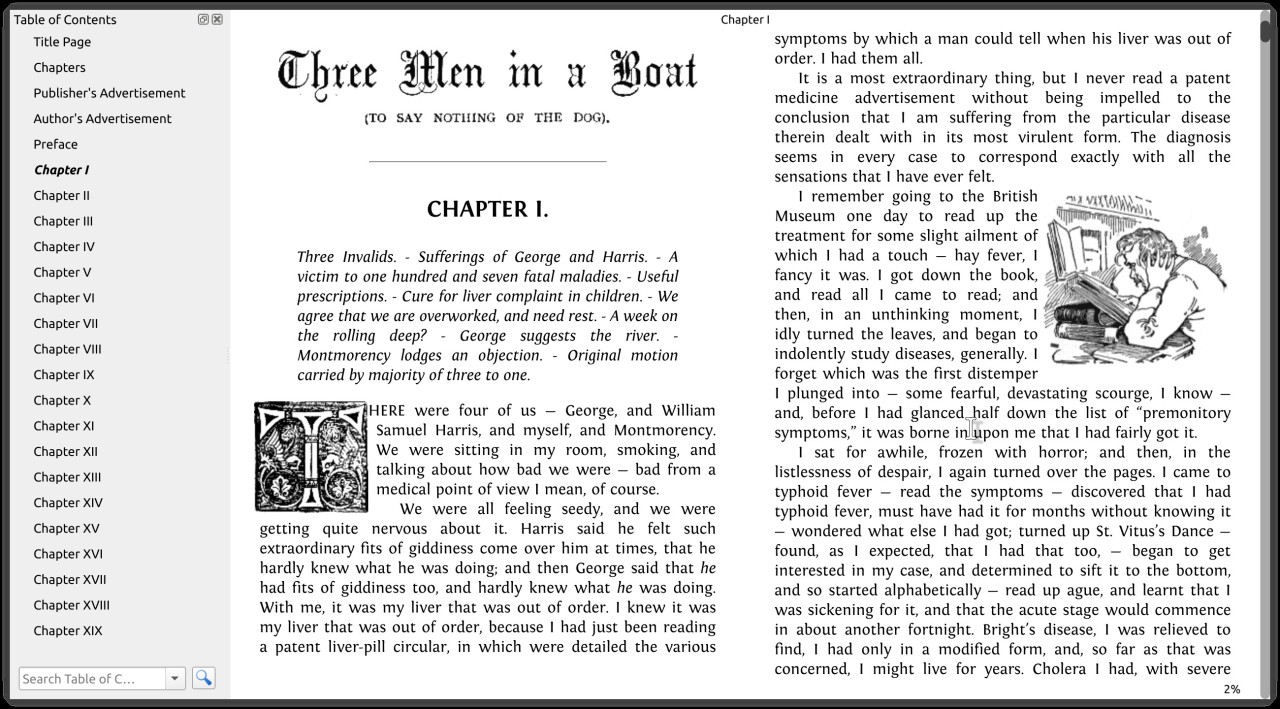
A digital bookshelf, together with an editing program and formatting converter, and content serving software, forms one easy-to-use interface in Calibre. The tool enters the scene to restore organization for all eBook users who maintain their collections across various folders. The software operates with a wide variety of eBook formats, including EPUB, MOBI, AZW3, PDF together with numerous others.
The program helps transform files between different formats to support every reading platform, including ebook readers and mobile phones. Calibre gives users the capability to modify metadata elements by adding covers or fixing titles or author sorting, which keeps everything properly organized.
Calibre offers extensive customization options beyond what most users could desire. This software includes advanced features that go well past basic functionality through its plugin support and news download functionality. You will enjoy steady performance from this tool without any complications. Calibre maintains calm control over eBook chaos, which plagues the digital world.
Why Should I Download Calibre?
Using Calibre provides users with an effortless experience, which makes it difficult to continue without this software once you experience it. The system from Calibre provides relief to users who face issues with unmatching file types or blank book cover images. With this software, you gain full control of all your e-books through straightforward organizational features. After filling the software with your books via import, its automatic functionality will manage everything for you.
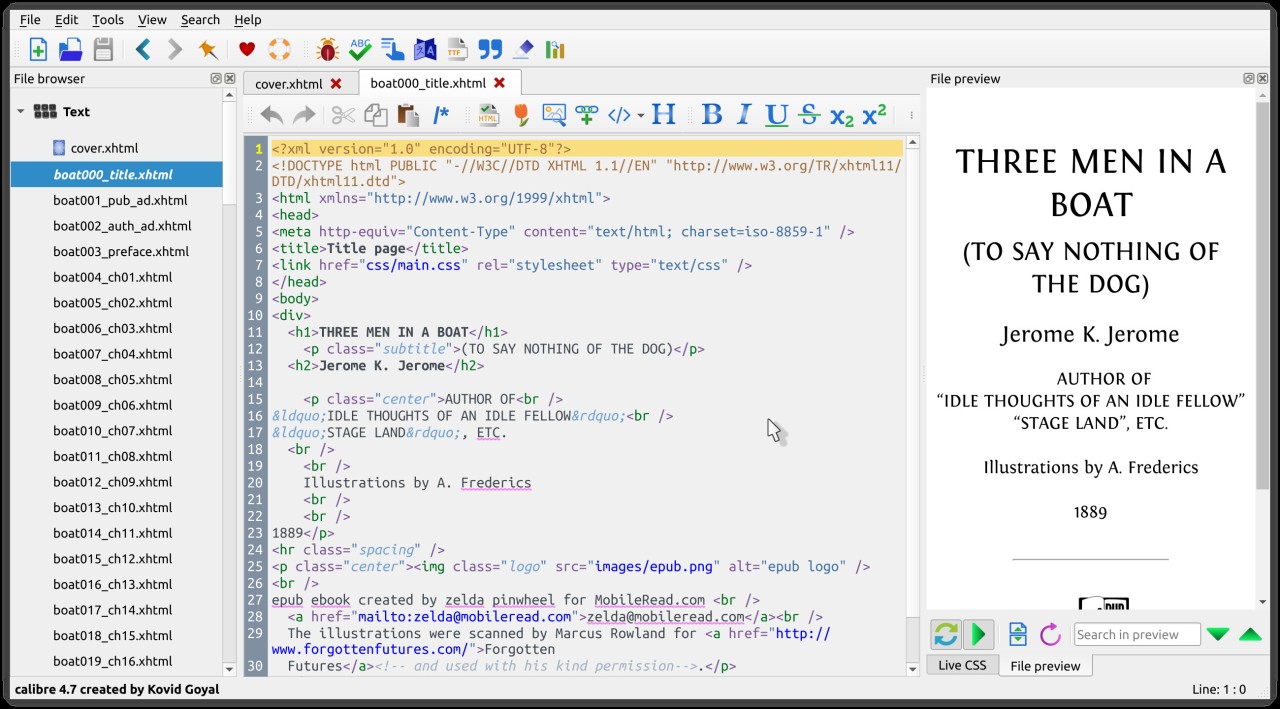
The system offers more functions than basic file organization capabilities. The Calibre platform gives users capabilities that exceed their initial expectations. The process of converting MOBI files into EPUB format can be accomplished using Calibre. Done. Simple. Kindles are ready for wireless book transfers from your system. That too. Users possess direct eBook editing capabilities through the application, where they can access code formatting if needed.
Calibre shines above other e-book software because it operates independently, without constraints. Your choice of platform does not limit you because Calibre functions independently of all stores and subscriptions. The software avoids upselling its users while also avoiding advertising to them. You have complete control of this software since it works offline, and the stored files stay exclusively in your possession. That’s rare.
All your content belongs to you when you choose Calibre because this software operates independently during an age where services try to claim ownership of everything. Academic journals and manuals along with obscure ePUB collection management requires this specific software. This digital archeology tool offers users the chance to gather and manage every asset properly under one central platform.
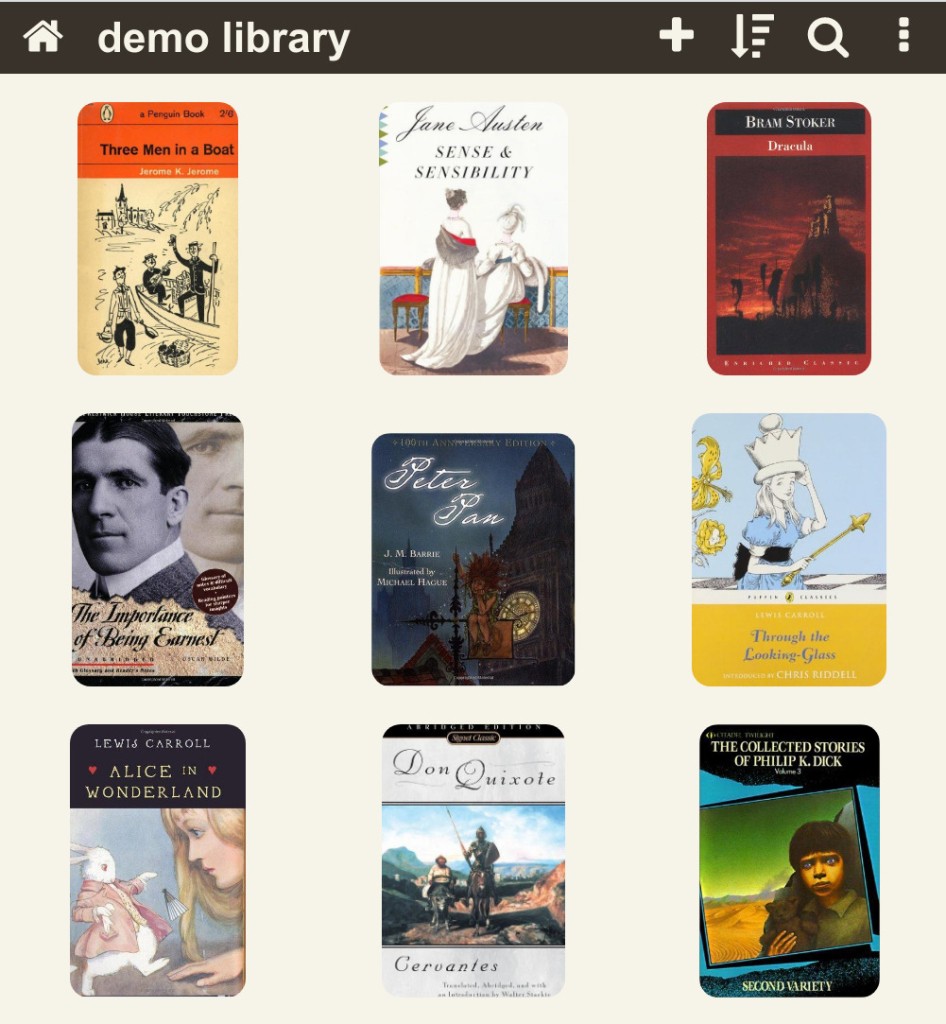
Although few users discuss this particular function, the server feature represents a wonderful capability. The server function enables users to store their library collection, which they can access through any device by using a web browser. Your books remain available across all systems because the server feature maintains accessibility through any browser. Users can access their book library through Calibre on both their laptop at home and tablet during travels. The application delivers quiet power that matters through its free platform, which avoids the common bulk that eBook applications traditionally carry.
Is Calibre Free?
The Calibre application runs without any charge for its users. Calibre operates as an open-source software because volunteers from the community support its development to provide free access to digital reading and management tools. Users can enjoy all Calibre capabilities through its free download without any additional costs or premium versions.
What Operating Systems Are Compatible with Calibre?
Calibre functions as a program that supports Windows and macOS, and Linux, thus making it usable by any individual with access to a personal computer. Every platform supports the simple installation of this program and gets a friendly visual interface. The program receives regular updates and releases, which users can easily implement.
Linux users can select the command-line interface because the tool provides an extra level of control for users who want more flexibility. Your library follows you across platforms because Calibre operates across all major operating systems, which makes it a silent strength and ensures freedom of movement.
What Are the Alternatives to Calibre?
Among the many eBook management tools, Calibre leads as the top versatile solution, but certain alternative software options exist to suit specific user needs.
Windows users searching for an attractive interface should consider Alfa eBooks Manager as their tool of choice. This tool provides the same main features, which include book organization with metadata management across multiple eBook format types, yet it focuses on stylish interface design alongside classification functions. Although exclusively non-open-source and including paid-responsive features, this program provides a pleasing interface design for library organization.
People can use Online ebook converter platforms to meet their requirements. These converter systems do not provide complete functionality as Calibre does, but they can convert file formats quickly with basic setup requirements. The application requires users to select one of their files for upload, followed by a choice of desired output format, before completing the process. For those who handle numerous books in their collection or work on devices without Calibre, this conversion approach works as a temporary solution, but not as an all-purpose tool. The main issue with this method exists in the need to give your files to a third-party server storage, which makes some users uncomfortable.
Unique file management becomes possible with Sigil as its main offering. The program's main purpose centers on EPUB development instead of library control. Users who want to modify and perfect eBook structures together with writers will find Sigil to become their most valuable tool. Using this software, you obtain a visual editing mode coupled with direct access to technical coding elements to fine-tune your eBook specifications. Sigil does not provide file conversion or device syncing features of Calibre, yet excels at precise eBook editing capabilities.