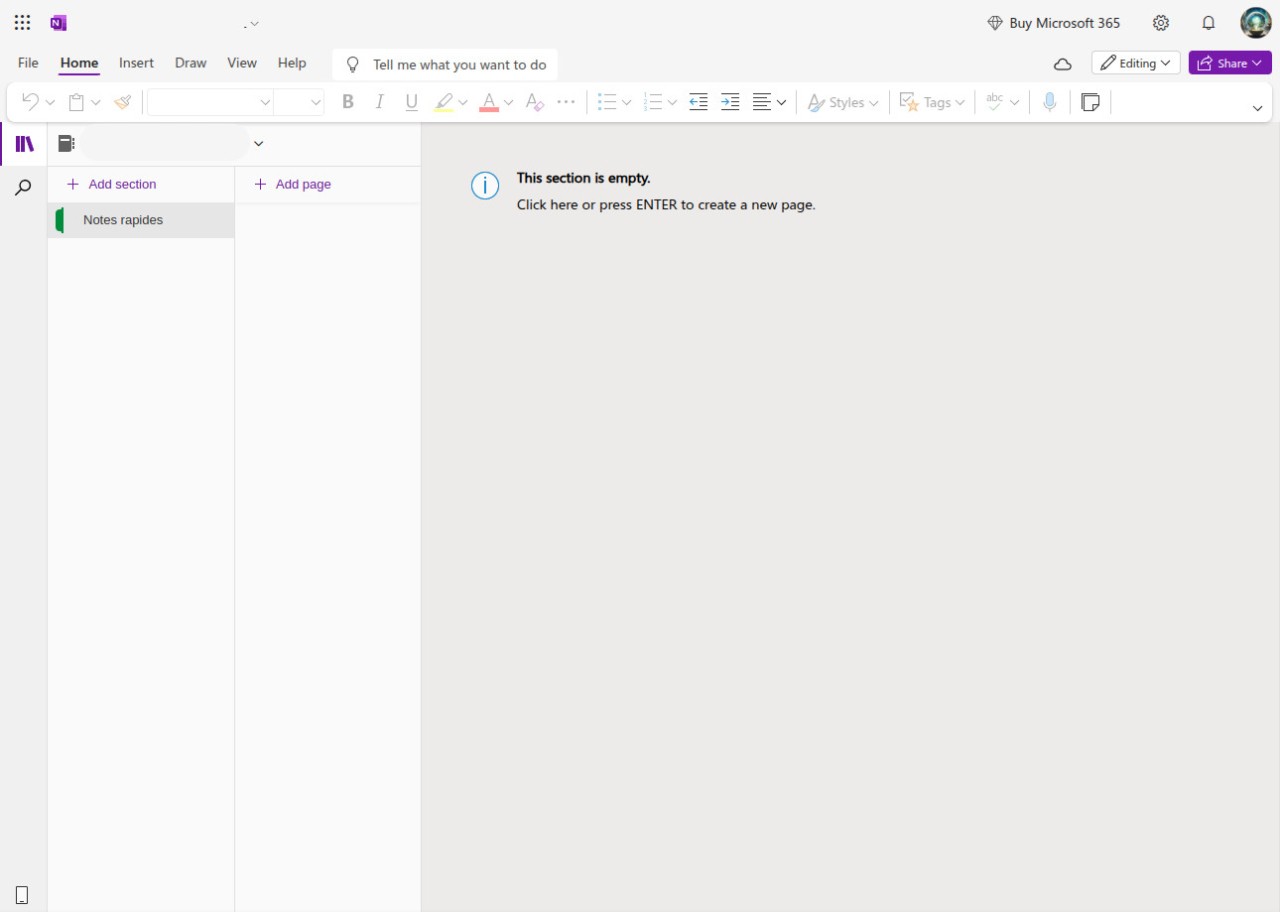
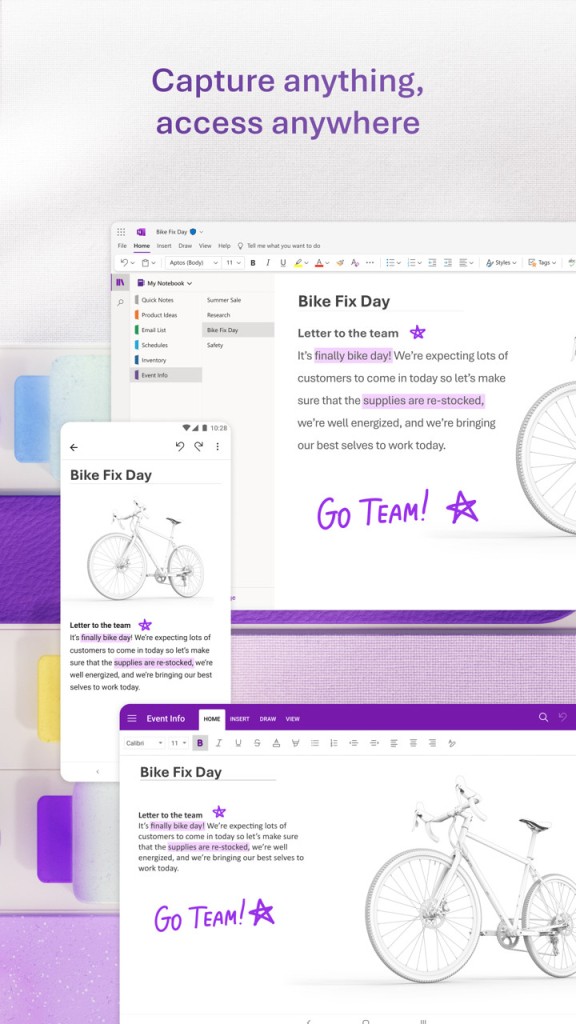
The digital notebook Microsoft OneNote enables users to organize their ideas in a unified platform. The service differs from other note apps that only offer text typing and saving features. The design of this tool creates a flexible structure. The program functions exactly like a standard notebook, but without the physical restrictions and document disarray.
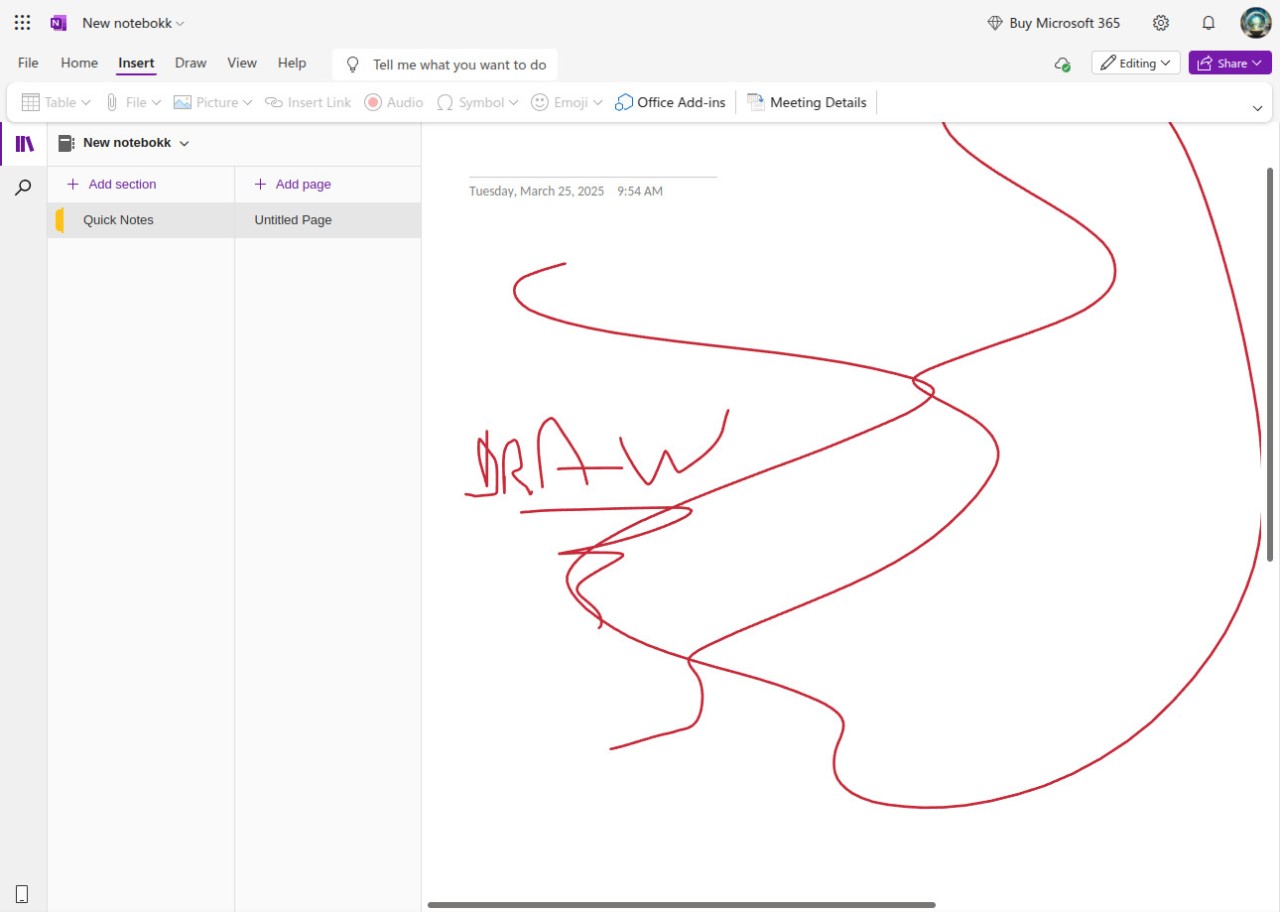
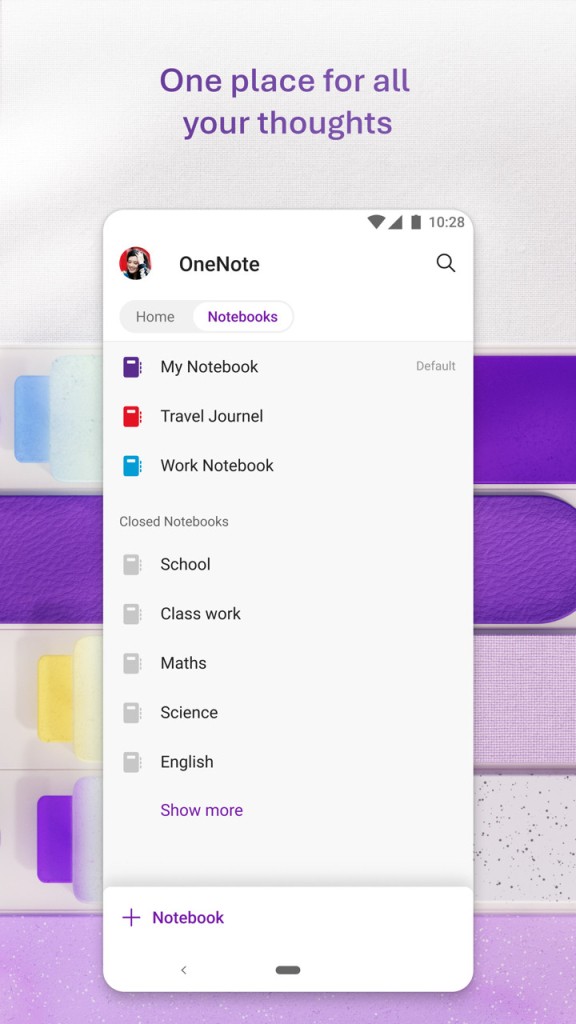
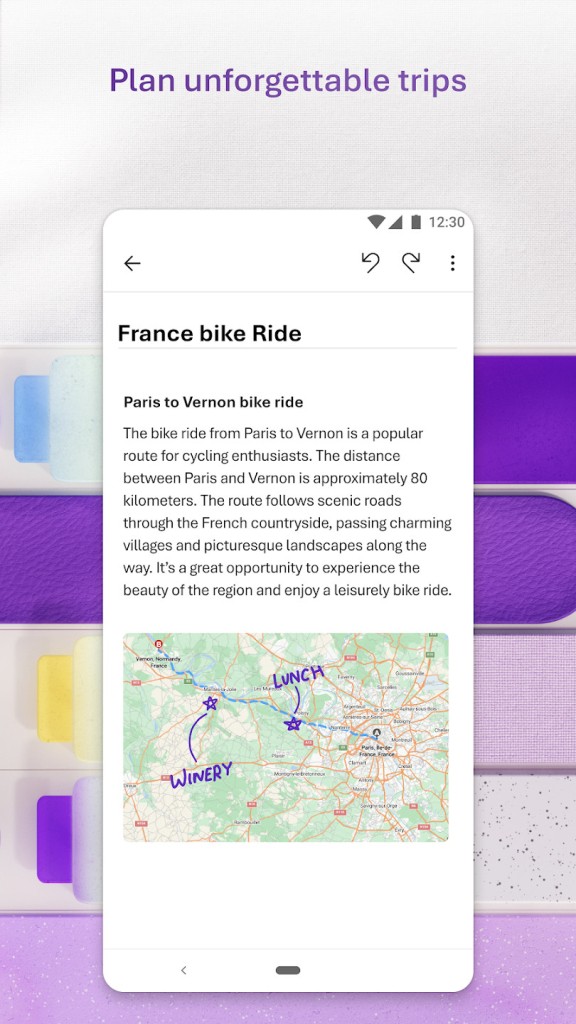
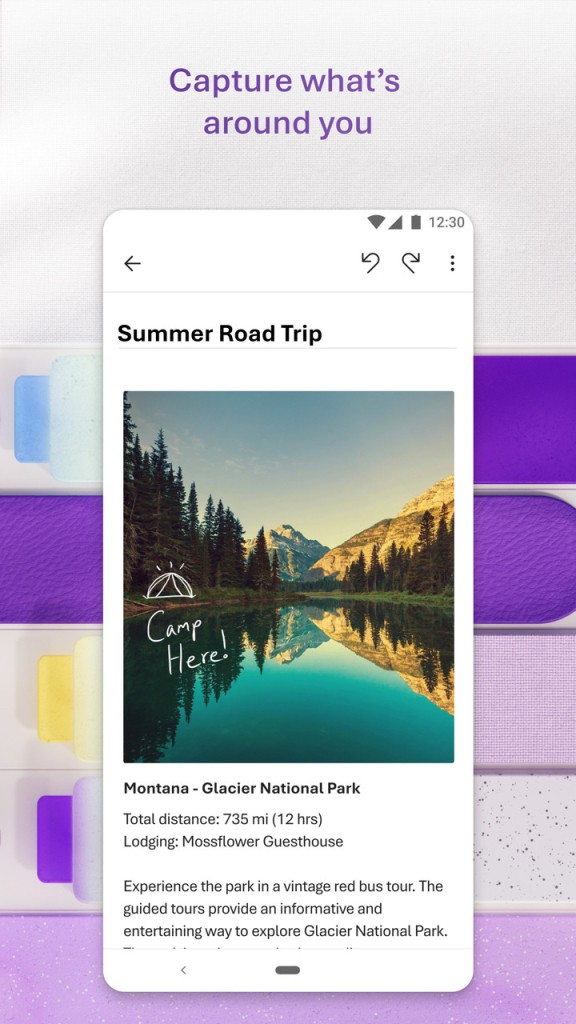
The application allows users to establish multiple notebooks with sections and pages. The system duplicates paper organization patterns but gives users more freedom. Users get various options for taking notes, including writing, drawing, picture pasting, adding files, and voice recordings. Your method of capturing ideas should suit you!
People use OneNote for professional activities, academic writing, planning duties, journaling tasks, conducting meetings, and more. You can alternate between writing short notes and elaborate texts.
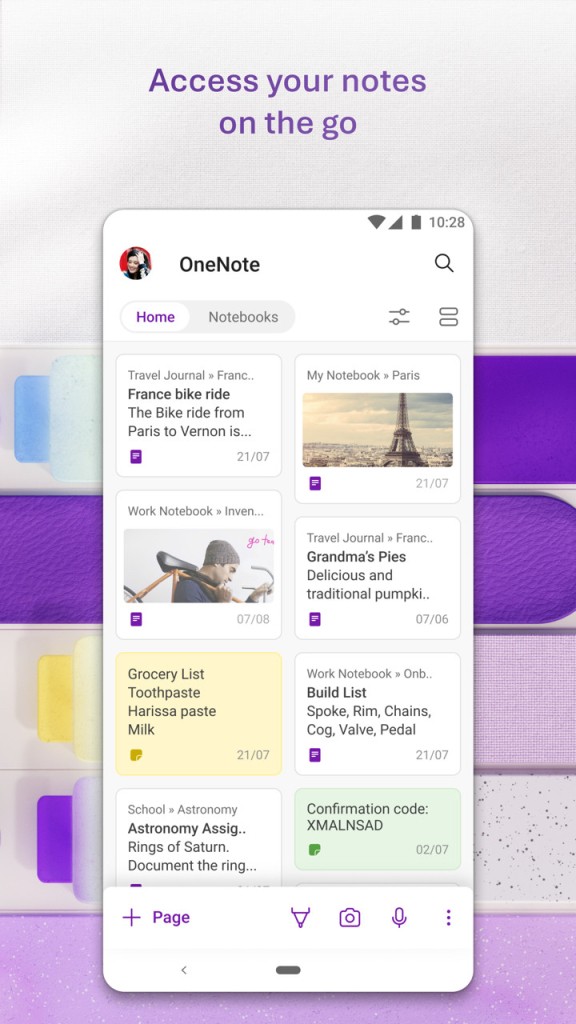
Multi-device synchronization allows you to pause your workflow on one device and pick up where you left off on another using your Microsoft account. OneNote can become your main storage hub for ideas and research.
Why should I Download Microsoft OneNote Software?
Get rid of sticky notes, email drafts, and note apps by consolidating all of your notes in OneNote. Establish notebooks and sections to create structure. OneNote behaves like a digital notebook with an endless page count. The program tolerates an infinite number of entries regardless of quantity.
Users continue using OneNote because it enables working with multiple forms of information. OneNote offers different content types, allowing users to type words, draw diagrams, insert screenshots, record meetings, clip web content, and work with others. The freeform style enables users who think visually to click anywhere on their document and begin typing. You don’t need to follow traditional linear order if you don’t want to. People who work sporadically will benefit from this flexible system.
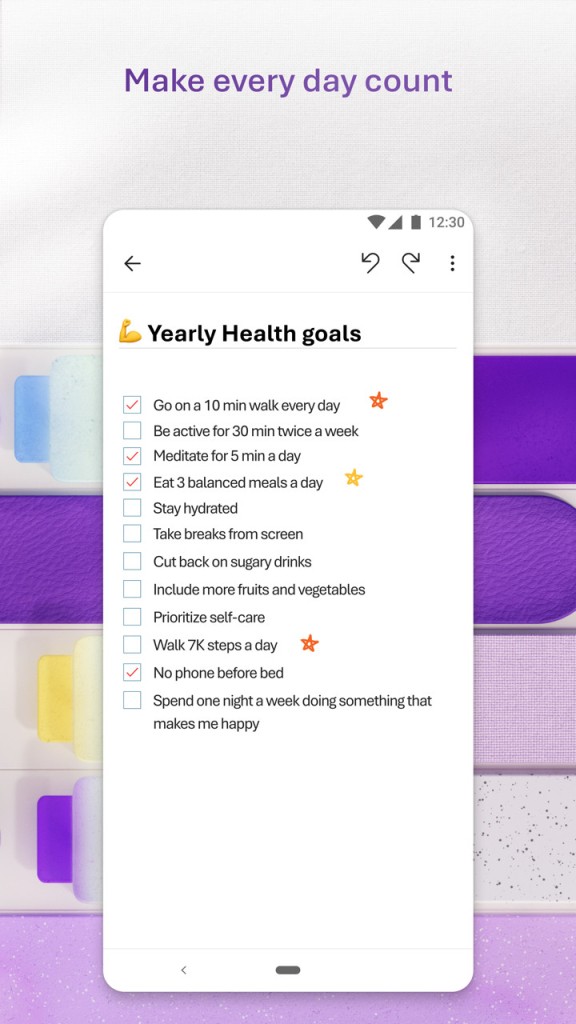
The application is also useful for students. You can keep track of your academic work through OneNote by using it to write lectures, plan homework assignments, and research and develop essays. The tagging system offers two key benefits: it enables you to mark tasks as completed and tag items for later review. If you enjoy writing by hand, you can have that experience with the help of a stylus. Handwritten text automatically transforms into digital text through the application.
Professionals can use OneNote for note-taking, project management, team communication, and thought organization throughout the day. The application allows coworkers to team up and work in the same notebook. It is especially useful to team members working on the same project remotely.
Is Microsoft OneNote Free?
Yes, OneNote is free to use. The core features of the program require no payment from users. Anyone with a free Microsoft account can instantly download OneNote and begin using it for free. Microsoft OneNote is a free service with no extra fees.
What Operating Systems Are Compatible with Microsoft OneNote?
There is a OneNote application for all key operating systems. The software is compatible with Windows and macOS computers. There is also a mobile app for both Android and iOS devices. Users who prefer to work online can use the web version of this application.
OneNote offers cross-platform synchronization, as long as you use one Microsoft account. The interface may differ depending on your device type, but the features remain similar across different platforms.
What Are the Alternatives to Microsoft OneNote?
There are many strong alternatives for those who do not find Microsoft OneNote suitable.
The simplest alternative to OneNote is Google Keep. The program operates swiftly and approaches its work with minimal demands. You can instantly save your written notes after opening the application and writing. This app serves as an excellent choice for people who need to write quick notes, shopping lists, and ideas. It offers synchronization through your Google account and collaboration.
Evernote is another option that has been on the market for a long time. The layout of Evernote resembles OneNote. You can keep track of your notes, scan documents, clip websites, and more. The app also offers cross-platform device synchronization. Additional features like note tagging and notebook creation make it easier for users to handle large volumes of information, while the interface remains neat. The free version of this program includes basic services, yet most advanced features are restricted to users with paid subscriptions. Your preferences will determine if you need to purchase a subscription.
Notion has drawn attention from students, creators, and productivity enthusiasts. It operates as more than just a basic note-taking tool. Users can write, plan, and construct databases within one unified interface. The key strength of Notion comes from its ability to adapt to various user needs. Its features include page creation, linking, task management, wiki control, and layout customization. New users can find the system too complicated. On the other hand, people who enjoy developing systematic structures will love Notion.