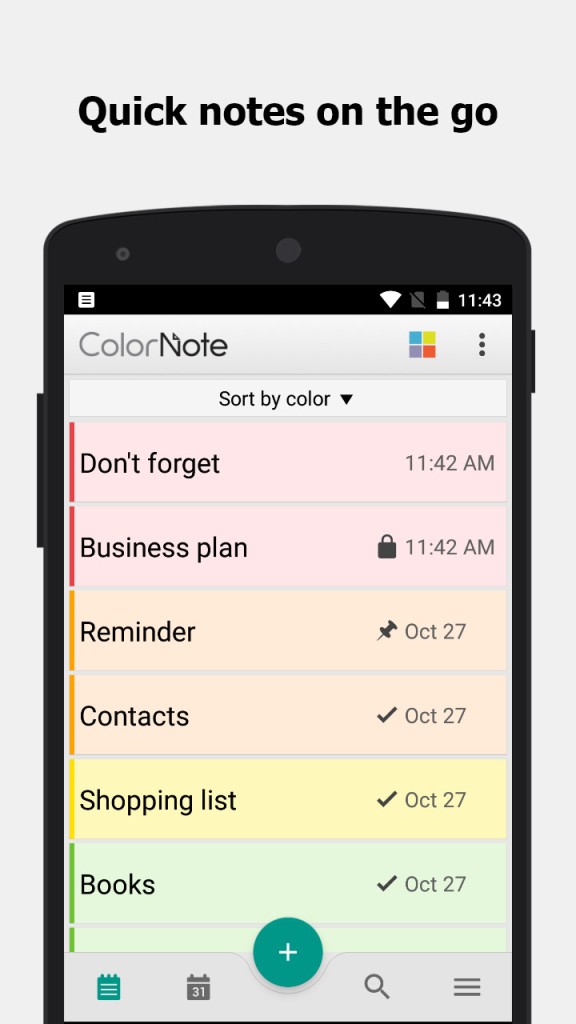
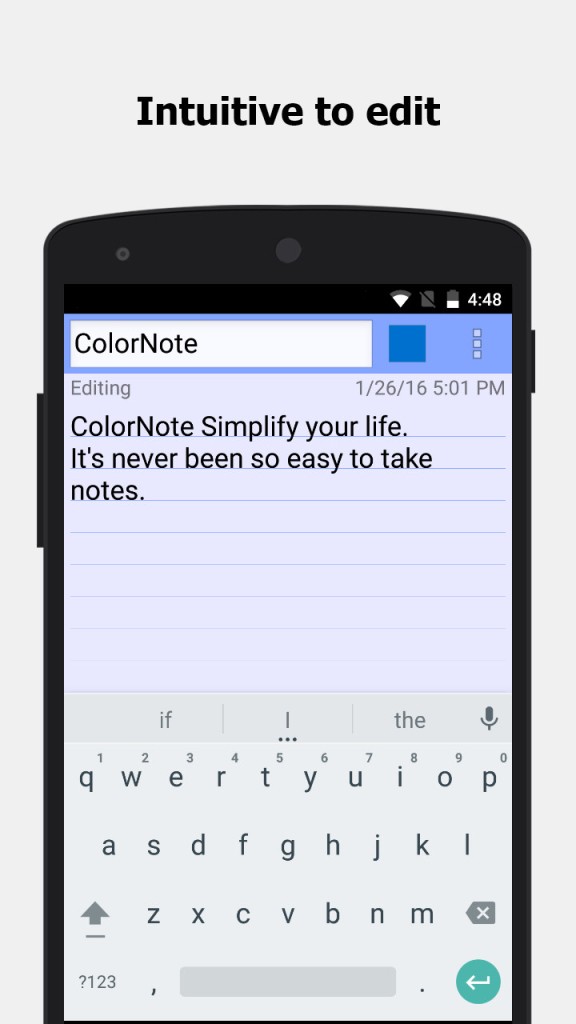
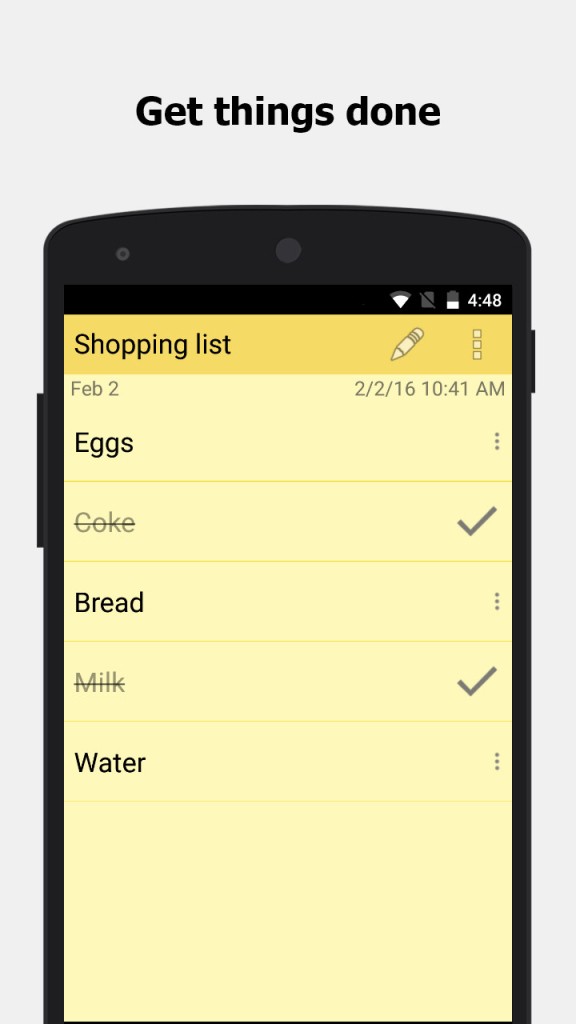
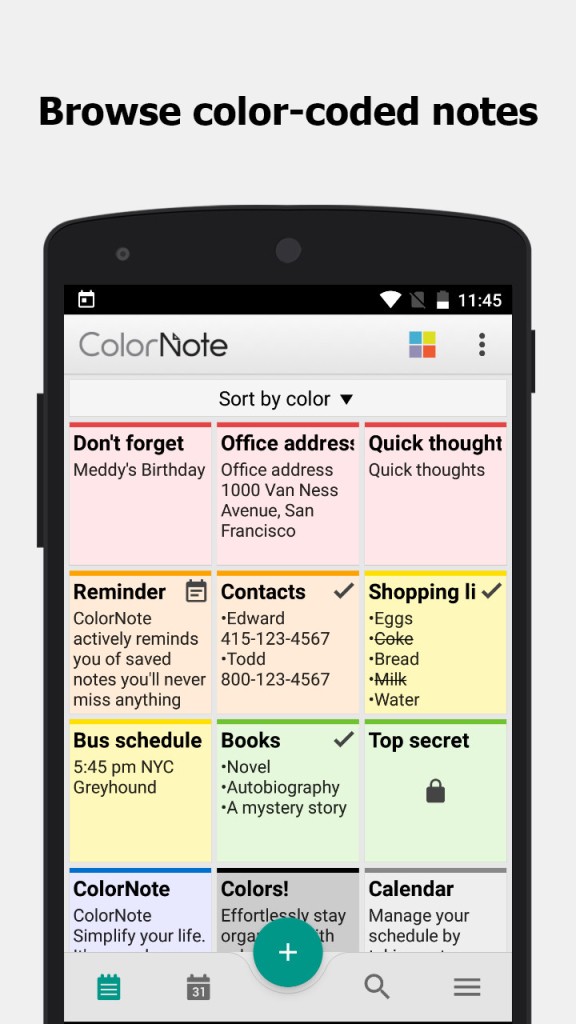
ColorNote is an app for creating codes that you can color-code to keep them tidy. Each note can be assigned a different color, so at a glance, you can tell your shopping list from your meeting notes or your personal journal. You can choose between two types of items in ColorNote: text notes and checklists. Text notes are for writing down thoughts, ideas, or longer memos, while checklists are perfect for to-dos or shopping lists. You can tick items off as you complete them to see how you're progressing.
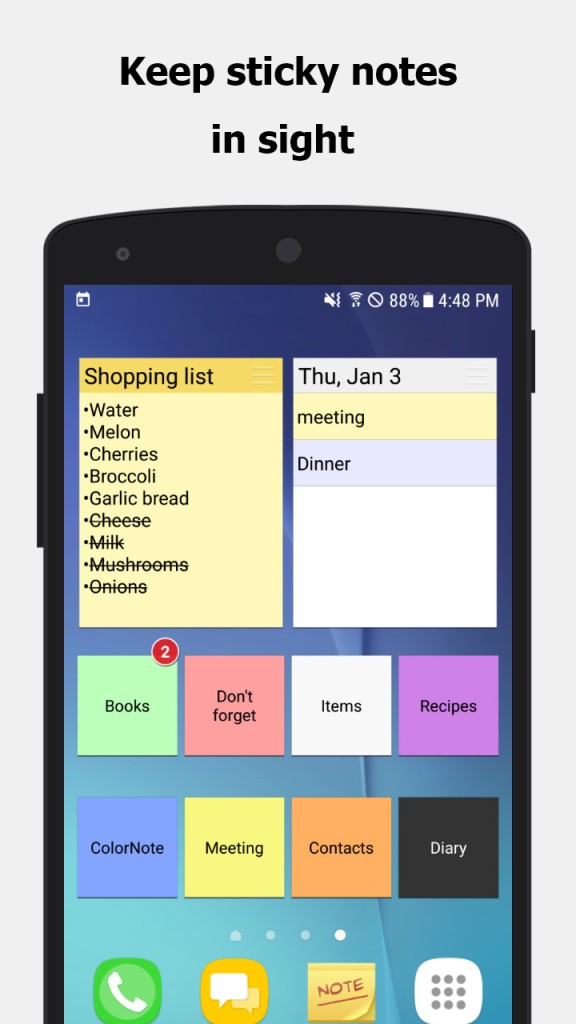
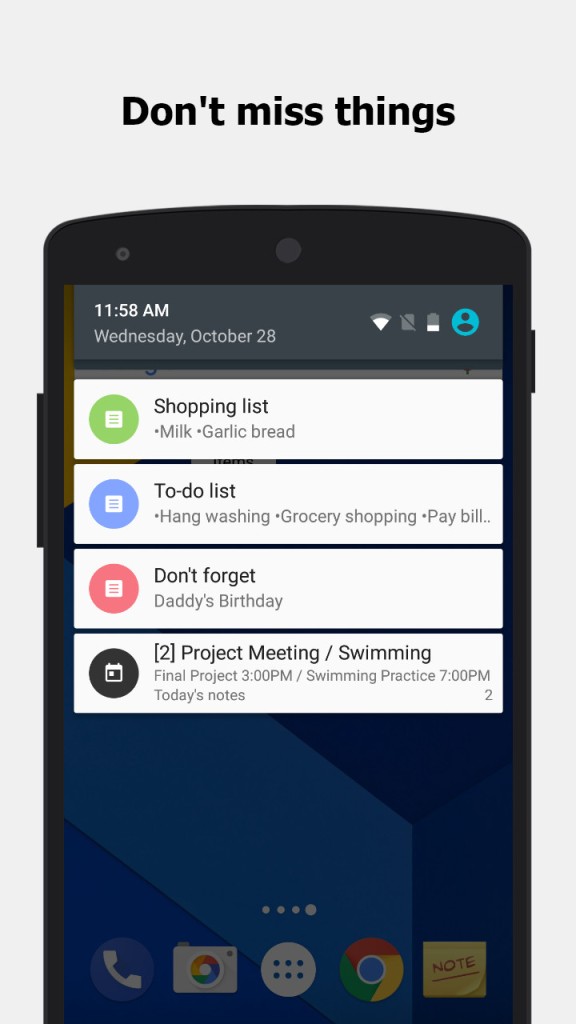
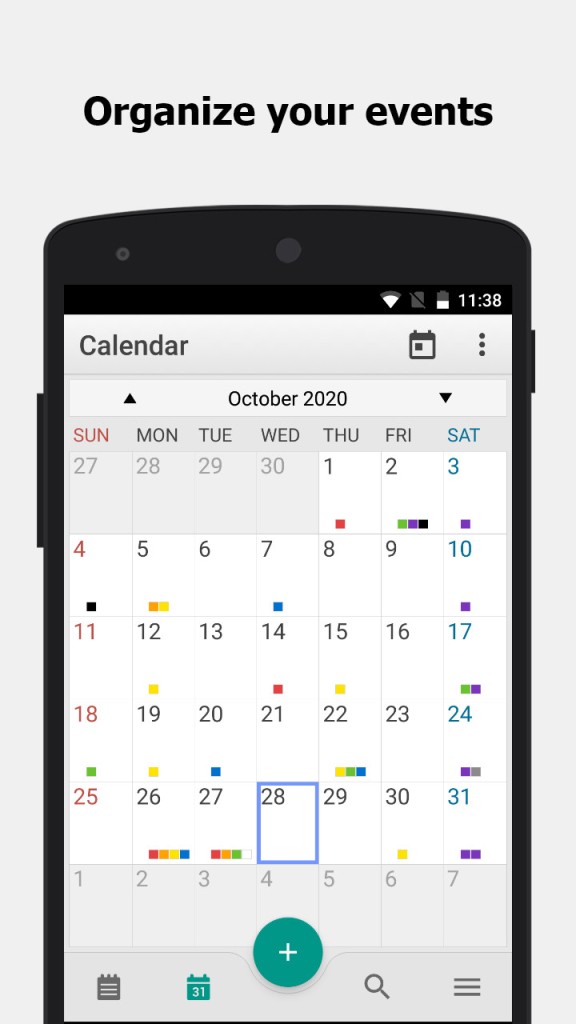
You can also integrate ColorNote with a calendar and link notes to specific dates, which turns them into reminders or scheduled events. This is perfect if you're looking for an app that can also be a personal planner. You can pin notes to your home screen for instant access, and create widgets to make sure important information is always visible.
If you need to, you can also add a password to your notes in ColorNote in order to protect them from unwanted eyes, which is perfect for sensitive information like financial details. ColorNote supports backing up all your items, which lets you transfer them between devices or just restore your content whenever you need. You're able to search through your notes and sort them, and you can download ColorNote for free on Android devices only.
Why Should I Download ColorNote?
ColorNote keeps things simple and just allows you to create lists and notes without any over-the-top features. You can color-code the notes for better visibility and organize them however you like, but using the app doesn't require extra effort, and you can just focus on the task at hand. With ColorNote, you're also able to create checklists, which are a great way to help you get more productive and organized. You can create a list in seconds, check items off as you go, and even set alarms or reminders tied to that list. It's ideal for keeping track of everything from daily tasks to packing for a trip.
Because ColorNote integrates with calendars, it effectively becomes a planning tool. Instead of only seeing your notes in a list, you can view them on a monthly or daily calendar, which is especially helpful for deadlines and following established routines. The app also has useful security features, so you're able to lock individual notes and confidently store personal or sensitive information. Combined with the encryption system, it ensures privacy even if your device is shared or lost.
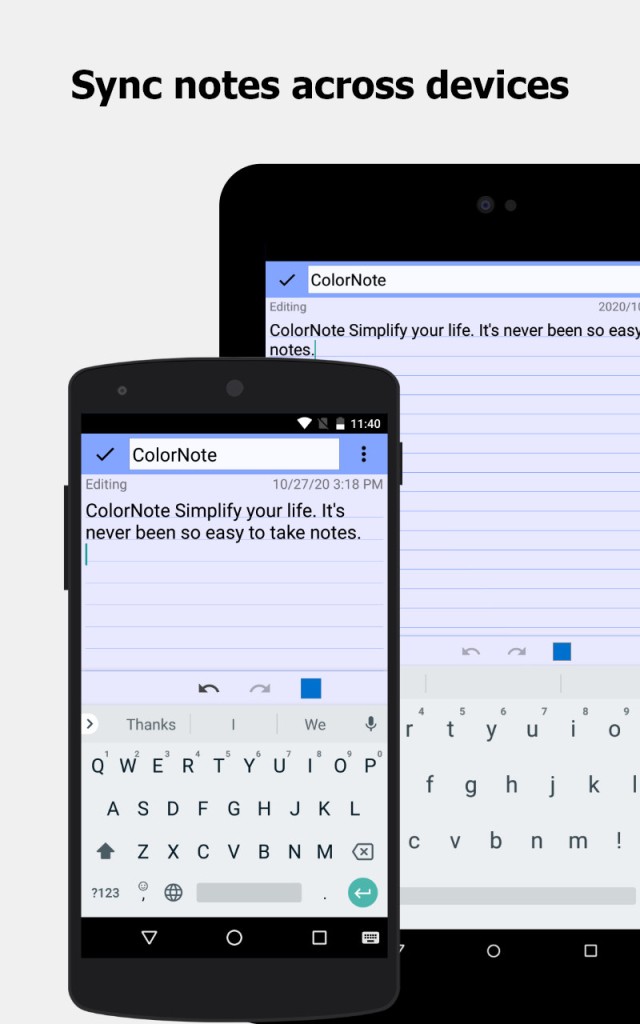
With ColorNote, you also get access to backup and sync options. You can link your account to save notes in the cloud and access them across devices, or export them locally for extra control. This way, you won't lose your notes even when switching phones or reinstalling the app. Apart from that, you can set up widgets that let you keep certain notes or lists visible on your phone's home screen, and pinned notes ensure that urgent reminders never get lost. You can also sort your notes by color, date, or title to find them faster, even if you have a lot of them.
You can use ColorNote even on older devices because the app is lightweight, doesn't consume much battery, and works smoothly even on earlier Android versions. Because the app is so focused on its main features, it doesn't have any distractions, and you can quickly jot down a task or thought and move on. You can download ColorNote for Android smartphones and tablets, and the app is fully free.
Is ColorNote Free?
Yes, you can download ColorNote completely for free, and there are no premium options. You get all its features, including text and checklist notes, reminders, password protection, and calendar integration, without cost. The app only sometimes shows ads, but they don't interfere with ColorNote's core functions.
What Operating Systems Are Compatible with ColorNote?
ColorNote is officially available only on Android devices running version 4.1 and later. You can use it on smartphones and tablets, but there is no dedicated iOS app. In order to use ColorNote on PCs, you'd need software that lets you open Android apps on computers, like BlueStacks.
What Are the Alternatives to ColorNote?
Zoho Notebook is a versatile note-taking app where you can create text notes, audio recordings, sketches, and photo notes. The app has a free plan with unlimited notes, while premium tiers give you access to advanced collaboration and business-focused tools. Zoho Notebook automatically syncs across all devices you use it on, and you can customize your notes with various themes and multimedia. Zoho Notebook is available on Android, iOS, macOS, Linux, Windows, and through web browsers.
Notezilla is another strong alternative that uses a sticky note format in its interface. It works on Windows, Android, and iOS, and you're able to pin your notes to the desktop, share them across devices, or attach them to files and web pages. The desktop version is paid, but you can use mobile apps for free, and the paid version unlocks unlimited syncing, cloud backup, and advanced organization features.
Google Keep is a note app that's integrated tightly with the Google ecosystem. You can get it for free on Android and iOS, and you can also use it via any web browser. With it, you can create text notes, checklists, voice recordings, and image notes, all of which sync automatically with your Google account. You're also able to share notes and lists with others and work on them together in real time.