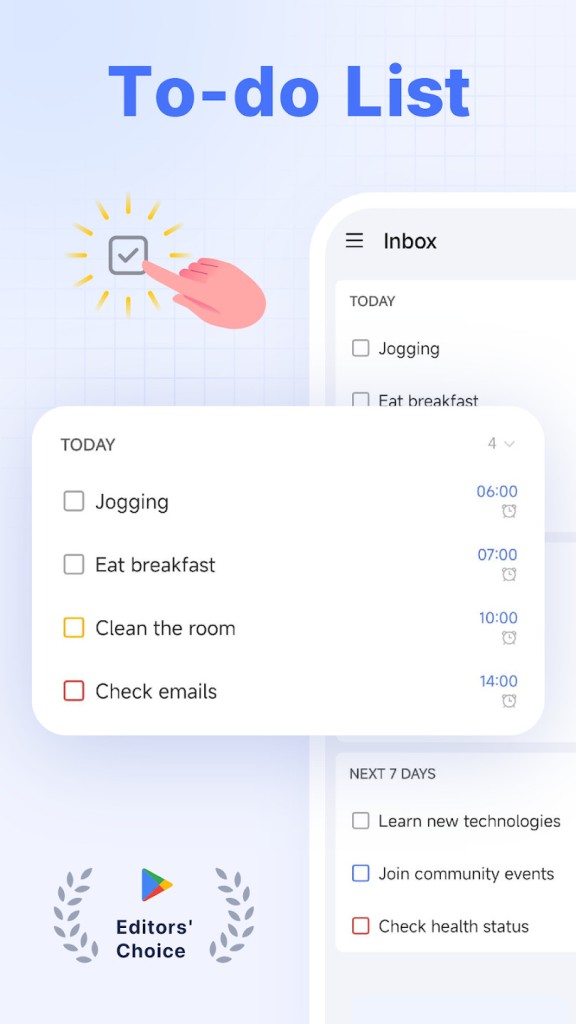
TickTick helps make everyday life feel a bit less messy thanks to a complete task manager app. It offers one place to store lists, ideas, and reminders, meaning that you are not forced to use sticky notes or cloudy memories. You can jot down tasks, set due dates, group them into projects, or keep a simple list of random things. Serious organization is also supported by tags, re-ordering, and attaching files.
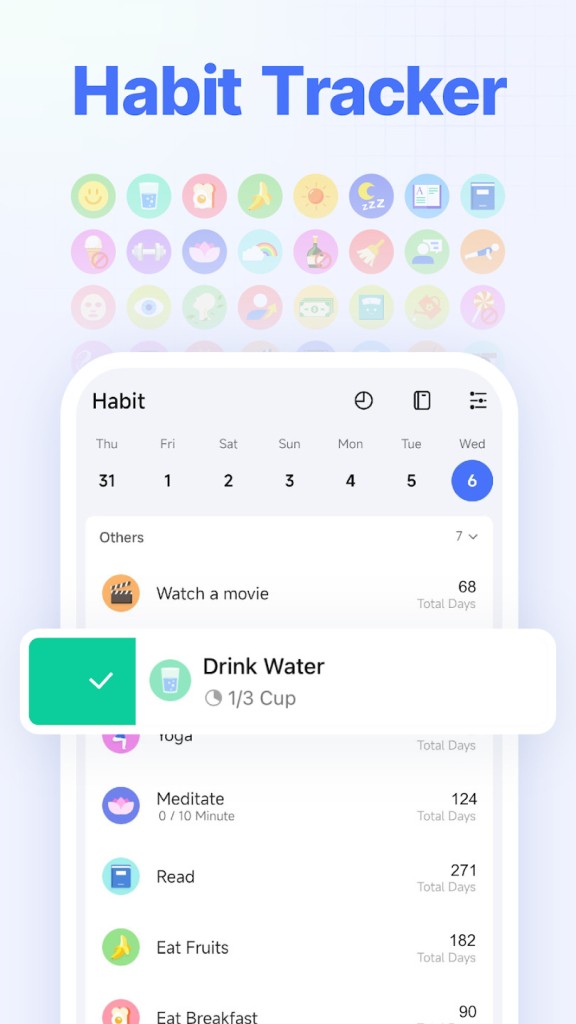
It has a light interface. No menus or clicks are confusing or complicated. Everything is automatically synchronized on the laptop, tablet, and phone. You can make a grocery list on one device and check it off from another. There is also a Pomodoro timer and a habit tracker in the app in case one wants to remain focused or win per day. It even includes countdowns for birthdays, deadlines, or anything you want to keep track of.
The designers of TockTick are the same who created GTasks many years ago. They were slowly re-creating and redesigning it, but the name they came up with was TickTick because of its function. It is a productive application today that does not get bloated and works to the point.
Why Should I Download TickTick?
Most people turn to TickTick when their mind feels cluttered and they need a bit of order. It gives one a soft feeling of order without being a burden. It is possible to make some notes, add a date, and be sure that it will not be forgotten. Some users schedule a study session or a diner with friends; some handle entire work projects. The application is responsive to both cases.
The information is easily synchronized on all your devices. Take a note on your phone, and it shows on your laptop in real time. The design is minimal; you can see what is required by today, what is in the future, and what will come later. You can sort by priority, tag, or you can make your own custom filter. To be cooperative, you can share lists and allocate tasks, which means you do not need to use endless messages in both directions.
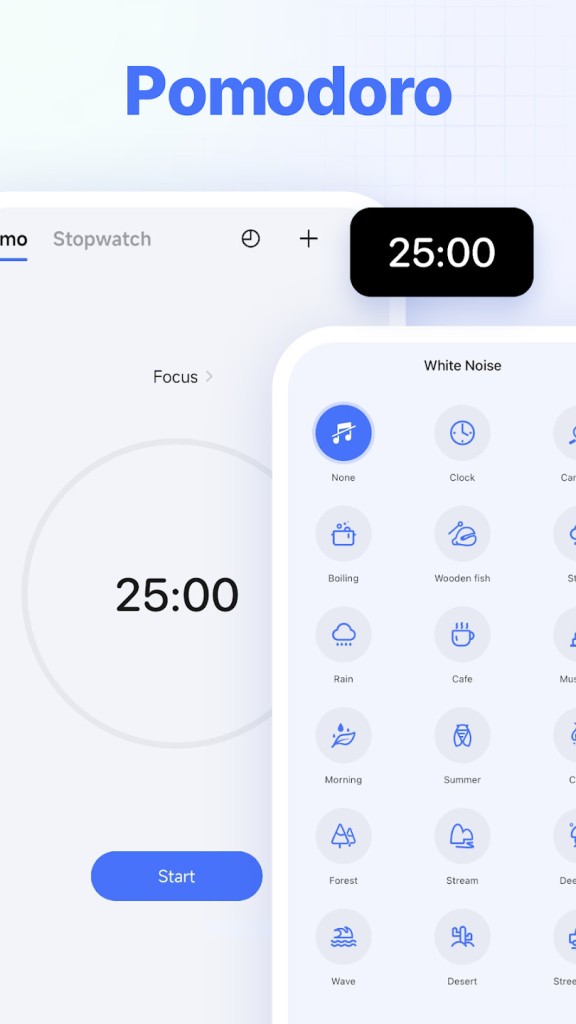
The built-in Pomodoro timer breaks work into short bursts, helping you stay focused. Together with the habit tracker, it not only works towards completion of tasks but also establishes consistency. Like to meditate every day or read several pages at night? TickTick makes those goals habits you may check in the long run.
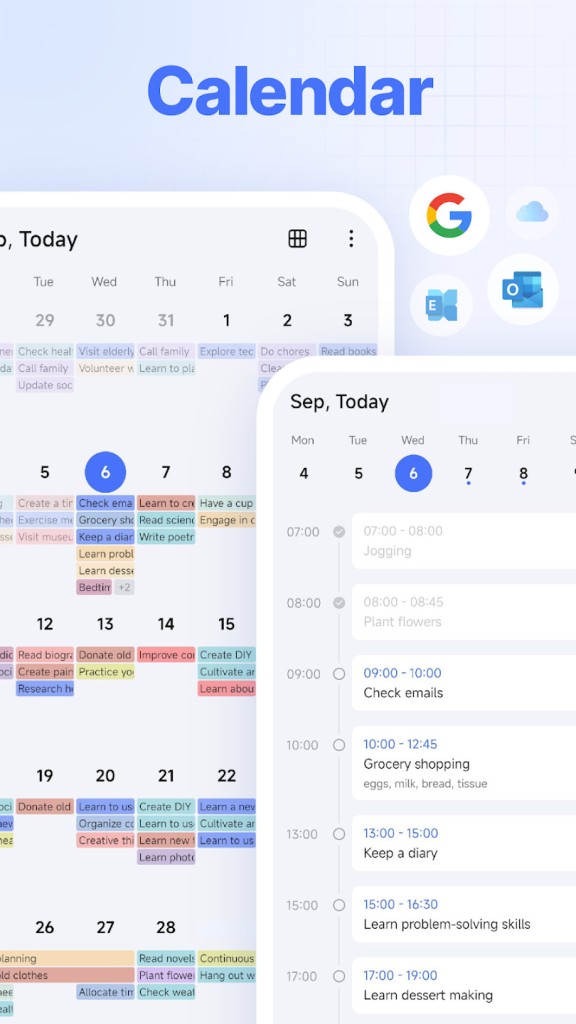
TickTick has the capability to be linked to Google or Outlook calendars, which makes all events visible everywhere. There is also smart date recognition: enter a meeting tomorrow at 3 pm, and it will automatically book the meeting. You can add tasks using your voice or even by sending an email. These details ensure that it is not lifeless, but alive.
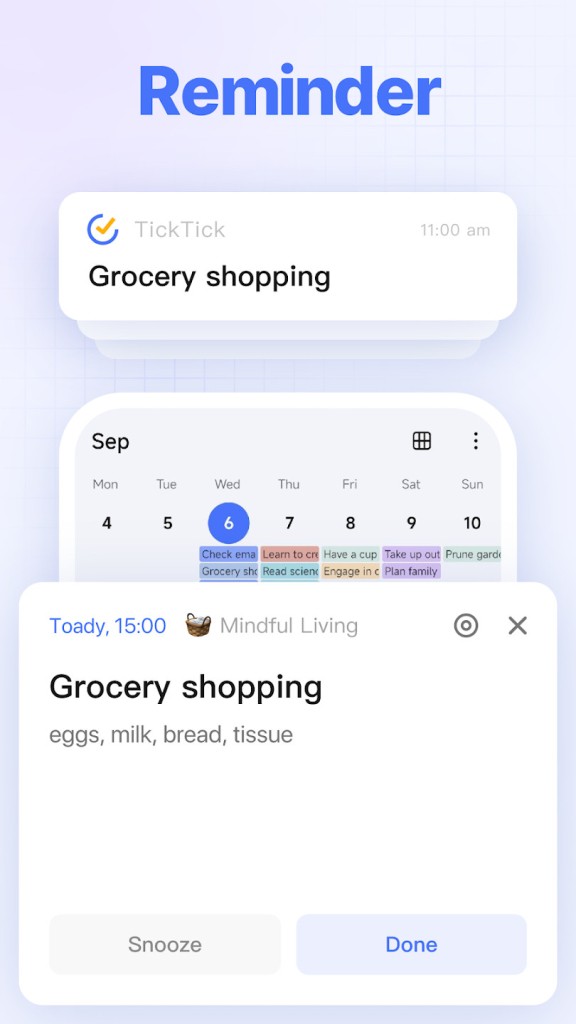
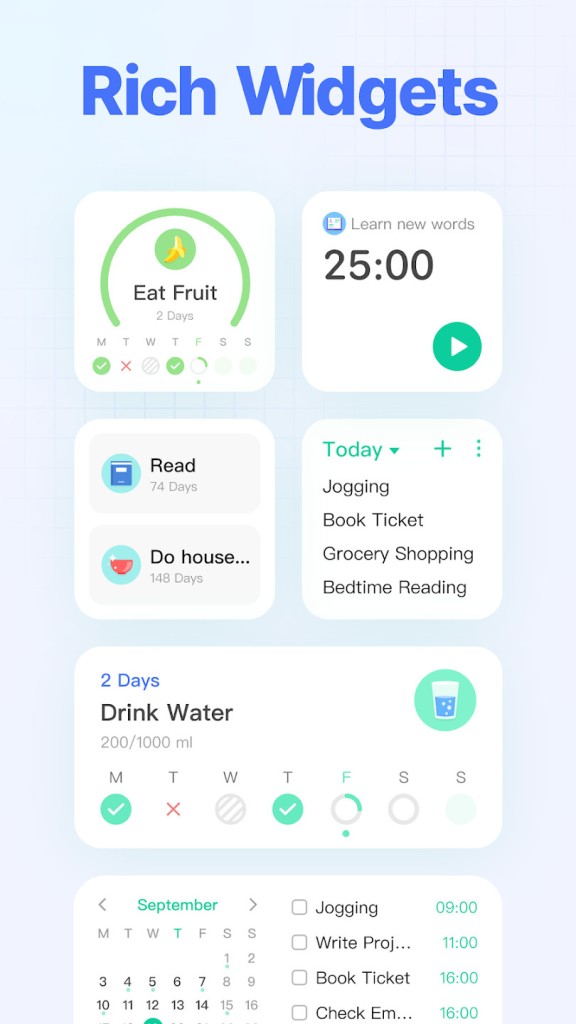
The app offers widgets, notifications, reminders, email reminders, the possibility to repeat reminders, and more. For example, the location reminder will tell you to pick up something when you arrive near the place where it is (as long as you entered this info in your task).
And for professionals, TickTick includes not only a calendar and a listing, but also a Kanban system and a timeline, so you can choose the way all your tasks are displayed. There is even an Eisenhower Matrix. And, of course, TickTick offers collaboration tools for teams but also friends. And to complete all these features, TickTick offers integrations with Microsoft and Google office tools, so that you can use everything together.
In case you require an application that is effective at processing small tasks, TickTick is an excellent choice. It does not single-handedly dictate a style but fits your natural workflow.
Is TickTick Free?
Yes. The basic app is free. It has lists, reminders, syncing, and calendar integration. To gain most of the features, the Premium plan includes additional features, including being able to have multiple reminders in one task, further in-depth sorting, more sharing options, and custom smart lists. It is a subscription service that is renewed either by Google Play or Apple, and can be stopped at any time in the settings.
What Operating Systems Are Compatible with TickTick?
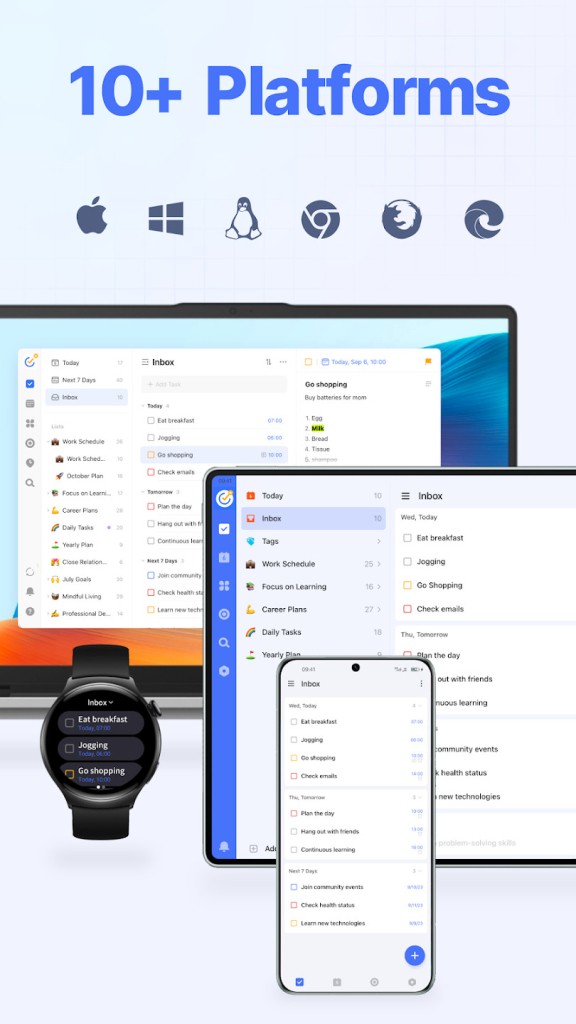
You can download TickTick for Android, iPhone, Windows, and macOS, and use it in its web version. There’s also a Wear OS version that lets you check off tasks right from your watch when you’re on the go. The interface is similar in all devices, and transitions between them seem natural.
Add tasks on mobile by typing, speaking, or using your favorite AI assistant. Natural phrases such as finish report Friday are automatically converted to reminders. On the desktop version, you can use the drag-and-drop calendar system to make planning simpler. Google, Apple, or Outlook calendars can also be pulled in, hence meetings and personal plans are placed side by side.
All the data is synchronized through the cloud, thus making the lists update in real-time across all locations. You can be at your desk or on a commute, and you constantly see the same plan up-to-date. That kind of consistency is what makes good software stand out.
What Are the Alternatives to TickTick?
Tasks is a free application popular among Android users thanks to its ad-free interface and its numerous and useful features. It keeps tags, reminders, as well as subtasks, and remains offline-friendly. It is also compatible with the CalDAV sync for personal backups. There is nothing flashy about its dashboard, and you can share lists with others; and that is its beauty: it is so good at reminding you of what is next.
Remember The Milk has been a brand since the inception of digital productivity. It’s quick, old-school, and straight to the point. Add activities via typing, email, or texting, and get notified about them via email, mobile phone notification, or any other way provided. It works with Gmail and Outlook and can share lists with small groups. It is not the most aesthetically beautiful tool, yet it is reliable and does not distract.
Google Tasks is a silent app that is integrated into both Gmail and Google Calendar. It is basic but does the job well in case you are already a user of Google services. Make lists, subtasks, attach them to emails, and set deadlines, which would be displayed on your calendar. It does not have the feature of habit tracking or sophisticated filters, but it wins the simplicity race. No additional login, and only the fundamentals of daily planning. And if you need an app for your lists, there is also Google Keep.