Google Tasks can be one of those apps that become a part of your everyday life, trying to make your day as productive as possible, while keeping things simple and stress-free. It is not jammed with infinite functions and menus. Rather, it specializes in doing just one thing right. It makes you develop and maintain to-do lists and complete them with ease.
When you want to leave a short note to yourself or draft up a work project or simply let you keep a list of things you need to do, Google Tasks lets you write it all out in case it slips your mind. The beauty of it lies in its simplicity. You open the program, put your work in it and all the rest is known. It is not necessary to spend time and learn some complex tools. It is a matter of structuring your mind in a manner that takes minimum effort.
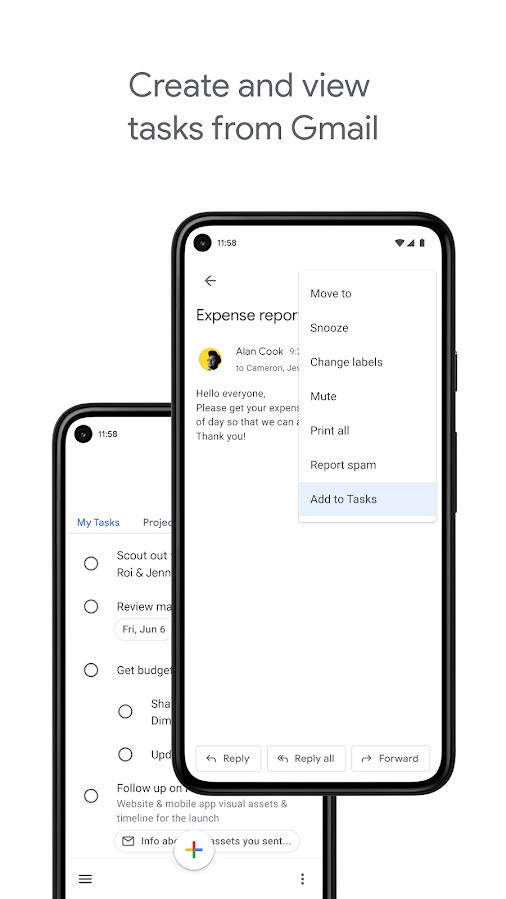
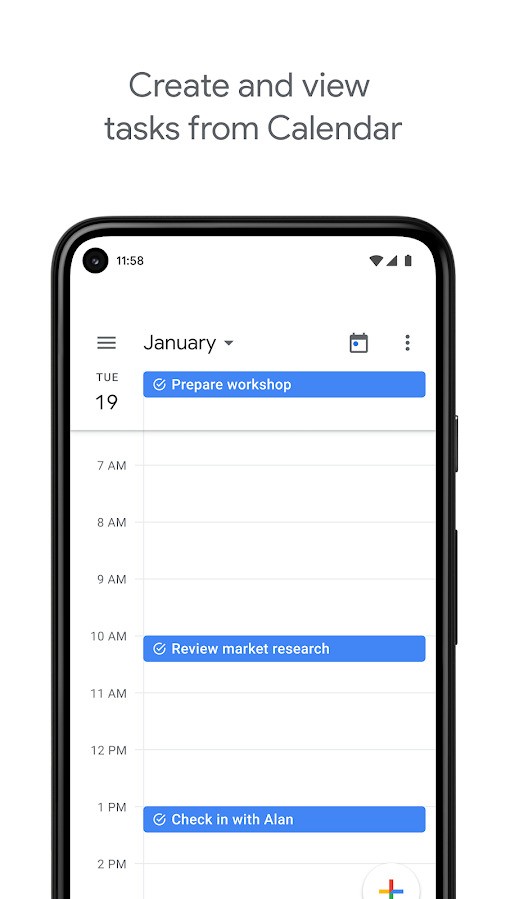
The good integration of Google Tasks into the Google ecosystem is another strength of this tool. Tasks integrates seamlessly with Gmail or Google Calendar, in case you are using one of them already. You are able to add tasks in your email, have due dates and view your to-dos and events together. It is natural, it seems to be something that has always been in the tools you use in your daily routine.
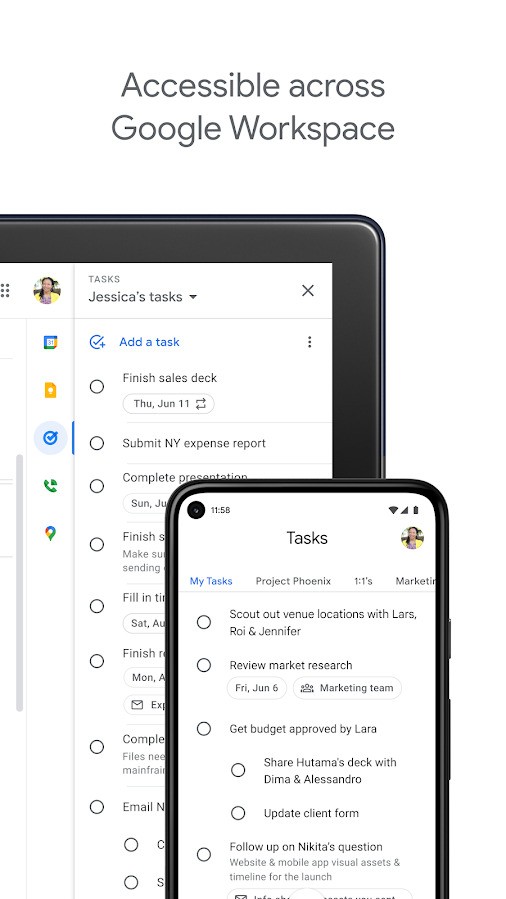
And since it is connected to your Google account, all is synchronized with any device. It does not matter whether you are adding a task on your laptop or checking your list on your phone; it all stays bound together. Such consistency makes it easy to develop a habit of using it.
Why Should I Download Google Tasks?
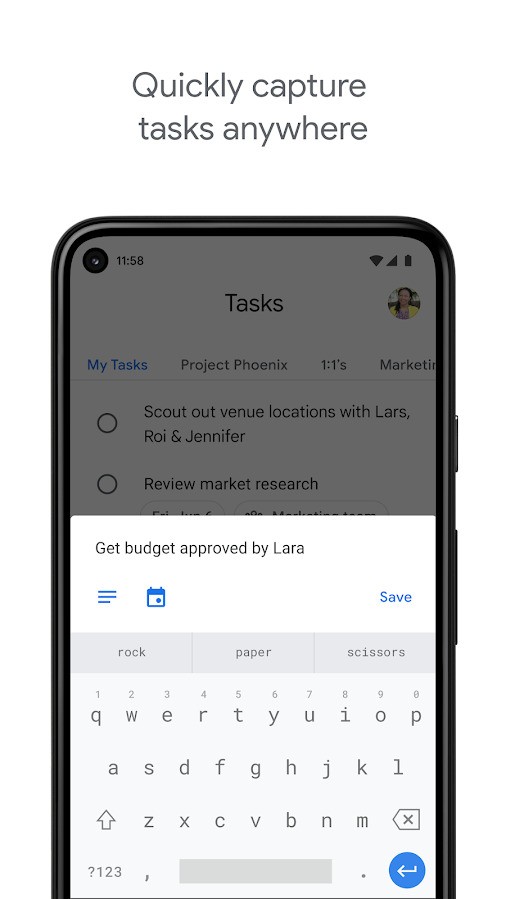
Google Tasks, offers functionalities to easily create to-do list that does everything to be unobtrusive. It is built to help people who have the urge to quickly jot things down and move on with their lives. You do not have to waste time understanding how to use it. You simply open it up, enter what you want to do, and that’s it. It is ideal during those times when you are busy, and you want to take down the thought you have or the reminder in order to avoid forgetting it. The proper design keeps your lists clutter-free and readable.
The other factor why people use Google Tasks is the compatibility of the tasks with other applications that they already use. When you are monitoring your email and end up with an item that requires follow-up, you can easily post to Tasks right from Gmail. In case you look at your calendar, and you need to ensure that you do not forget an urgent task of the day, it is possible to add one so that you get to do it. The app contributes to everything being together and not being separated in various locations. That contributes to decreasing the level of stress and the ability to remember the more important things.
Google Tasks also provides you with sufficient flexibility in terms of organizational lists as per your wish. You will be able to make any kind of lists in separate spheres of your life, perhaps a work list, a home list, a personal project list. Within any list, you can break tasks down into smaller, manageable steps, in case you desire. You can find it very useful when you are dealing with something that is overwhelming. You can easily approach it bit by bit, which in turn is made easy by dividing it into bits. Also, since all the devices are synced, you can see or edit your lists wherever you go. Your tasks follow you whether at the office or on the go.
Is Google Tasks Free?
Indeed, Google Tasks is totally free of charge. It is free to download, and no additional payments or subscriptions are required. It is one of the packages of tools that Google provides, and it remains free as long as you have a Google account. It is an obvious option to turn to people who want to monitor their activities in a quick, stable manner.
What Operating Systems Are Compatible with Google Tasks?
Google Tasks runs on Android and iOS, which means that regardless of the platform you use, a phone or a tablet, you can access it. It is also combined with online applications such as Gmail and Google Calendar that can be used to work with your tasks via a computer, too. Such flexibility implies that you can access your lists pretty much everywhere. The idea is to make the app work well and the same on different devices, and this will make the experience consistent regardless of how you use it.
What Are the Alternatives to Google Tasks?
Tasks revolves around maintaining straightforward to-do lists. Just like Google Tasks, it is a simple and easy task management app. One outstanding feature about it is its customization options. The colors, themes, and layouts can be changed according to your taste so that your lists will be more personal. It is the kind of tool that makes things simple and provides just enough flexibility that make the app individual.
Another popular one is Remember The Milk. It is a relatively old app, with advanced functionality offered to its users who desire it. You may create priorities, tags, and you can share them with other individuals, and even connect with other applications and services. It suits individuals who need slightly increased power and structure for their tasks. Although it is capable of much more than Google Tasks, it always maintains the same focus, which is on assisting you to stay organized without overcomplicating issues.
TickTick is rather simple and balanced with additional functionality. You can simply build simple to-do lists or get into such things as setting reminders, habit tracking, and calendar incorporation. Other features that can assist you in the focus when accomplishing your tasks using TickTick are timers and focus modes. It is created to be effective with simple listings and also more elaborate plans. The app is elegantly designed and highly capable, with a good mix of customization options, which makes it a good choice among individuals seeking something more advanced than just a basic list app.