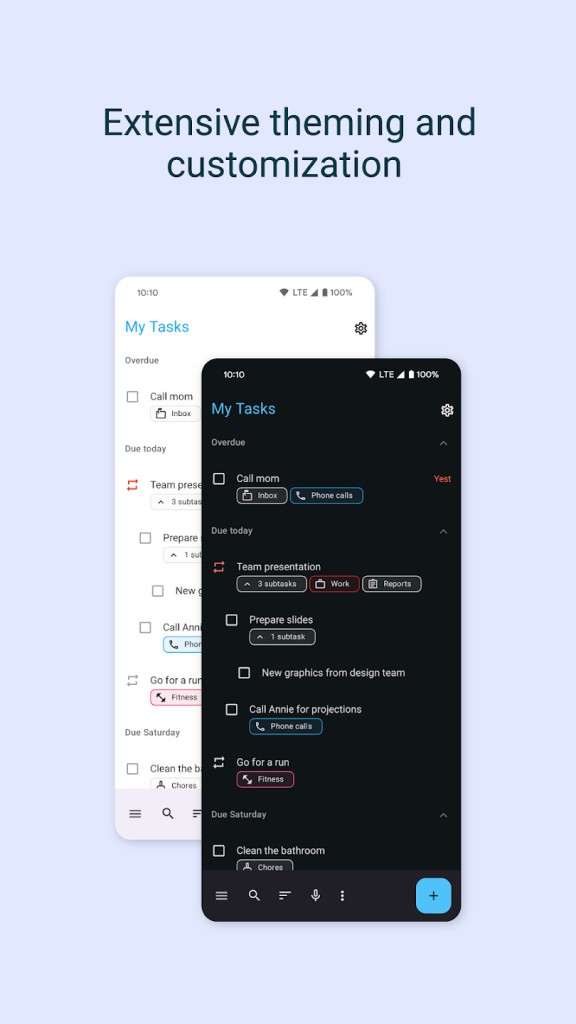
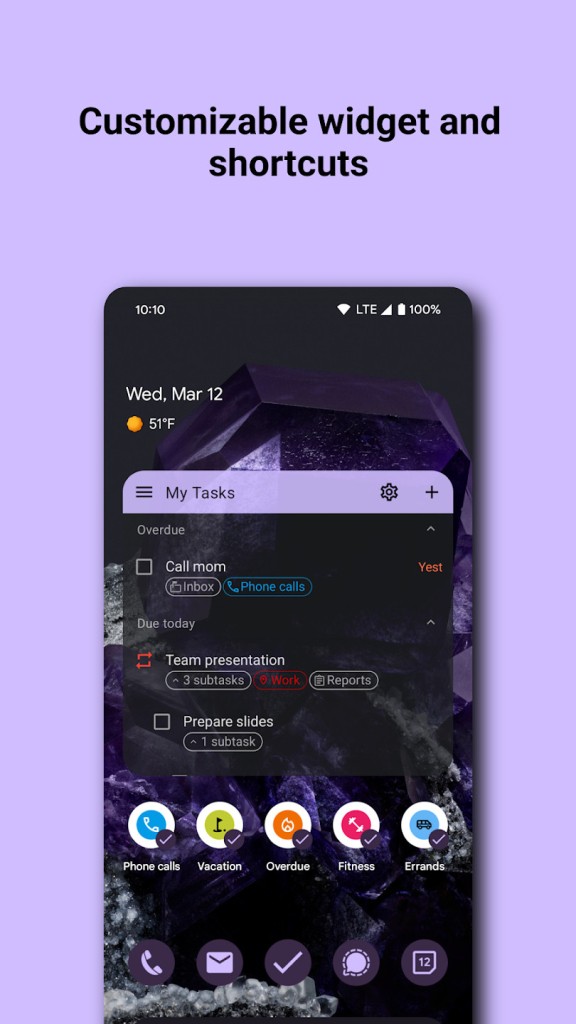
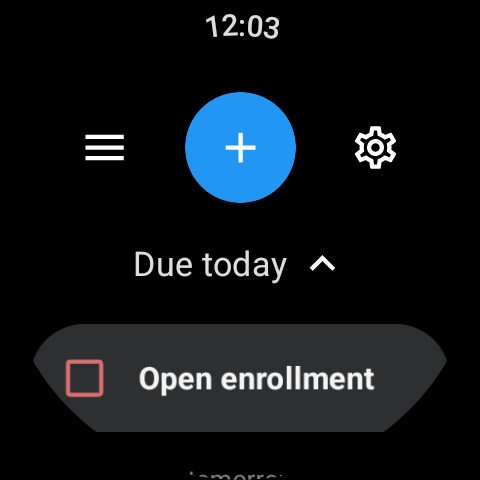
With Tasks.org, you get a free and customizable tool that allows you to create lists and tasks, add attachments, and easily integrate them into your calendar or sync with other tools. As for features, you get a standard set of essential options, like nesting lists under each other, applying different colors, searching to filter out specific tasks, and enabling or scheduling notifications.
You can use Tasks.org on its own, add attachments, repeat reminders on a custom schedule, apply tags, and switch how the tasks are displayed. You can use the default chronological list or only show items that have a specific tag, and the app can also send you notifications when you reach a defined location.
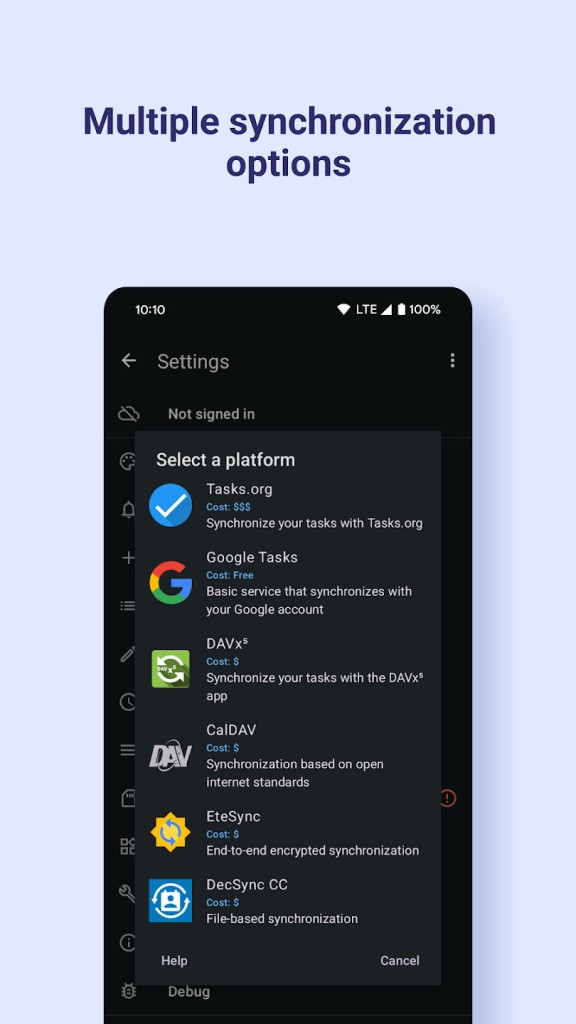
Using Tasks.org, you can choose if you want to store all data locally for the highest privacy or sync it with other tools like Google Tasks or Outlook. All your data is still end-to-end encrypted; you can use the tool in multiple languages and download Tasks.org on Android through the Google Play Store or F-Droid.
Why should I download Tasks.org?
Tasks.org gives you everything you need in a task management app without an overload of features. As an open-source project, it also provides full transparency in its code, and you can freely modify it to match your needs. The app offers control over your data without the need to create an account, as most similar tools do.
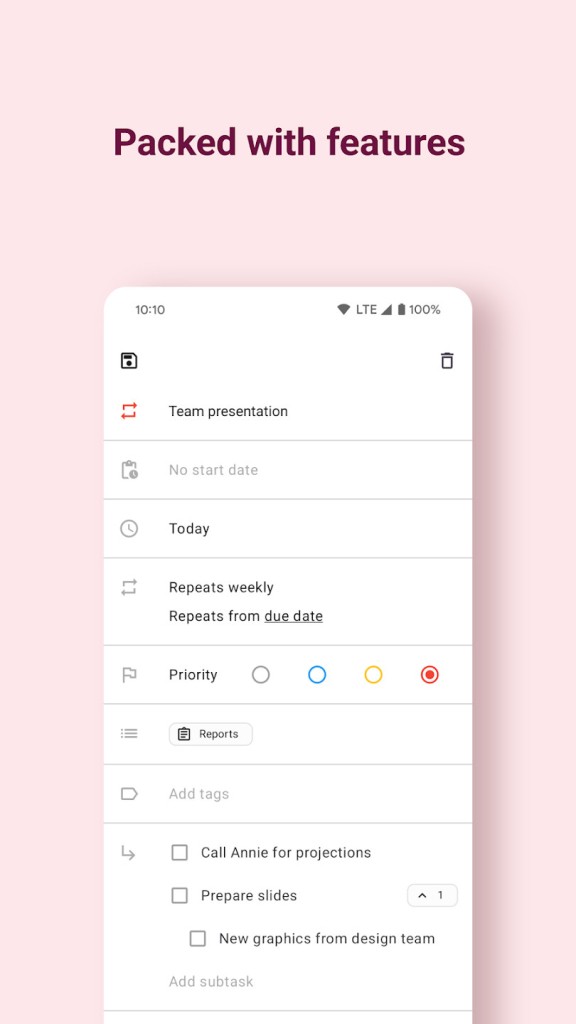
One of Tasks.org's most fundamental features is the ability to create recurring reminders. You can set them to recur daily, weekly, or monthly, or apply a customized pattern, like every third Monday of the month or 10 days after I complete the task. In addition to setting up repetition rules, you can also add start and due dates to your tasks and plan your work ahead.
If you need to, you can also create task trees by adding subtasks to clearly identify the dependencies and connected items. Each subtask can have its own tag, start and end date, or priority, but you can also choose to copy the properties from the parent task. All of these options make it easy to visualize and break down large projects into smaller steps to make your work easier.
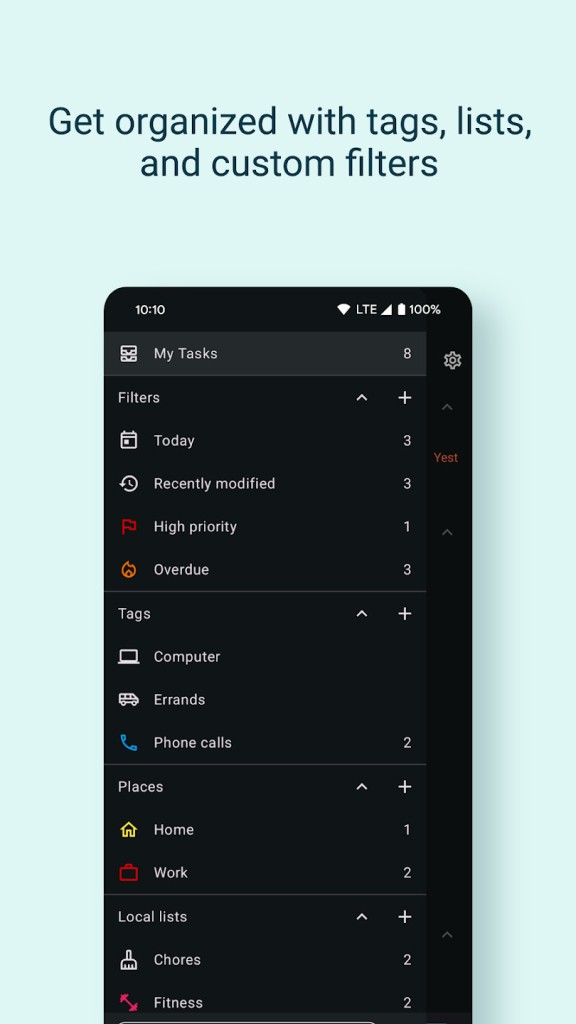
If you need more granular sorting, Tasks.org also supports adding tags and filtering through them. You can apply labels to your tasks in different colors to quickly access only applicable tasks, search through the task due date, status, or by creating your own query. You can then choose to save those filters if you feel you will reuse them often. You can also sort the tasks manually, and the app will keep your order.
With Tasks.org, you can also set up location-based reminders that can be triggered by rules such as: "remind on arrival" or "remind on departure." You can also look for tasks by looking up tasks on a map to check specific locations. The feature works both with Google Maps and OpenStreetMap, so you can choose to opt out of connecting Tasks.org with Google and still get the same functionality.
As it usually is with open-source projects, Tasks.org has integration options beyond commercial providers, so you can use the app's integration with CalDAV to link it to other tools. The app supports servers like Nextcloud, mailbox.org, and other open-source platforms via DAVx⁵, so you can sync your lists and items across devices without relying on Microsoft or Google. You can also choose to store your data on a private server or set up your own infrastructure if needed.
With Tasks.org, you don't need to worry about losing any data. The app automatically creates backups every day at midnight, but you can also perform manual backups and export your data into a file. If you get Tasks.org from F-droid, then the app offers all the features for free. For those downloading Tasks.org from the Google Play Store, the app requires a subscription to unlock syncing and some features. Please note that the app works only on Android mobile devices.
Is Tasks.org free?
Yes, the majority of Tasks.org's features are available for free, but there are differences depending on where you download the app.
F-droid users can get Tasks.org and all its features for free, and you don't need a subscription to use the app fully, but you can always donate.
If you get the app from the Google Play Store, then you need a paid version of the app to use the Tasks.org synchronization feature, but you can choose your own subscription price.
What operating systems are compatible with Tasks.org?
Tasks.org is an Android-only app, so in order to use it, you need to have Android 5.0 or higher on your smartphone or tablet. However, please note that the required version varies depending on your device.
There's no version of Tasks.org for other systems, but you can use the app in multiple languages and integrate it with third-party tools like Google Tasks.
What are the alternatives to Tasks.org?
Tasks is a simple yet effective app for organizing your tasks, setting up reminders, notifications, and alarms, adding tasks quickly, and viewing them on your calendar. With Tasks, all your data is kept private and fully encrypted, and you can sync your lists between devices or share them with other users. Tasks is available on Android only.
Google Tasks is an official task management app from Google that integrates with Gmail and Google Calendar. It can automate task creation by suggesting items based on your emails or events. The app is available for free with a Google account and works on Android, iOS, and the web.
Todoist is a comprehensive, cross-platform task management solution that works on Android, iOS, Windows, macOS, and Linux, as well as through its website. It offers all the fundamental features you'd expect from and app like this, but you can also use Todoist to track your productivity, create shared projects, or integrate it with your calendar. It comes in a limited free version and a paid one that unlocks all features.