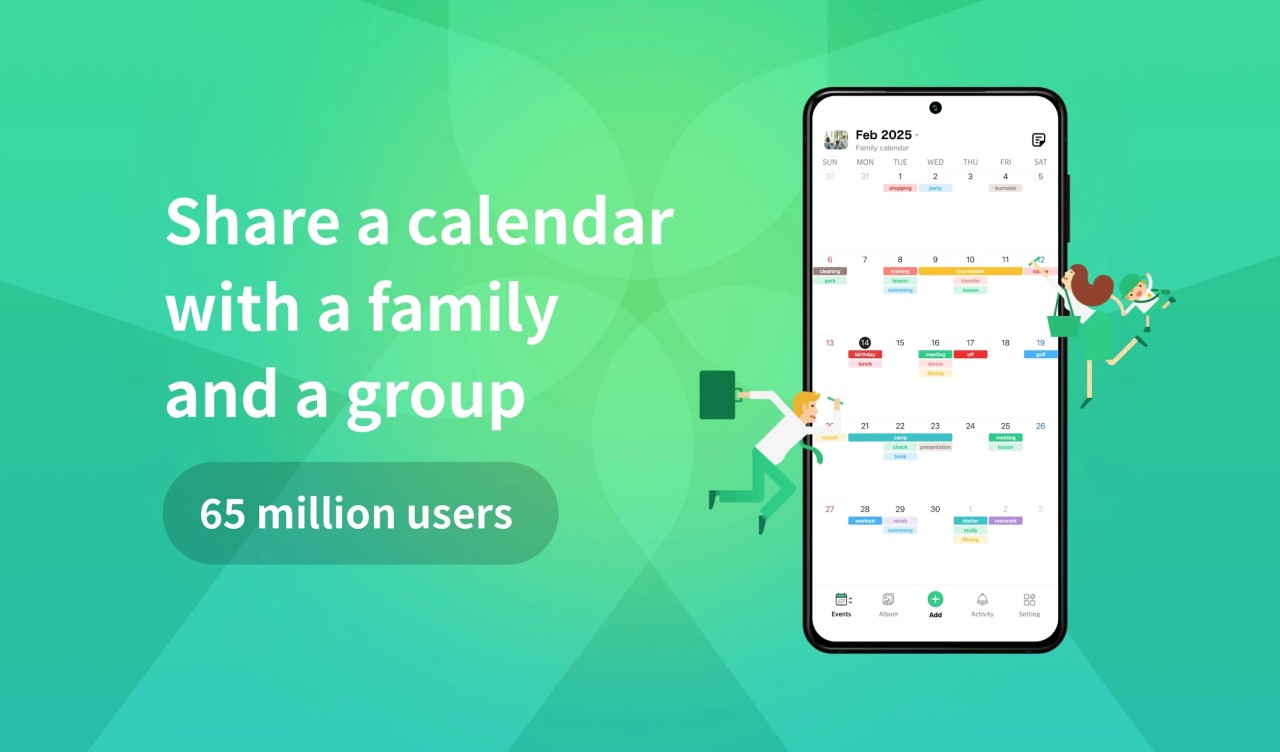
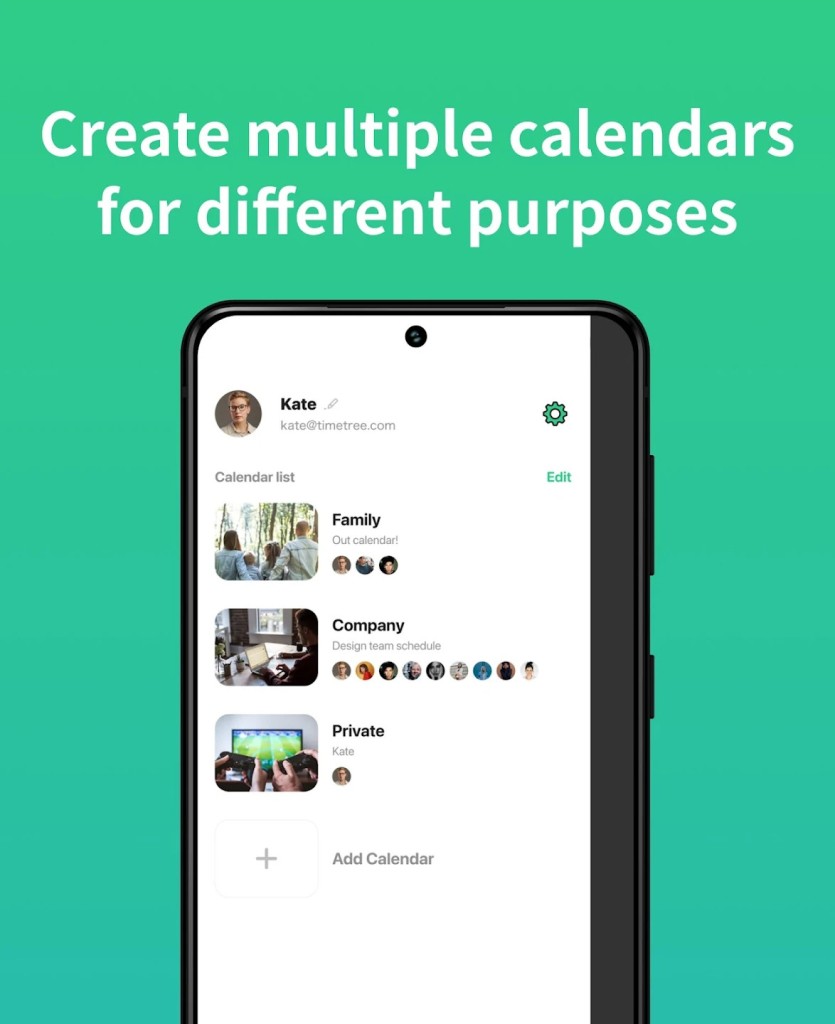
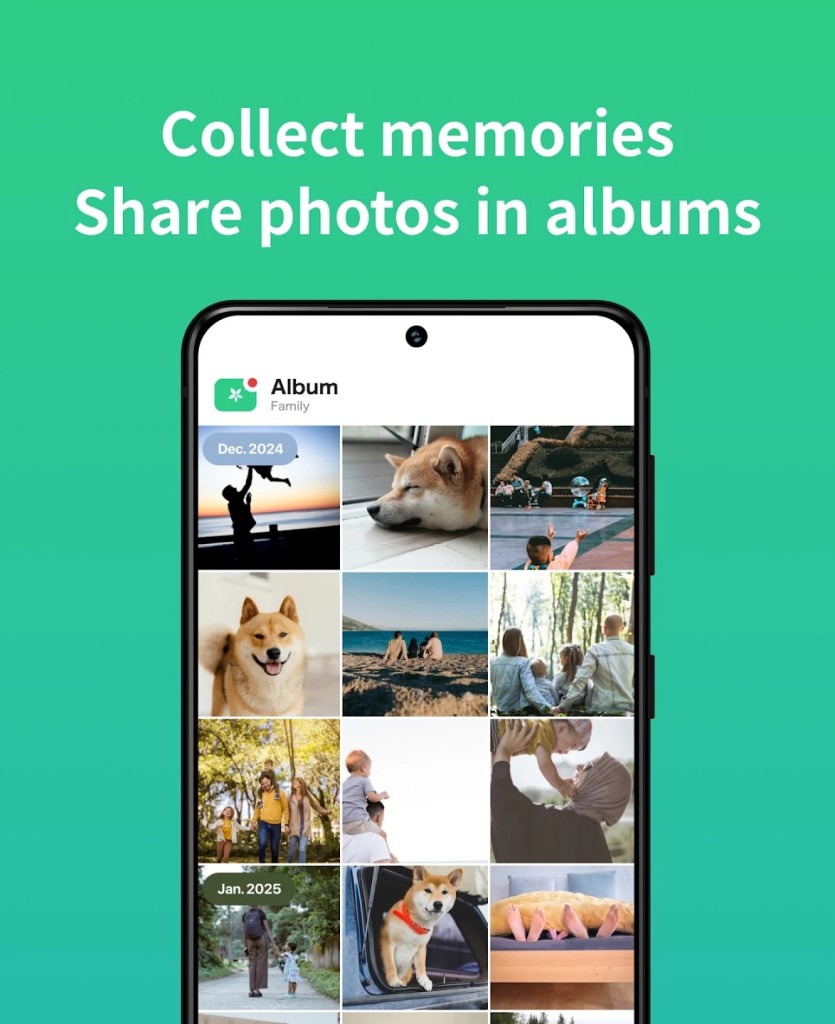
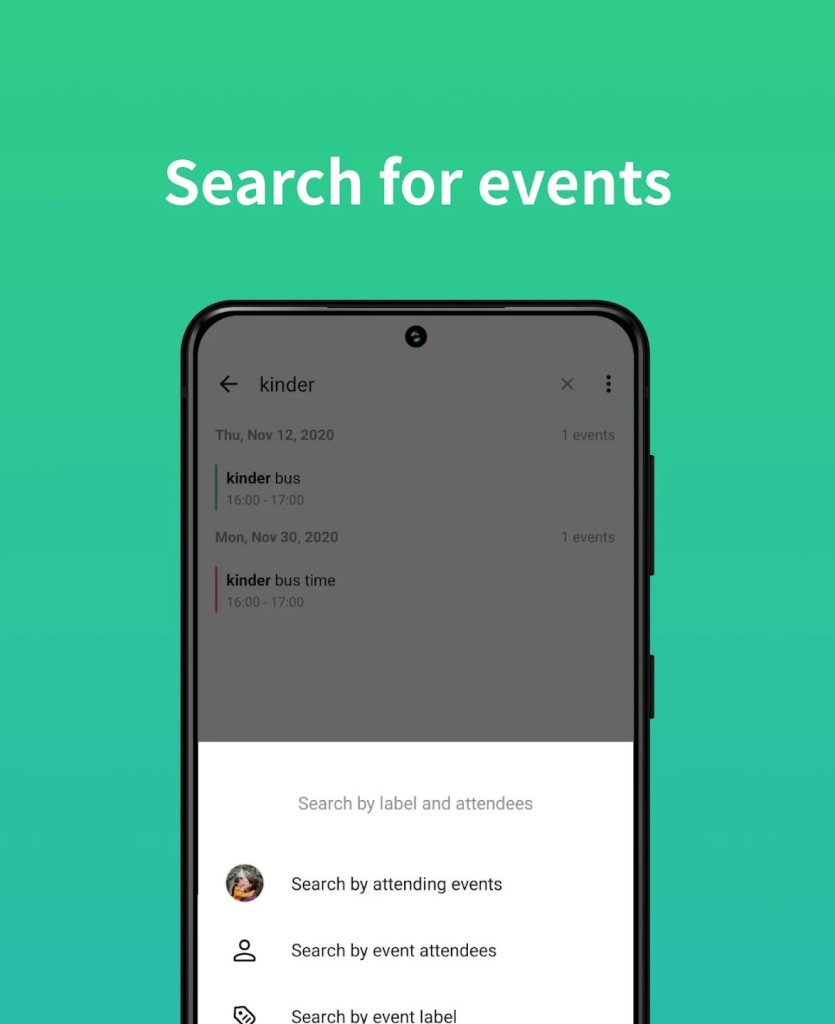
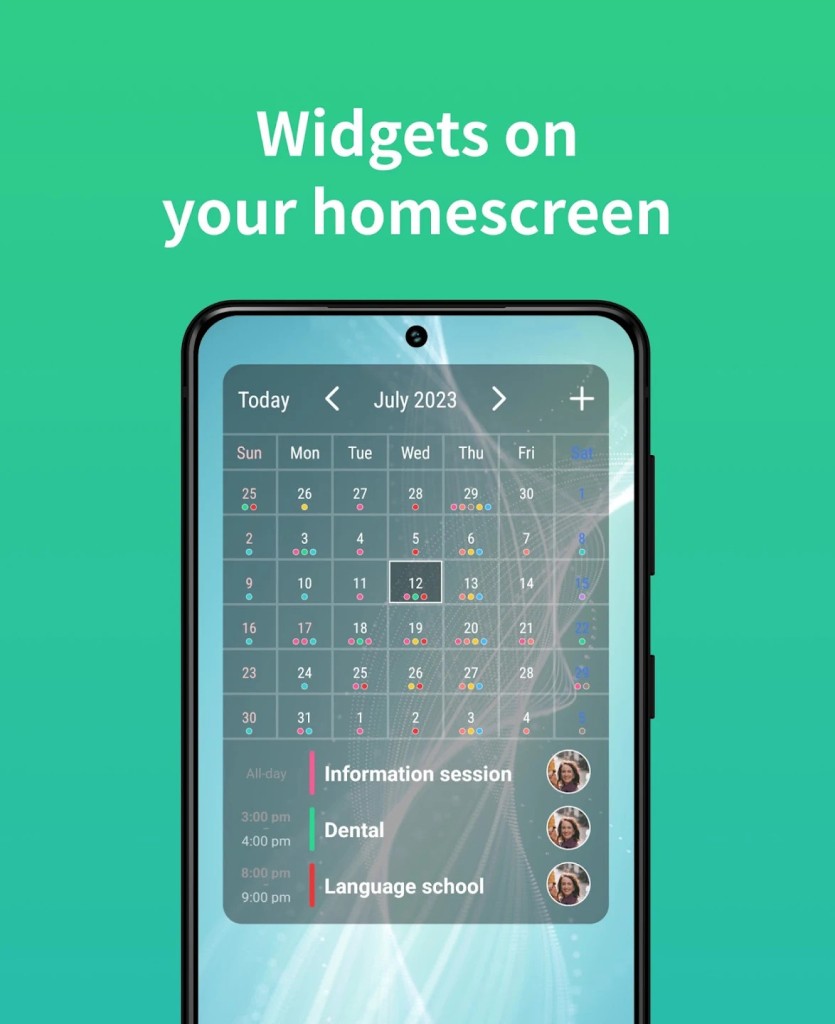
TimeTree is a collaboration calendar designed to coordinate in the real world with others. It is not simply another calendar that you can keep to yourself—it is designed to be shared by groups, families, couples, teams, or any other people who need to keep in touch with each other. You may add several calendars and invite others to them, and share schedules, notes, and tasks there.
TimeTree is all about simplicity. All the people in the shared calendar will be able to view the same events, plans, or reminders. You are not really exchanging dates—you are establishing a communication area which resides within the calendar itself. It is not a personal planner, but it turns into a shared timeline.
You may use it to coordinate family life—who is picking up the children, when the doctor is visiting, or when the bills are due. Or you can apply it to a small business environment, such as organizing staff shifts and meetings, and joint activities. Anyway, it is made in such a way that everyone can notice what is going on and what is about to happen.
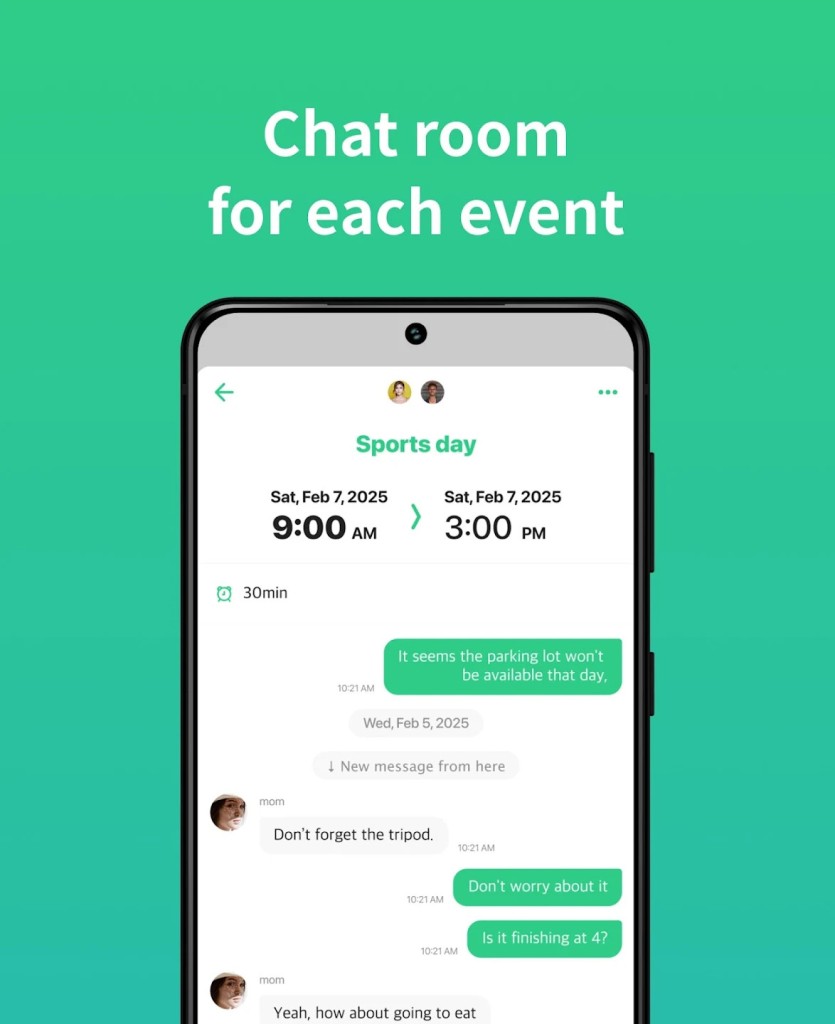
It has color-coded entries, typed notes, and comment threads on events, as well as the possibility to use multiple calendars in a single app. You do not have to leave one application to discuss plans. TimeTree places communication and planning side-by-side to ensure that no one is left wondering who is doing what.
Why should I download TimeTree?
There are numerous calendar applications. Others are loaded with features that you do not require. The others are too personal, and they do not adjust to groups. The shared planning is a unique aspect that helps TimeTree to occupy its niche and ensure that it is easy to organize things with multiple individuals.
It is not necessary that you be a tech-savvy individual to use it. It has a user-friendly interface, and it can be ready in a couple of minutes. After creating a calendar, you may invite people through email or a link. They don't even need to have the app previously. You choose who is allowed to edit, who is only allowed to view, and who should receive notifications.
It particularly comes in handy with families. Everyone can view birthdays, events, school pick-ups, or grocery lists in advance. When one individual makes a doctor appointment, all the others are immediately notified. And the fact that you can comment on every event means that you do not have to send an additional message to inquire about the details.
Couples use it to schedule date nights, tasks, or bill payments. It is used by small teams to monitor meetings, tasks, and working hours. Even roommates utilize it to avert scheduling conflicts and ensure that the house runs well. It is applicable in normal life.
The calendar sections are another strength of this application, since one can create as many calendars as one wants and stay organized. Perhaps you would like a calendar at home, another one related to a side business you have, and another one to make social arrangements with your friends. All of them can reside within TimeTree, and it is simple to switch between them.
It is remarkable in that it disappears into the background, unlike other tools that make you feel that you are organizing software, rather than your life. It does not interfere and keeps one updated. You do not need to dig into the settings or immerse yourself in intricate working processes. Then simply open it, look at the dates, insert a plan, and go on with your day.
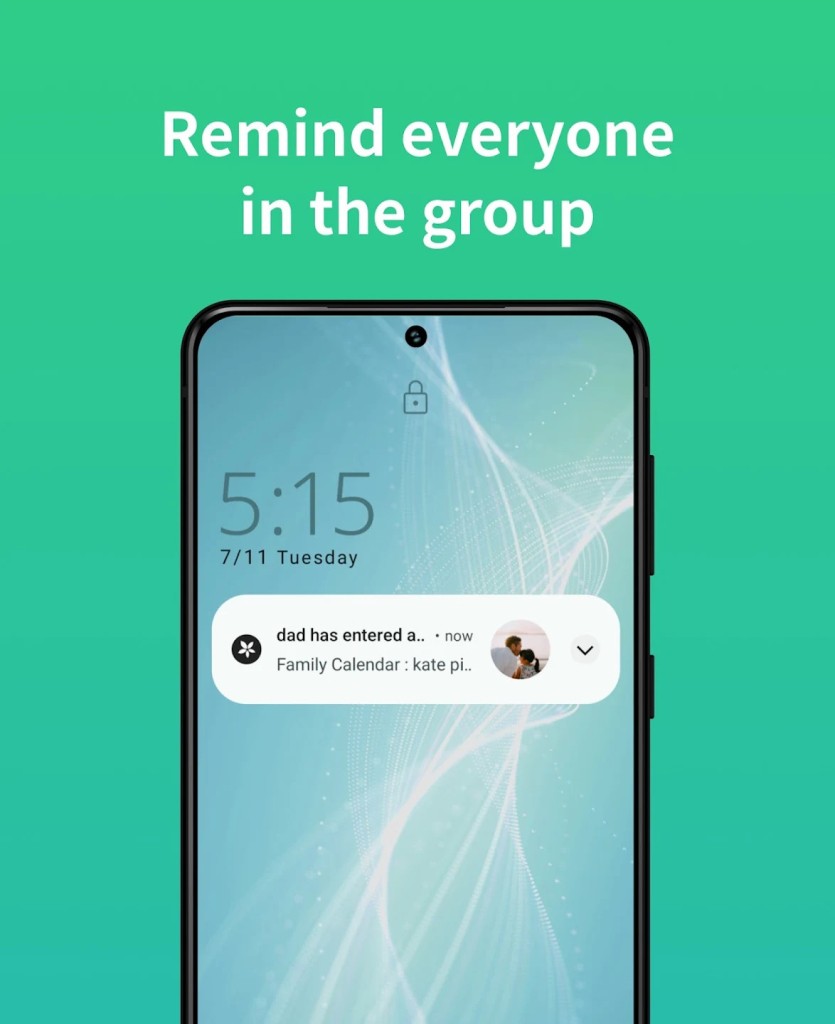
The reminders are subtle, not obscene. You have the option to change the frequency at which you would like to be reminded or notified about other people making changes. It is not about bombarding you with notifications—it is about making sure that everyone is on the same page.
Ultimately, TimeTree is worth its weight in the way it normalizes and simplifies shared planning. You no longer need to triple-check with someone or send three texts to make sure that you have a simple plan. Everyone looks at the same calendar, and this fact alone makes life smoother.
Is TimeTree free?
TimeTree is free, isn't it? It doesn’t restrict important features. It is operational straight out of the box, and thus it is accessible to every individual.
What operating systems are compatible with TimeTree?
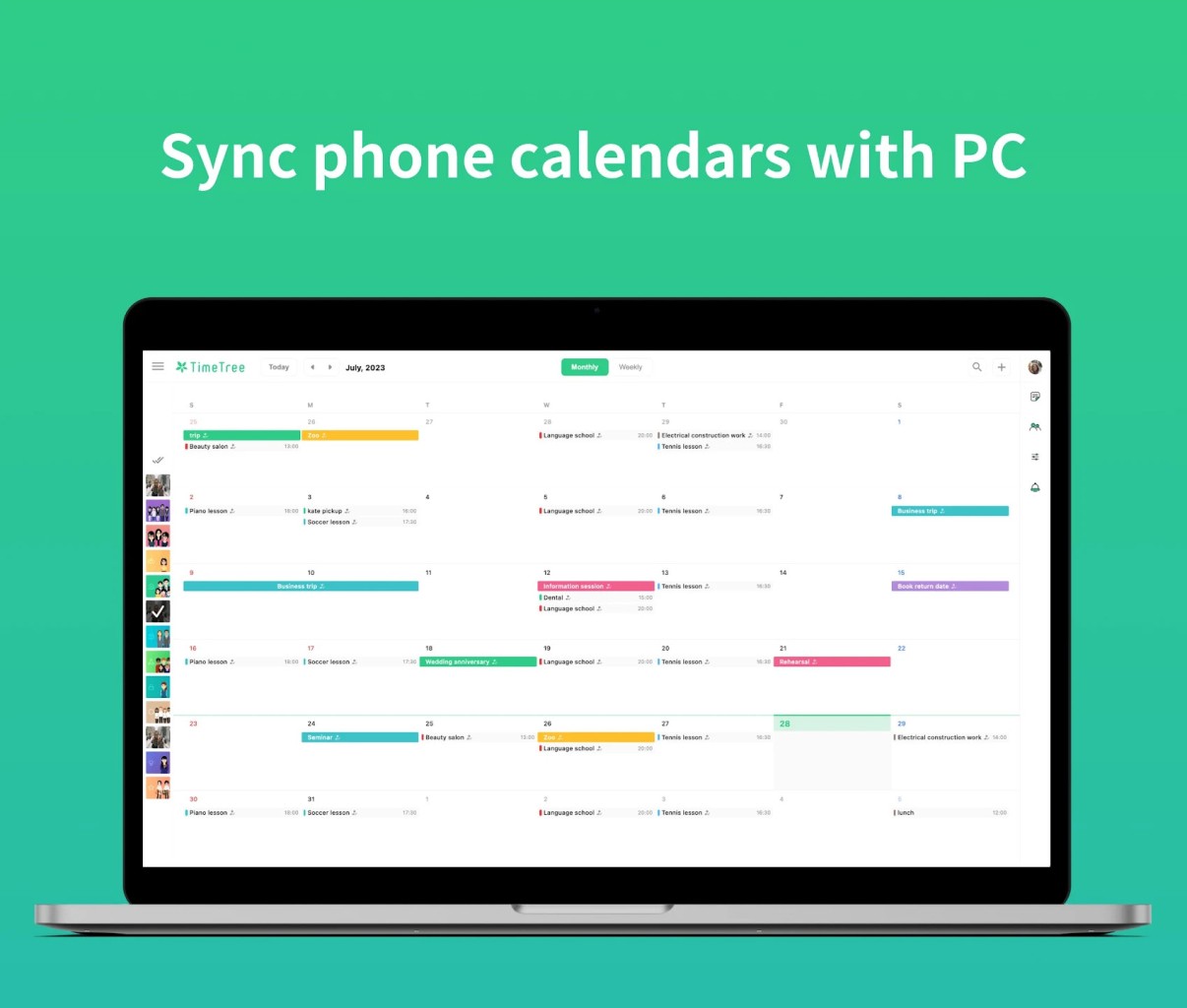
TimeTree is compatible with Android and iOS mobile phones and web browsers on desktops. Your calendars are synced across devices, which means that regardless of whether you are using your phone or computer, your calendar will be up-to-date.
What are the Alternatives to TimeTree?
Although TimeTree works wonders in simplifying the shared planning process, a couple of other applications exist that provide similar scheduling assistance in somewhat different styles or areas of focus.
The most evident alternative is Google Calendar. It is popular and is pre-installed on the majority of Android devices; it also has a close connection to other Google services. It is possible to share calendars, invitations to events, and notifications. It is effective with both individuals as well as teams. But it is not so concentrated on common communication. Events have no comments facility, and it is somewhat too task-oriented instead of being people-oriented to some users. Nevertheless, it is stable, and many users have already gotten acquainted with it.
Any.do is yet another alternative. It is a cross between a task manager and a calendar. One can schedule events, create to-do lists and organize their day in a more disciplined manner. It’s awesome, in case you are the type of person who requires somewhat extra flexibility in terms of time management. It allows sharing lists or tasks with other people, yet does not offer the same extensive calendar-sharing service as TimeTree. It is superior when it comes to people who prefer to have everything in a single application: tasks, goals, and appointments mixed in a daily planner.
Proton Calendar is the third alternative. This one is privacy-oriented, developed by the authors of ProtonMail. It provides encrypted calendar data, so that is something to consider in case you are sensitive to the idea of storing your calendar on cloud servers. Although it allows creating events, notifications, and sharing, it applies to those users who prefer security to collaboration. It continues to develop, and although it lacks the depth of collaboration features that TimeTree has, it is a serious candidate to consider in terms of privacy.