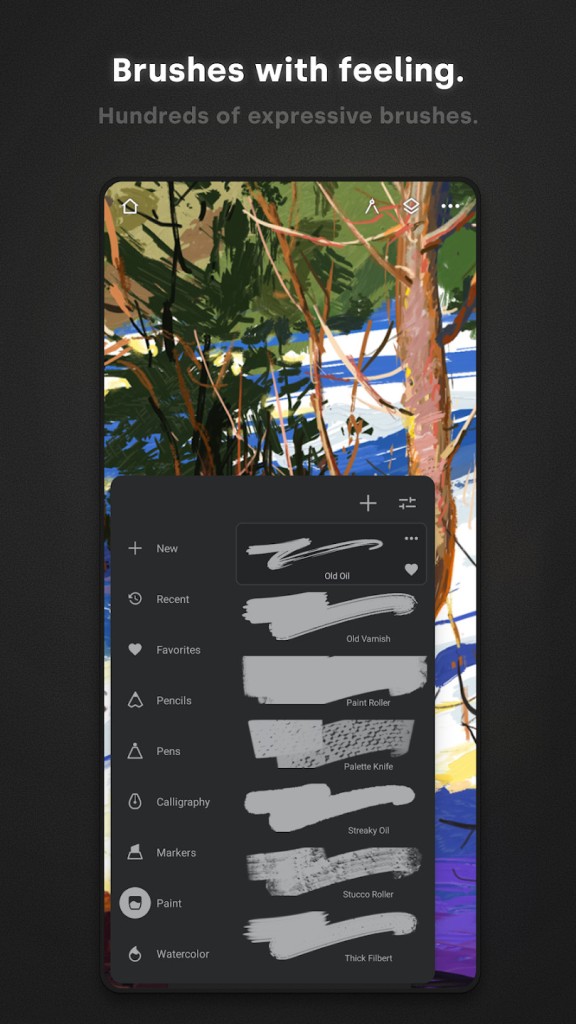
Infinite Painter is a mobile application for drawing, sketching, painting, and creating digital art and illustrations. The app is known for its large selection of brushes, including pencils, pens, watercolors, and oil brushes. The brushes are responsive to pressure and tilt, creating a lifelike experience and realistic results.
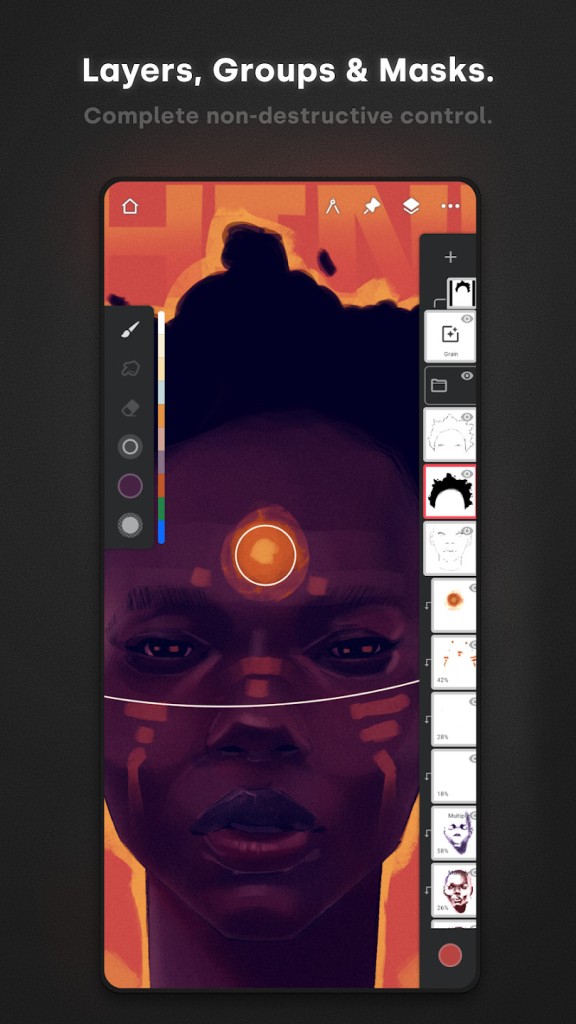
The app offers layer support, so you can work on individual elements of your project separately and then bring them all together. If you wish to work with existing images, you can apply filters and use the tools offered by Infinite Painter to edit them. Other design features allow users to create cityscapes and different types of sketches. As a bonus, you can make a time-lapse video of your whole drawing process and share it on social media.
Why Should I Download Infinite Painter?
You should download Infinite Painter if you’re looking for an application for your Android device that would allow you to create sketches, digital art, and illustrations. The platform is very user-friendly and intuitive, making it suitable for both beginner and advanced users. The app is accessible on Android and iOS mobile devices, though it is much more suited to the Android operating system.
Infinite Painter has a wide range of useful features for sketches, illustrations, and paintings. For starters, it has over 200 different types of brushes to choose from, including pencils and watercolors. With brushes responding to tilt and pressure, you can feel as though you’re painting with real brushes. The interface of the platform lets you keep the brushes you use most pinned in the toolbar, while all the other brushes are hidden from view to avoid unnecessary distractions.
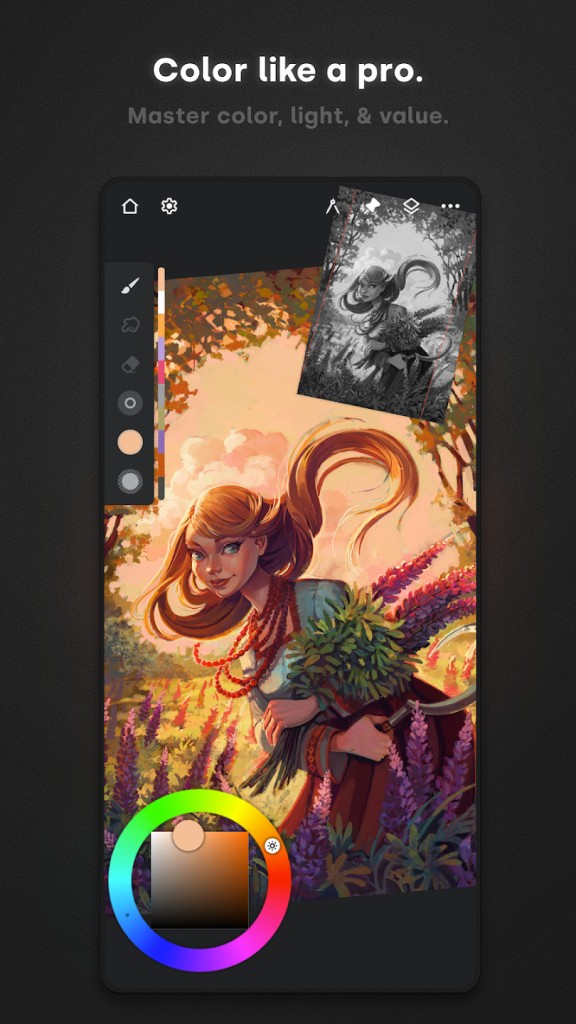
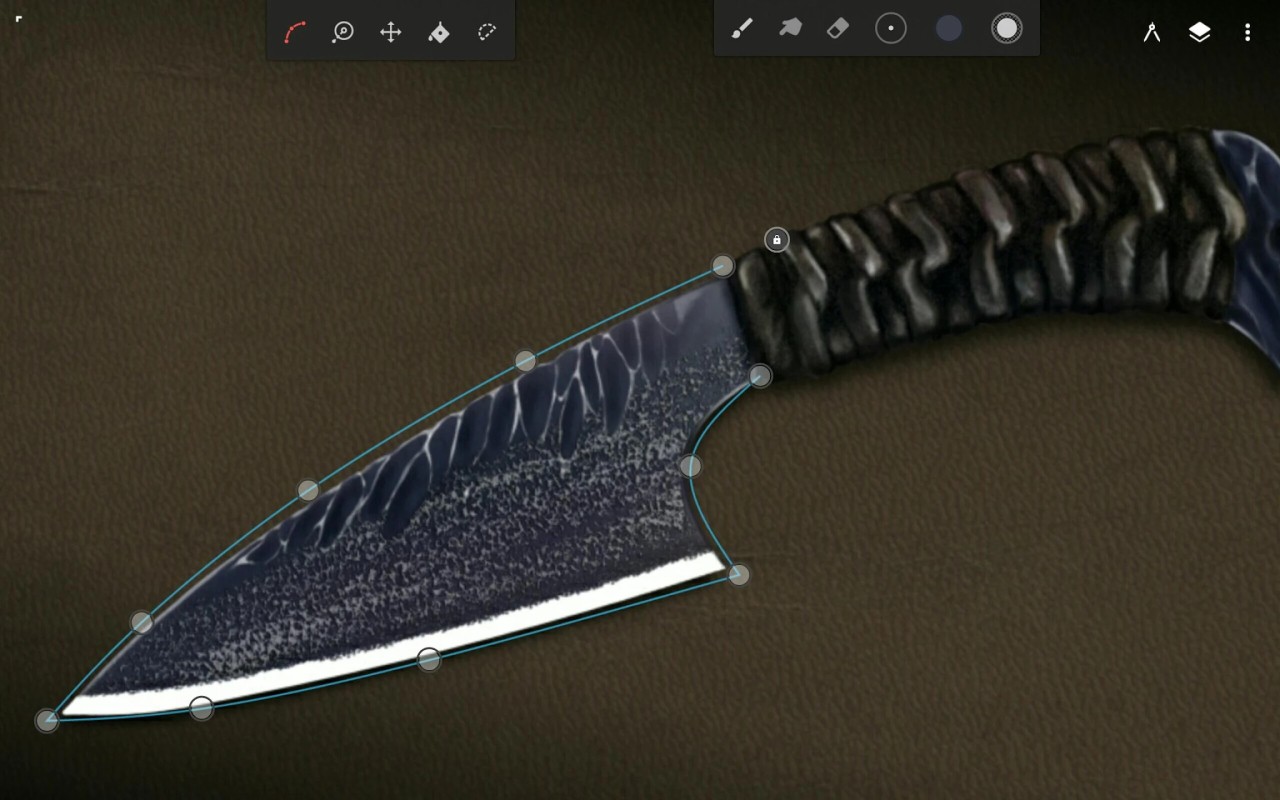
In addition to the brush selection, there are tools like layer blend modes, filters, and perspective guides. All of them can be helpful in your projects. Digital artists will appreciate automation in the form of tools like smart shape detection. If you want to work with existing images, you can import and edit them in the app.
Though available on iOS platforms, Infinite Painter offers a better user experience on Android devices. The app has a free version with some basic tools, and a premium version with access to advanced tools.
Is Infinite Painter Free?
Infinite Painter is free to download. You can use some of its features in the free version. If you want to gain access to all the features, you will have to pay a fee. You can test the advanced features for free with a 7-day free trial.
What Operating Systems Are Compatible with Infinite Painter?
Infinite Painter is compatible with iOS and Android mobile devices. If you have an iOS device, make sure it runs iOS 16.0 or later. You can also download the app on your Chromebook.
Keep in mind that though the app is officially compatible with iOS, it runs better on Android devices.
What Are the Alternatives to Infinite Painter?
Those searching for an alternative application for drawing, sketching, and creating digital art can choose from several solutions.
If you appreciate the minimalistic design of Infinite Painter, you will certainly enjoy Tayasui Sketches. The platform has several artistic tools and is especially well-known for its realistic watercolors. It boasts a user-friendly interface, which is perfect for beginners. At the same time, it lacks the advanced features of other similar apps. Tayasui Sketches will be suitable for people who are looking to make quick sketches and appreciate a minimalistic interface.
Many digital artists turn to Ibis Paint X for all of their sketch and illustration creation needs. This app is particularly popular among artists in the anime genre, featuring special manga brushes. The platform’s interface is more cluttered, which may be overwhelming to beginners. The free version of Ibis Paint X boasts a large number of brushes and other useful features. If you want to gain access to advanced features, you can subscribe to the premium version.
Another popular platform for manga and line art is MediBang Paint. You can use it to create comic strips and sharp line art, as well as sketches. The application is relatively lightweight, which is perfect if you don’t want to use up your device’s resources. At the same time, it doesn’t offer such a large variety of brushes and tools, making it look dated in comparison with newer apps.