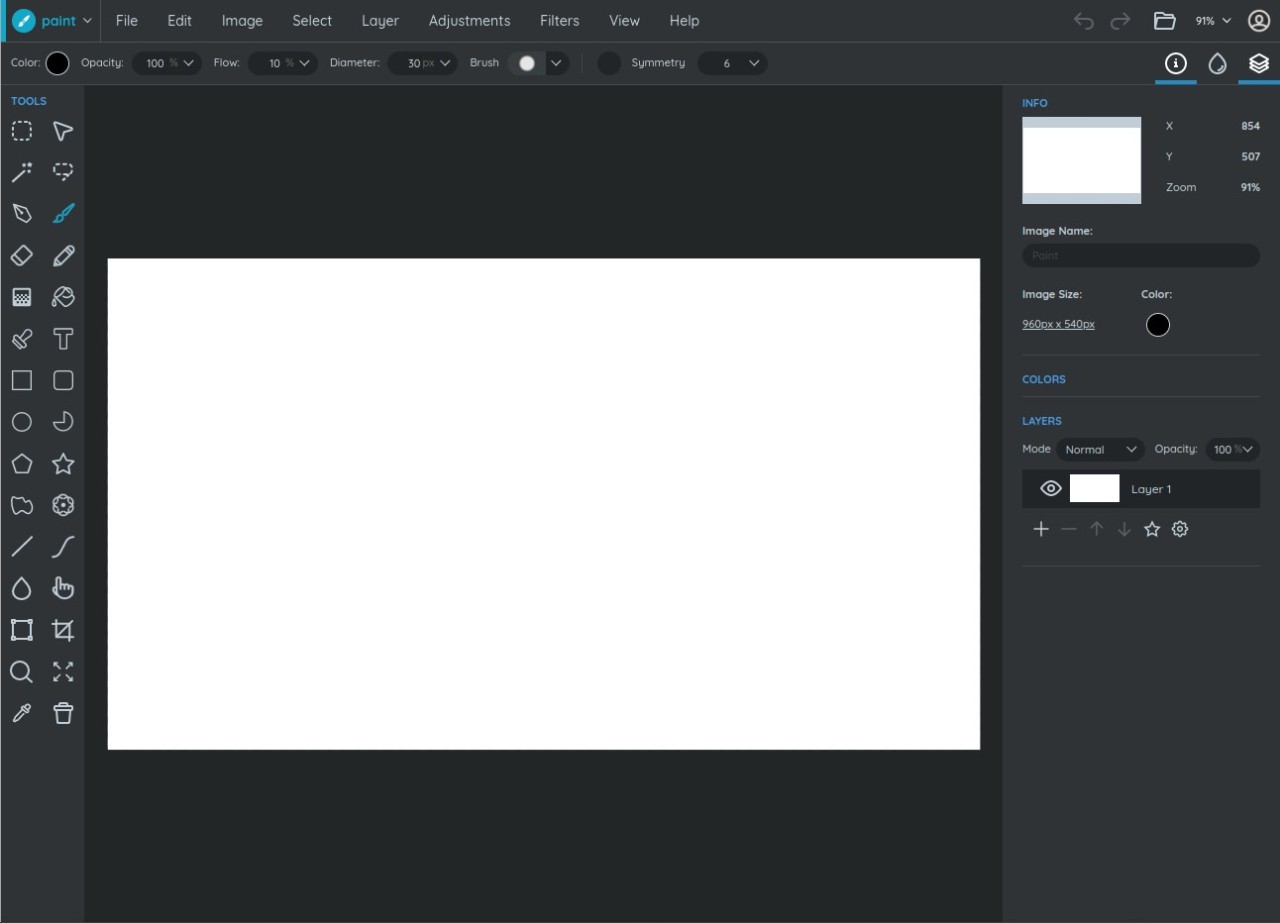
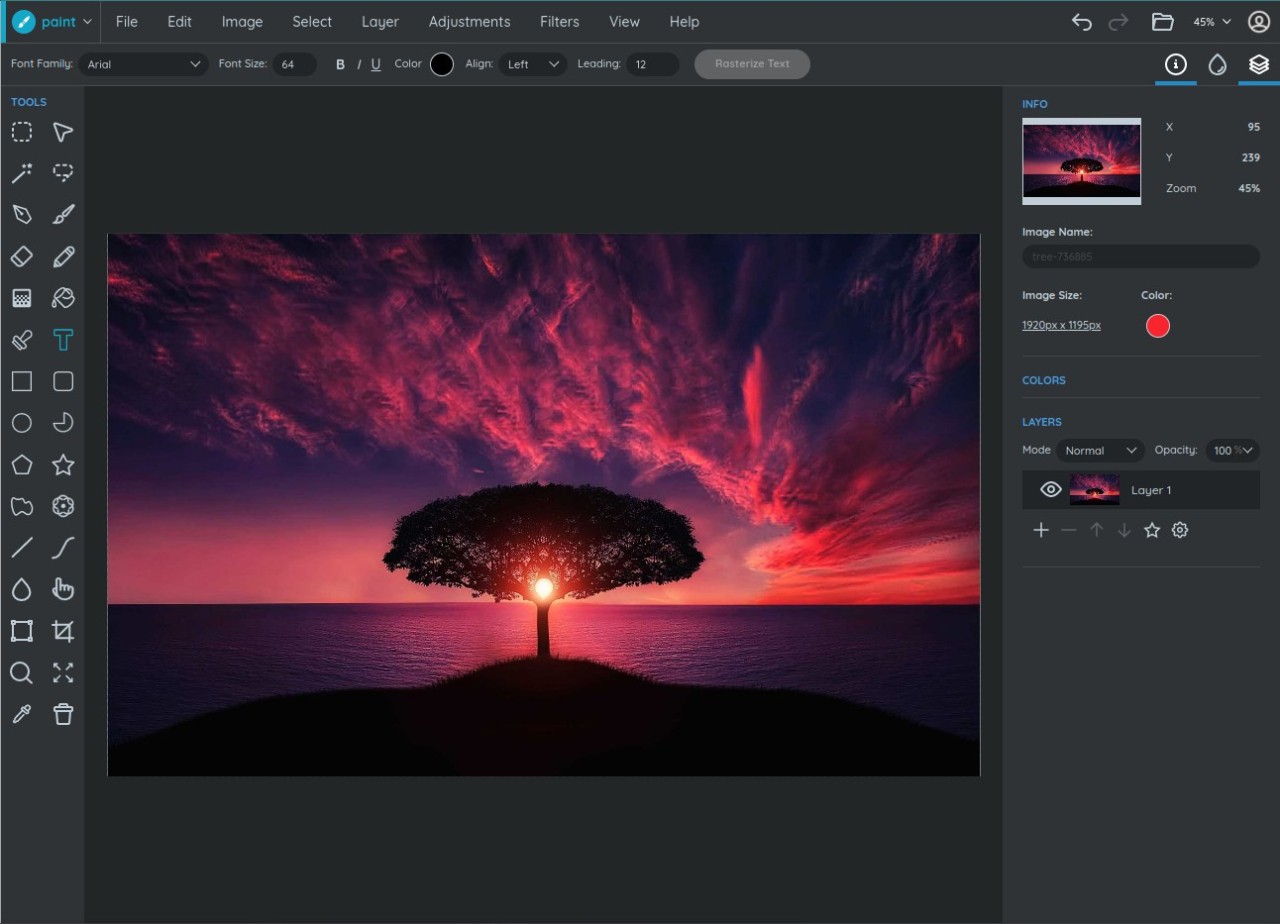
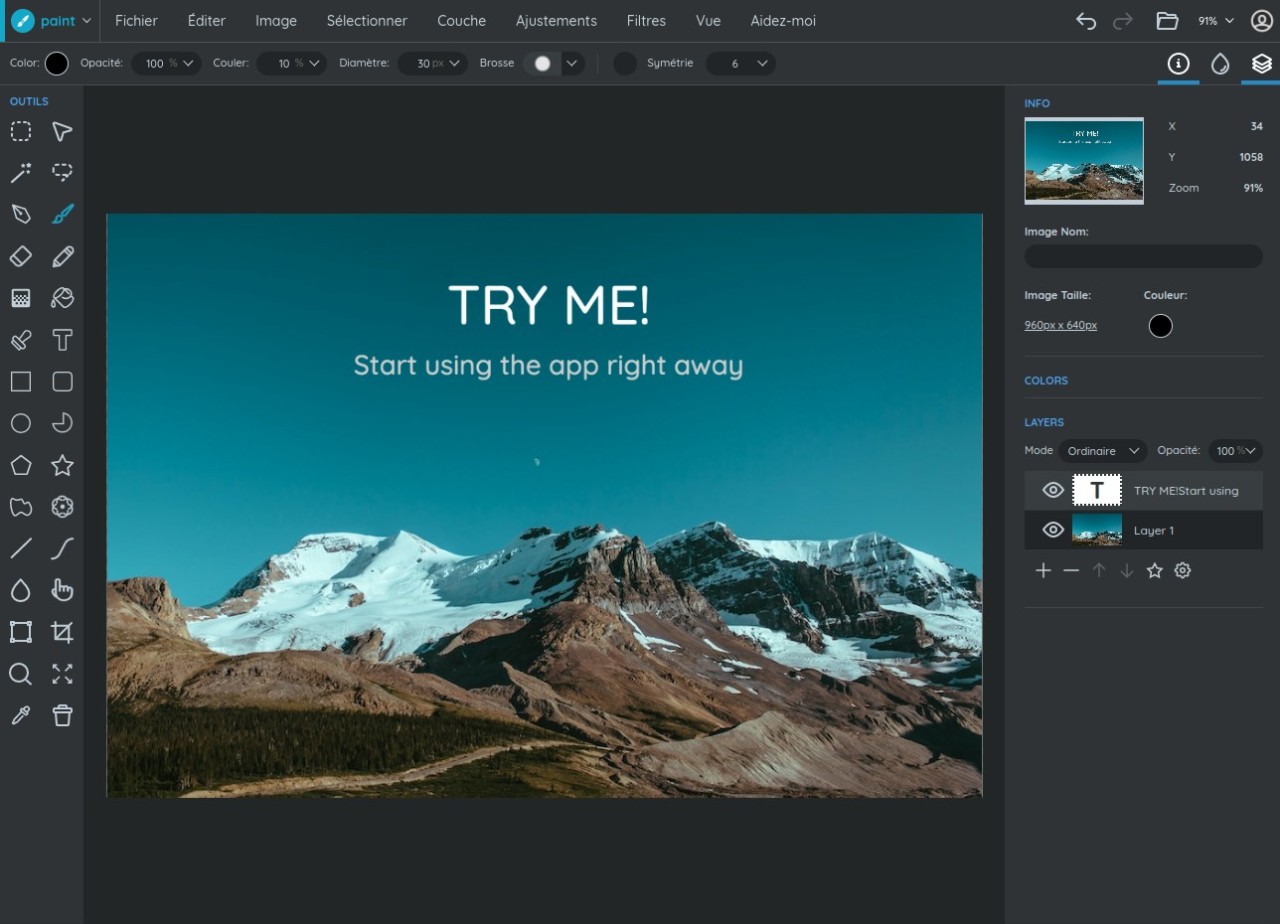
If you’re searching for an alternative to your favorite photo editing software that is browser-based, then Sumo Paint might be just the thing for you. As a web application, it works in most modern browsers, and you do not need to download it to use it. Sumo Paint is not only used for photo editing, but also for illustration and graphic design. With its help, you can design a logo or other marketing materials for your business, improve your photo look, or create compelling digital art. The application can also be used for painting, drawing, and sketching, making it more versatile than most platforms that only focus on one type of visual art.
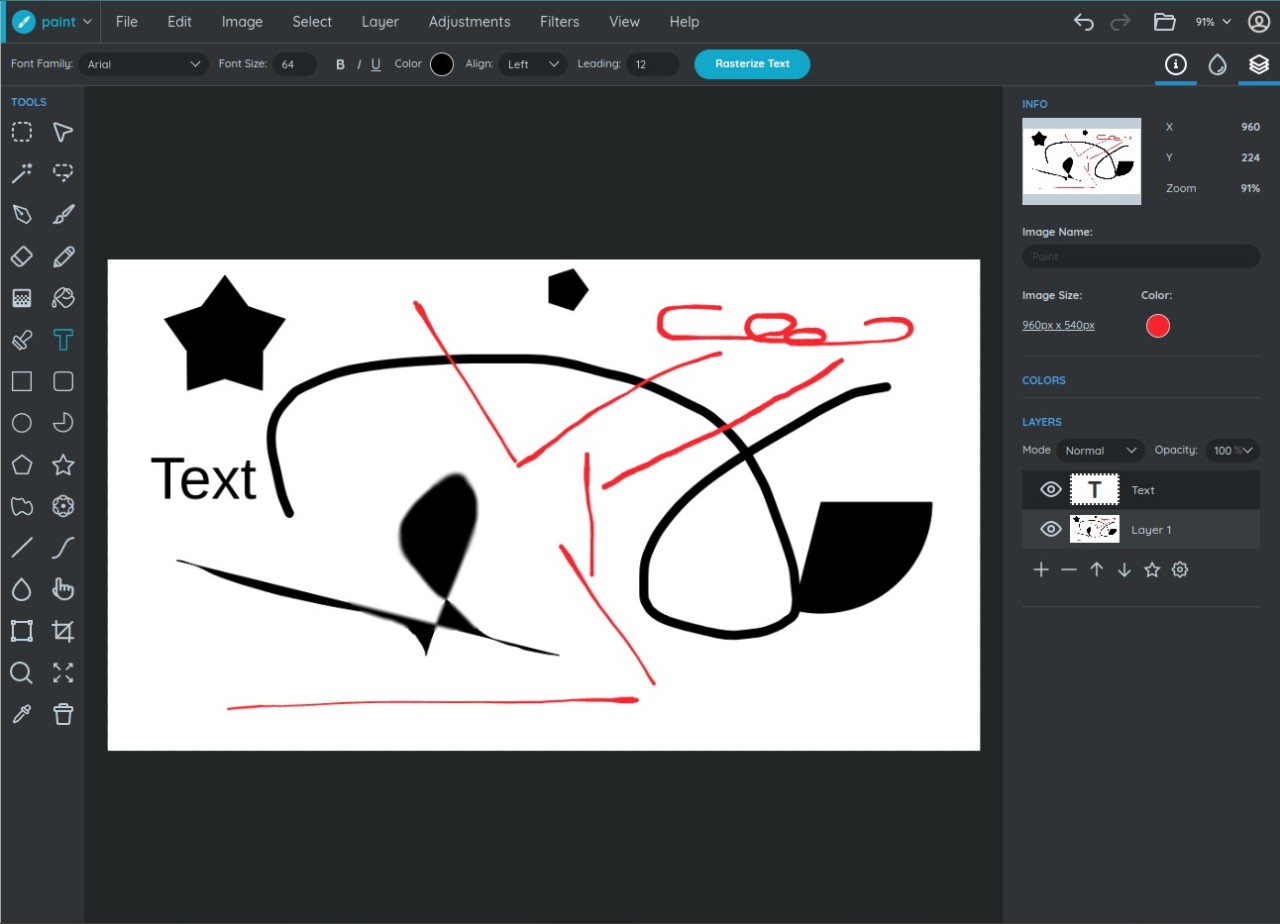
Sumo Paint’s toolset contains various brushes for drawing and painting, image editing tools and adjustable settings, and shape tools to create or manage simple shapes. The app is layer-based.
Why Should I Download Sumo Paint?
You should download Sumo Paint if you’re looking for a lightweight photo editing, sketching, and graphic design application that you do not need to download. Because Sumo Paint is web-based, it functions in your browser, so you don’t need to have a local copy of the app. As a result, you can use the app on public computers or at work. Another thing that makes it more accessible to the public is that it’s relatively inexpensive, compared to other platforms of this type.
Sumo Paint allows users to edit photos and images with its large set of tools. You can change the appearance of photos with filters or adjust color and light settings. If you want to paint over an image or create an illustration from scratch, you can take advantage of over 300 different brushes of varying feels and colors. The tool is layer-based, so you can work on different elements of your project individually. Non-destructive editing allows you to revert to the original at any moment. One of Sumo Paint’s unique features is its shape management tool that allows users to create and manipulate shapes like stars, clouds, and flowers.
Beginners in the field of digital art and photo editing appreciate Sumo Paint for its ease of use. The platform is easy to navigate and boasts a user-friendly interface.
Is Sumo Paint Free?
Sumo Paint has a free version with limited features, including basic editing tools and some drawing brushes. If you want to access all the platform’s features, you need to pay for the premium version.
What Operating Systems Are Compatible with Sumo Paint?
Because Sumo Paint is a web-based application, it can work with any operating system, as long as it has a modern browser. Make sure your browser supports WebGL and JavaScript. Supported browsers include Chrome, Safari, Edge, and Firefox.
Sumo Paint can be accessed using a mobile device, but the interface is designed for computers.
What Are the Alternatives to Sumo Paint?
Sumo Paint is not the only platform of its kind. You can find a similar set of features in other applications.
Photopea is another web-based photo editing platform that shares many features with Photoshop. It is layer-based, thus allowing users to work on different elements of a project without compromising the rest. While quite similar to Sumo Paint, Photopea offers more advanced photo editing features, making it more suitable for experienced users. You can take advantage of all the platform’s features free of charge, though there are ads. It works flawlessly with AI, XD, and PSD files.
PixLR Express is a web-based editing tool as well. While it’s similar to Sumo Paint in many ways, its main distinction lies in its abundant AI-based features. For that reason, PixLR Express is excellent for quick and intuitive editing. At the same time, it lacks the sketching and painting features of Sumo Paint. The platform has an intuitive user interface that is suitable for beginners. You will appreciate PixLR Express if you’re looking for an AI-based photo editing tool and don’t want to make manual edits.
Unlike the two aforementioned options, GIMP is a desktop application for Windows, Mac, and Linux operating systems. GIMP is an advanced tool that is suitable for professional image editing. The platform boasts a large selection of useful editing tools, including masks, layers, and filters. At the same time, it has a steep learning curve and will require some getting used to. All of GIMP’s features are available completely free of charge.