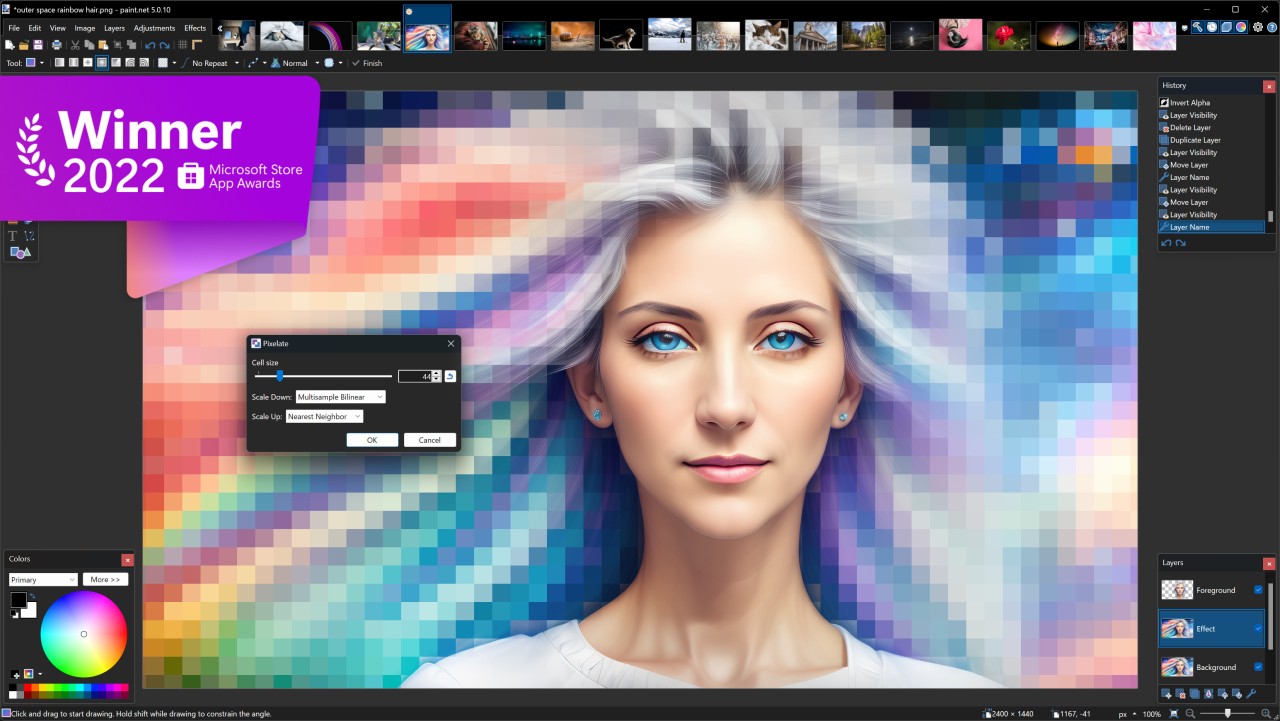
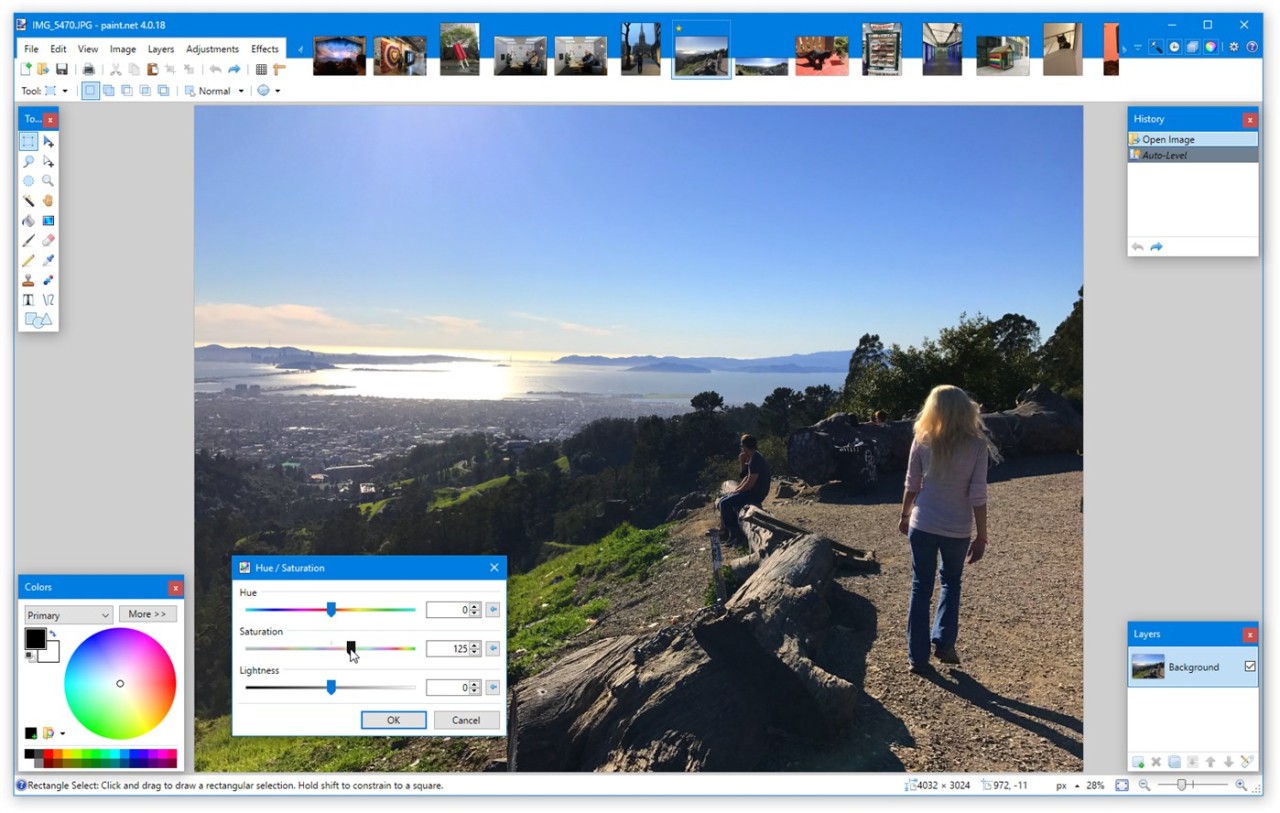
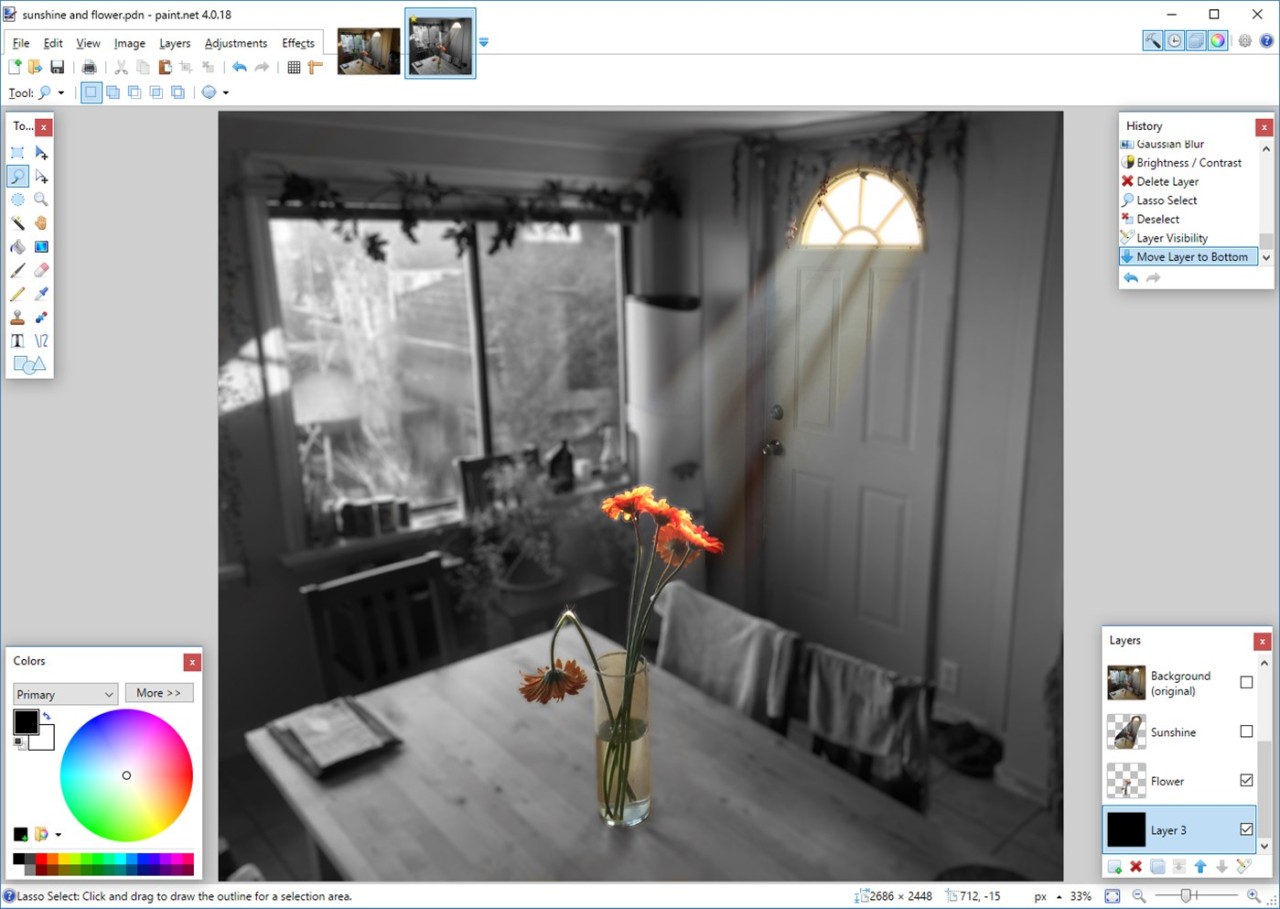
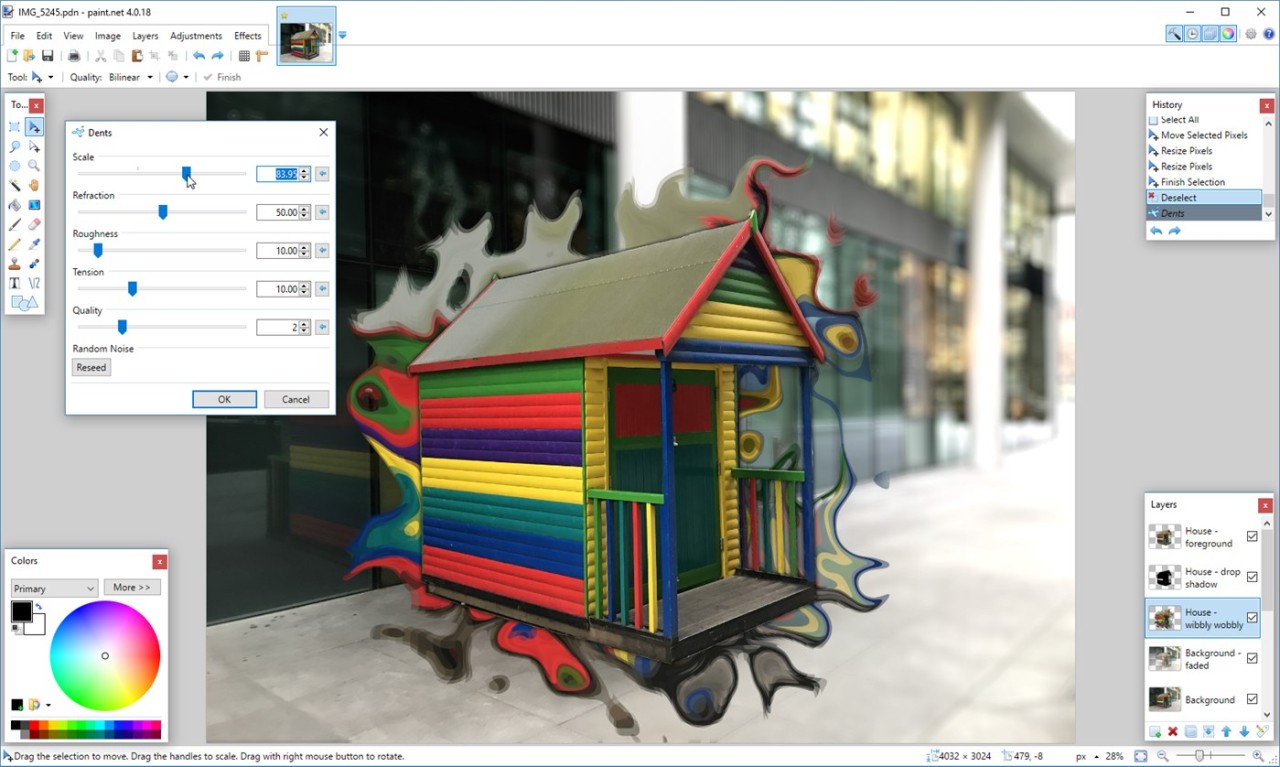
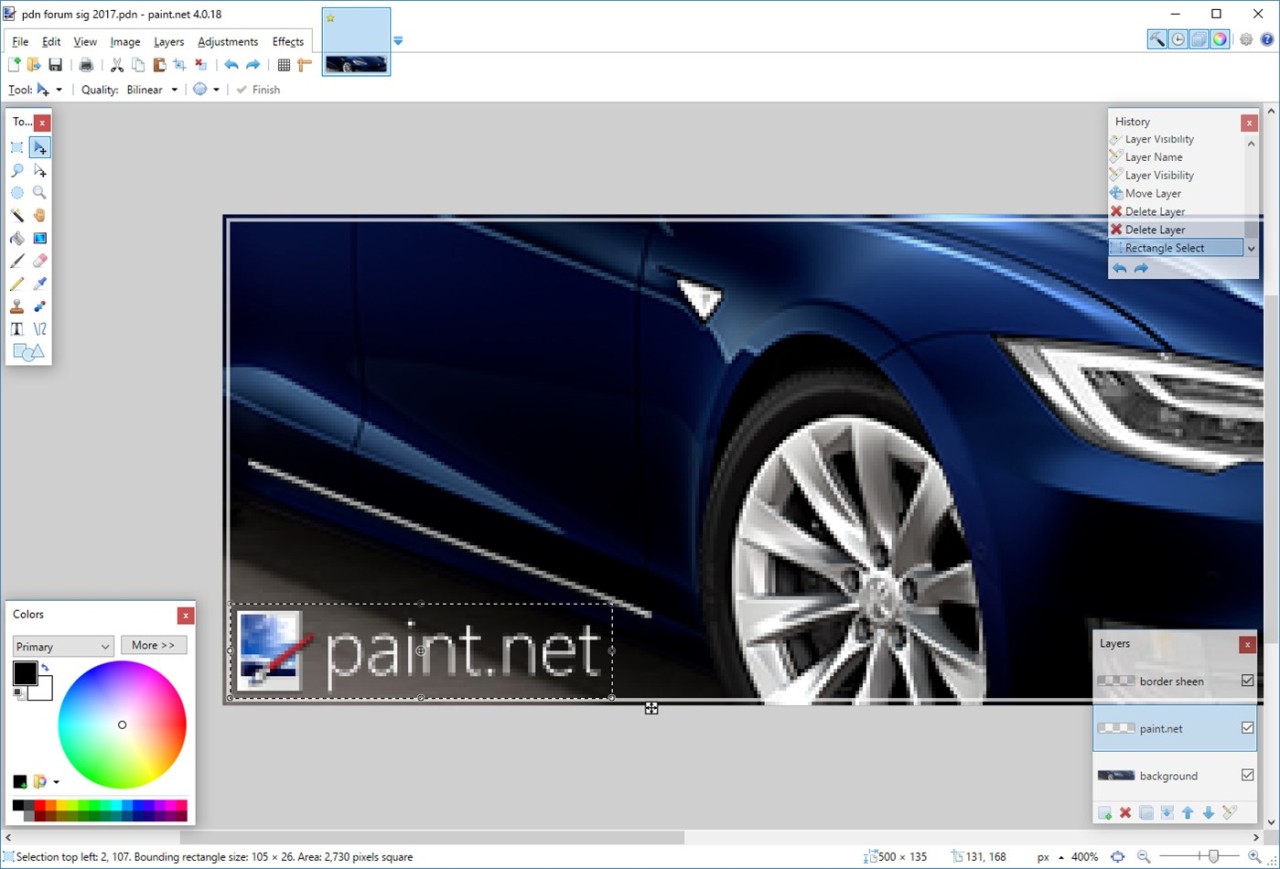
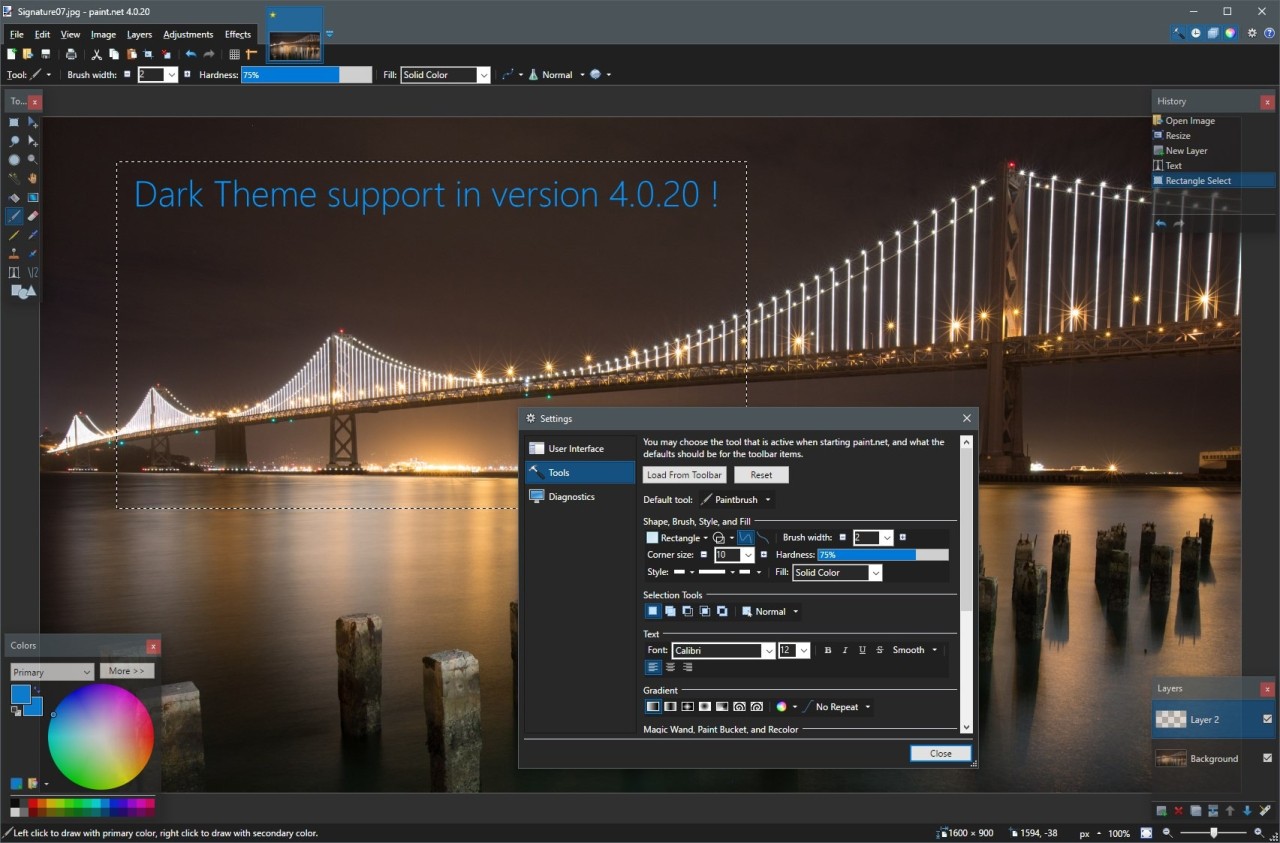
Paint.NET is only for Windows users, and it's a great image and photo editing software that combines basic functionalities with elevated visual design features free of charge. Educational student developers who received Microsoft backing launched this software project, which evolved into an advanced yet compact alternative for editing software. The developers designed this software to present a simple interface that surpasses the fundamental drawing capabilities of typical painting software.
Users find the software attractive due to its ability to align usability features with professional capabilities. The program accommodates all user needs between minimalistic paint programs and professional software through its comprehensive yet straightforward editing toolkit. Paint.NET supports multiple layers, unlimited undo history, and a variety of built-in effects like blurring, sharpening, red-eye removal, and 3D rotate/zoom. These features make it suitable for both beginners and advanced customers.
The online community at Paint.NET actively supports users by sharing plugins and tutorials, which increase the range of what the application can do. The wide range of visual design requirements finds a perfect solution in Paint.NET through its basic touch-up capabilities as well as detailed cropping and resizing functions. It also supports drawing tablets with pressure sensitivity, color management for accurate display, and a variety of file formats, including PNG, JPEG, TIFF, GIF, WebP, and PDN. Customers can enhance images using advanced features like gradients, magic wand, clone stamp, and text.
Why Should I Download Paint.NET?
Persons seeking photo editing software above basic paint programs yet avoiding professional complexity will find a suitable solution in Paint.NET. This program offers light system performance requirements, allowing it to work properly on most computers with minimal impact on their resource usage. Paint.NET is very fast, launching almost instantly and optimized for modern CPUs, GPUs, and NVMe SSDs, with low input latency and reduced power consumption. People who want to edit photos and graphics with an elementary interface, rather than complex features, will find Paint.NET to be their ideal software solution. The program uses a tabbed document interface with live image thumbnails for easy navigation.
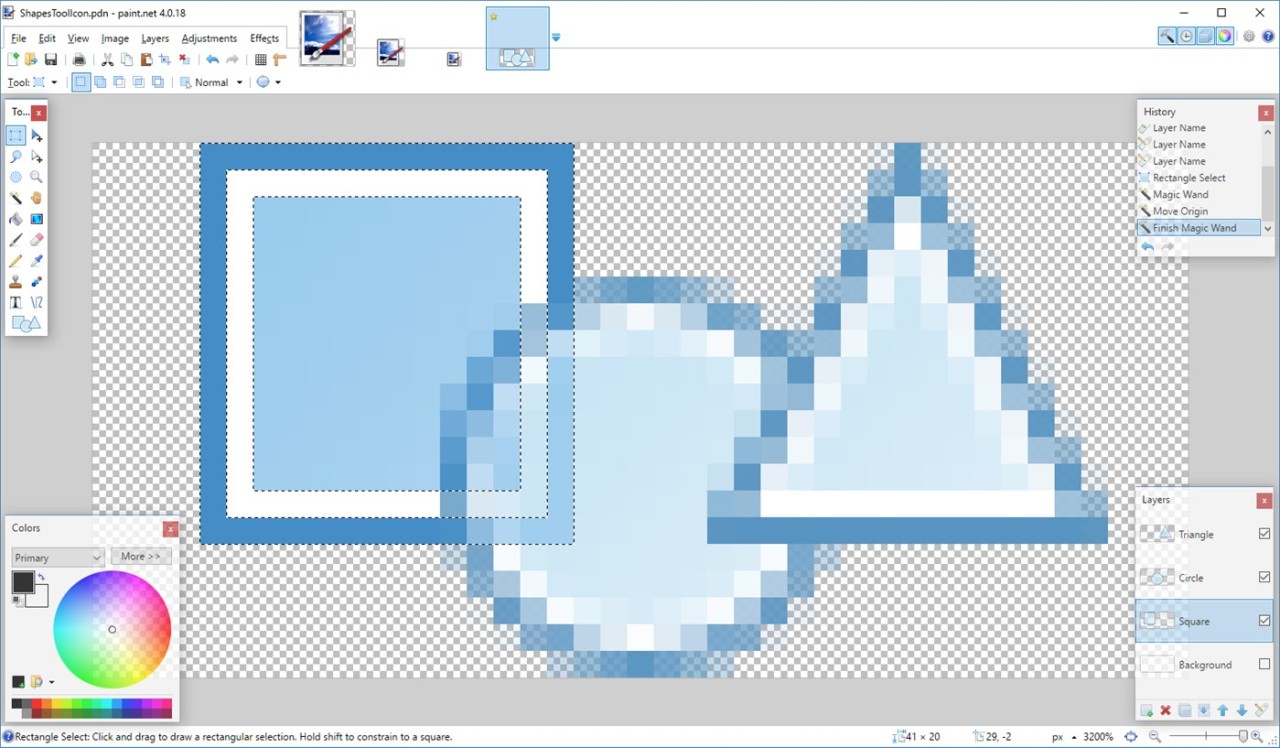
Paint.NET offers layers as one of its core features, which serves as a major reason for customers to select this program. One major advantage of Paint.NET compared to single-layer image editors is its support for multiple layers, which enables customers to construct detailed pictures through layer composition as well as apply transparent elements and edit image sections independently of the rest of the image. This distinctive feature earns Paint.NET a position above most alternative free image editors. It also supports drawing tablets and pens with pressure sensitivity, making brush strokes look natural.
An unlimited undo capability exists as one of its important benefits. The mistakes encountered regularly become manageable through Paint.NET since this program allows customers to revert steps while preserving their ongoing work. People who are new to image enhancement can take advantage of this capability because it streamlines their editing process.
The application provides a selection of effects alongside different tools to enhance image quality in Paint.NET. Within the Paint.NET application, customers can make image adjustment settings to modify brightness levels, contrast, hue, saturation, curves, and levels, alongside artistic visual effects for blurring, sharpening, distortions, red-eye removal, embossing, and 3D rotate/zoom. A collection of built-in features permits the transformation of regular pictures into finished professional images regardless of software cost. Additional tools include curve drawing, gradient creation, magic wand selection, clone stamp, text, recolor, zoom, and extensible shape tools.
It also shows its strength through its capability to add plugins: Paint.NET's user community has created multiple plugins that add further features, along with new effects, as well as let customers work with different file formats. The software supports many formats natively, including PNG, JPEG, JPEG XL, AVIF, HEIC, WebP, TIFF, DDS, TGA, and PDN.
Adding plugins permits extending the software capabilities beyond the useful default functions that exist in the software. Full color management ensures that images with embedded color profiles display accurately, using the full color gamut of monitors. The plugin system enables Paint.NET to become easily customizable through additional brushes, new filters, and advanced tools.
Paint.NET also benefits from an active online community with forums, tutorials, and a constantly growing list of plugins.
Is Paint.NET Free?
Paint.NET is a free and open-source software available for everyone. You can download this version from the official links. If you like the software, consider donating to the team to help them. Paint.net is available for all kinds of users, from home to commercial, and is still free.
You can also buy the Microsoft Store version of Paint.NET. This paid version helps support software development. The functionalities of both versions are the same; the only difference: with the Store version, you can automate updates.
What Operating Systems Are Compatible with Paint.NET?
The Windows-native application Paint.NET supports the current operating systems Windows 10, Windows 11, and Windows Server 2022. Older systems, such as Windows 7 and Windows 8, can run Paint.NET, yet they might not exhibit certain new features.
In parallel to the complete software installation file, Paint.NET is also available as a portable tool. This version does not require installation, and you can run it from a USB device on any Windows computer.
What Are the Alternatives to Paint.NET?
Nearly as popular as Paint.NET is the free photo editing software named GIMP. This platform offers its customers an extensive set of tools to process images and to create both digital paintings and design graphics. GIMP stands as an open-source application for visual design. GIMP stands apart from Paint.NET since it aims to deliver professional features similar available in Adobe Photoshop while maintaining a different, lightweight interface. You can develop your own brush tools, use advanced layers capabilities, and access a huge library of plugin options. The learning process for GIMP requires more time and effort compared to Paint.NET because it caters less to novices. Those with Windows, macOS, and Linux platforms can find this program as an excellent solution because it supports their operating systems.
Among digital artists, Krita provides an effective alternative solution that excellently supports painting and illustration tasks. The brush engine, combined with drawing tablet support, stands as the essential feature in this program, though it does support basic visual design capabilities. Artists, along with designers, choose Krita because it offers digital artwork creation tools that are free to use. Its broader set of painting features distinguishes Krita from Paint.NET, which enables customers who wish to explore creative design to find it more suitable than basic visual design. The Krita software functions on all major operating systems, which include Windows, macOS, and Linux.
Another alternative to Paint.NET is the Photopea web service. It offers a full solution to edit all your photos directly from your web browser, and it's free. From basic editing tools to using layers, effects, or CSS, Photopea is a robust alternative that is often compared to Adobe Photoshop. And because it works online, you can use it on any device regardless of your operating system!