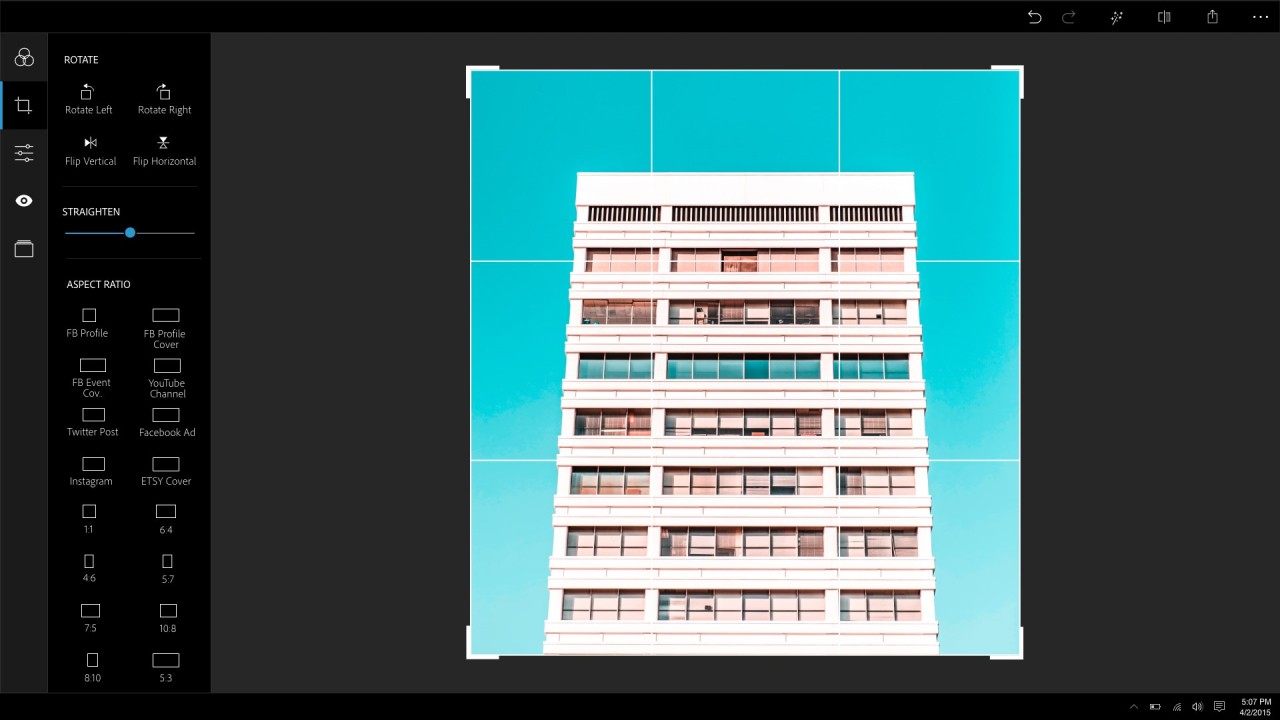
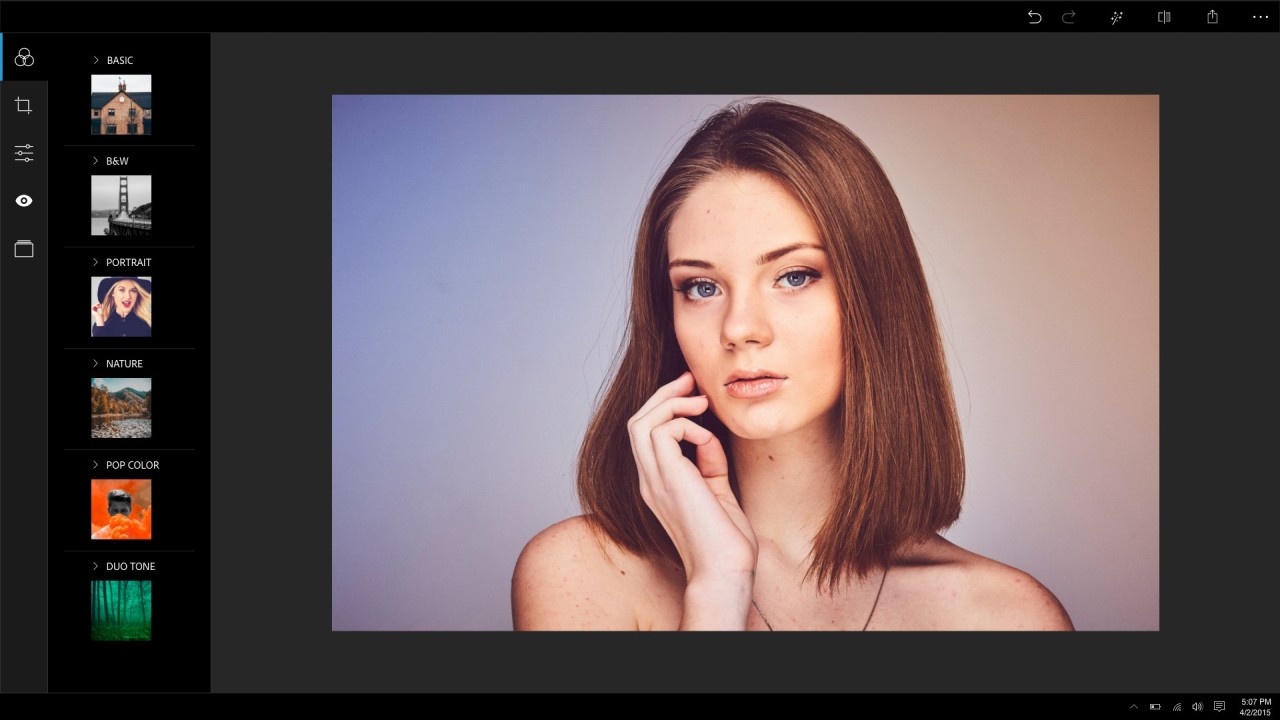
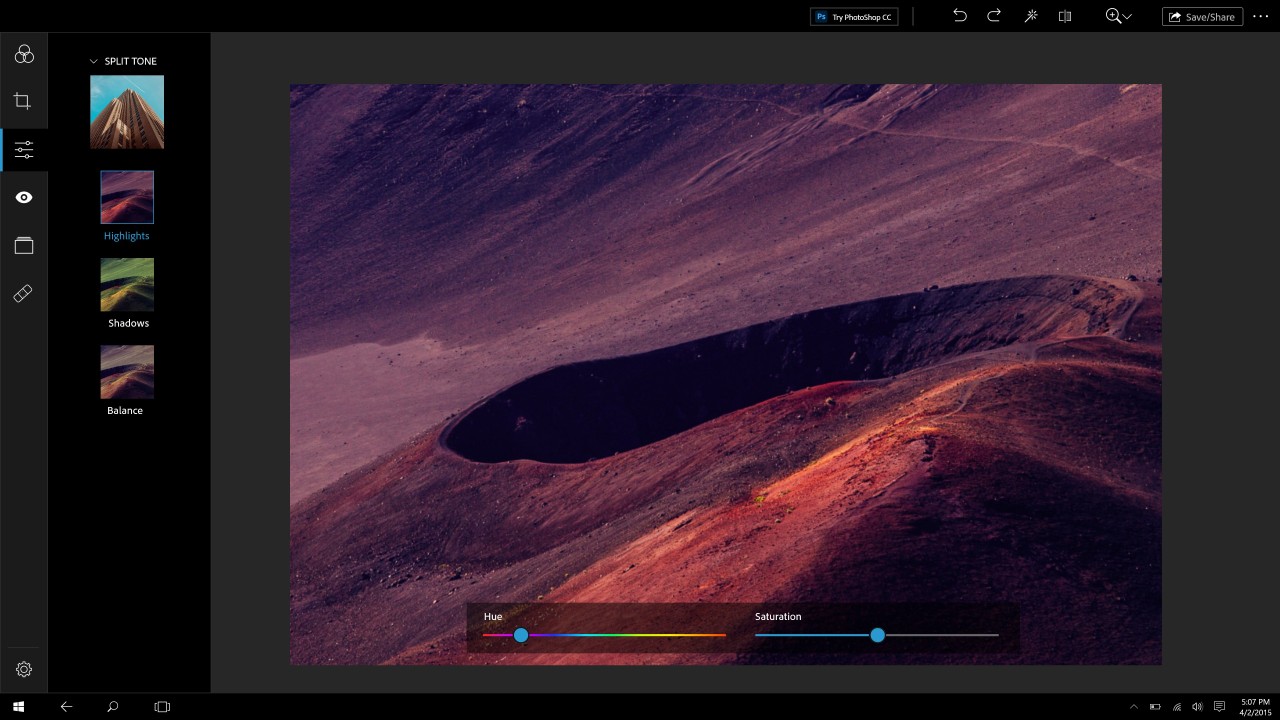
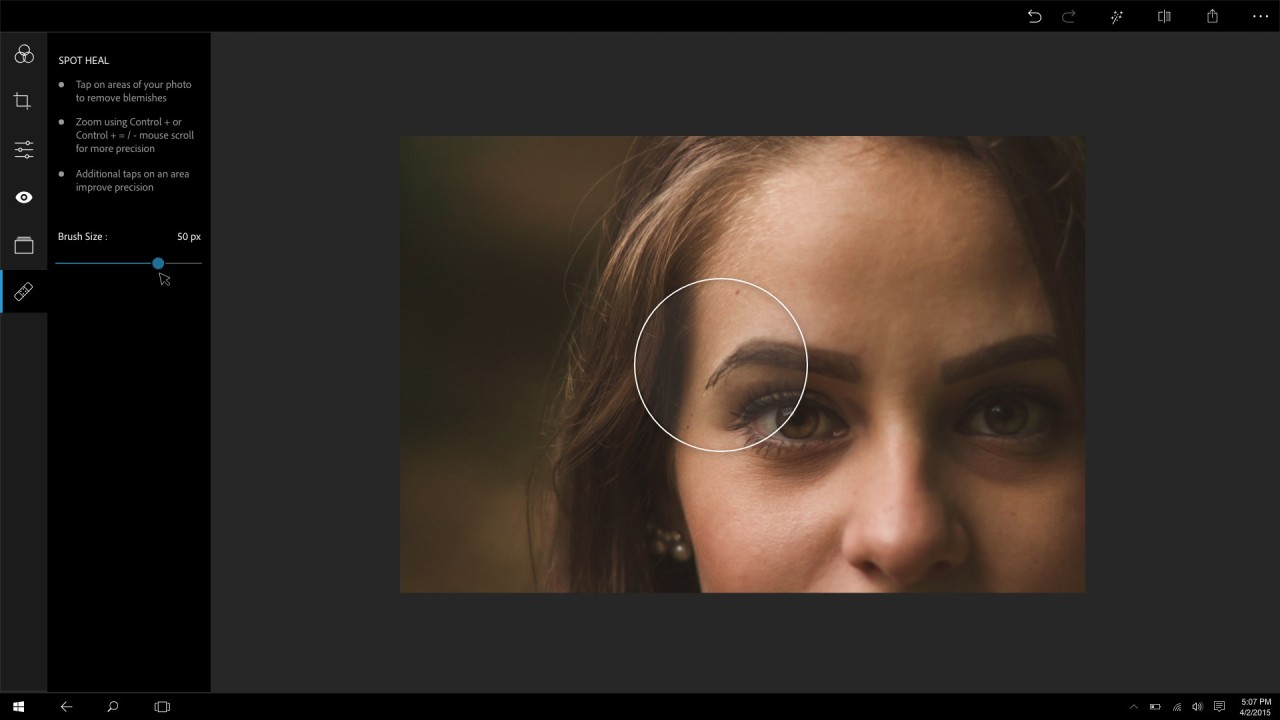
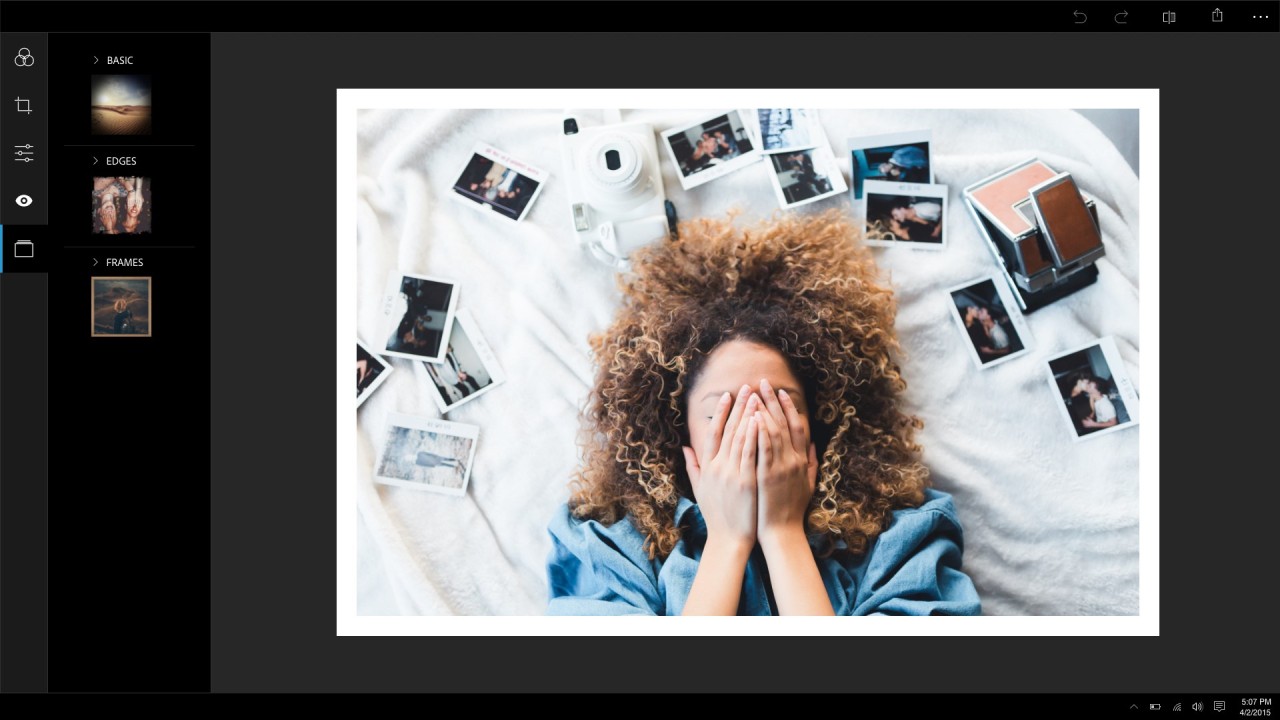
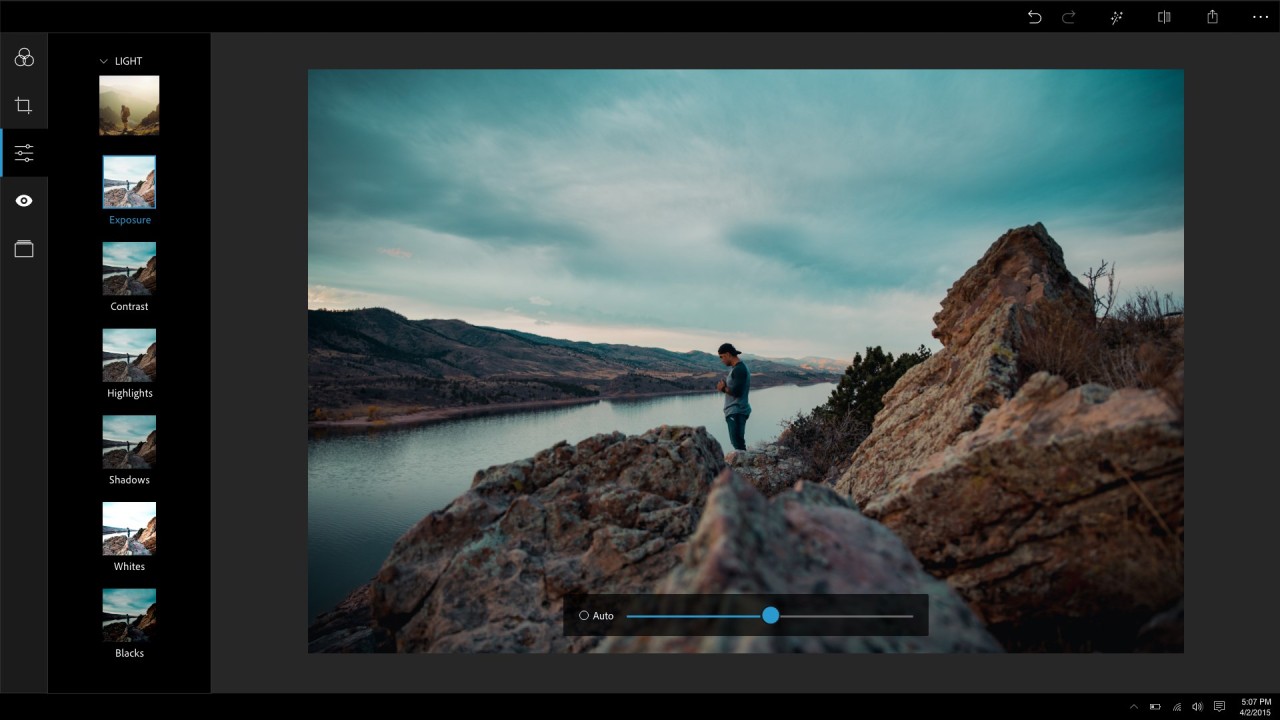
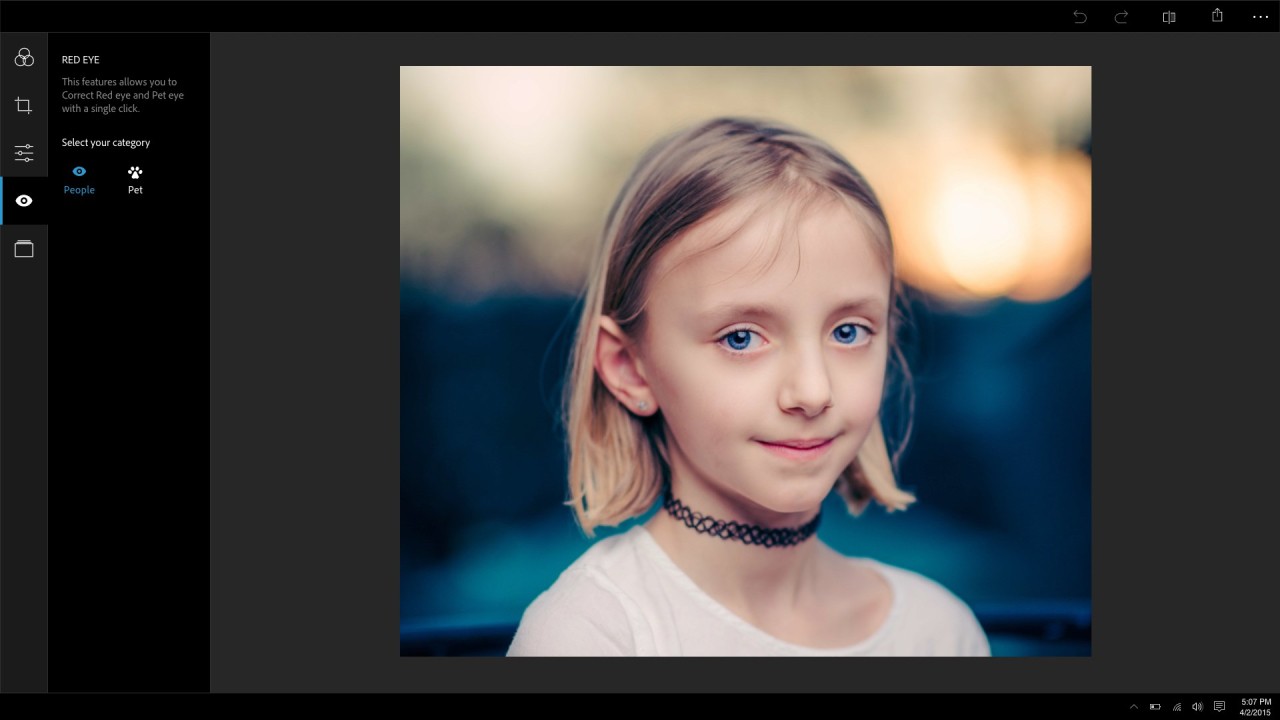
Adobe Photoshop Express presents itself as a basic, user-friendly tool from Adobe that helps users perform quick photo improvements and video editing. The platform exists mainly to help casual users process mobile images because it differs fundamentally from its professional counterpart, Adobe Photoshop. Users who want to improve their images and videos quickly can rely on the simplified interface, which offers essential tools to crop and resize photos, adjust brightness and colors, and apply instant enhancements.
In addition to photo editing, Adobe Photoshop Express also includes a built-in video editor. This feature allows users to trim video clips, adjust playback speed, resize or rotate footage, and export videos in high resolution directly from their mobile devices. Users can also combine multiple clips into a single video and add music tracks to enhance the final result, making it a practical solution for quick video creation, especially for social media content.
Thousands of smartphone users especially appreciate this application because it provides effective yet easy-to-use editing tools for both photos and videos. Automatic filters, instant adjustments, and basic retouching options make it simple to enhance visual content in just a few taps. Users also benefit from device-independent editing, as the software integrates seamlessly with Adobe’s cloud services, allowing edits to be saved automatically and accessed across different devices.
Adobe Photoshop Express meets the needs of standard photo and video enhancement tasks for social media users and bloggers who prefer a straightforward interface over complex professional editing software. While it does not include all the advanced features of the full Adobe Photoshop, it still enables users to achieve polished, professional-looking results in a fast and accessible way.
Why Should I Download Adobe Photoshop Express?
Users who require a basic yet effective photo editor for their mobile devices and desktops should download Adobe Photoshop Express. This tool stands out for its simplicity and accessibility, making it an excellent choice for beginners in photo editing. Its intuitive interface allows users to enhance images quickly, without needing advanced design skills. Anyone looking to improve photos before sharing them on social media or saving them for personal use will appreciate how easy and efficient the app is.
Adobe Photoshop Express also offers a wide range of filters and presets included as standard features. With just a few taps, users can adjust brightness, contrast, and color intensity to transform ordinary photos into polished, professional-looking images. This makes the app ideal for those who want high-quality results without spending time on manual adjustments.
The tool includes multiple built-in correction tools that help fix common photo issues. Whether it’s improving lighting, correcting colors, or reducing visual imperfections, Adobe Photoshop Express provides both automatic and manual options to refine images quickly. These tools are especially useful for enhancing selfies, portraits, and landscape photos in everyday situations.
Thanks to selective editing, users can make precise adjustments to specific areas of an image rather than applying changes globally. This feature allows greater control, enabling users to retouch certain elements while leaving the rest of the photo untouched.
Beyond photo editing, Adobe Photoshop Express also includes a video editor, making it a versatile creative tool. Users can trim video clips, adjust playback speed, recolor footage, resize frames, and rotate videos directly from their phone, all while exporting in high resolution. The tool allows multiple videos from the camera roll to be combined into a single clip, making it easy to create short, engaging videos. To enhance the final result, users can choose from thousands of built-in music tracks to set the perfect mood for their edits.
Another major advantage of Adobe Photoshop Express is its integration with Adobe’s cloud ecosystem. Projects can be synchronized across devices, allowing users to start editing on a smartphone and continue seamlessly on a desktop or tablet. This flexibility is especially beneficial for creators who work on the go.
Additionally, the app offers tools for creating collages, adding text, and applying artistic effects, making it suitable for both personal creativity and light professional use such as content creation or marketing visuals.
Overall, Adobe Photoshop Express provides a reliable, free solution for users who want powerful photo and basic video editing without sacrificing quality. While it does not replace the full version of Photoshop, it delivers all the essential features most casual users need in a fast, accessible, and user-friendly package.
Is Adobe Photoshop Express Free?
Users can obtain Adobe Photoshop Express through a free download of the program. Users who require fundamental photo and video editing capabilities find Adobe Photoshop Express to be a suitable choice because the application offers advanced editing features free of charge.
Some advanced features in Adobe Photoshop Express need a paid Adobe subscription to unlock them, although users receive free access to basic editing capabilities. Users can achieve satisfactory photo and video enhancement through the free tools available in the application.
What Operating Systems Are Compatible with Adobe Photoshop Express?
Users from various platforms can access Adobe Photoshop Express because it exists across multiple operating systems. The software operates with both Windows systems, so users who have desktops can directly install and handle their photographs on their computers. The mobile application Photoshop Express Photo Editor is available on Android, iPhone, and iPad, providing users with easy access to photo editing on portable devices.
The cloud connection functionality of this application lets users start work on one device, then pick up where they left off on another device. Users maintain their progress throughout the editing process since the application enables them to begin work on one platform and finish on another. Users on macOS and Linux systems can access alternative methods to work with Adobe Photoshop Express, including using emulators or the online Adobe tools.
What Are the Alternatives to Adobe Photoshop Express?
Adobe Photoshop Express delivers powerful photo editing capabilities quickly, but users can choose different tools based on personal requirements, which provide equivalent functionality to the editor. Users can pick between applications that deliver enhanced features, with the option of selecting simple tools for novice users.
Canva serves as an excellent substitute because it operates as an online platform, together with mobile apps and desktop apps, offering users simple tools to edit photographs, design graphics, and build social media content. Users who require social media or personal and marketing visuals should use Canva because it provides multiple design templates and image filters, together with editable text features. Canva operates differently from Adobe Photoshop Express because its design functions are primary, but it enables users to make posters, presentations, and infographics, in addition to photo editing capabilities. Users get access to this editor through desktop and mobile user interfaces for diverse creative flexibility.
For mobile users, Snapseed represents a major competitive threat to software developers because it is a Google-developed mobile photo editing application. The photo editing tools in Snapseed surpass those in Adobe Photoshop Express because they enable users to perform selective alterations and adjust curves while applying precise masking. The app finds widespread adoption from photographers who want to control their edits without losing the ease of use provided by the interface. Snapseed provides users with a completely free experience that includes all of its tools without subscription requirements, in contrast to Adobe Photoshop Express, which restricts users with its Adobe-connected platform. The service serves as an ideal editing choice for people desiring expert-grade capabilities without the need for payment.
For your computer, the GNU Image Manipulation tool, or GIMP, stands as an open-source desktop photo editor that provides numerous advanced features that compete with Adobe Photoshop. The advanced feature set of GIMP includes plugins and image manipulation tools, but its interface remains less friendly than the one used in Adobe Photoshop Express. The editor supports experienced users who want more than simple enhancements because it requires substantial learning time. GIMP functions as a comprehensive desktop program because its design focuses on detailed image editing and graphic design work. However, its main distinction lies in its different nature from the mobile-optimized Adobe Photoshop Express.