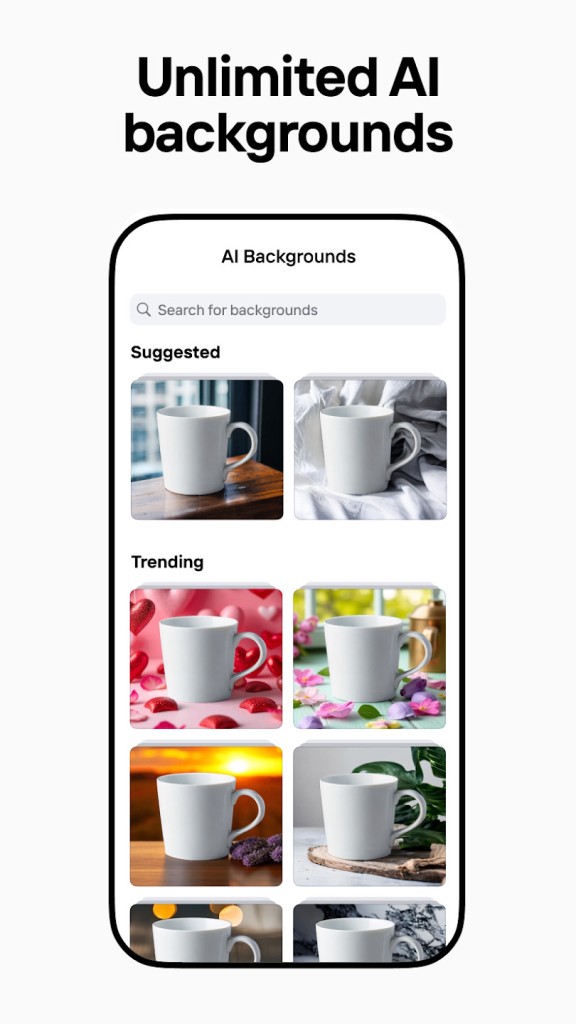
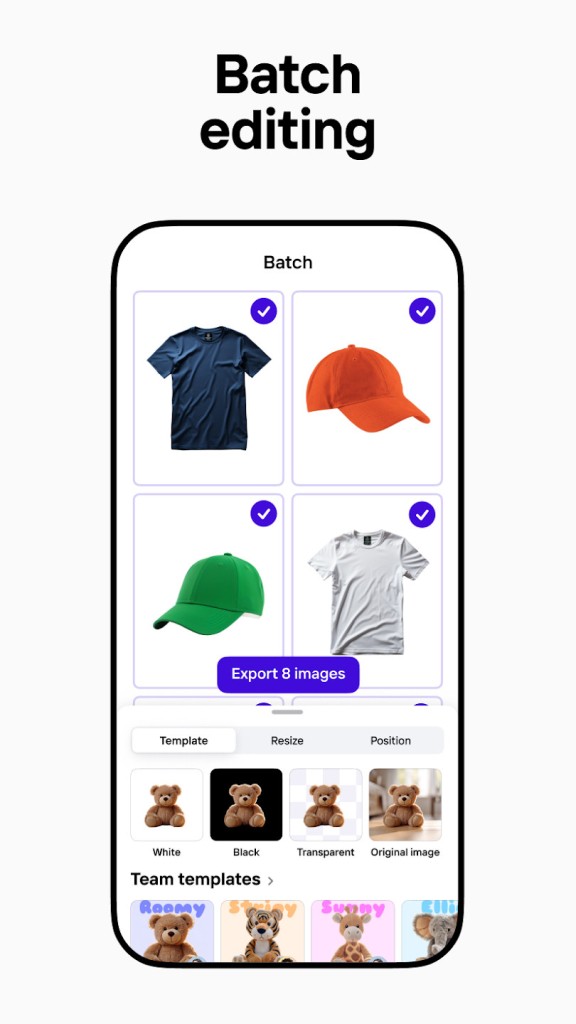
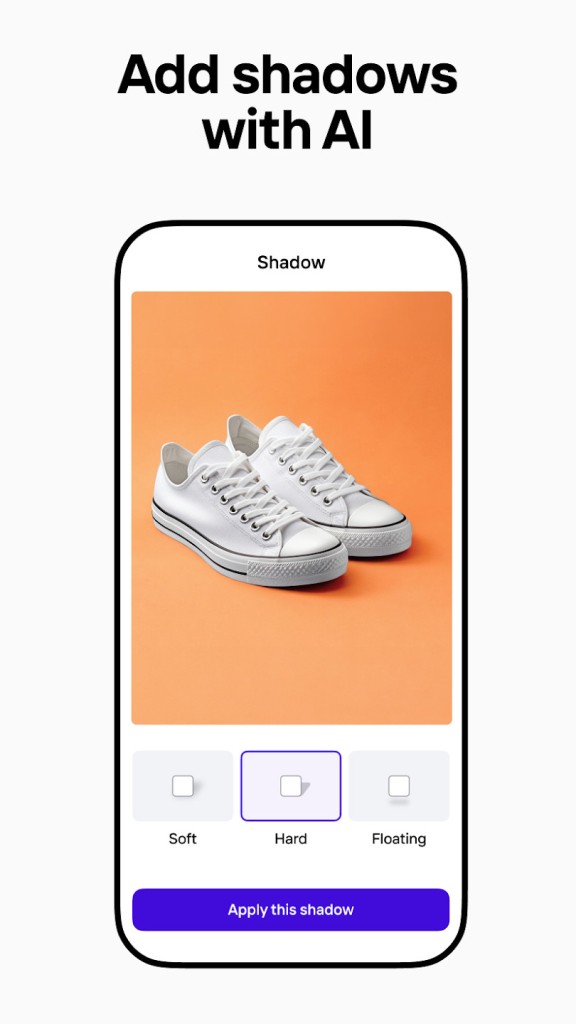
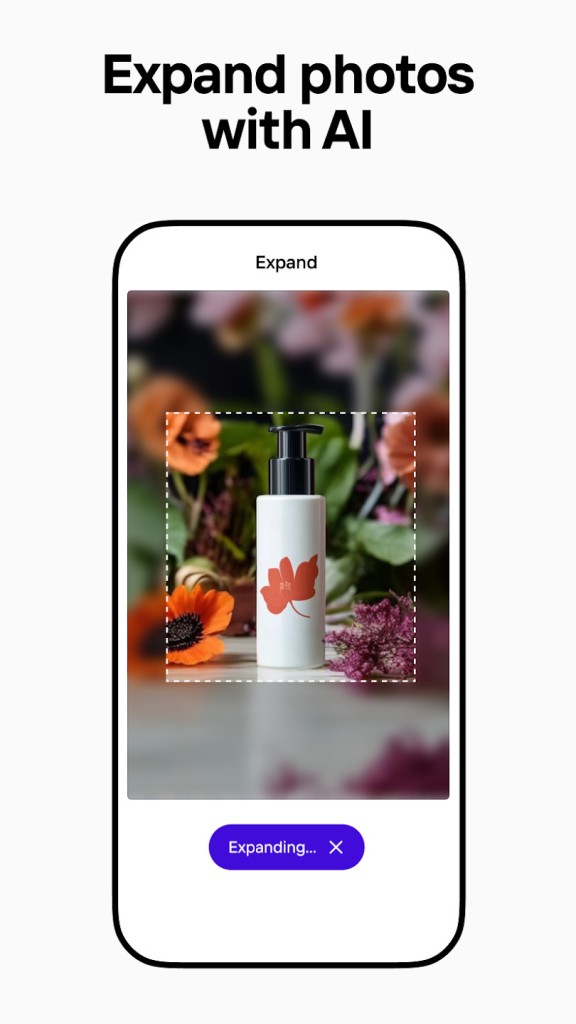
PhotoRoom Studio Photo is a photo editing application designed specifically to create images that look professional with just a few taps. It lets you edit backgrounds, adjust lighting, add shadows, and apply overlay effects to achieve studio-like images without needing a computer or technical know-how.
No matter whether you need the product shots edited on the production site to start selling online, whether you need the content to be created to promote your services on social media, or you just want to experiment with creative design ideas, PhotoRoom helps you do it quickly and stylishly right from your phone.
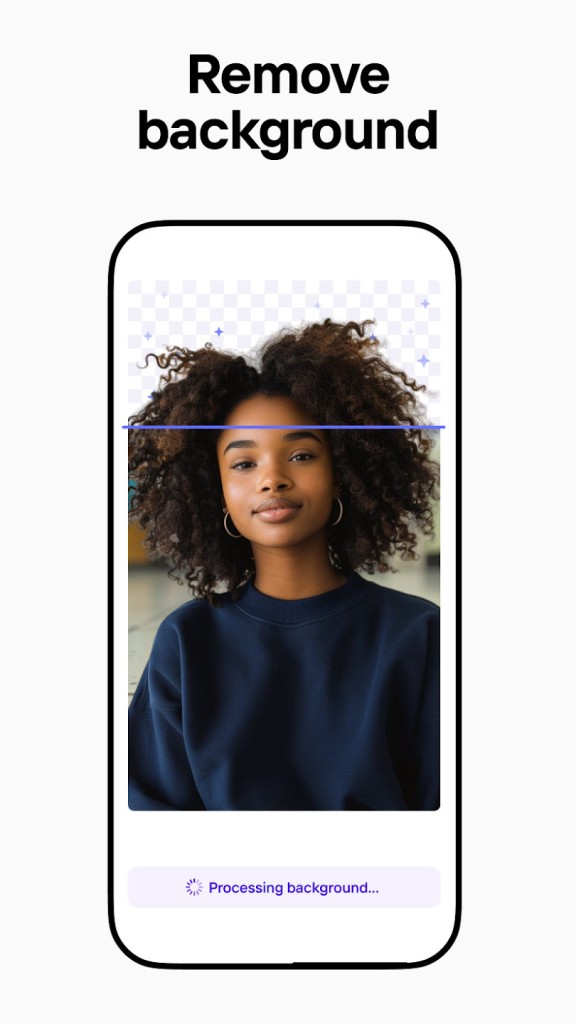
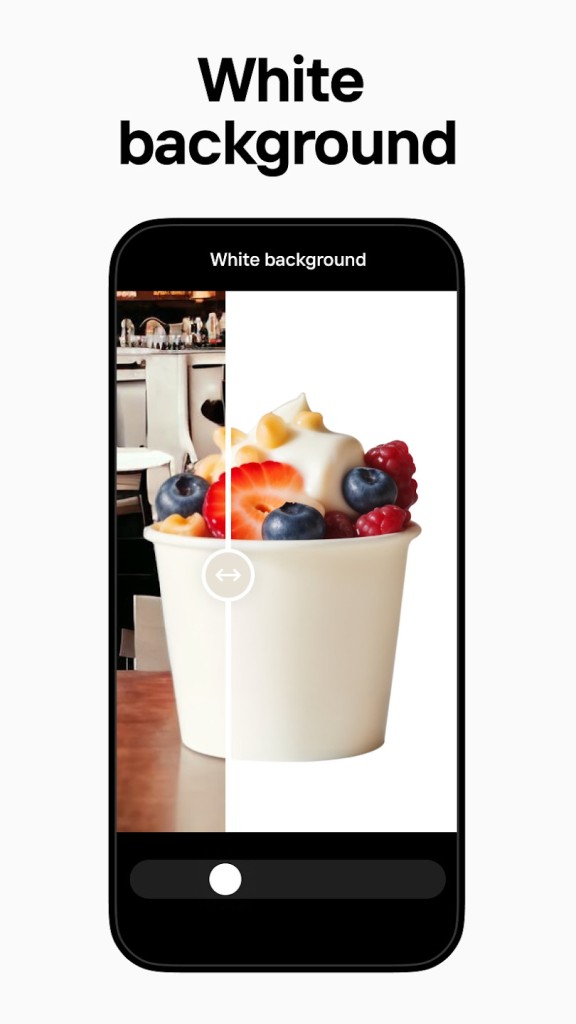
Automatic background remover is one of its most famous features. You post a picture and in a few seconds, the background has been removed, but your subject remains sharp and undistorted. This is particularly beneficial to e-commerce sellers, marketers, or other people who must have uniform pictures without distractions. Then you are free to change the background to any solid colour, gradient, another photo, or one of the templates provided. It is an easy workflow, placing a sense of premium editing with the absence of complexity.
Why Should I Download PhotoRoom Studio Photo?
PhotoRoom Studio Photo should be downloaded in case you desire a quick and simple method of making your photos look professional without the complicated editing process. It is perfect for individuals who require clean and clear images and don’t want to spend time learning how to use traditional editing software.
Perhaps you’re a small business owner having a go at making your product shots more professional. Perhaps you are creating an e-store and want a uniform thumbnail. Or perhaps you simply want to make your posts on social media better. In any case, PhotoRoom enables you to skip the tedious part and jump straight to professional-looking results.
Another advantageous feature of this app has to do with background removal. Most of the other available apps require you to do all the manual work, or they simply make the background blurry. PhotoRoom, however, does truly detect the edges of your subject and cut it out of the background quite accurately. It does not need a green screen or any sort of setup; you can take a picture anywhere, and the app will still run through and clean it up. That saves time and gives you more creative freedom.
A separate motivation to use PhotoRoom is the set of templates. In case you are not sure about how to lay out your image, it is possible to choose a template specifically designed to fit images as product listings, profile pictures, YouTube thumbnails, fashion catalogues and so on. Just drop your photo into the template and make slight tweaks: shadows, fonts, and layouts are already professionally styled. Admittedly, you may not be a designer, but you still may seem to have pictures that were created professionally.
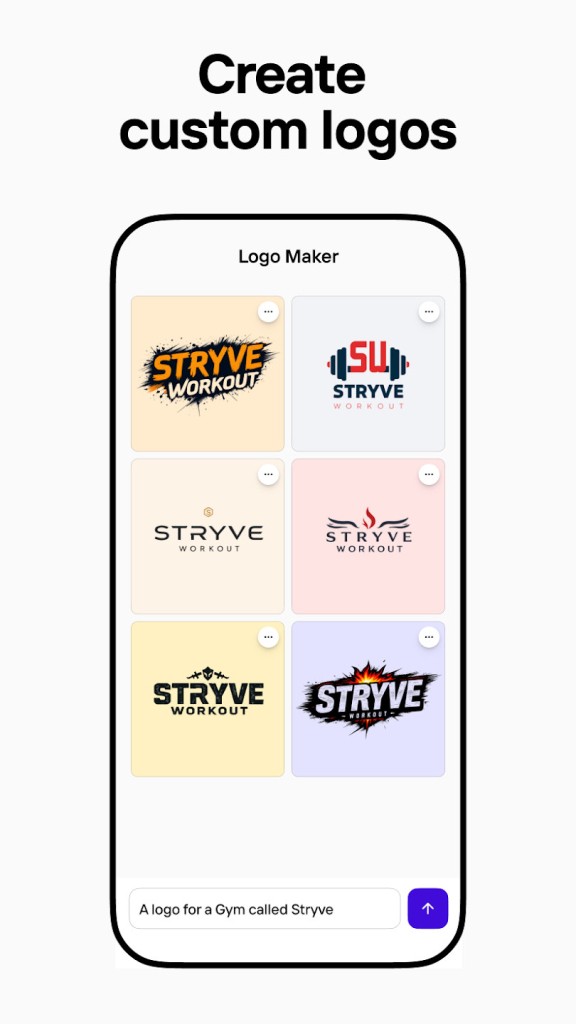
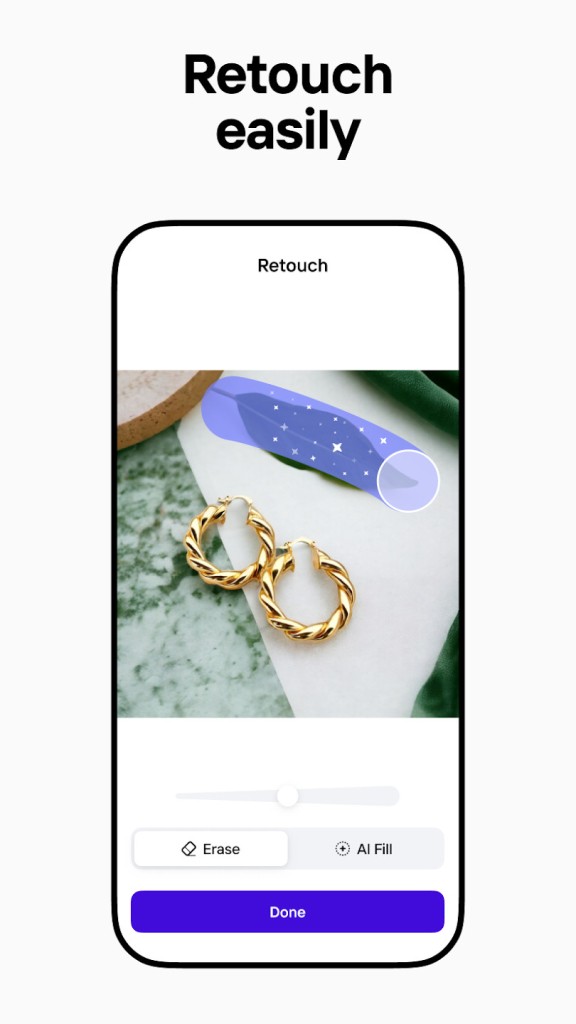
There are also such tools as adding text, lighting adjustment, filters, and multiple layers of images. Whether you want to add a logo, bring an object forward, or align the lighting between layers, PhotoRoom enables you to do all that in a mobile-friendly manner. The application is lightweight and quick, and you do not require an expensive phone to make it work. It’s fast, easy to use, and perfect for daily tasks or quick turnarounds.
And even in the case you are working in the sphere of content creation, the app will keep the working process more organized. There’s no need to transfer photos between devices or rely on complex software. All of it is possible on a single platform, one device. PhotoRoom stands out for how intuitively it lets you control and edit images.
Is PhotoRoom Studio Photo Free?
The free version of the PhotoRoom Studio Photo makes many of its most important tools available, such as removing the background and editing on basic levels. However, some features, like premium templates and high-resolution exports, are limited to the Pro version, advanced export features, and high-resolution downloads. It offers a free trial for users who want to explore the full package before subscribing.
What Operating Systems Are Compatible With PhotoRoom Studio Photo?
PhotoRoom Studio Photo can be found on Android and iOS devices. It’s available on the Google Play Store and Apple App Store. It works smoothly on most modern smartphones and tablets. It does not need an exceptional device to run because it is specially developed to be used via mobile. Your projects are stored on your device and can be shared, uploaded, or printed in several file formats.
What Are The Alternatives To PhotoRoom Studio Photo?
If you’re exploring other photo editing apps, then there are a couple of others that satisfy other creative requirements.
PicsArt is one of the most popular mobile editing tools that incorporates some features of social networking. It has stickers, filters, overlays, collage tools, and so on. It is entertaining, flashy, and creatively made. PicsArt will be excellent for social media makers who prefer distinctive, fashionable compositions with much bravado. Although it is by no means as highly focused on the background removal as PhotoRoom, it addresses a broader set of casual editing requirements and encourages creative experimentation.
Of course, Adobe Photoshop is one of the huge options. It is the professional standard of photo editing and has an unsurpassably extensive tool set. Photoshop allows everything from detailed retouching to complex layer manipulation. It is, however, highly taxing to learn and tends to suit desktop or tablet users. It is quite strong and now as mobile-friendly (Android, iOS) as PhotoRoom.
Another alternative is Gimp, desktop-based only, this time. It is a free, open-source image editor that has a lot of capabilities that are present in Photoshop. Designers regularly rely on it when they have to get the advanced editing tools, though they do not need a subscription. Similar to Photoshop, Gimp performs better with computer use, and while it’s functional, it’s not very user-friendly. It will take you some time to familiarise yourself with the interface and behavior of the tools, but in case you are not afraid of learning, it is a good choice.