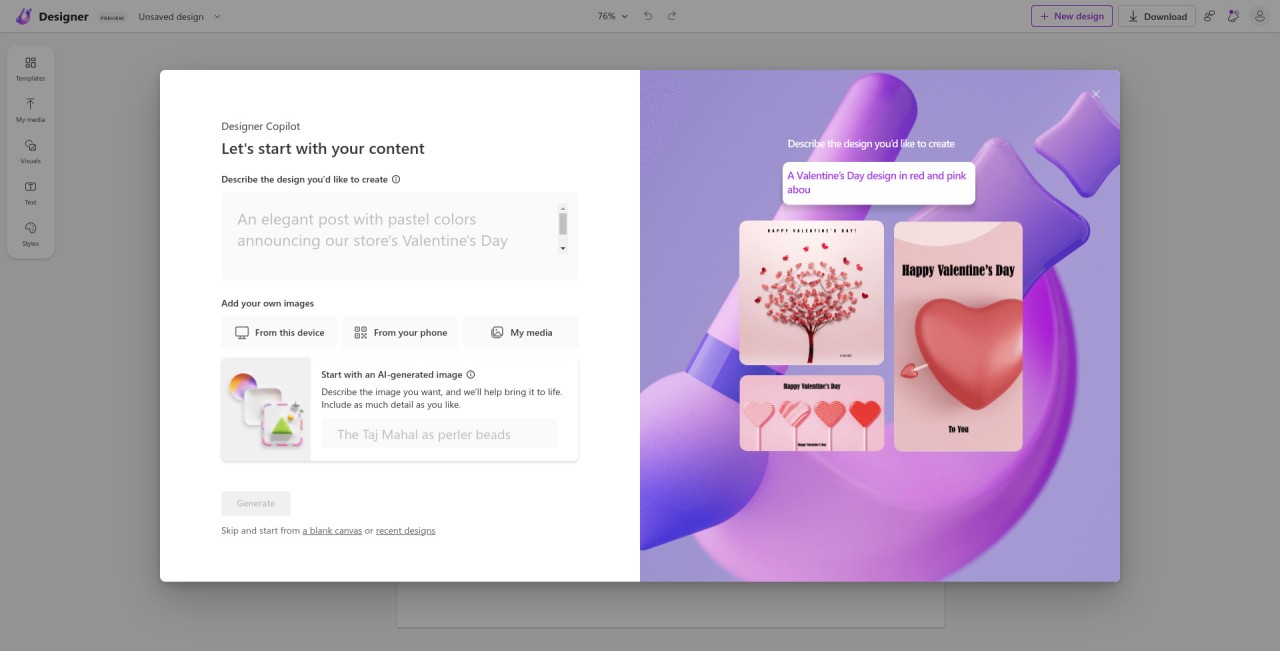
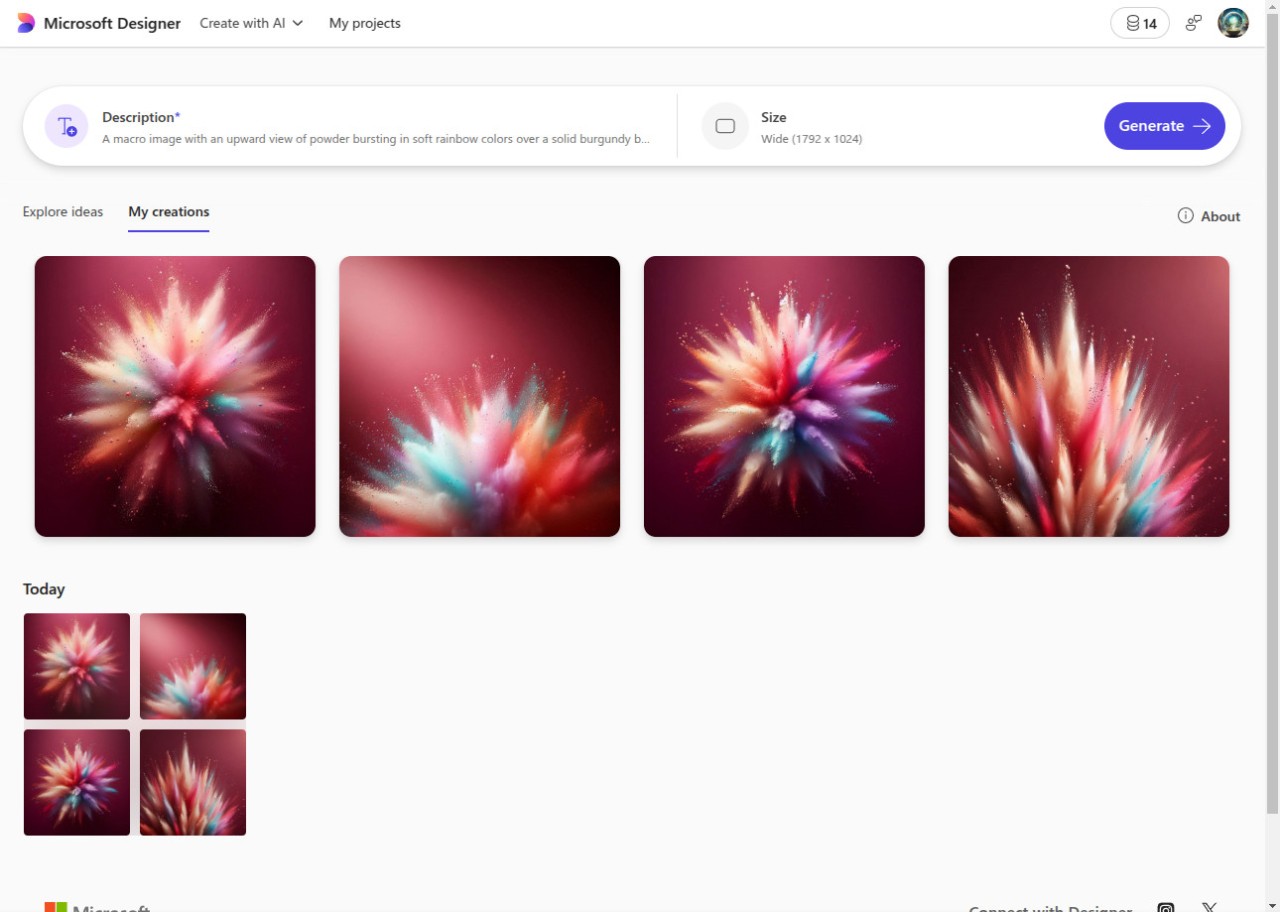
Microsoft Designer quietly changes how you approach design. It’s powered by AI that feels simple and natural to use. You just type something like a winter poster with blue tones and falling snow or a modern birthday card with gold text, and the tool instantly creates it. It creates and edits images, letting you design without needing any professional experience.
The program is completely web-based, meaning that no huge installation needs to be done, and its interface is not heavy. You are able to work with pictures, stickers, collages, and personal emojis. It is aimed at the target audience that does not want to go through numerous layers or use heavy editing software. The technical side is taken up by the AI, and you can focus on the aesthetics. It is possible to remove the undesirable objects, deemphasize the background, or use filters fitting your taste. The process feels playful, but the final results always look refined.
A designer would suit you perfectly in case you like making objects to share on social media or just need to make an item beautiful within a short period of time. It is not a simple work tool; it transforms those moments of creativity into easy and fun work.
Why Should I Download Microsoft Designer?
The biggest strength of Designer is how effortless it feels to use. The majority of users are not professional designers; they just require something easy to work with to produce something that looks good. Designer takes your rough ideas and turns them into clean, ready designs. It gets rid of endless menus and blank pages. Explain your idea, take a prepared draft, and refine it to suit you.
AI will help remove the background, color balance, and fix some minor mistakes that you could have overlooked. Layout rules and proportions do not have to be considered; the tool takes care of them. A designer works best on rushed projects - a store banner, a social media post, a wedding invitation, or wallpaper. Everything is accomplished quickly, and it does not seem laborious.
Designer is compatible with other Microsoft products. Your projects are stored on your OneDrive, which means that you can just resume on any device and all the details are synchronized. Copilot AI inside Designer suggests layout ideas, captions, and color themes when you need inspiration. It is not aimed at making you a professional designer overnight; it is just a way of achieving a visually appealing output with minimum effort.
Is Microsoft Designer Free?
Microsoft Designer is also free with a Microsoft account. OneDrive gives you 5 GB of storage to use for photos and designs. The basic AI functionality, templates, and editing functions are free. Enhanced premium options can be accessed by users of Microsoft 365, though presently, the basic functions can be tried out without any charges.
What Operating Systems Are Compatible with Microsoft Designer?
Microsoft Designer can be used almost everywhere. Being a browser-based service, it does not require any installation. Just go to the official place and register. It works well on Windows and macOS using its Edge, Chrome, and Safari browsers. The interface looks the same across devices, so switching between laptop and desktop feels seamless.
One can also use a mobile application in case they want to use a phone. It is available on Android and iOS in Google Play and App Store. The mobile application is smaller but contains a majority of the same tools. Since everything is cloud-synchronized, you can work on a project on your phone in the morning and complete it later on the computer.
AI features need a reliable internet connection, and the service is not very bulky or slow. It is compatible with mid-range systems and does not take too much of the local storage. It is advisable to keep your browser updated so that there is no hitch in running performance or loading projects.
What Are the Alternatives to Microsoft Designer?
Canva is also the place to go to design quickly. It provides thousands of business cards, posters, Instagram posts, resume templates, and so on. The interface is efficient - drag, drop, type, share. Writing and visual edits are supported with the help of new AI features such as Magic Edit and Magic Write. The free plan is quite versatile, but the paid plans are usually preferred by teams and brands that want to get full access. Canva relies more on templates, whereas Designer is less heavy and AI-focused.
Consistency is promoted at the expense of creativity at Desygner. It applies to small businesses or creators who require having to re-size or reusing designs across various platforms. Desygner allows editing one design and automatically modifying it to Instagram, Facebook, banners in email, etc. Teamwork is easy, and files are shared using Dropbox or Google Drive. Although Desygner does not have as much AI as Designer, it has a strong feature in controlling templates and branding, which makes it reliable in structure-oriented design.
OpenArt is an AI art generator platform, as opposed to templates. You give an input, and the system generates art based on models such as Stable Diffusion and DALL-E, where you have control of style and realism. Prompts and results are shared by the community, and this allows users to find effective descriptions. OpenArt is ideal if you want to explore creative, one-of-a-kind visuals. It does not print banners and cards like Designer does, but it does make truly original artwork.