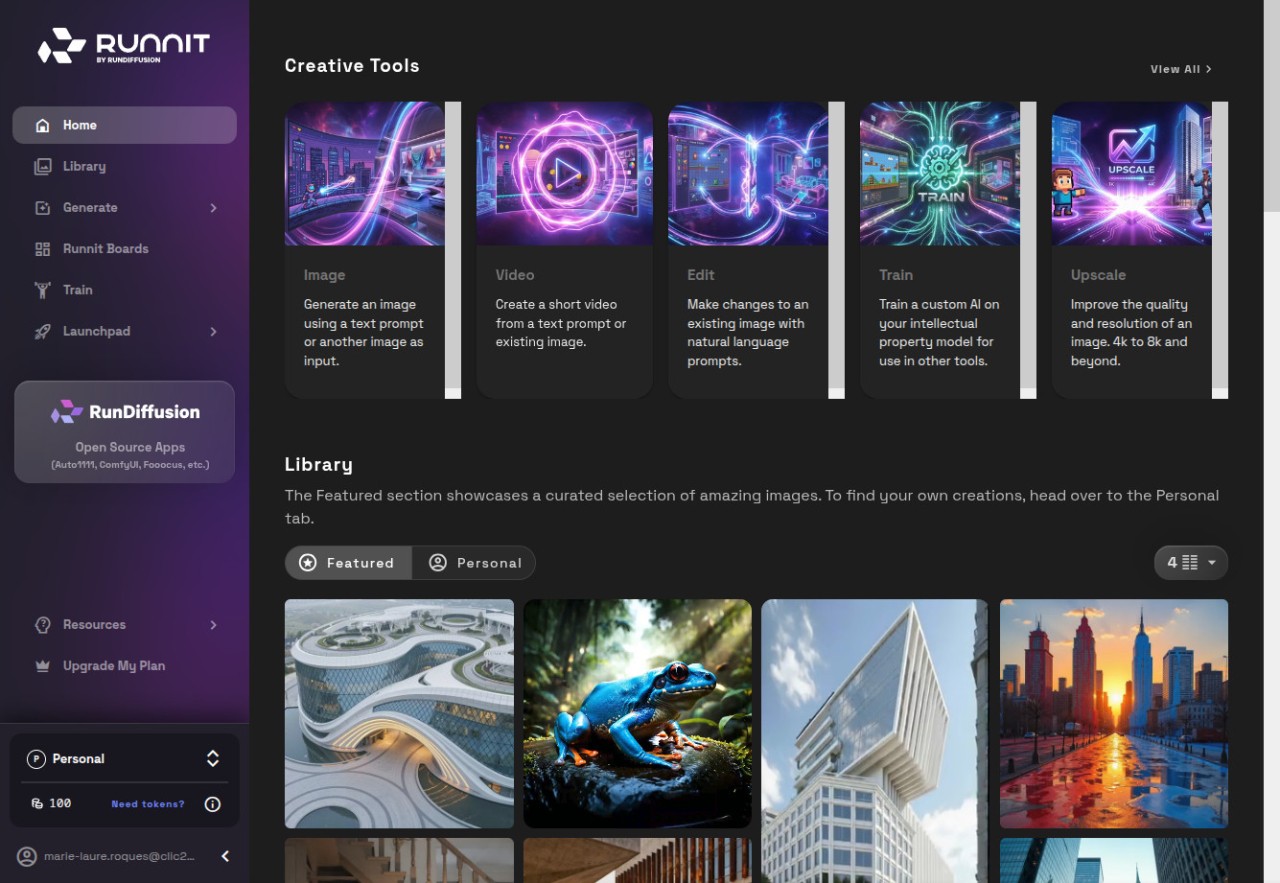
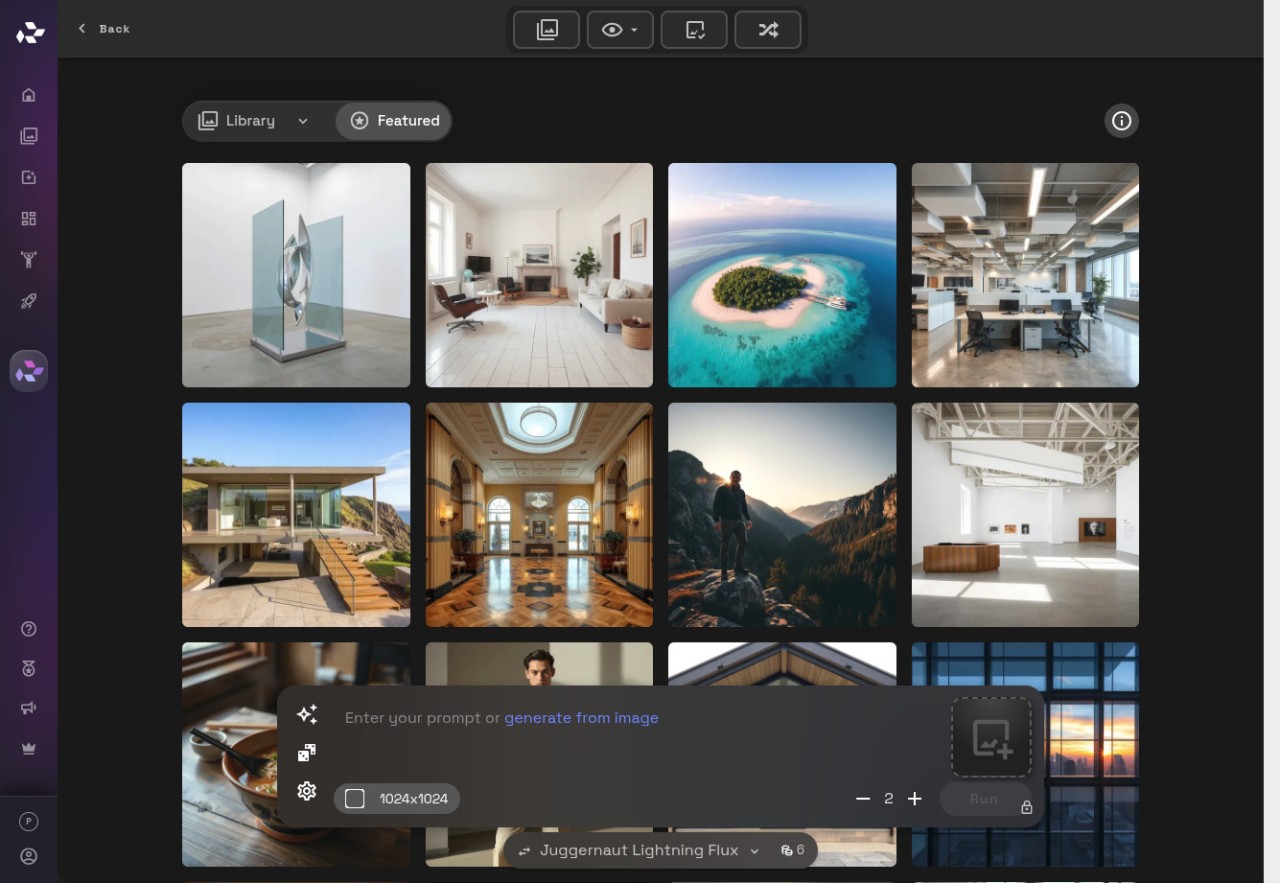
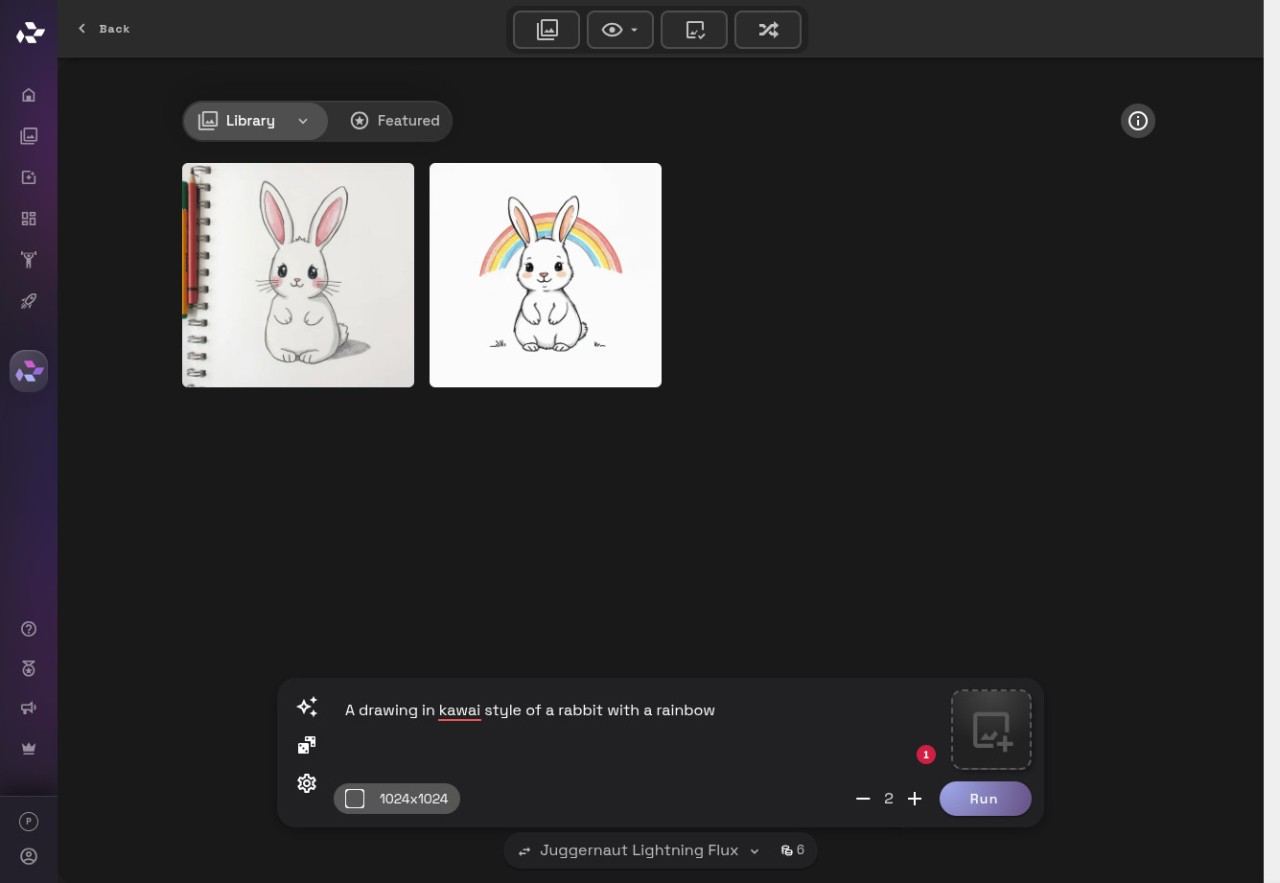
RunDiffusion brings together popular AI tools (image and video) and workflows into an easy-to-use interface, making it useful for designers, artists, and teams to produce professional visual content quickly and collaboratively.
Rather than downloading multiple software or going through intricate instructions to set up, RunDiffusion acts as a workspace in which you can load models, test prompts, compare outputs, and navigate between creative phases without interrupting your workflow.
The platform is based on the concept of putting it all under one roof—image generators, video models, open-source tools, editing tools, and even unique features that would otherwise be under different apps—and this makes work easy to perform.
RunDiffusion is a full creative studio to some people, a toolbox to others, and some simply desire a one-sign-in rather than having to cover up with multiple subscriptions on the internet. It does not impose a certain work style. You have a plethora of choices of models; settle on one that works and play around with it. It is more about convenience and centralization rather than being one model that fits all the engines.
Why Should I Download RunDiffusion?
When you are fed up with having to use various AI tools independently, RunDiffusion is what people generally begin using. Each generator possesses its own regulations, schemes, and credit. When you desire predictability, having one place where everything is close to you is a good idea. RunDiffusion allows using several advanced models and isn't concerned about various accounts or configurations.
It is also capable of guiding those individuals who desire more structured creative processes. Others are chaining tasks, saving drafts, creating workflows, or using other models without closing any of them. Other people simply desire to play with images and videos without requiring any technical installation. Since the platform will have open-source engines as well as professional models, it will be suitable for both beginners and professional users.
RunDiffusion does not hold your hand but leaves you with enough space to navigate. Are you fond of comparing models, or do you simply require an environment where all things are synchronized? Then the platform can facilitate your life. It is basically a hub that keeps the distractions out of the way that you create, rather than creating software havoc.
Is RunDiffusion Free?
RunDiffusion is not absolutely free. It is based on paid plans or credit because it is run using high-end AI models and server-side computing. There may be limited evaluation access at times, but the most important functionality demands money, as is typical with tools that consume high amounts of cloud-based resources and commercial AI licenses.
What Operating Systems Are Compatible with RunDiffusion?
RunDiffusion is a web application-based and therefore does not require a traditional installation, as in the case of older software. It operates in a browser; that is, it operates on Windows, macOS, Linux, and even less powerful laptops, provided that you have a current browser and have a reliable internet connection. Since all things are remotely operated, there is no need to deal with local GPU drivers, updates, or storage. It has been used by users on tablets, desktops, and Chromebooks with full browsers.
The site resembles more of a cloud desk than downloaded and installed software. The interface is processed by the browser, and the servers are rendered by the models. It is a straightforward configuration and is simple for those who prefer having strong tools without the technical inconvenience.
What Are the Alternatives to RunDiffusion?
Adobe Firefly is embedded within the larger Adobe ecosystem, so it will be attractive to individuals who are already customers using Photoshop, Illustrator, and other Creative Cloud products. Firefly is concerned about reliability and predictable outcomes that can be easily incorporated in professional design processes. It manages textual representation, a clean image in a recognizable Adobe way, and any manipulation. Firefly is not aiming to become a massive hub such as RunDiffusion; its advantage is naturalness in including existing design habits. To people who are already paying users of Adobe, it becomes an easy extension instead of an independent tool. Some users simply download it as part of their existing workflow since it blends in without extra steps.
Microsoft Designer is more intuitive and simpler to operate, relying intensely on templates, auto-suggestions, and included layouts, so that users can quickly generate graphics without intensive technical procedures. It deals with social media graphics, banners, and thumbnails that require predictable outcomes and little setup. Log in using a Microsoft account, enter a prompt, select a look, and export. It does not substitute entire creative pipelines; it simply helps in making daily design jobs simpler. Many people just download their finished visuals directly from the tool because of how straightforward the process feels.
Accessibility is more emphasized than the variety of models at Desygner. It provides straightforward editing, templates, drag-and-drop functions, and a bit of AI to those who would like to make fast designs without a cumbersome interface. It is usually preferred by small companies, non-professional creators, and individuals who are dealing with lightweight graphics, as they feel comfortable with it. Although it does not have the same deep AI model selection as RunDiffusion, it serves a different purpose in making design less of a concern to people who simply need something that works and is fast. It is similar to the Canva workflow, in which simpler operations are followed by more sophisticated creative manipulation. Creators often download their quick drafts from Desygner when they need something simple and ready to use.