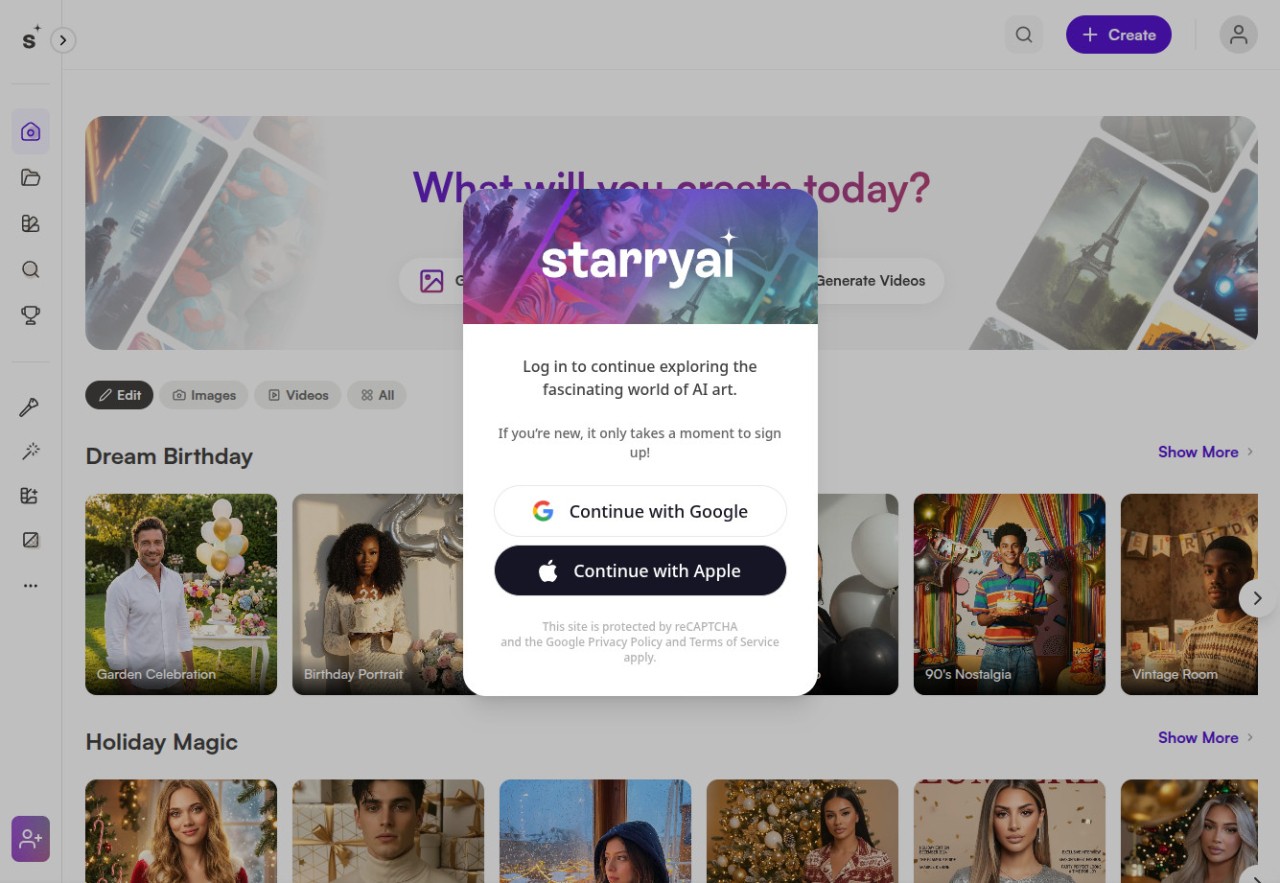
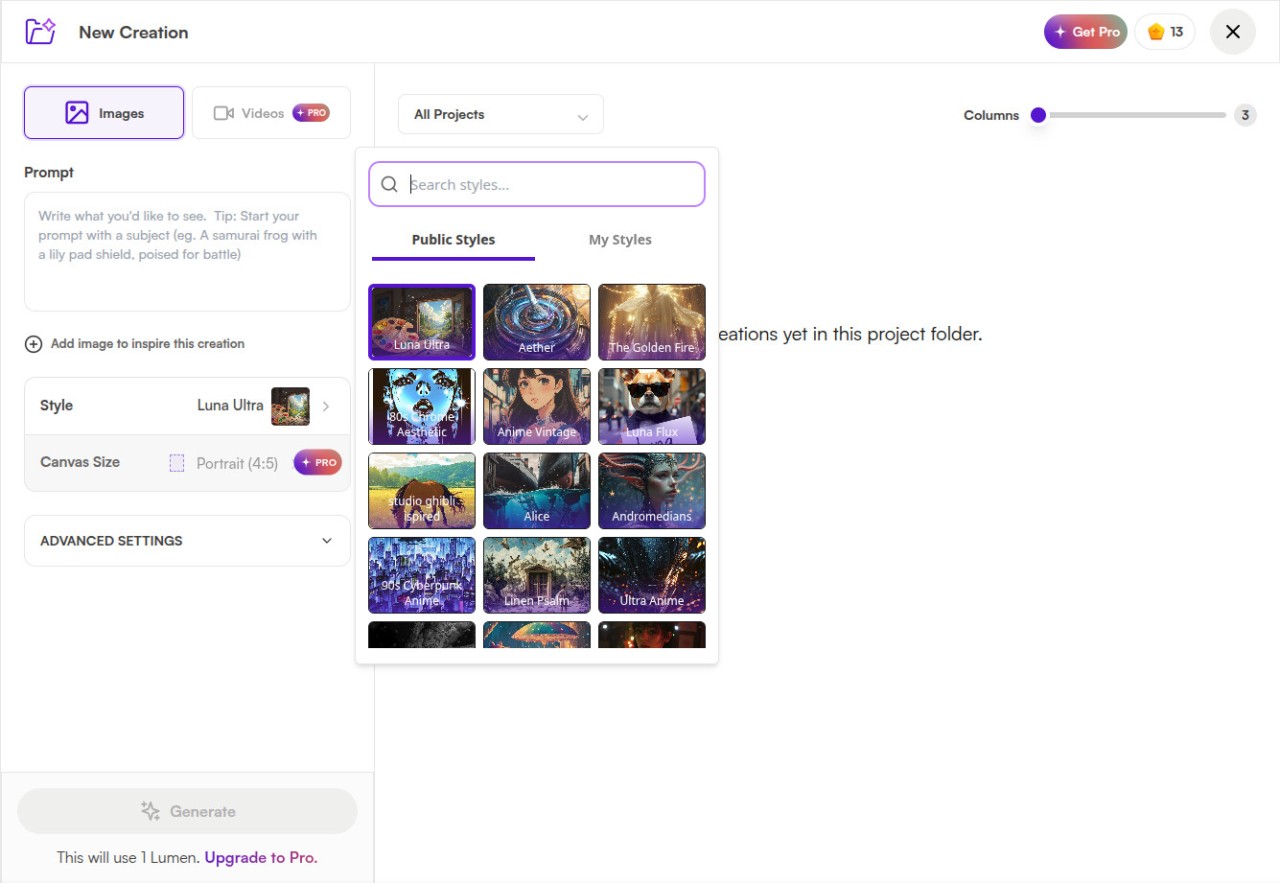
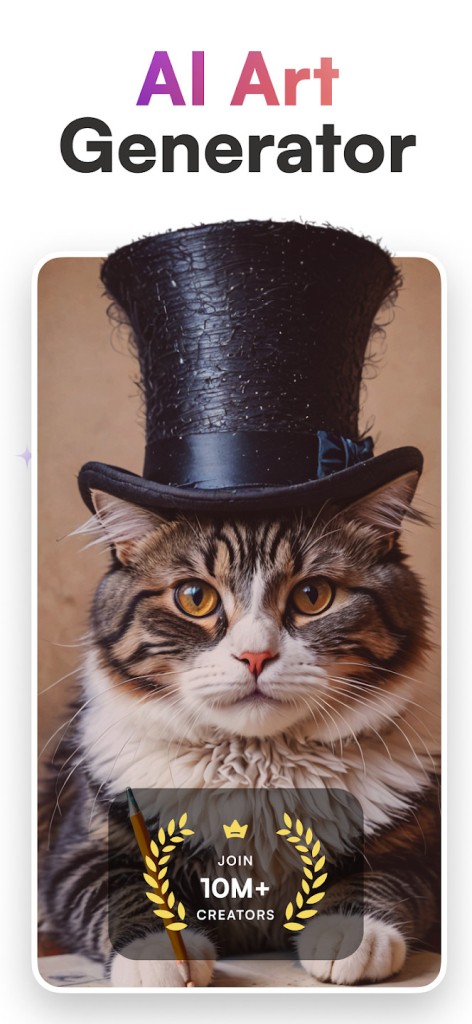
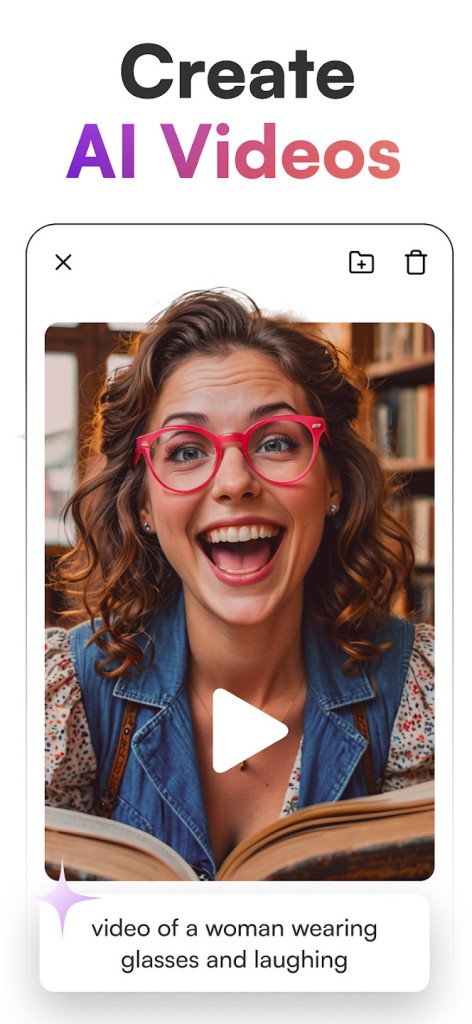
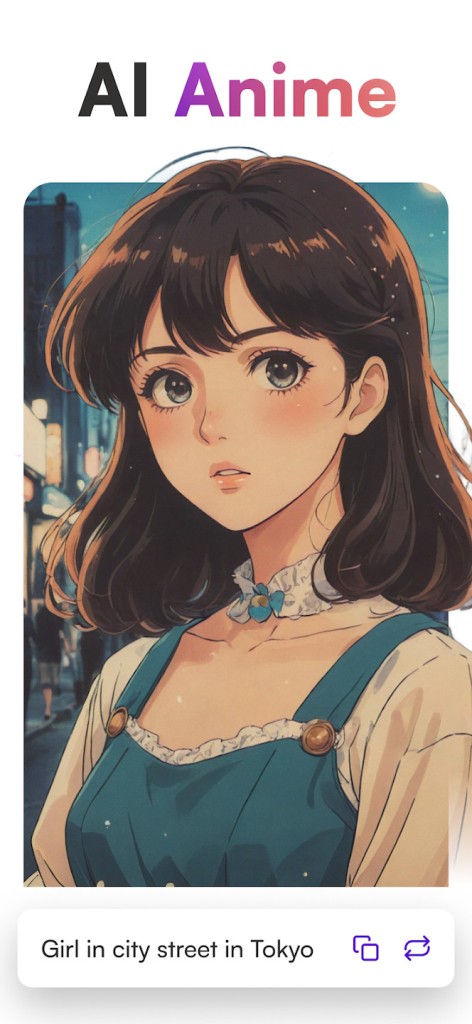
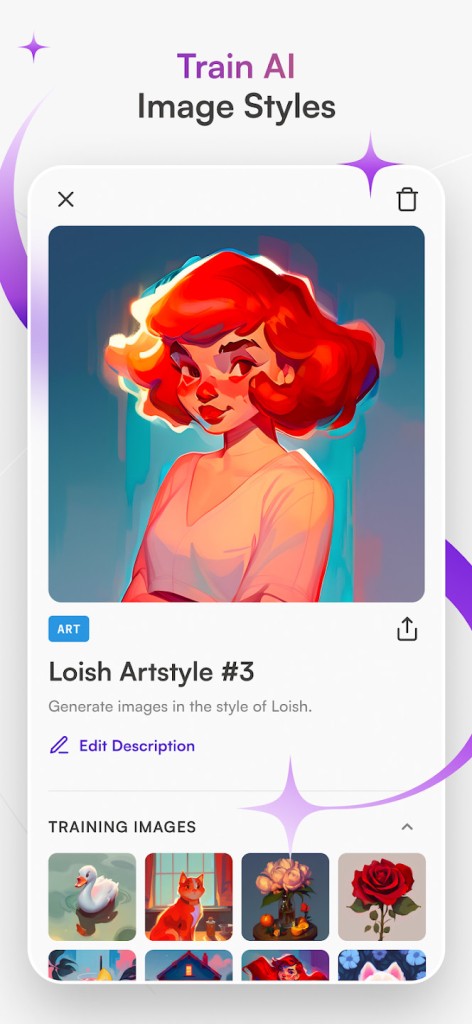
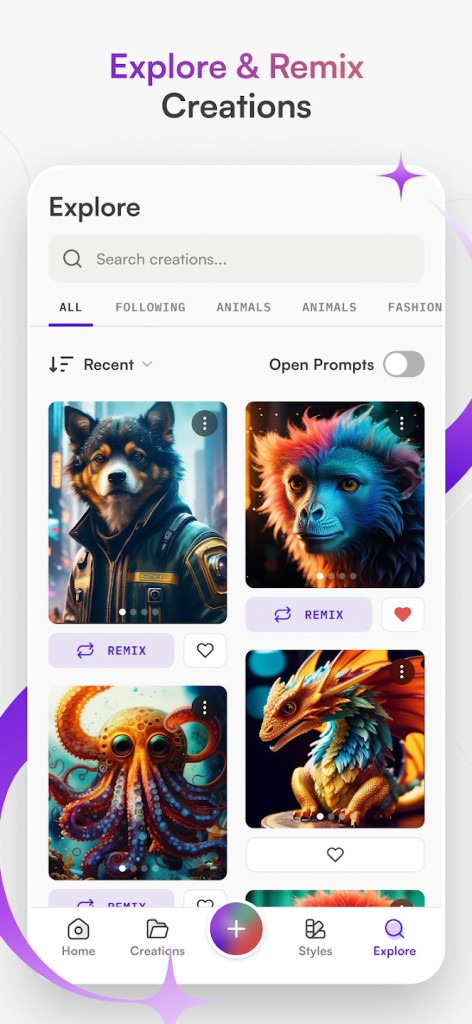
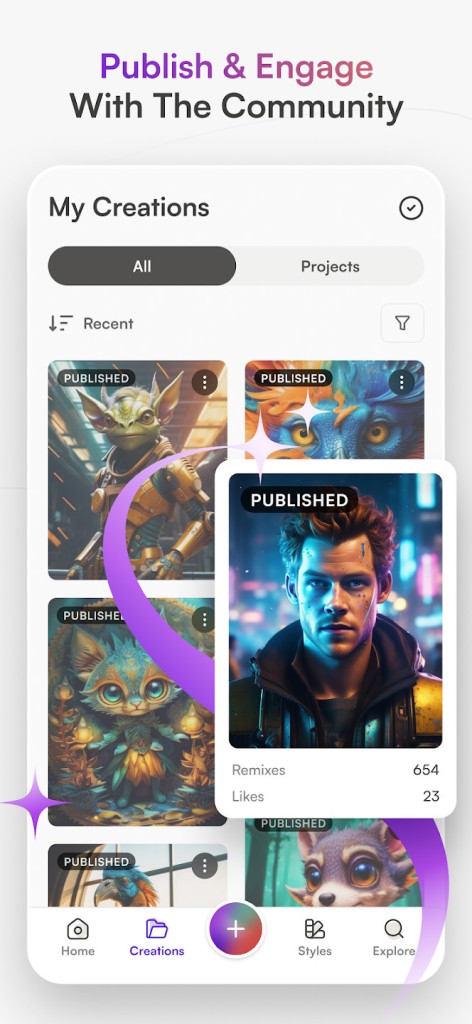
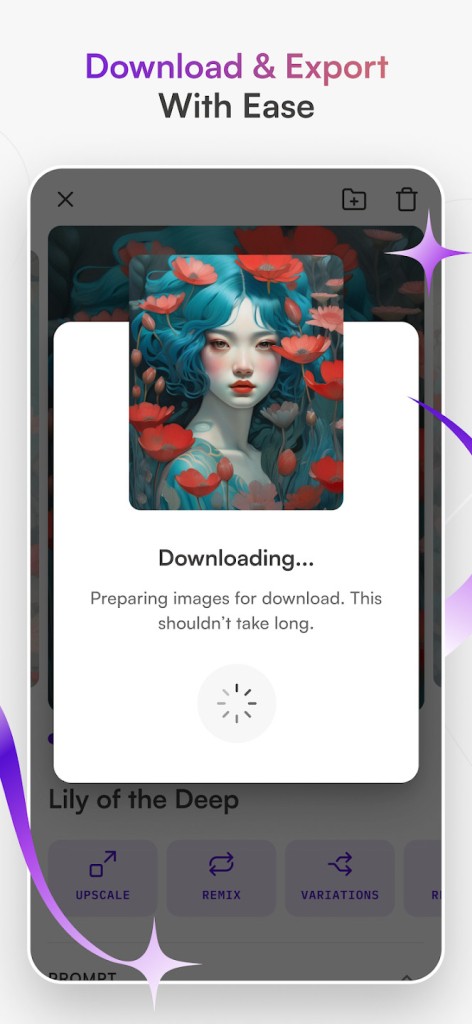
Starryai is an AI-based art generator that converts text prompts, images, or even simple ideas into visual art and requires no artistic talent. It is both a creative assistant and a traditional design tool. The number of preset styles offered to users is extremely high: anime, realism, portraits, fantasy scenes, abstract textures, etc. One only has to type in a sentence, post an image, or choose a category, and the system generates variations on that input.
The site comes in the form of a mobile application and a website. It is the simplistic type that is supposed to be used by users interested in quick results and does not have complex controls. It is used by many individuals to design avatars, concept art, decoration design, or to get inspiration for a bigger work. Some of them do it just to have fun and see what AI can make of their thoughts. The tool is not tied to one workflow; it provides background removal, image upscaling, style transformation, and small editing actions that can be used to perfect the end product.
Starryai is relaxed and friendly. It is not supposed to substitute professional art software, but rather allows anyone to create personalized images with the least amount of effort, with the technical complexity taking place in the background through the AI models.
Why Should I Download Starryai?
Starryai is commonly downloaded by people to find an easy and adaptable method of creating art without having to study digital painting or editing. It is helpful when you need an image rushed, say a portrait you want, or a character idea, or a video background, or an experimental drawing, and you would rather not pop open a thick design software or even get an outsourced employee. The app suggests categories to avoid confusion, and this is also a plus for new users who are not aware of how prompting works.
The personalization of the range is another factor to select it. Whether you are creating avatars, drawings, anime-style art, or abstract art, the app allows you to experiment with numerous options until you feel comfortable. It also contains functionality such as atmospheric effects, background changer, color grading, and image enhancement, which provide the perception of a small editing studio integrated within the generation tool.
Those users who appreciate community-driven creativity feel that there is value in its challenges, galleries, and communal prompts. When you observe what others do, it triggers ideas and makes one feel that they are in a creative environment and not operating in isolation.
Starryai is not the most sophisticated AI art creation tool, but it is attractive to individuals who believe in convenience. You open an app, start with an idea, and your artwork is ready in the app—no dozens of settings and complex menus to follow. It has continued to be favored for its simplicity.
Is Starryai Free?
Starryai is partly free. New users are given a fixed number of image credits per day, which allows them to create art at no cost. After you use those credits, you can either wait until they are refilled every day or buy more credits. Certain features, styles, or high-speed processing can be paid for. It is not actually free, but you can just take a trial and use simple features with no subscriptions or initial charges.
What Operating Systems Are Compatible with Starryai?
Starryai is based on Android, iOS, and a web browser, thus being available on most modern gadgets. Android users access the application in the Google Play Store; iPhone and iPad users can access it in the App Store. The mobile versions tend to be used in a hurried image-making mode, on-the-fly experimentation, or uploading of the camera roll.
Its web version works on desktops and laptops with such browsers as Chrome, Safari, or Edge. It does not need to be installed and works similarly to the mobile app, but certain elements of the interface are different. Since it is cloud-based, the majority of intense processing occurs on the servers of Starryai, and not on your machine.
It does not have its own desktop software on Windows or macOS, and does not require the use of high-end hardware. Starryai can be used on any device, as long as the device has a modern browser or can support the app; there are no concerns regarding performance. It is perfect when the user has an older machine or low storage, as the tool is not based on local processing or GPU rendering.
What Are the Alternatives to Starryai?
Leonardo AI is a powerful alternative as it provides users with a greater level of creative control. It presents exemplary training, developed tailor-made fashions, and refined editing choices. Most people use Leonardo concept art, product mockups, game assets, and finished works. The interface itself is a little more complicated than Starryai and thus has a learning curve, but the quality of the output can be very high. It fits perfectly for users who need something not too complicated to use. Many creators download it when they want more advanced tools without jumping into fully professional software.
Kling AI is a more recent alternative that is characterized by quality video generation and strong diffusion models. In contrast to devices that work with still pictures, Kling AI can be used to create videos, motion effects, and transformations combining the styles of visual and animation. It supports Android, iOS, and online, and therefore, creators can use it on various devices. Kling targets the audience who desires to go beyond inert art and explore movement, scenes, or even stylized video content, which makes it a more generalized tool than most generators of inert art. Users often download it to try motion-based AI outputs that go beyond ordinary image generators.
Another mobile-friendly AI generator is ImageArt, which has moderate accessibility and style variety. It helps in image making, video effects, background change, and other artistic forms. The app is focused on quite simplistic functionality, providing fast results and a range of preset visual themes comparable to StarryAI. It can be used both with Android and iOS, and its users like the ease of its workflow: after picking a prompt, one can choose a visual mode and get results in a few seconds. It is not the best when it comes to customization, but it is efficient with fast portraits, content on social media, and concept drawings. People download it for quick, simple creations when they need something fast without heavy editing.