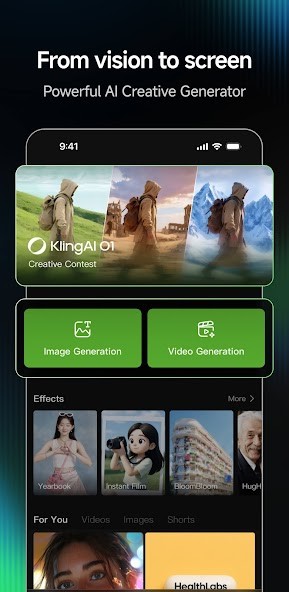
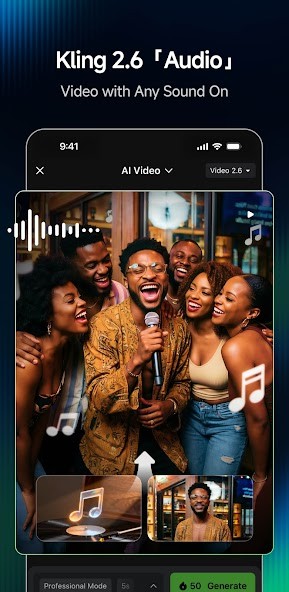
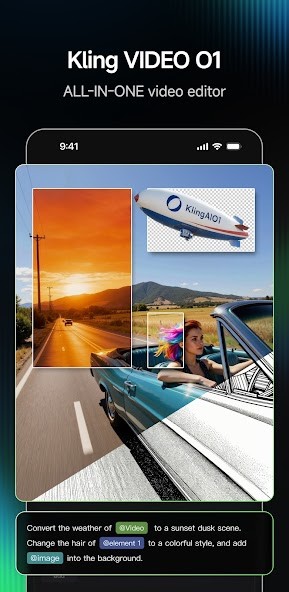
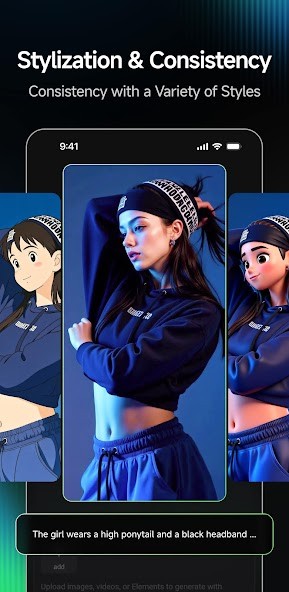
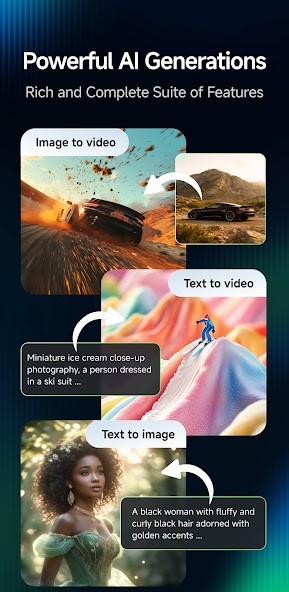
Kling AI is an artificial intelligence creative studio that transforms text prompts or reference images into videos and images. Its essence is the process of converting ideas written into visual images in the form of short videos, animated scenes, and stylized images. In contrast to most lightweight AI-based art applications, Kling AI prioritizes the use of cinematic imagery and motion generation, which appeal to artists who operate in the storytelling and short film fields or experiment with new visual representations.
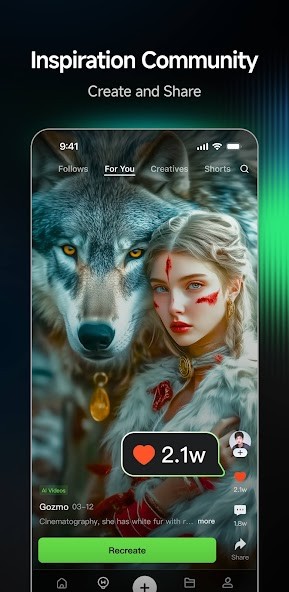
The application supports text-to-video, image-to-video, text-to-image, and image-to-image. Users have a blank description to begin with, or they can upload an image and provide motion or variations. The Kling AI also has a community that allows users to browse the work of others, research prompts, and clone projects to explore more.
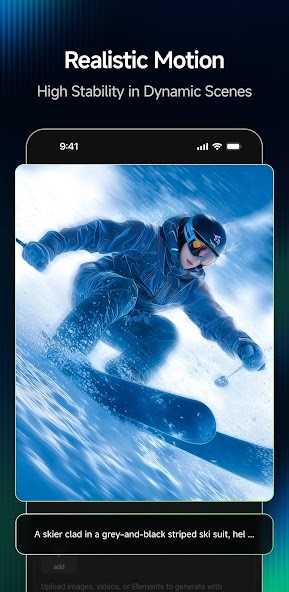
The main characteristic of Kling AI is attention to motion realism, camera movement, and visual continuity. It does not use abstract animations but creates simulations of real-life physics, framing, and depth. It is not ideal, but its ambitions are not the same as those of other, less complicated generators that merely create static pictures or a looping video.
On the whole, it can be considered that Kling AI is a sandbox, not a one-click tool. It takes time, experimentation, and exploration.
Why Should I Download Kling AI?
It is rational to download Kling AI in case you are eager to know more about the AI-generated images and cannot be satisfied with a still picture. It is particularly desirable to users who would rather see how AI can generate video without needing a desktop computer. On the go, available on mobile, it lets creators experiment, test ideas, or create concepts.
The convenient argument of individuals downloading Kling AI is that it has an image-to-video application. Converting a two-dimensional picture into a brief animated themed picture with motion, depth, and camera movement is another task that many AI applications can do with. Kling AI maintains a visual consistency with the addition of movement, which can be beneficial to concept artists, content creators, and teachers who can teach using visual concepts.
The other advantage is the community-based learning. The work of other users is a good way to make beginners realize what prompts are the most effective and what the system is capable of doing. The clone and try feature eliminates trial and error and allows users to edit previous prompts rather than create new ones.
It is not, however, a band-aid tool. Performance depends on timeliness, complexity of subject, and the load of the system. Not all generations can measure up to the task, particularly in the case of exact actions or motions. Kling AI can be rewarding if you are comfortable refining prompts and experimenting. When you anticipate perfection on all occasions, it can seem irregular.
To conclude, Kling AI can be downloaded in case you are interested in working with AI video and image generation, and you are ready to investigate the power and capabilities of the latter and the factors of its restrictions at your own pace.
Is Kling AI Free?
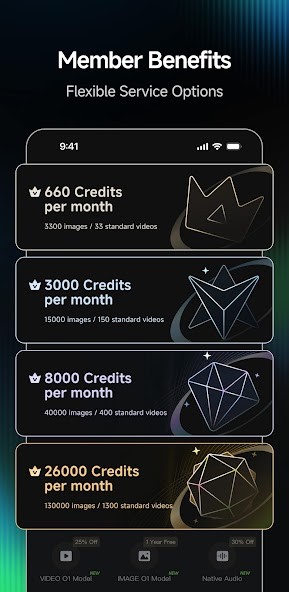
Kling AI can be downloaded and used with a limited number of uses without charges. There are only a few credits given to new users to test image and video generation. The majority of the advanced features are based on a credit-based system that is associated with paid plans.
Although the free version is an option that can be used to test the idea, regular usage, particularly video generation, is typically limited by free credits and queue availability, with subscriptions or extra credits. It is most appropriate to test the app, not to be dependent on it in the long term.
What Operating Systems Are Compatible with Kling AI?
Kling AI comes in both mobile and web versions and thus can be accessed on typical gadgets. It is compatible with iOS and Android on mobile. iOS 14 or later is required by elderly users on iPhone or iPad; most contemporary Apple devices can support it. Android users can install it through Google Play, as long as they have a device that is compatible with the standard requirements of the system.
Windows or macOS do not have any native desktop applications. Nonetheless, Kling AI is based on a web platform that enables users to use the most essential functions using a browser. It works on both desktops and laptops regardless of what operating system they are using, provided that the browser is capable of supporting modern web standards.
Because AI creation is heavily done on the cloud, stability and connectivity become more important than raw processing power to device performance. The app can be used with older devices, although the speed of the generation and the interface smoothness are subject to change. Video creation, especially, requires the availability of servers, which may influence wait time on all the platforms.
In general, Kling AI works best on updated mobile devices or modern desktop browsers with a stable internet connection.
What Are the Alternatives to Kling AI?
Leonardo AI is primarily recognized in image generation rather than video generation. It gives good mastery of styles, models, and finer details, which is why it is utilized by digital artists and game asset designers. Although it has a few motion tools, its main asset is the high-quality still images. Leonardo AI is a web and mobile tool that is popular with users who may not like animated movies but like image-based workflows. Users can download Leonardo AI on supported platforms to explore image-focused creative workflows without dealing with complex video tools.
StarryAI works in the field of artistic and stylized image generation. It is user-friendly, and one can produce a good-looking piece of artwork with minimal configuration. The application has pre-set styles and a user-friendly prompt system that is attractive to everyday users. StarryAI is less realistic in its movement and video generation and more illustrative or abstract as compared to Kling AI. Many casual creators download StarryAI to quickly generate artistic visuals without spending time on detailed prompt tuning.
ImagineArt is an artificial intelligence-based art creation app whose purpose is to provide users with an expedient art creation on mobile devices. It provides text-to-image features and provides various visual effects, filters, and presets. Although not much emphasis is placed on the production of the videos, it offers a more straightforward experience to those users who are interested in AI-generated art and have no desire to control it. ImagineArt is simpler to deal with and less motion-cinematic capable. Those looking for fast results often download ImagineArt for quick AI artwork creation directly from their phones.