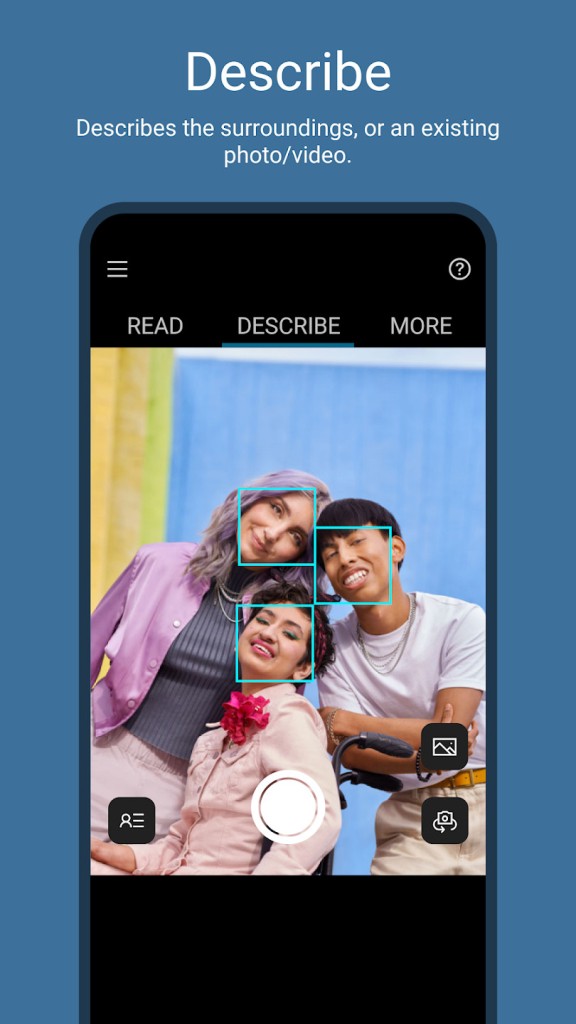
Seeing AI is a Microsoft application that supports blind and low-sighted users. It listens to the world with the phone camera and speaks what it sees with the help of AI. Instead of displaying images on the screen, the app reads out text, objects, people, and the surroundings.
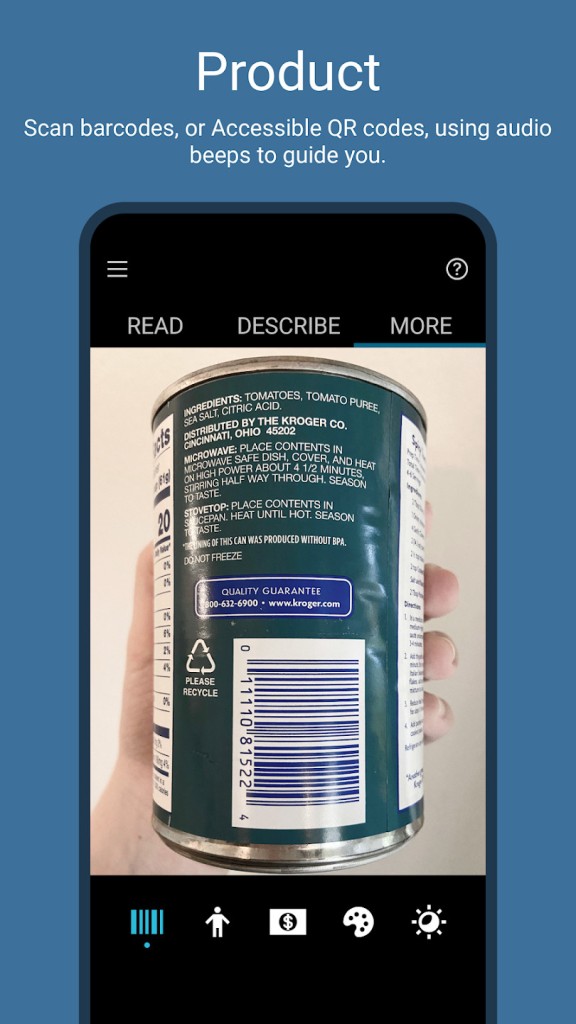
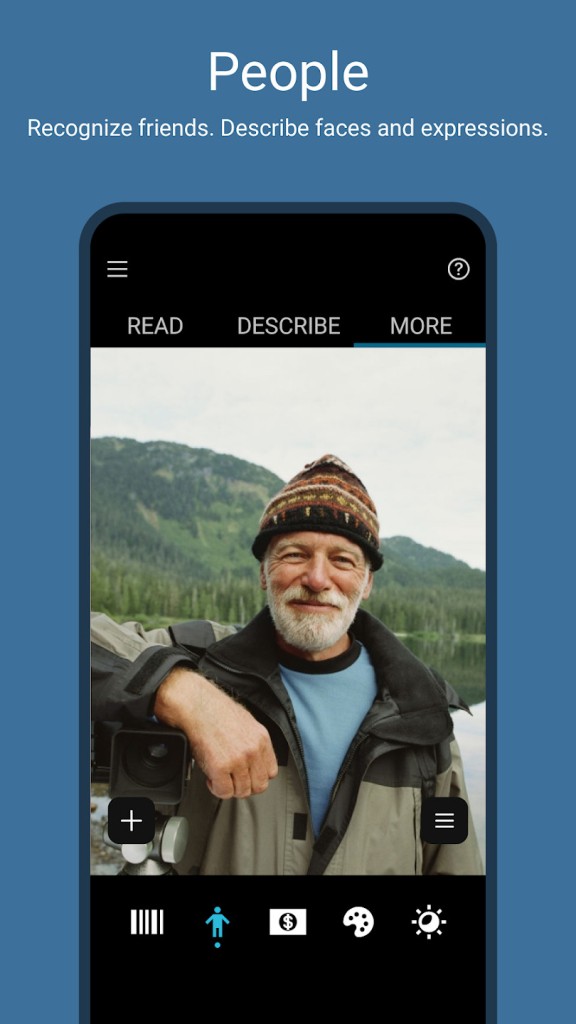
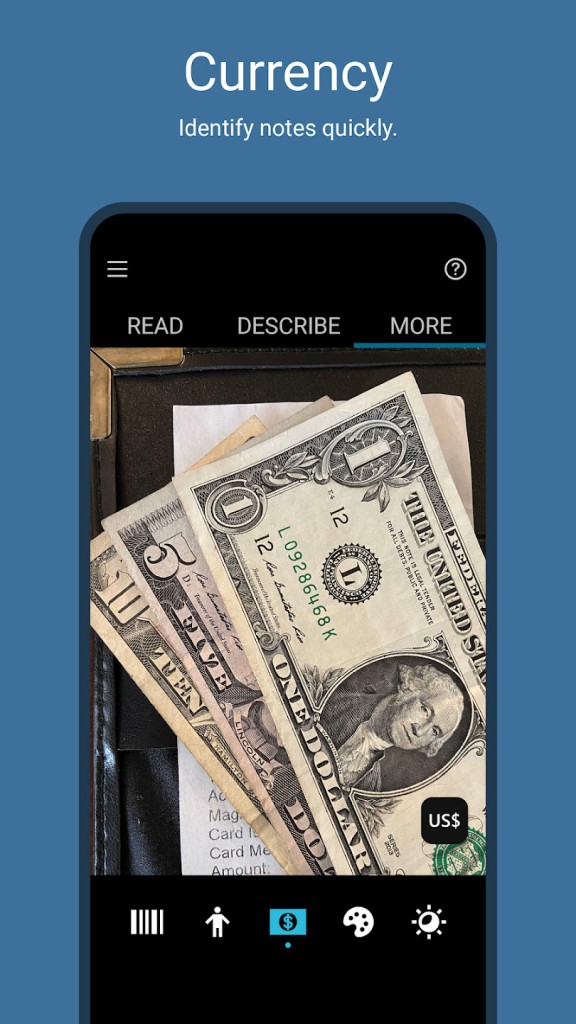
Seeing AI has multiple task modes that are referred to as channels. One of the channels is that of reading printed text, one of describing photographs, one of recognising faces, one of identifying products, one of detecting colors, and one of measuring light. This allows users to select the information they require anytime, rather than simply selecting a single and generalized camera mode.
The application is preoccupied with detailed descriptions. It retains the layout and formatting, not only plain text, when reading documents. It not only provides a few labels when it looks at photos, but also provides context as well. The additional feature assists users in paperwork, personal photos, or new locations.
Microsoft terms Seeing AI as a research project. Features thus evolve and develop. The community of the blind and low-vision actively contributes to the development of the app; Seeing AI is not to replace the screen readers and navigation aids and is expected to complement them, providing digital access and real vision.
Why Should I Download Seeing AI?
Seeing AI is a popular application that is downloaded to explain the world in detail to people. It is useful in activities that require context rather than speed. As an example, paperwork can be handled alone or more easily with the help of layout cues to read a document. It is also possible to ask follow-up questions on scanned text, and this will enable the user to locate a particular detail without hearing an entire page.
The visualization of AI assists in detecting visual qualities that are not detected by simpler applications. It can identify colors, feel light, and identify faces. These are the tools that support everyday decision making; to select clothes, to estimate room light, or to identify someone one knows. They may not be perfect, but they provide additional information that can reduce dependence on assistance.
The second reason behind the use of Seeing AI is the variety of features. Rather than using a great variety of accessibility applications, others prefer to use a single one, which reads text, identifies items, describes images, and recognizes faces. The application is compatible with other apps on iOS through the Share menu that allows users to explain pictures or videos sent through messages or email.
Seeing AI is not even intended to be fast-scanned. It requires framing, alternate mode switching, and listening to longer speakers carefully. It may be slow for users who require fast and short feedback. The app is best suited to people who like to investigate the features and consider it as an aid rather than a scanner.
Is Seeing AI Free?
Yes, Seeing AI is absolutely free. There are no subscriptions, paid features, or in-app purchases. All the modes can be obtained immediately after downloading. It is included in the Microsoft accessibility program, and thus does not have any ads or monetization. Functionality is based on the capabilities of the device and not on an account or a payment.
What Operating Systems Are Compatible with Seeing AI?
Seeing AI is primarily Apple-based. It is compatible with iPhone and iPad using iOS 15 and above. Most of the characteristics work optimally on more current phones with higher sensors or spatial sound. The app is still usable on older iPhones, but certain functions will be restricted or slower.
There is an Android version on Google Play, but it has fewer users and negative feedback. Certain Android users complain of camera issues, lagging, or compatibility issues. Android apps are less polished than iOS apps and can be deprived of features or stability.
Seeing AI does not have a desktop or web version. It also depends on mobile hardware, i.e., camera, microphone, and sensors; hence, a phone will be required. It has English and other languages, although higher capabilities mostly work in English.
The performance is based on real-time camera input capabilities, lighting capabilities, camera quality, and processing power. Operation tends to be smoother among the users who have newer hardware.
What Are the Alternatives to Seeing AI?
Be My Eyes provides another type of assistance: users connect with human volunteers through live video calls. One of the volunteers looks through the camera of the user and explains what he or she sees. This is very useful in tricky or ambiguous cases that AI may not perform such as color detection, matching clothes, or other irregular objects. The human touch provides adaptable answers but has its boundaries: it requires the internet and requires volunteers. Be My Eyes is available on iOS and Android, and it also has some elements of AI, but most importantly, it has live human support. Users can download Be My Eyes on both iOS and Android, and the download is small enough to install quickly, even on average connections.
The Android-only application developed by Google is Lookout—Assisted Vision. It tries to accomplish swift, task-oriented assistance rather than lengthy descriptions. Lookout has text reading, document scanning, currency recognition, object identification, and find features. It is quicker and provides descriptions that are less lengthy than Seeing AI. Lookout has been proven to work on most Android devices, including mid-range phones, and it has been integrated with the accessibility features of Android to provide a seamless experience. However, its lack of depth and photo exploration is the same as Seeing AI, and it does not run on iOS. Android users can download Lookout directly from the Play Store, and the download process is straightforward and fast.