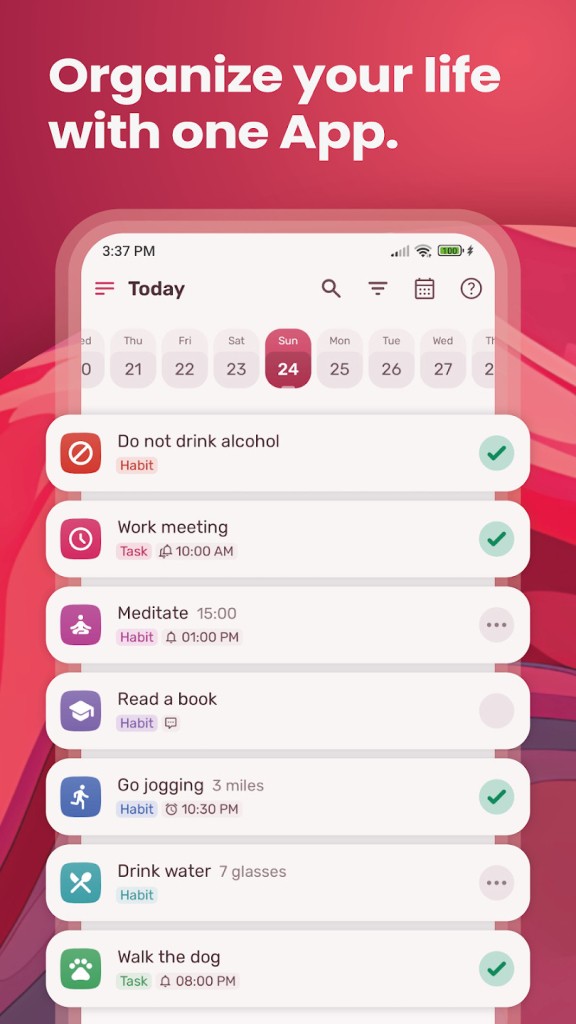
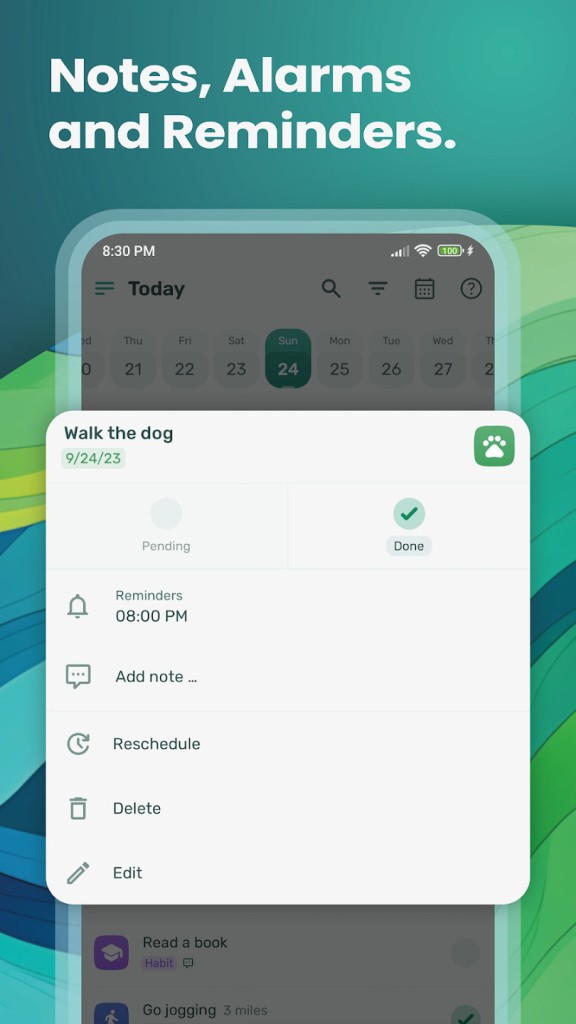
HabitNow is a focused Android app that keeps tasks and habits in one clear place. You enter what you must do, define what you want to repeat, and watch progress build without jumping between separate tools.
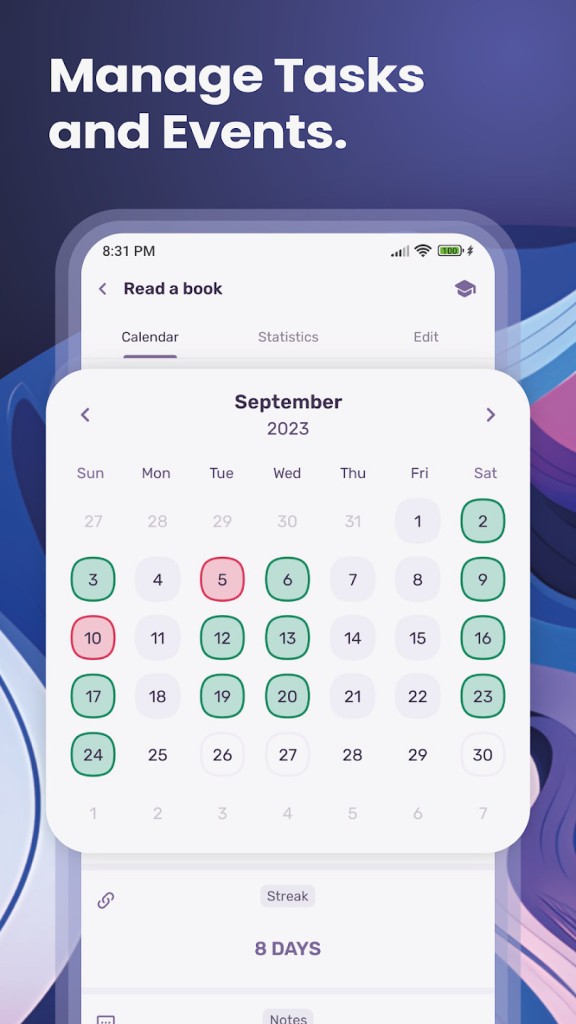
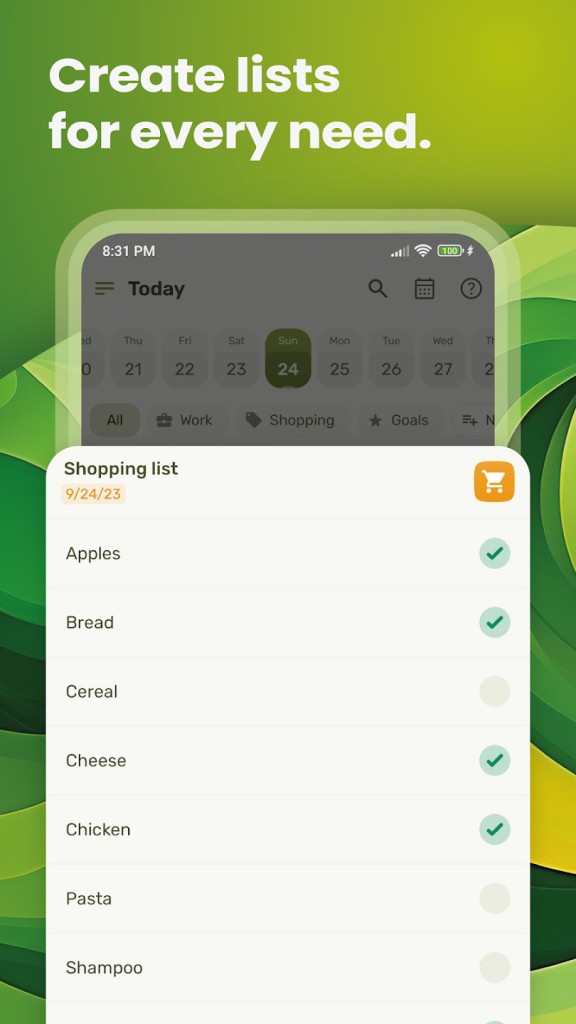
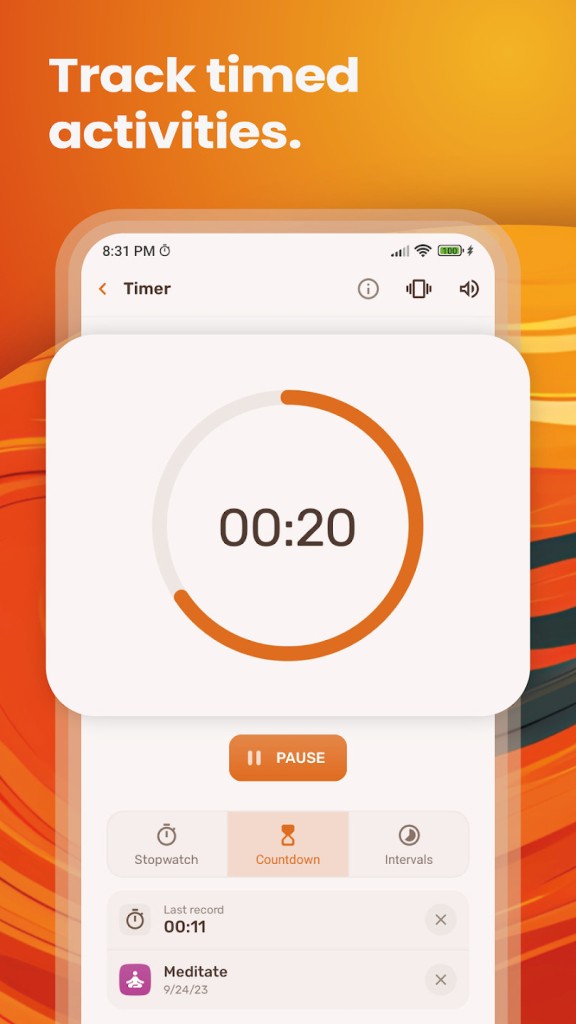
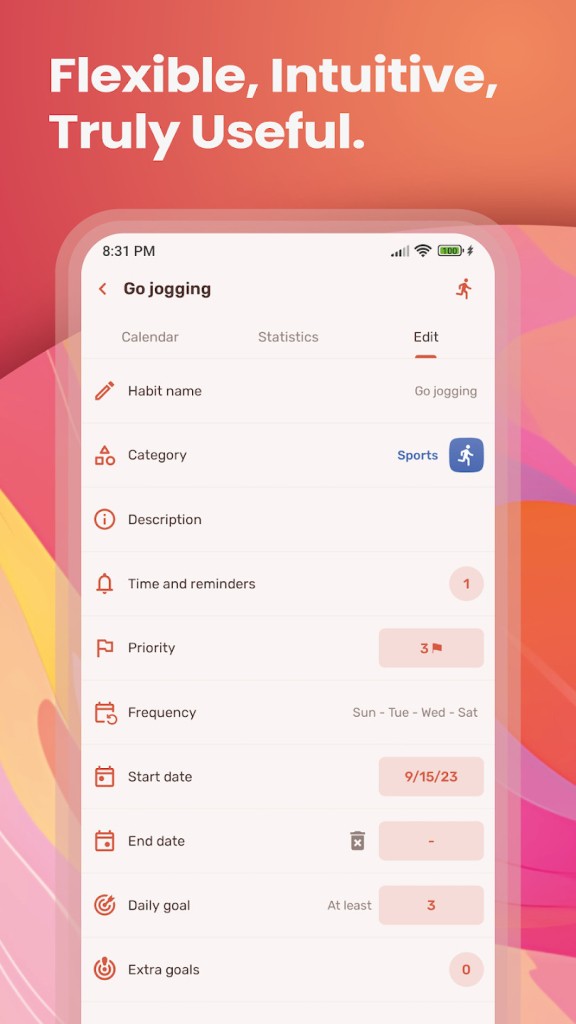
You can set goals by day, week, or month, group items by category, and jot short notes when context will matter later. A built-in calendar places scheduled tasks beside repeating habits, so plans stay visible and honest. You can run a stopwatch, a countdown, or interval timers to frame focused work and measured breaks.
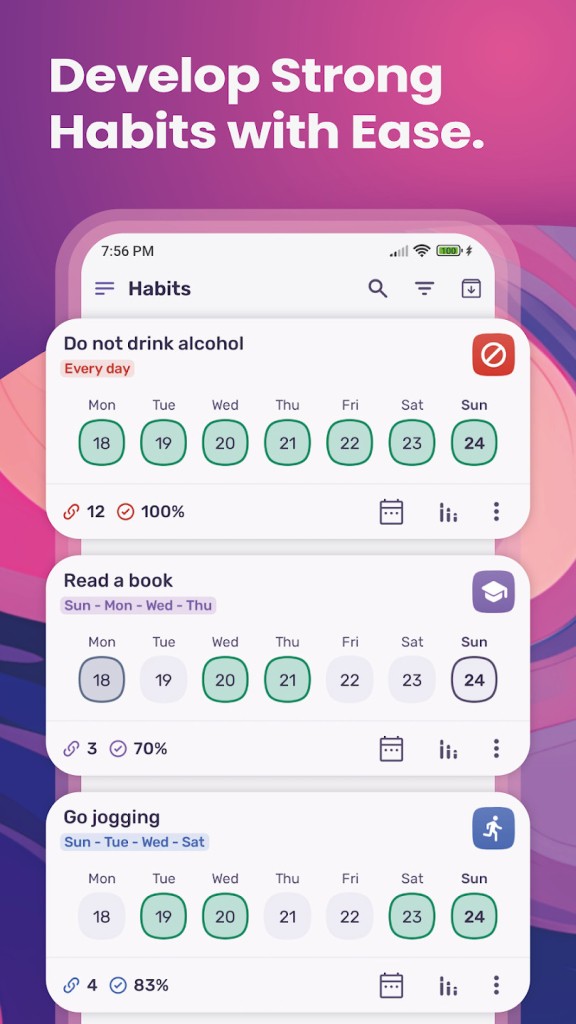
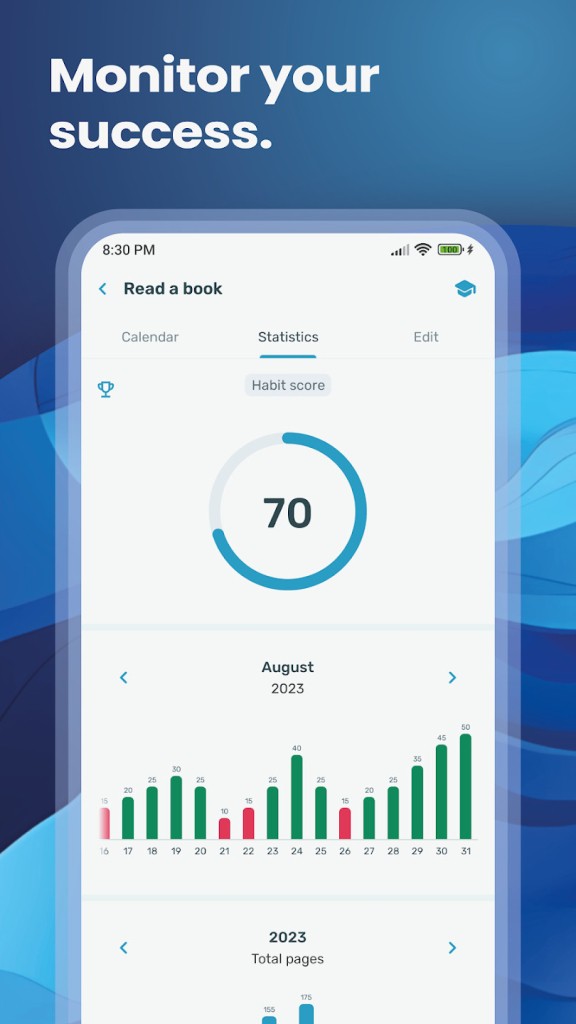
Reminders and alarms arrive when you need them, not after, so momentum does not slip. Streaks show where consistency is forming, charts reveal patterns, and daily notes let you capture what worked. Themes and icons let you tune the look, so the screen feels calm rather than noisy.
Widgets put today’s list on your home screen so you can tick items off without opening menus. If privacy is top of mind, you can lock the app and keep data on your device. If reliability matters, you can create backups and restore them on a new phone when you switch. The flow is simple: capture, schedule, focus, finish, record, repeat.
Why Should I Download HabitNow?
Download HabitNow when you want one routine for all the moving parts of a day. Capture tasks fast, convert a frequent task into a habit with a target, and attach a reminder that fires at the right time. Visualize errands and deep work on the same calendar, so plans are realistic instead of aspirational. Run a work session with the timer, mark the result, and step into the next block with less delay. Streaks give quiet pressure to show up, but the design never shouts.
Notes help when numbers are not enough, like logging what made a workout better or why a study block slipped. Simple charts show completion over time so you can spot overreach and trim it before burnout starts. Widgets help you clear small items without breaking focus. If you buy premium, you can store cloud backups tied to your Google account and restore them after reinstalling, which is useful when phones change.
You can keep everything local if you prefer not to sign in. The point is clarity across the whole loop. You plan in one place, you do the work, and you see the truth about how often it gets done.
Is HabitNow Free?
HabitNow is free to install and fully useful for everyday planning. You can create tasks and habits, schedule them, set reminders, run timers, check streaks, and review the calendar without paying. A one-time premium upgrade unlocks more capacity and cloud backups. Purchases run through Google Play Billing and link to your Google account, so you can restore the license after a reinstall without extra steps. Payment details stay with Google. If you turn on cloud backups, your data is stored as obfuscated files on a third-party service, and you can delete those backups at any time from inside the app.
When you keep everything on your device, your entries stay on your phone. The app uses Google Analytics and Firebase Crashlytics to see usage patterns and crashes, so stability improves; that data is not tied to your identity and is not used for ads or profiling. If you sign in with Google, the app receives your email address to link premium and backups; passwords remain with Google. Templates and challenges are optional helpers and do not replace professional advice. The idea is to pay once if it earns its place and then keep working without subscriptions.
What Operating Systems Are Compatible with HabitNow?
HabitNow is compatible with modern Android phones and tablets, and works best with devices that include Google Play Services. You can use it offline, keep data local, and still run timers, reminders, and the calendar. If you want backups across devices, you can sign in with your Google account and enable cloud sync for safe restores. Manual export and import are there when you prefer your own copies. A lock screen inside the app protects entries on shared devices, which matters when you track health notes, study plans, or work logs.
Notifications are flexible, so you can schedule quiet mornings or stack alerts for a busy afternoon. Widgets surface the day at a glance, which reduces app hopping. The calendar inside HabitNow shows both tasks and habits together so you can avoid double booking. Small design choices help with speed: quick add for new items, simple filters for categories, and a tidy view that keeps your next step in sight. The goal is steady behavior on Android with no extra accounts required unless you choose to use backups.
What Are the Alternatives to HabitNow?
Rabit chooses a step-by-step path and secures development like a garden. You form easy habits, schedule times, and see a relaxing image develop every time you check in. The atmosphere is not very rigid but warm, and this allows you to come back without being condemned after a miss. Rabit is the right choice to keep the focus on small wins and have a friendly frame with light pressure to change steadily, quietly.
LifeUp is the game of growth. You fill in tasks, receive experience, and get badges or coins to receive minor rewards. The planner remains central, but the level bar provides a visible poke to continue the days when it is slow. LifeUp transforms routine work into a cycle of motivation, in case you like to see the milestones and numbers increase as evidence of hard work.
Habitica: Gamify your Tasks is an application that puts a complete role-playing interface on top of your list. You do make a character, join a party, take quests, and you do get gear by maintaining habits and by completing tasks. Social play creates a sense of responsibility, since a day off will affect other players, and a good week will contribute to the team. Assuming community and in-game rules make you more regular, Habitica can transform an uninteresting checklist into a communal adventure without losing real-life tasks in the process.