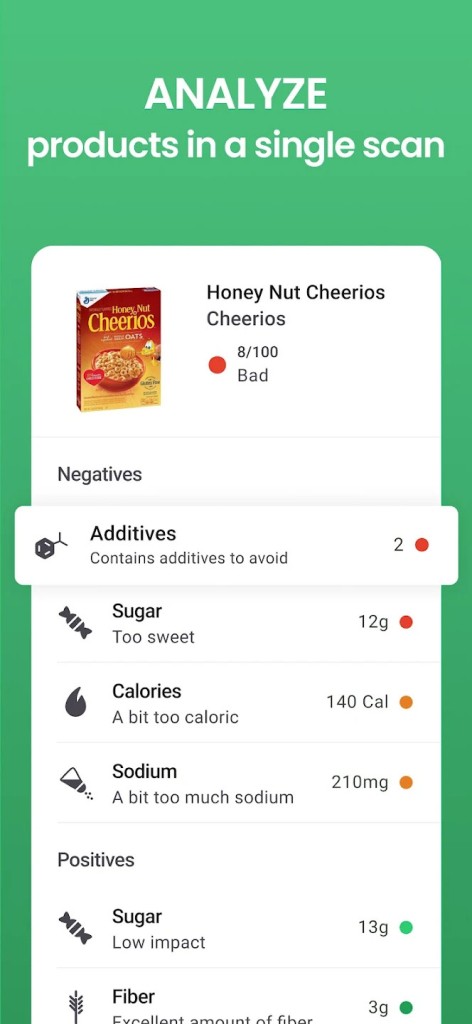
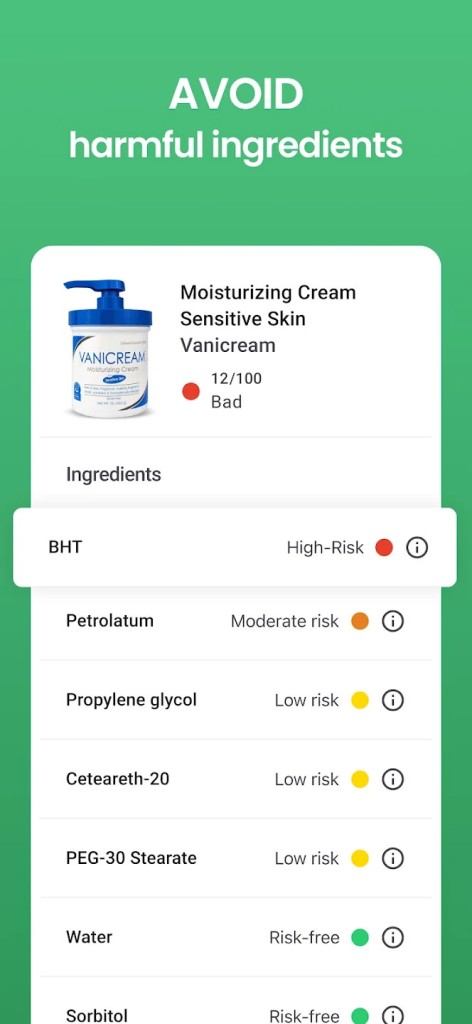
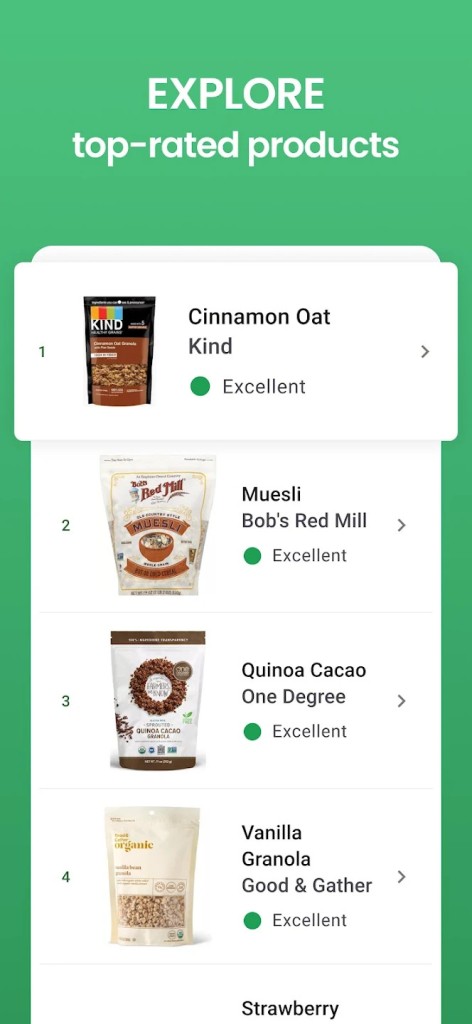
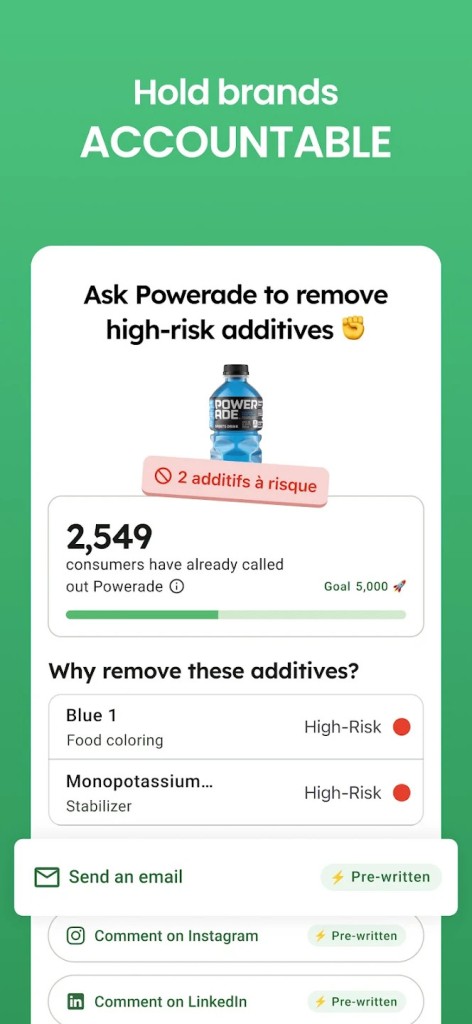
Yuka is an application that reveals the ingredients of food and personal care products when you scan the barcodes with it. As you scan a product, the application identifies the ingredients in the product and assigns it a score that determines whether that product is good or bad as far as health is concerned. The score has a simple color scheme that allows one to view the result at a glance.
In the case of food products, Yuka will consider the food's nutritional value, additives, and whether the product is organic. In the case of cosmetics and personal care products, it gives attention to the ingredients and whether they are associated with health hazards through scientific studies. All the ingredients are evaluated, and the rating of each one of them is made based on the risks and affects the overall rating.
Yuka also provides additional information about it in case you want to read more. You may be able to notice the reasons as to why this or that product got such a grade and what ingredients may be alarming. The app is not dependent on advertising, and it mentions that the product scores are not influenced by brands or manufacturers.
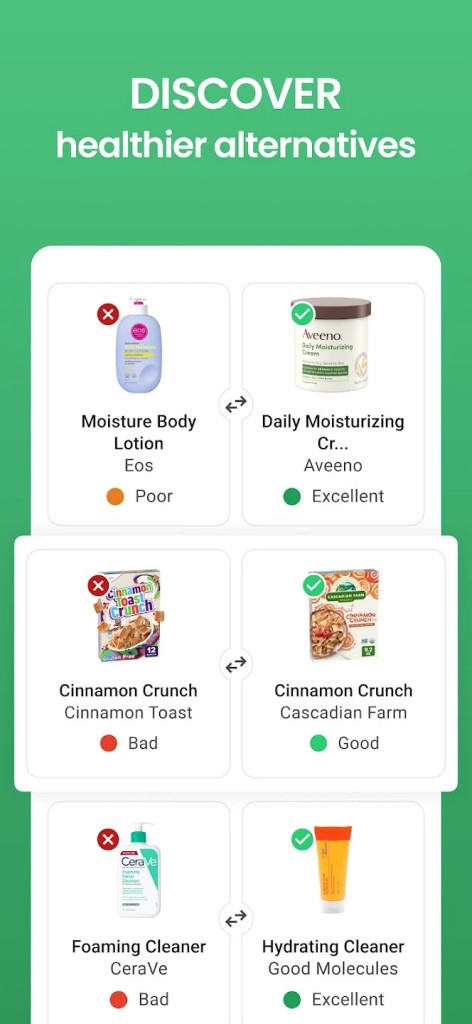
Recommendations are another characteristic. In case of a low rating of a product, Yuka can propose a healthier option. These recommendations are not presented with a brand promotion, which is as it is claimed in the app.
Yuka is principally consumed by individuals interested in having a better picture when shopping. It is not intended to displace medical advice but is a guide to assist the user in making daily decisions based on component analysis, not perplexing labels.
Why Should I Download Yuka?
Yuka is downloaded by people to spend less time shopping. Instead of having to read long lists of ingredients, one can scan a product to obtain a quick rundown of its health impact. This can be useful in case someone feels confused by the labels on the food or the unknown ingredients used in cosmetic products.
Another reason is awareness. The application assists users in identifying additives, allergens, or ingredients that might be associated with health hazards. This knowledge bookshelf allows the consumer to make comparisons and know what they are purchasing without the services of an expert.
Habit changes can also be supported by Yuka. Users can become more conscious of what they watch on their screen and what they apply to their skin as they can see their scores on various products. This can affect preferences regarding shopping, although it may be slow.
Some users value the autonomy of Yuka. There are no advertisements on the app, and the brand cannot pay to manipulate the score, which leads to the belief that the ratings were not made on commission.
Individuals with certain health issues or food needs may still require expert consultations. Moreover, Yuka is more an overall guide than a definitive authority. Ideally, the user can make a wise decision thanks to Yuka product information without necessarily taking a long time to study ingredients on each box.
Is Yuka Free?
Yuka is a free download that can be applied. The free one allows scanning items, seeing health scores, and reading simple descriptions. It also has a premium version of payment. Premium has extra features like extra filters or more suggestions, but the basic scanning and scoring capabilities are free. There are no advertisements in the app, and the models of its financing are responsible for brand partnerships. The users are at liberty to upgrade or not.
What Operating Systems Are Compatible with Yuka?
Yuka may be used on mobiles, and it works with Android and iOS. It is available in the Google Play Store of Android-based phones and the App Store of iPhones. The application is developed for phones with cameras since scanning a barcode is one of its fundamental attributes. It does not need any special hardware, apart from a standard mobile device.
It is also compatible with most modern Android tablets and iPads that support the app stores. Yuka is not offered on desktop computers and laptops. Direct installation does not have an official Windows or macOS version. It can be effectively used on mobile devices when you are going shopping or scanning goods at home.
What Are the Alternatives to Yuka?
OpenFoodFacts has a particular interest in food products and is a free database containing information about food products accessible to people as well as contributors. It gives ingredient lists and nutritional information without paying as much attention to cosmetics or simplified marks. It is less critical than analytical. Many users download it when they mainly want to open food data without deeper health scoring.
Lifesum is focused on nutrition planning and tracking of diets. It assists users in recording meals, energy, and dietary objectives. Although helping people live healthily, it does not scan cosmetics or decompose the risks that can be found in ingredients, as Yuka does. It is less about the food analysis than the ordinary eating habits. People often download Lifesum to manage daily eating routines rather than scan product labels.
MyFitnessPal is a popular app in terms of calorie counting and tracking meals. It assists the users in keeping track of nutrition, exercise, and weight targets. Although it does contain a big food database, it does not specifically scan for ingredient risks or cosmetic scanning. It is more appropriate for users who have a special interest in fitness and calorie restriction, instead of a product ingredient analysis. Users usually download MyFitnessPal when their main goal is calorie control and fitness tracking.