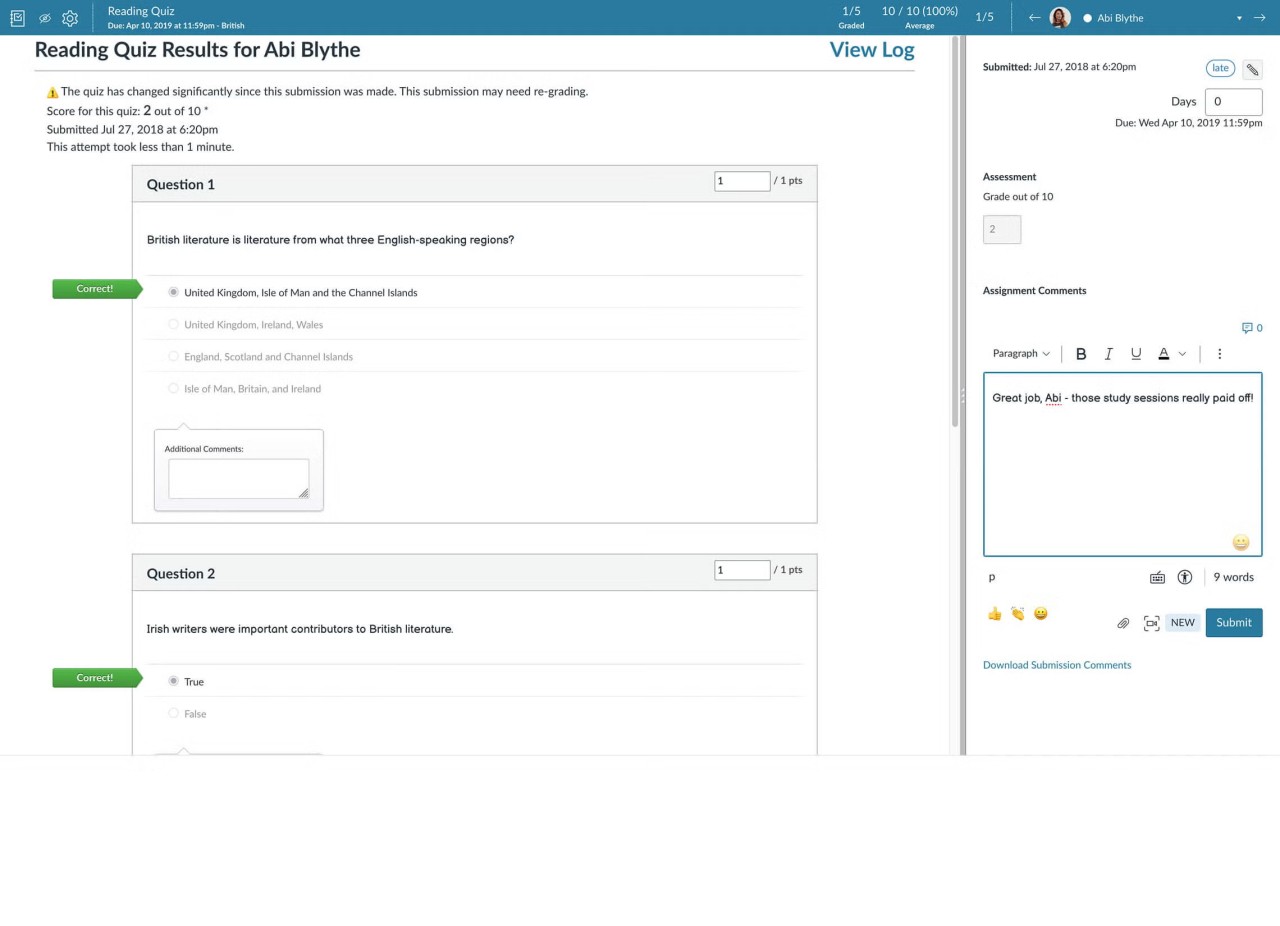
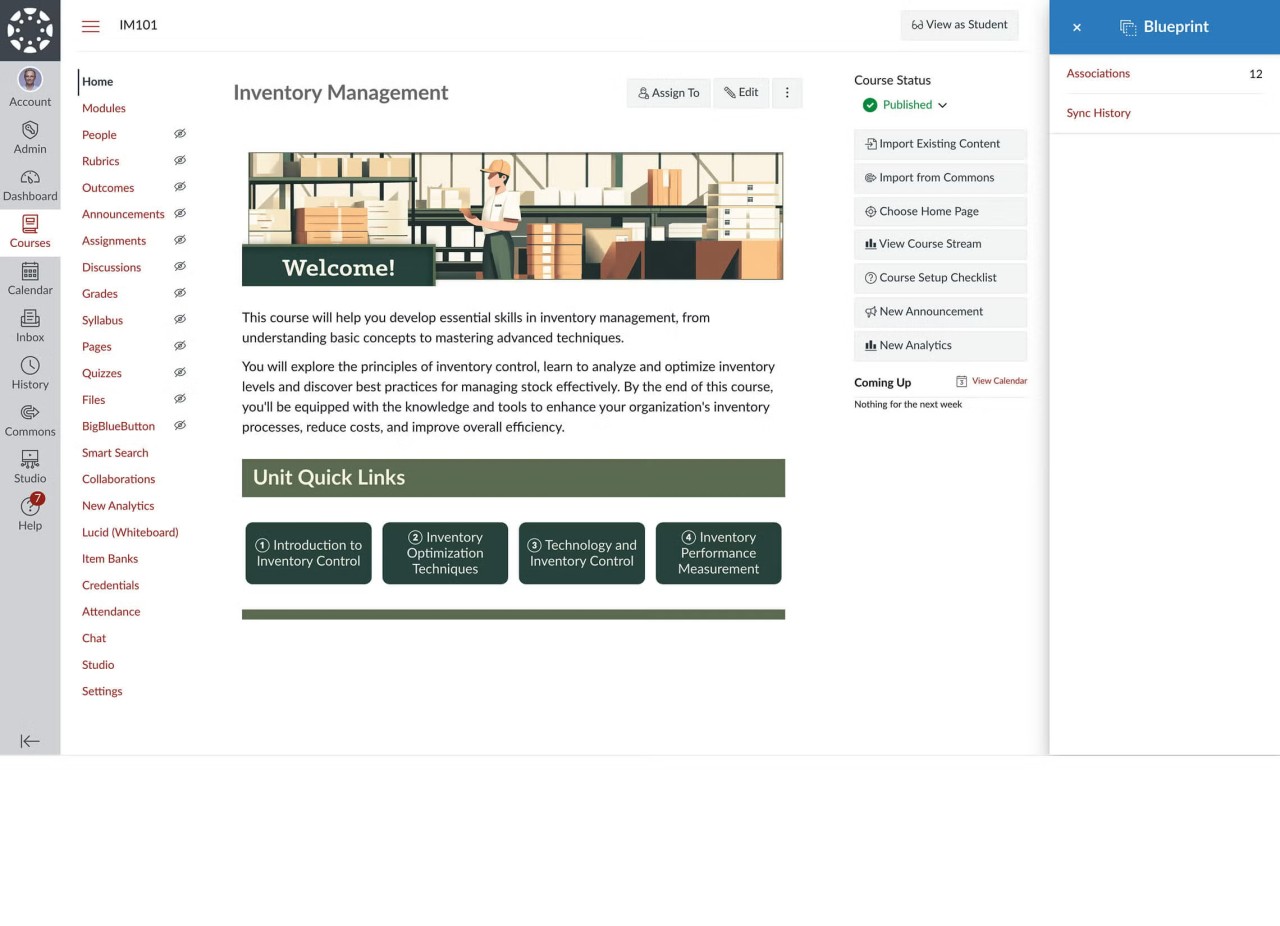
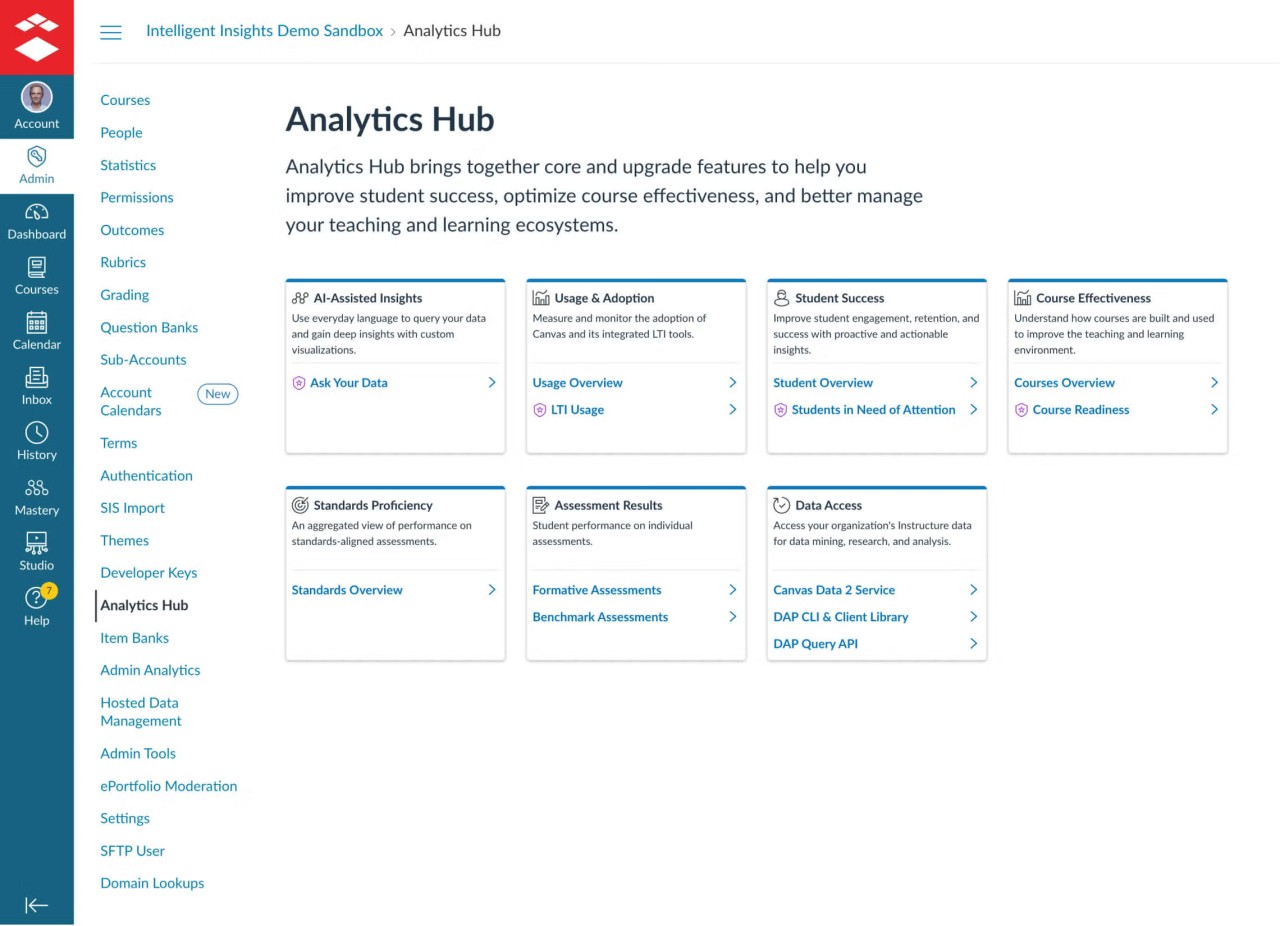
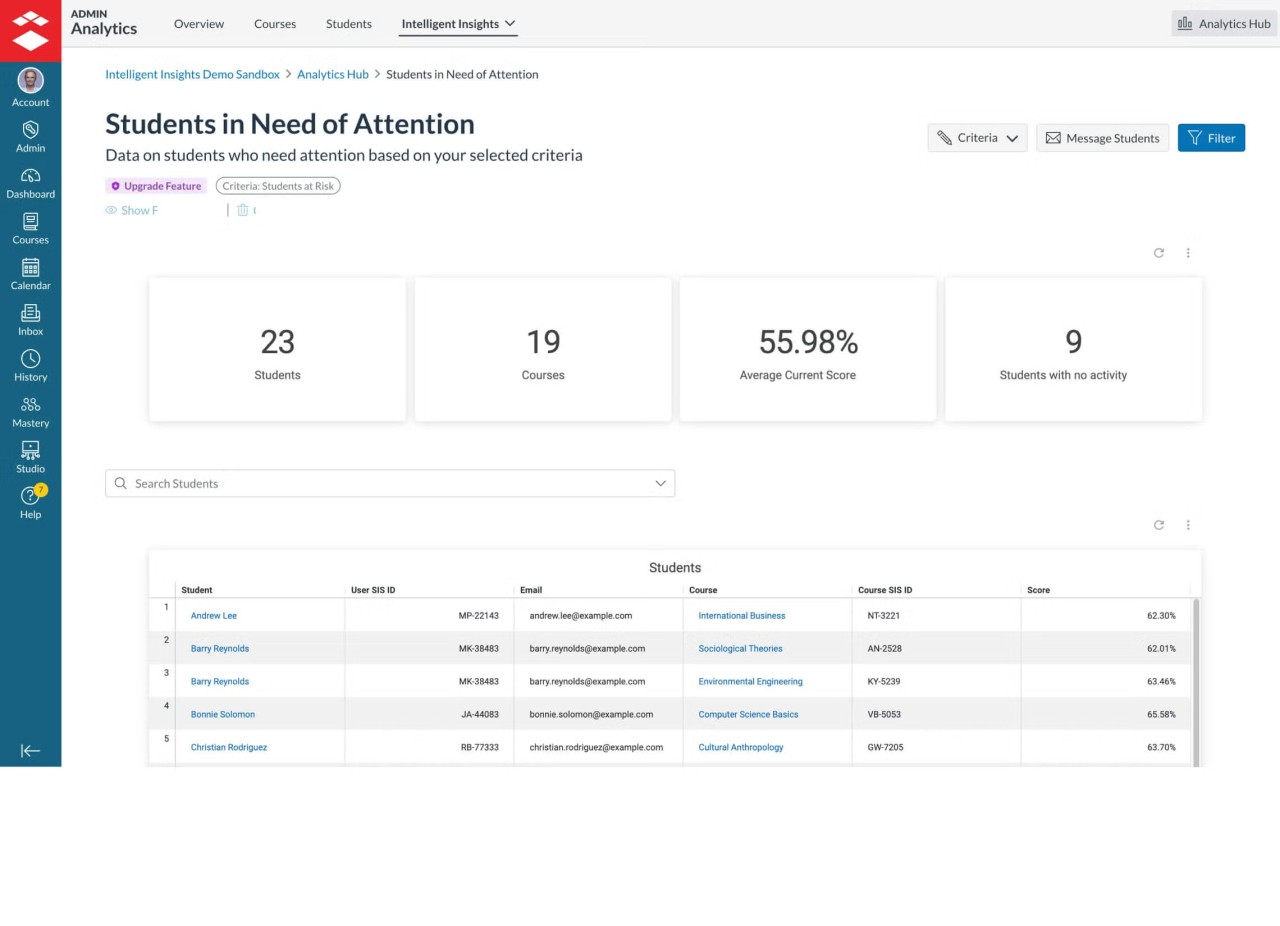
Canvas by Instructure is a learning management software, or LMS. It is an online training and course developer, manager, and deliverer. It is used by schools, colleges, universities, and businesses to store all learning that is easily accessible. Lessons, assignments, quizzes, and videos are uploaded by teachers. Everything is displayed on one dashboard by learners.
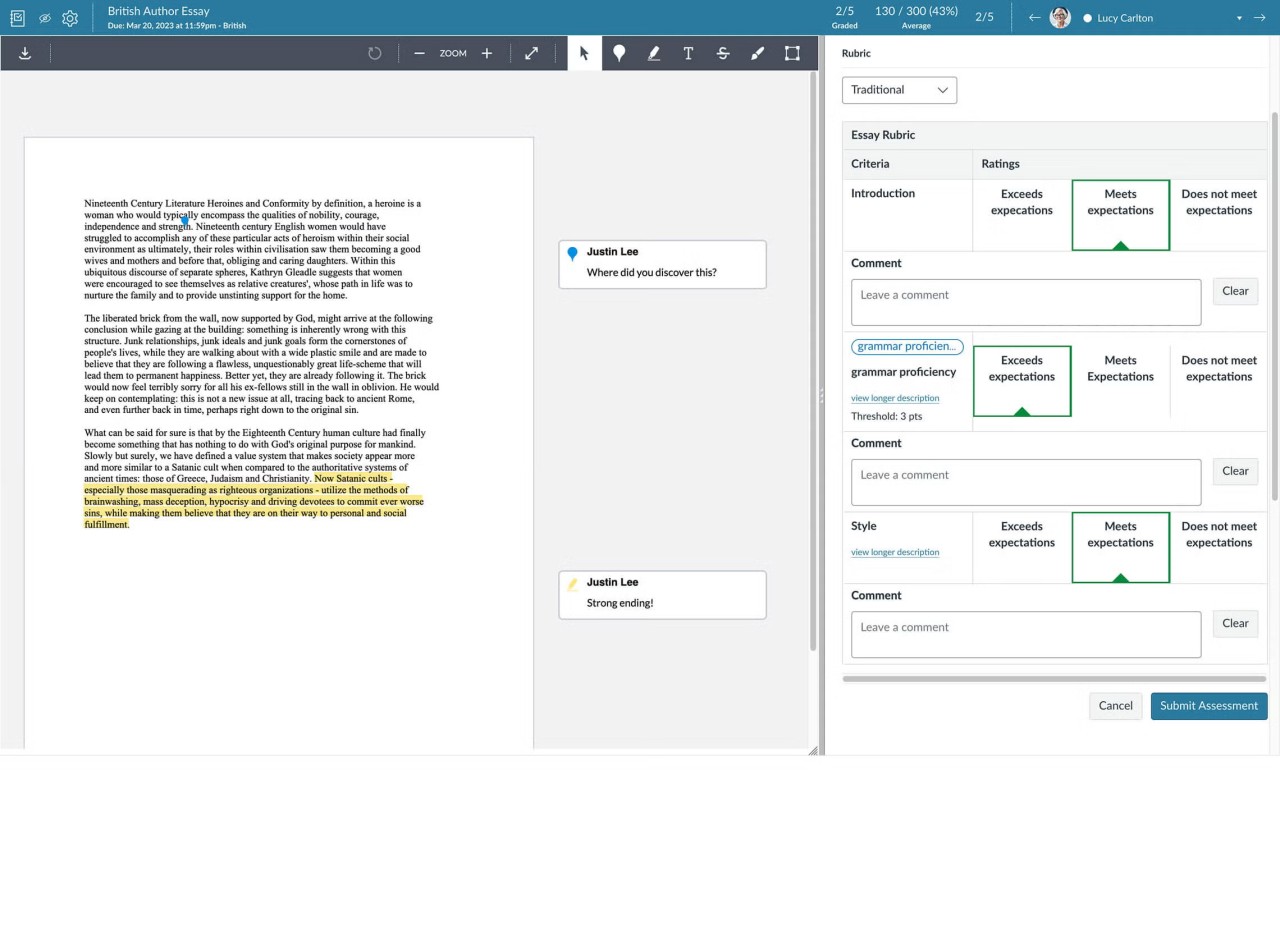
The software is primarily web-based; thus, it does not operate as an independent installed program but rather runs in a browser. It seeks to simplify teaching/learning, particularly when it is to large groups. Those people can mark the work, provide feedback, and monitor the progress of the instructor. Students can turn in work, check grades, and interact with instructors.
Canvas processes a significant number of users simultaneously. It is selected in cases where institutions require scalability and reliability. It is also integrated with a plethora of third-party applications, allowing the user to add functionality, including plagiarism detectors or video applications.
The interface is simple and easy to use, although it might seem overwhelming to users who are new to the interface. Canvas is a system that does not produce any content but simply delivers and manages learning materials. Its usage is not in casual or personal settings but in structured learning settings.
Why Should I Download Canvas by Instructure?
Using Canvas is reasonable when you are engaged in online learning or training. Many users operate it through their browser, yet mobile applications can also be used by students, teachers, and parents. These applications allow being in touch with classes without necessarily having to carry a computer.
Organization is one of the reasons why people use Canvas. Grades, messages, courses, and assignments are all in one location. This helps to avoid confusion, particularly when handling a number of classes or learners. Reusing course templates and grading tools also saves time for the teachers.
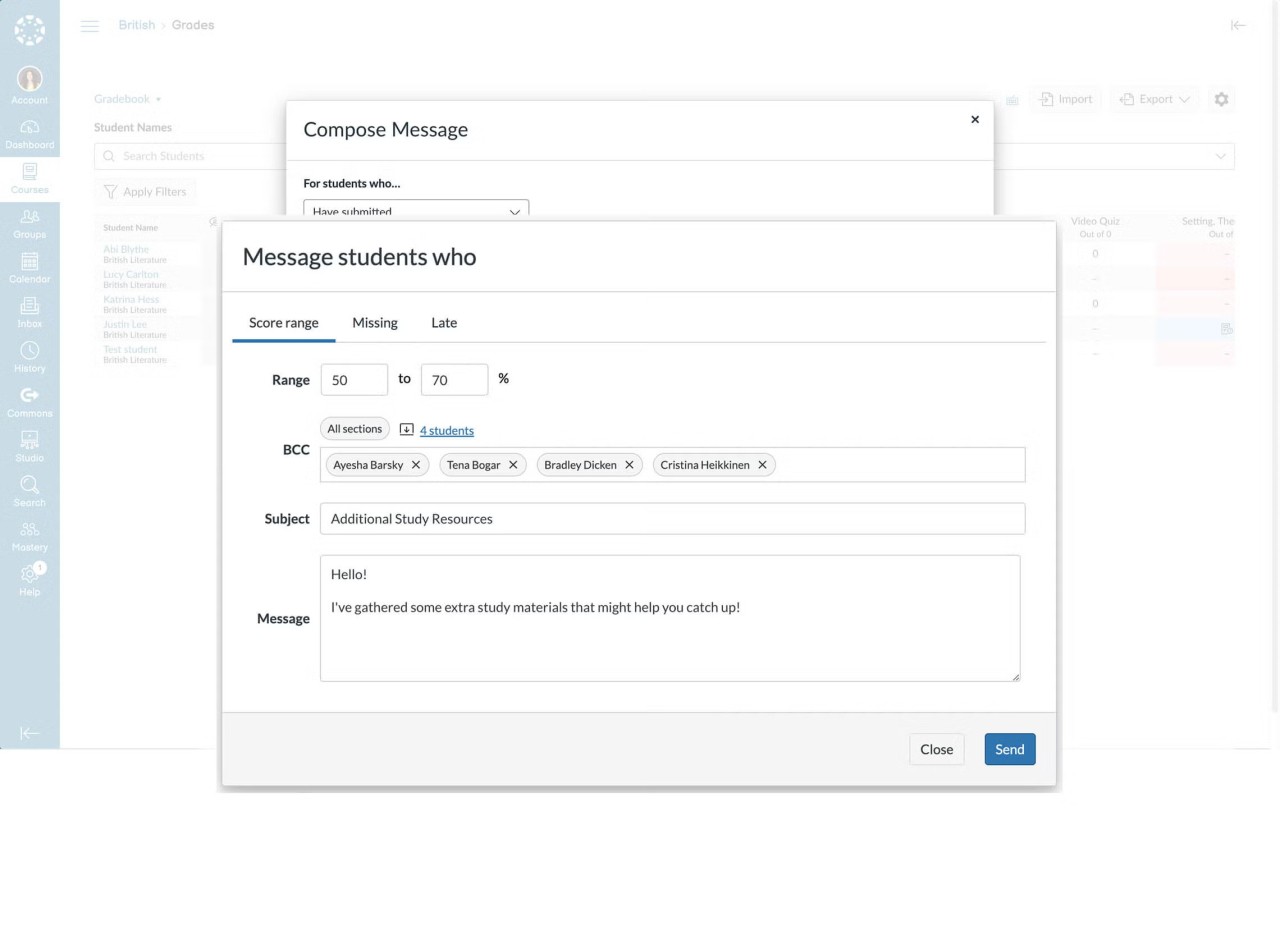
The other cause is communication. Canvas also allows instructors to send over announcements, messages, and feedback directly within the system. Students do not require special applications and emails to be in the know.
Canvas is, however, not the one that will suit all. It will be too heavy for independent learners who require short tutorials or simple courses. It is most appropriate in a structured setting where there are courses that extend to weeks or months.
In case you are interested in formal online education or workplace training, you can find the Canvas application or the platform helpful to download. In case you are a casual learner, a less complex platform can be accessible.
Is Canvas by Instructure Free?
Canvas does not give institutions complete freedom. Boarding and licensing are typically funded by schools and organizations. Teachers and students tend to access it freely, but can do so even after their institution graded them. Canvas is offered mainly through institution-based licensing, and access is usually provided by a school or organization rather than through individual sign-ups. To the majority of users, access is determined by whether it is used by their school or organization via Canvas.
What Operating Systems Are Compatible with Canvas by Instructure?
Canvas is primarily used in web browsers and, therefore, can work on most operating systems that support modern web browsers. The users are not required to install special software.
Canvas has Android and iOS mobile apps (for teachers, students, or parents). Through these applications, learners, and instructors can view assignments, messages, and grades simultaneously. Back Office Only Basic access is the same, with slight differences in features between the web version and mobile applications. The compatibility is more dependent on the browser and internet connection than on the operating system.
What Are the Alternatives to Canvas by Instructure?
Moodle is one of the most popular substitutes for Canvas. Moodle is an open-source learning management system that is very popular with schools and universities. It allows institutions to manage their learning platform. Moodle is popular with many users owing to its flexible and highly customizable nature. The flexibility, however, is complex. Moodle has many technical setups and maintenance tasks that are not always easy to manage by small teams. Some users are less modern in their interface than that of Canvas. Many institutions choose to download Moodle when they want full control over their learning system and hosting environment.
Another option is EducateMe. EducateMe is ready to work with training courses, web-based schools, and business training. It is aimed at creating courses and managing learners without the need for much technical installation. EducateMe is less complex and user-friendly than Canvas, particularly when the teams do not require sophisticated grading and vast academic divisions. But it could not be the most suitable option for big universities or institutions with thousands of learners at any given time. Teams often download EducateMe to quickly set up training programs without dealing with complex system configurations.
One of the new ones is Coursebox. Coursebox takes advantage of artificial intelligence to assist users in creating courses faster. It is also beneficial in enabling individuals who desire to develop learning materials within a short time without necessarily taking a long time to lay out a structure. Although Coursebox can be used to faster develop a course, it cannot provide the same course management, course reporting, and lifetime learning tracking that Canvas has. It is more applicable in short coursework and fast training courses. Some users prefer to download Coursebox when speed and quick course creation matter more than long-term learning management.