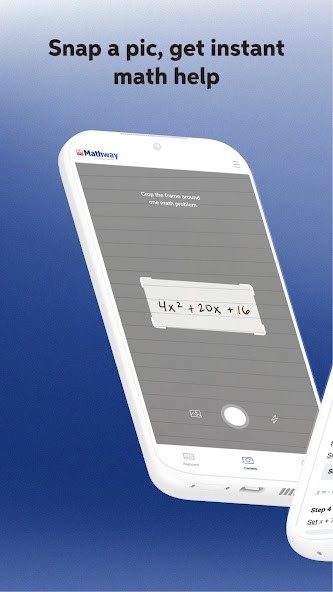
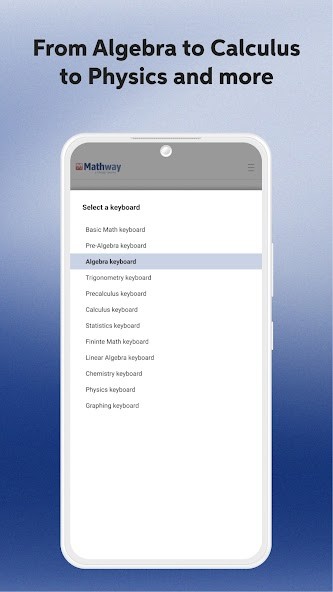
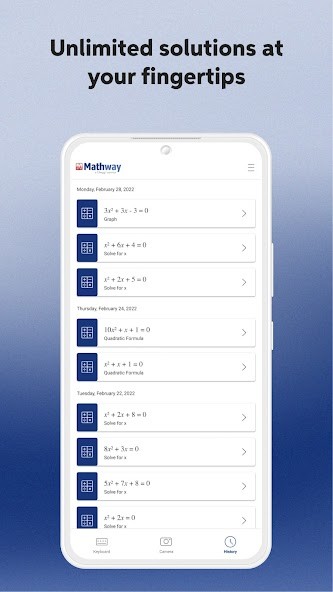
Mathway is an application to solve math problems and help students get an answer in a short timeframe. It allows a user to type in or use the phone's camera to take a photo of a problem. After typing in the problem, the application processes it and answers. Mathway discusses a wide range of math, such as simple arithmetic, algebra, calculus, graphical methods, and a little bit of computations related to physics.
The primary goal of Mathway is to serve as a helper. Students use it often when they are perplexed with a question, or they desire to check their answers beforehand. It is not a complete learning course that has lessons and practice sets. Rather, it is concerned with the on-demand solution of individual problems.
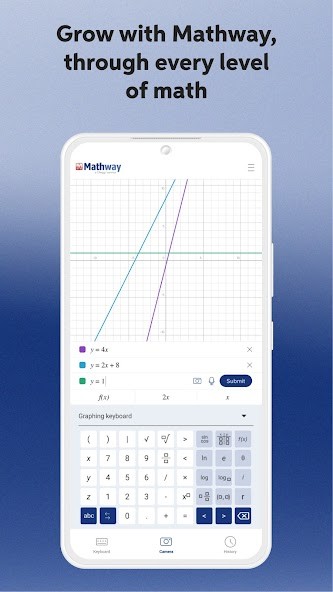
Mathway is equipped with a special math keyboard so that one may easily type in symbols, fractions, exponents, and equations that are difficult to type using an ordinary keyboard. The camera scan option allows one to scan a written or printed issue. The scan is also time-saving when working correctly compared to typing all the information manually. Nonetheless, it has been reviewed that the scan accuracy and loading rate may differ.
Chegg develops the app. The company is associated with study tools and academic assistance. Students from elementary schools to college use Mathway. Some use it daily, but some only open it whenever they are at a standstill.
Matway is simply a rapid solution tool. It provides answers within a short time. The process of knowing how the answers will be arrived at is normally based on whether the user has a premium version or not.
Why Should I Download Mathway?
Mathway is an app that may be interesting to download in case you often have some math-related homework that you can hardly solve alone and need some assistance. The application is also helpful when you are rushing and need to ascertain whether your answers are right or not. Mathway is their second resort after failing to get other assistance or at an inconvenient time of the night, when nobody is around to assist them.
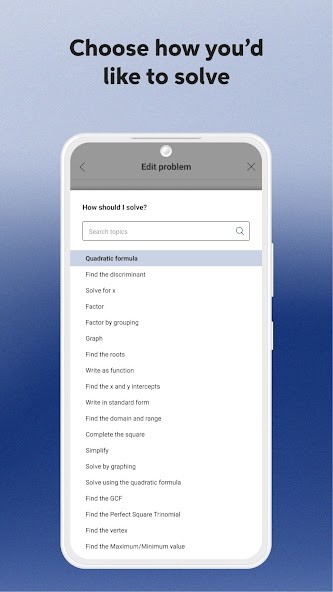
Mathway can also be useful in the case of hard equations that require a lot of time to answer manually. The application deals with many complex materials and thus can be used in high school or college learners in courses on algebra, calculus, or graphing. The fact that you can pick the kind of math you are solving at a given time, it helps you rule out the answer.
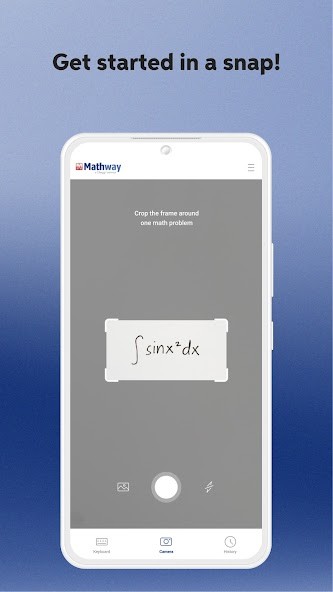
Another reason why some users like Mathway is the scan feature. Capturing the image of a problem seems to be less complex compared with writing extended equations, particularly through a phone. When done correctly, it can accelerate the process of homework. The app can also process word problems and complex expressions, although not always effectively.
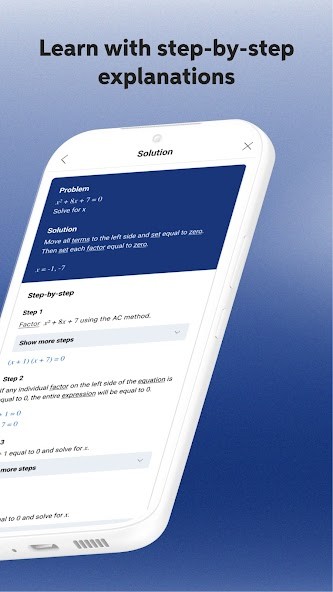
Nevertheless, there exist significant disadvantages. The free version will not show the steps; it will just show the end answer. It may be frustrating to those students who have to learn the process or demonstrate their work. The users are required to pay a subscription fee to receive step-by-step explanations.
Another concern is performance. Other users complain that it can take a long time to load, it does not scan images, or the application freezes when solving equations. People also complain that there are subscription problems, e.g. paid features did not work right after payment.
Mathway should be downloaded in case your primary objective is to get answers within a short amount of time or to check your work. The app can be restrictive if you prefer using it for free instead of enjoying detailed, step-by-step teaching.
Is Mathway Free?
Mathway is available as a free download and can be used on a basic level. You can type or scan math problems and receive answers without paying. This has rendered it available to all students who just require solving the end solution. Nonetheless, to reveal the way the problem is resolved in steps, one will need a paid subscription. You do not get the entire explanation behind the answer without paying.
Paid on a monthly or annual basis, the subscriptions are automatically renewing, unless the account is cancelled. Others are happy with the free version because they can look up an answer, but others do not like how the free version does not offer a step-by-step breakdown. All in all, Mathway is free to use, although the majority of learning support is hidden behind a subscription.
What Operating Systems Are Compatible with Mathway?
Mathway is compatible with iOS and Android platforms. For Apple devices, it works with iPhones and iPads, and a new iOS version is needed. It is of moderate size and, therefore, should not be installed without the necessary storage. It is available in the Google Play Store. It is compatible with numerous phones and tablets. The Android operating system allows scanning cameras, typed input, and solving problems like the iOS type.
Mathway is built to be primarily used on mobile, but it is also accessible through a web browser on desktop devices. The majority of the features are best used with a smartphone with a camera. The performance can differ depending on devices, the quality of the camera and the internet connection.
What Are the Alternatives to Mathway?
One alternative is Solvely, which aims at assisting students to get a more profound understanding of homework problems through the assistance of AI. Similar to Mathway, it allows users to scan queries or type queries. Guided explanations are also prioritized in Solvely rather than answers. In some of its characteristics, it requires a subscription. Many students choose to download Solvely when they want explanations rather than just final answers.
Photomath is a highly popular math solver application. It is recognized to have precise camera scanning and understandable step-by-step instructions. Photomath appeals to many users due to the facility to give an answer without necessarily making an immediate payment. It is very narrow-minded regarding math and does not discuss a lot of other topics. Users often download Photomath for quick math help with clear step-by-step solutions.
GeoGebra Classic is different to Mathway. It is a visual calculating tool of exploration, which can be used to explore concepts like graphs, geometry, and equations. GeoGebra is common in classrooms and among teachers. It is better to get an idea of how math is working and not to quickly solve the homework questions. It can be difficult or daunting to some students. Some learners download GeoGebra Classic when they are keen to explore math concepts visually instead of solving homework fast.