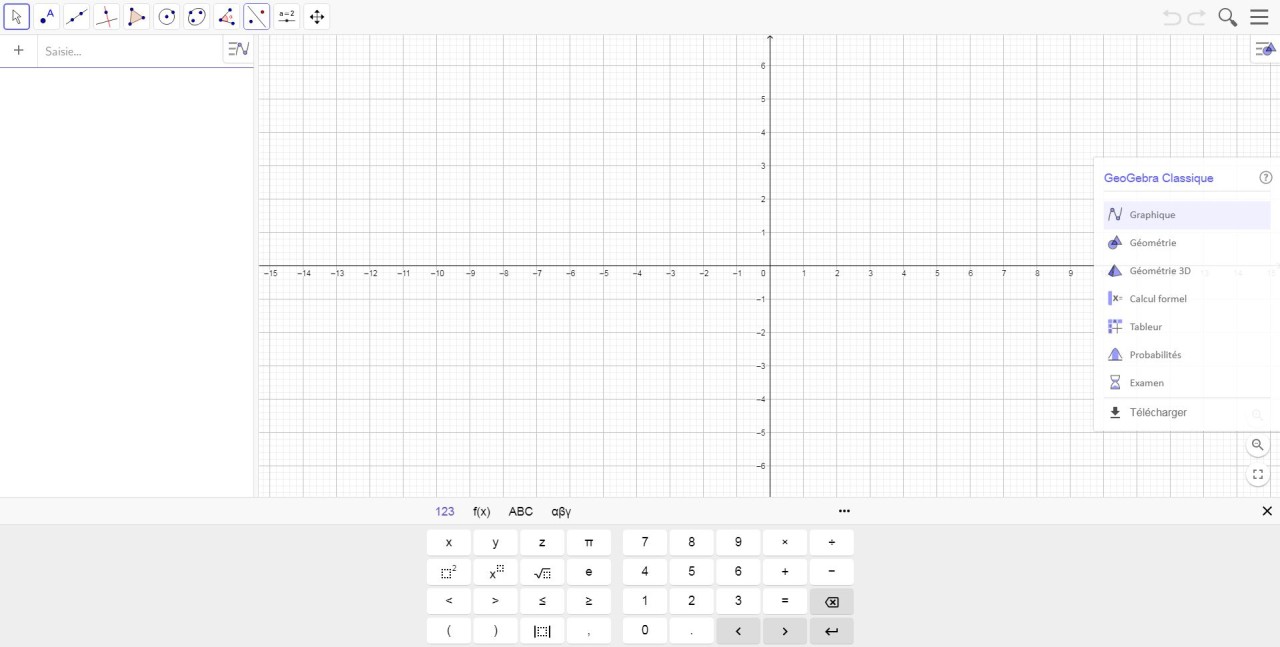
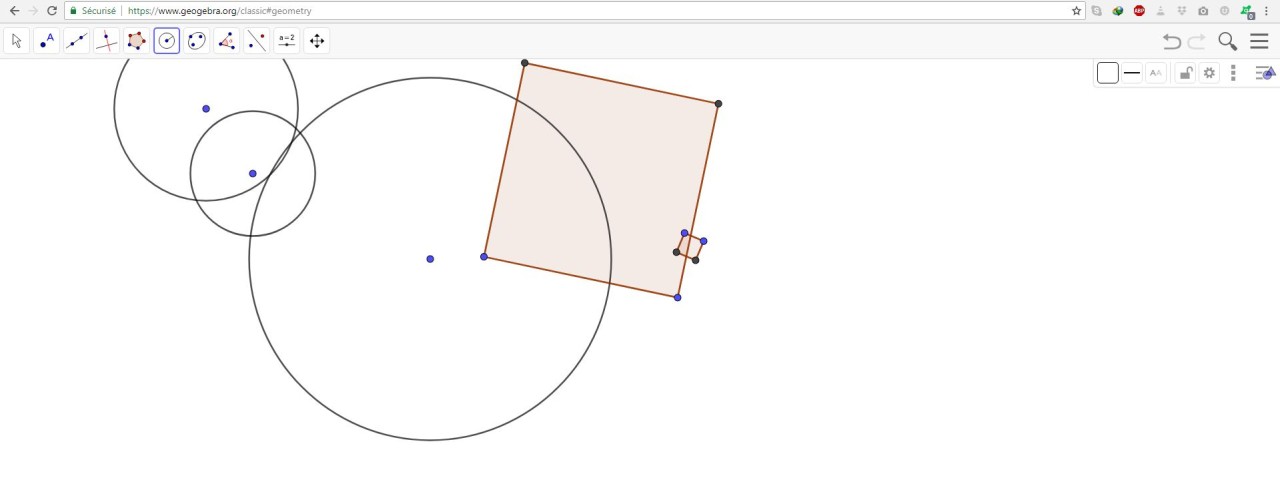
GeoGebra is a web-based, interactive teaching and math learning tool designed to aid the process of learning and teaching mathematics in an interactive and structured manner. It integrates other tools like graphing calculators, geometry tools, algebra, and statistics functions into one. GeoGebra does not just give answers; probing helps in getting profound knowledge.
GeoGebra is employed in schools in grades 4 to 12; however, it can be useful to advanced students and teachers too. Students can visualize concepts, test concepts, and see equations change in real time. Educators can develop interactive lessons, demonstrations, and practice.
GeoGebra provides materials prepared by teachers, including algebra, geometry, probability, measurement, and statistics. It also has a math solver. Students have the opportunity to take a photo of a homework question and receive step-by-step explanations and practice questions.
GeoGebra favors teamwork in the classroom. Teachers can track their students’ progress and provide feedback in lessons. Users can work through a web browser or in the app. You can save progress and share it with different accounts.
GeoGebra is not just an app; it is a learning tool. It assists students in learning mathematics concepts rather than memorizing them. It can be used in self-study or in the classroom.
Why Should I Download GeoGebra?
Get GeoGebra if you are studying or teaching math and consider textbooks to be a boring tool. When taught on paper, math concepts are difficult to understand. GeoGebra transforms formulas, graphs, and shapes into a moving and manipulable visual object.
GeoGebra is downloaded by students to investigate graphing functions, equation solving, and geometry. Being observant of changes makes learning intuitive. The math solver also teaches students to check their work and pay attention to their steps rather than the final answer.
GeoGebra helps teachers design interesting lessons and exercises. Classroom tools can observe the advancement of students in real time and modify lessons according to their knowledge. This will promote engagement in math classes.
GeoGebra is used in preparing examinations and doing homework. There are calculators and applications for every level of math, beginning with the simplest arithmetic and ending with the more complicated algebra and geometry. Users can continue learning at home or at school, since the tool can be used on various devices.
Another reason one should download GeoGebra is that it is accessible. The tools are easy to use and do not require great skills. Young students and adults in secondary schools can come back to math anytime with GeoGebra.
In general, GeoGebra helps everyone who wishes to learn more effectively, through practice and visualization rather than memorization.
Is GeoGebra Free?
GeoGebra is free for students and teachers alike. There are no charges for calculators, math applications, or learning materials. Creating an account is not necessary; however, it allows one to track progress and personalize content.
Additional classroom functionality may be available for structured teaching environments in specific regions or individual institutions, but the basic tools remain free. This ensures GeoGebra remains free to individuals, institutions, and students who desire quality mathematical resources without a subscription fee.
What Operating Systems Are Compatible with GeoGebra?
GeoGebra can be found on various platforms. It can be accessed directly through a web browser without any sort of installation, which means it can be used on the majority of devices. There are GeoGebra desktop and mobile apps.
It is compatible with Windows, macOS, and Linux desktops. Android and iOS have Android and iOS mobile applications, respectively. The same tools can be used by students and teachers with the help of computers, tablets, and phones.
GeoGebra is available online and offline through applications, which ensures that any work can be done even when the internet is not available. It is cross-system compatible, which is why it should be used in classes and individual study.
What Are the Alternatives to GeoGebra?
R Project is free and open-source software primarily used to analyze statistics and visualize data. It is based on coding and hence is suitable for researchers, analysts, and university students. R is not a visual learning tool or interactive mathematical exploration like GeoGebra, although it is a powerful calculation and modeling tool. Novices will struggle with it unless they have experience in code writing. Many users download R Project when they need a free and flexible tool for statistical analysis and research work.
MATLAB is a professional package applied in engineering, science, and advanced mathematics. It allows users to make simulations, process data, and solve complicated problems. MATLAB is widespread both in academia and the science industry, and it’s typically paid. Its learning curve and interface can be difficult for younger students to master, whereas GeoGebra has a simple, non-graphical interface. Students and professionals often download MATLAB for advanced calculations and technical simulations despite its paid model.
Scilab is a scientific and engineering computer platform that is open-source. It provides modeling, simulations, and sophisticated math tools. Scilab resembles MATLAB and is used more frequently in higher education. Nonetheless, it is not as preoccupied with interactive learning or visual discovery. GeoGebra may be easier to use for those who prefer step-by-step learning, visual graphs, and classroom tools. Scilab would better suit the technical user who needs to solve some computing problems and higher educational assignments. Users usually download Scilab when they want a free alternative for numerical computation and academic-level math tasks.