MATLAB is a software environment built for people who work with numbers, equations, and systems that need to be tested or simulated. It is most frequently used by engineers, researchers, and students in technical fields. The name is Matrix Laboratory since all the features are based on matrix math, such as the ability to solve linear equations and other complicated physical systems.
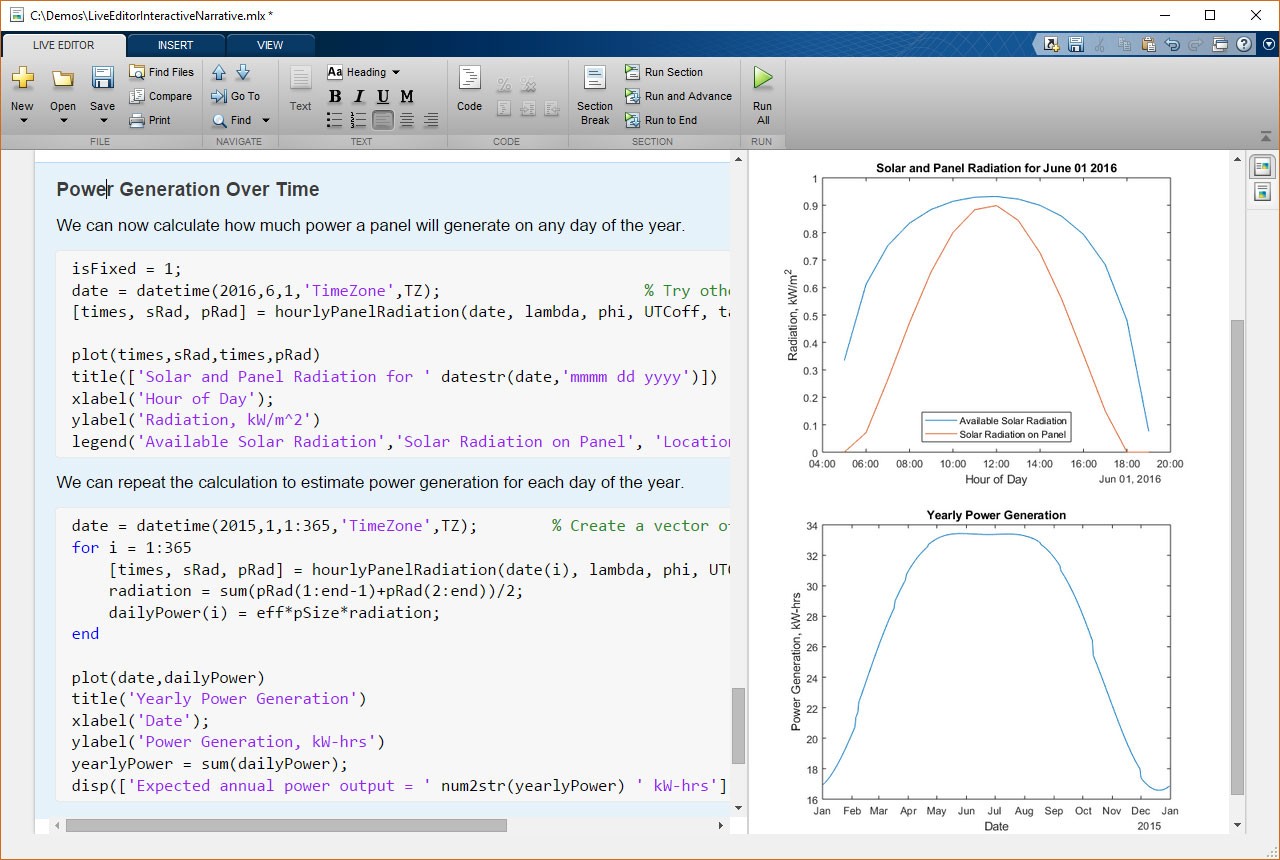
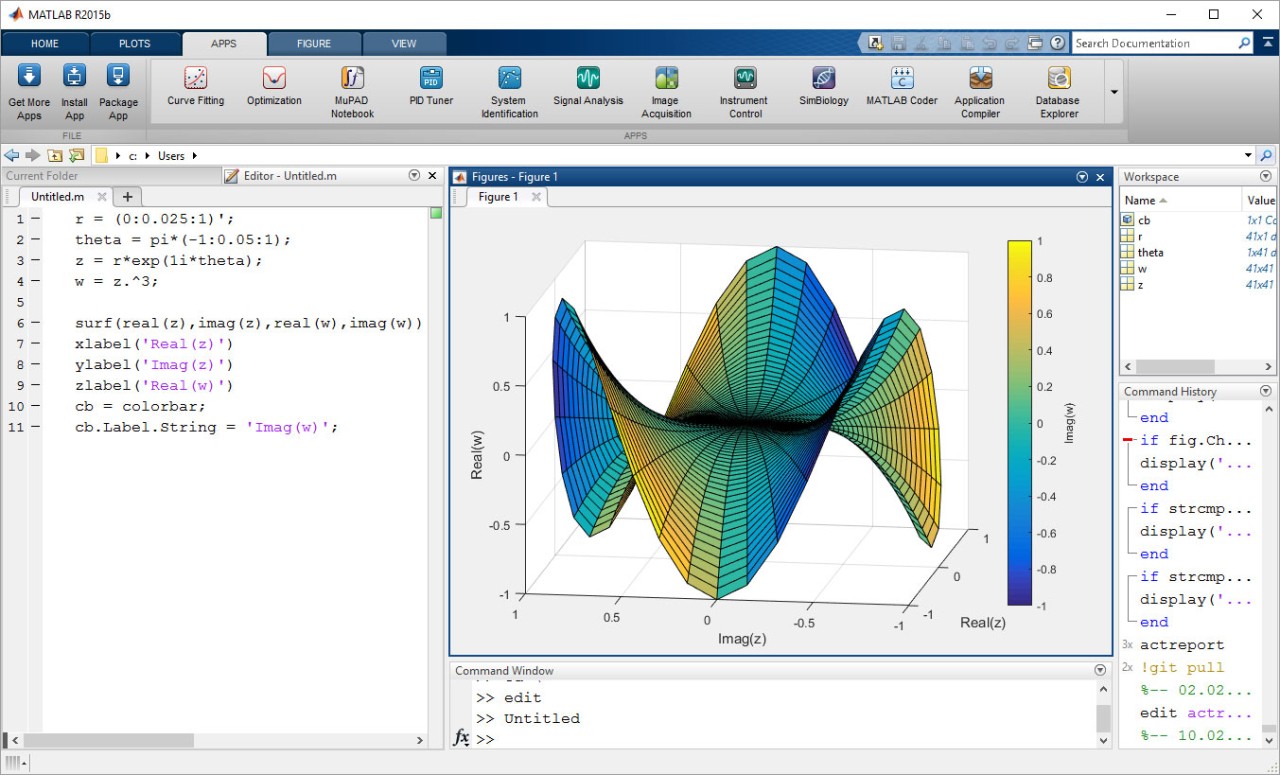
It isn’t just a coding tool. MATLAB is a complete lab on your computer. With just a few lines of code, you can instantly create a graph, waveform, or 3D model that shows what’s happening. The interface allows you to execute algorithms, visualize, analyse results, and even create mini-applications, all provided in a single window. It has a strong relationship between programming and visualization.
MATLAB is extensively used in industries like the automotive, aerospace, electronics, and robotics industries. The software handles large, complex equations and models that mirror real-world systems. It is frequently used with Simulink, the graphical analog of simulation and model-based design. They can be used together to enable designers to test and refine models, then deploy any hardware.
Why Should I Download MATLAB?
MATLAB isn’t a small or casual download; it’s designed for people who need precision and structure in their work. MATLAB is one of the most secure ones that can be used in case your work or studies are connected to experimentation with equations, modeling systems, or data analysis.
The majority of the population uses MATLAB due to its consistency. The program is decades old and is updated regularly to ensure that it does not become outdated with the changes in modern systems and methods. The interface looks technical at first, but once you get used to it, it’s surprisingly quick to work with. It only takes seconds to do a quick matrix operation or 3-D surface plot, plus you do not need to work on multiple programs.
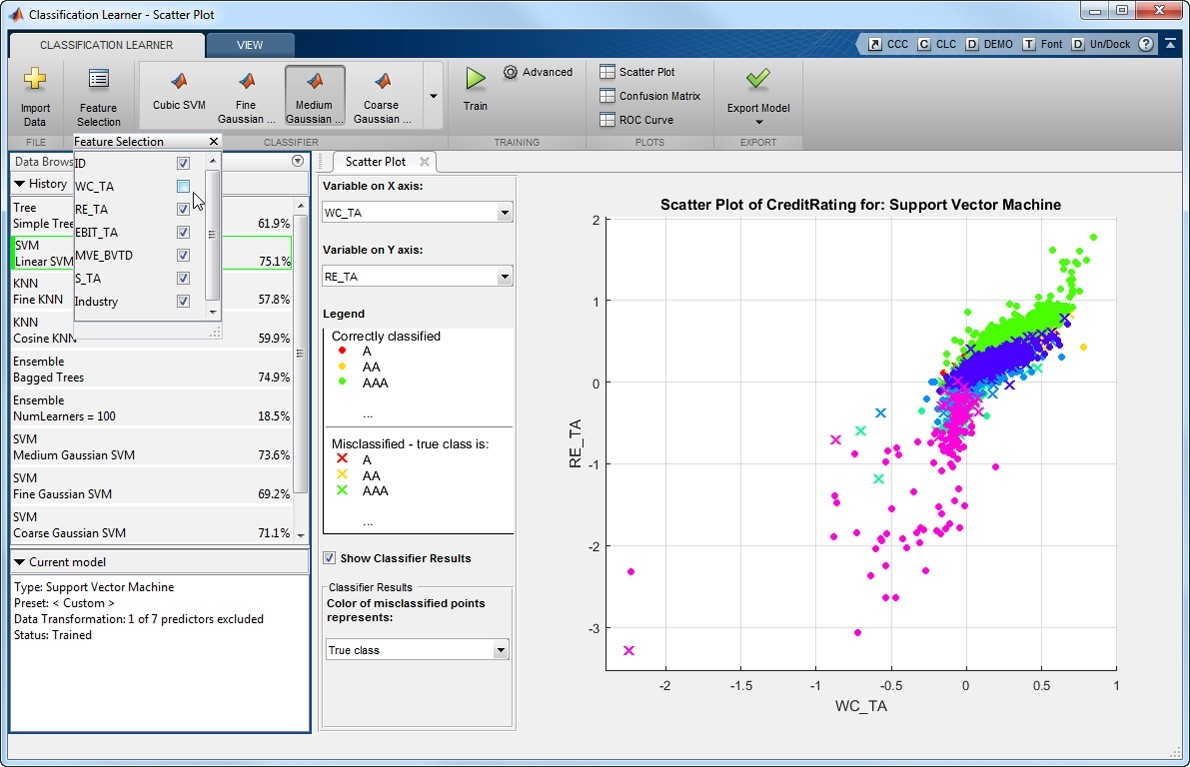
The other strength is the variety of toolboxes. The specialized add-ons include machine learning, control systems, signal processing, and finance. You do not need to write the code, but load a toolbox and use it right on your data, which can save you hours of work.
MATLAB is especially strong when it comes to visuals and data representation. The software also allows you to plot graphs that are updated in real time, place the results side by side, and 3D plots, which can be rotated to view the data at various angles. It transforms raw numbers into readable, interpretable graphics, a characteristic most code platforms do not have.
MATLAB is integrated with hardware boards, sensors, and simulators, which developers require when testing algorithms or designs. It makes the connection between abstract mathematics and physical prototypes. It is commonly used in universities, so eventually, when you consider pursuing a career in research and development, you will come across MATLAB.
The system isn’t perfect; it’s large, time-demanding, and not free. But once you have a workflow, it is a reliable tool you can count on over time.
Is MATLAB Free?
No. MATLAB is a MathWorks-licensed product that is mostly sold as a subscription. Universities offer student versions and academic licenses, which are cheaper. The commercial version is the professional one. On the MathWorks website, you can have a free trial, then buy. The company has individual and institutional pricing.
What Operating Systems Are Compatible with MATLAB?
MATLAB is compatible with Windows, macOS, and Linux, and does not fundamentally differ in functionality. It is a seamless integration with system drivers and external devices on Windows, which makes it the default for most labs and companies. On macOS, it offers a smooth, visually appealing experience, especially for data plotting and 3D visualization. Scientists and researchers are very fond of using Linux as it provides an open-source platform, but still requires the numerical capabilities of MATLAB.
You don’t need a supercomputer to run MATLAB, but it performs best on systems with enough RAM and processing power. At least 8 GB of RAM is required in large models or simulations. For one with a large matrix or deep learning, a good GPU is also useful.
The newer editions of MATLAB do support remote work and access to the cloud. You may save projects on the cloud, share code, or attach MATLAB to other cloud services like AWS or Azure when needed. It also embraces scripting and automation, and therefore, there is ease in integrating Python, C, or Java.
MATLAB is also reliable and stable, which is why industries are so attached to it. It can be installed on various platforms, and Windows scripts are compatible on macOS or Linux.
What Are the Alternatives to MATLAB?
Julia high-performance language, is used in scientific and numerical computing. It is free and open source, which gives it an advantage to startups or independent researchers. The speed of Julia is close to that of C, but it has a more friendly syntax, similar to Python or MATLAB. You can work with large amounts of data, simulate, and do the necessary mathematical calculations. It is a small but developing community, and this is beginning to be seen in universities and research projects. Julia is a strong alternative if you want MATLAB-level power without needing a paid license.
There is GNU Octave, which is designed and written in a similar syntax. It is open-source and free software designed to work with the majority of MATLAB scripts. Many MATLAB codes can be copied to Octave and executed with minimal or no alteration. Octave has good numerical analysis capabilities, matrix operations, and a simple plotting system. It is popular in academia, particularly where it may be costly to license MATLAB to large numbers of users. Though not as polished and fast as MATLAB, Octave is a great language to learn and to use in smaller projects.
Another open-source numerical computation and simulation software is Scilab. It is applied in the modeling and control systems design and signal processing. The interface is slightly different from that of MATLAB, but the main concepts are similar. Scilab has a graphical modeling environment known as Xcos, analogous to Simulink, the MATLAB block diagramming environment, in which you assemble blocks and simulate systems. Scilab is not as extensible as MATLAB, yet it is efficient, lightweight, and completely free. It is also used to impart engineering concepts in many universities since most of the basics are discussed without cost limits.