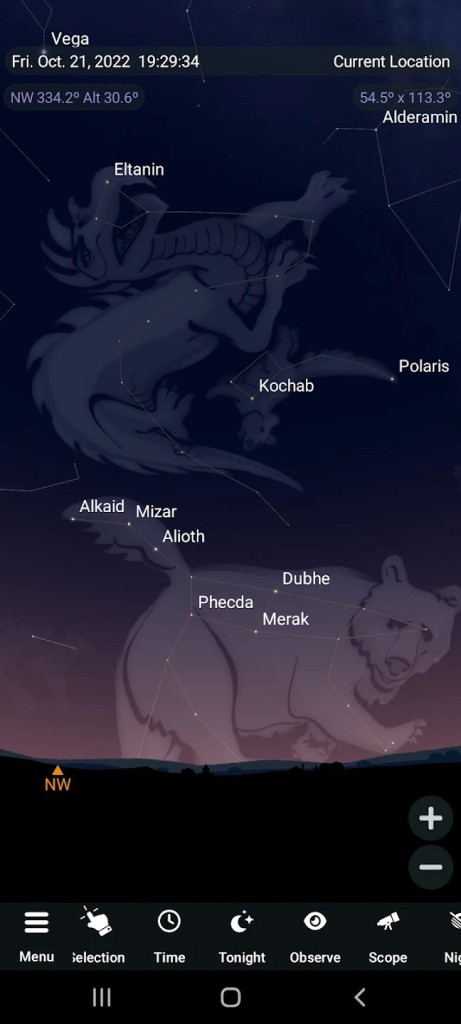
SkySafari is a mobile planetarium designed to make sense of the night sky in a direct, practical way. You hold your phone up, and the chart follows your movement so you can identify bright stars, planets, constellations, and well-known satellites in real time.
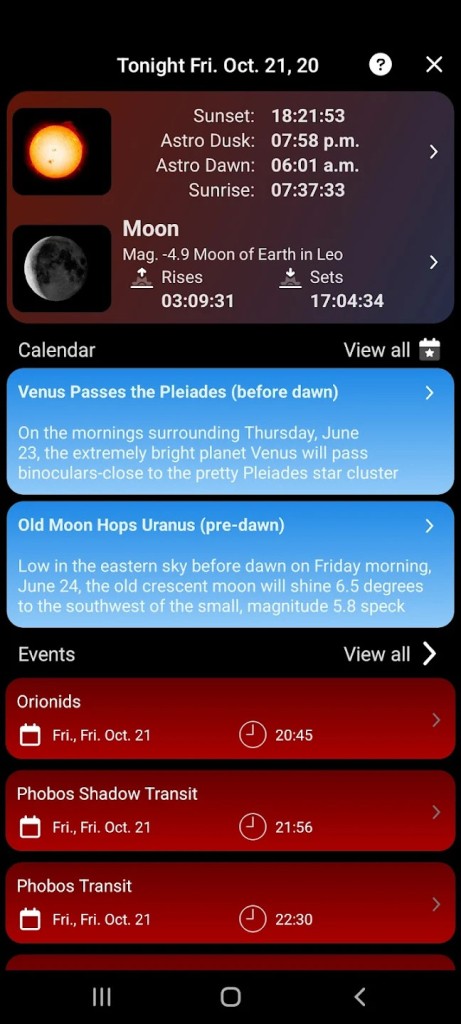
You can turn on Augmented Reality to blend the map with your surroundings and match landmarks to the sky. Version 7 adds OneSky so you can see what other observers are looking at in the moment, plus Sky Tonight to surface well-placed objects with Sun and Moon context for the current evening.
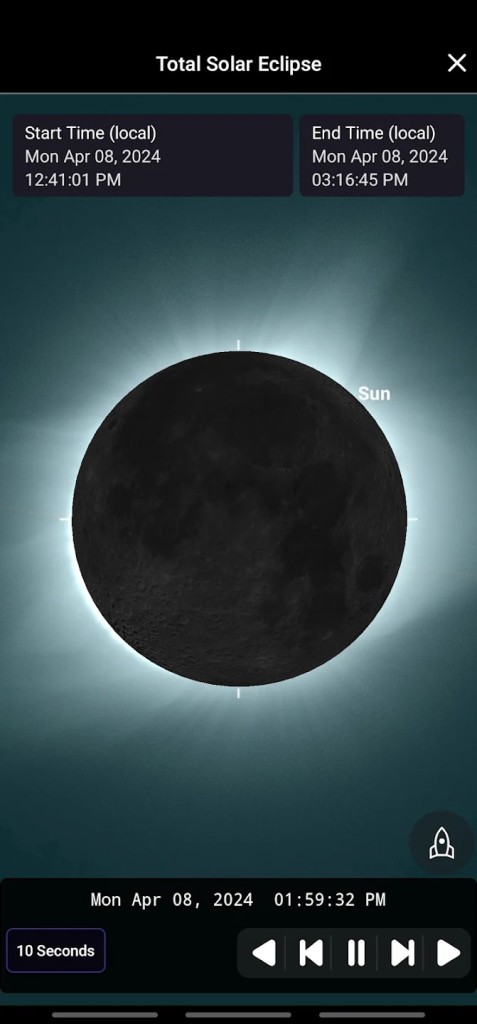
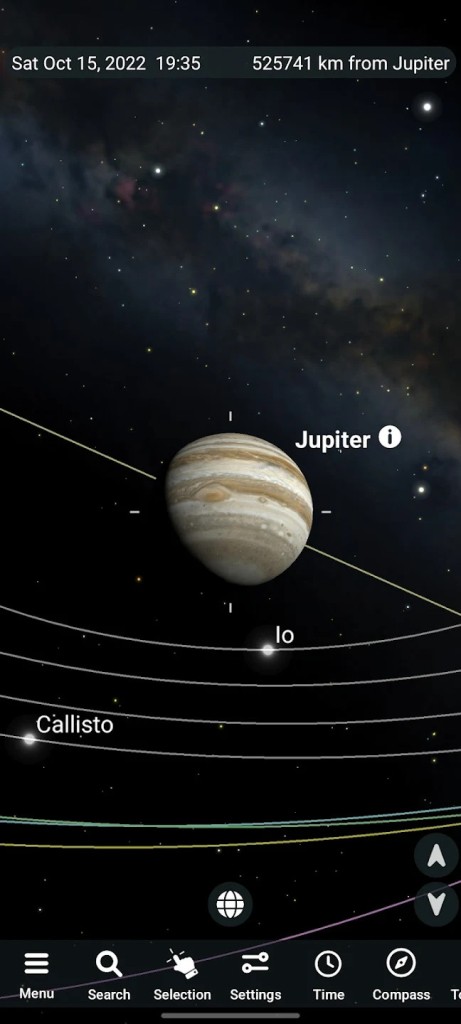
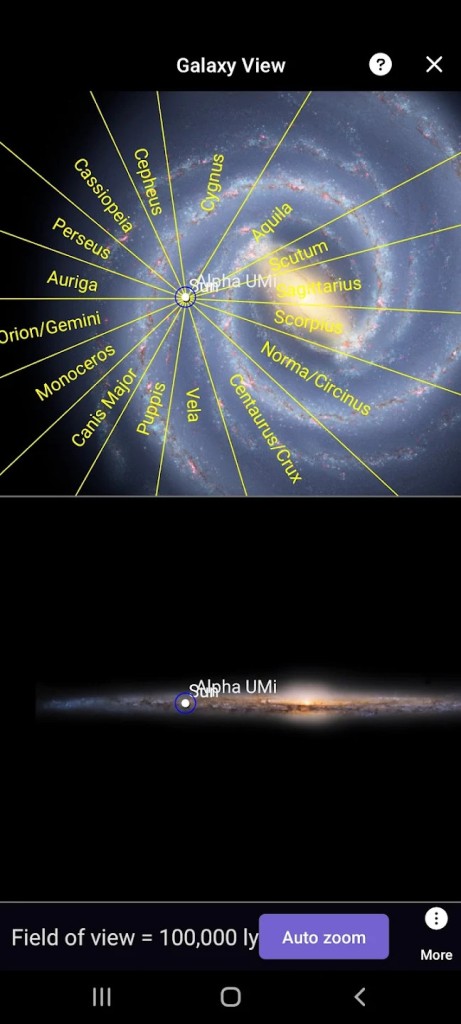
You can use Orbit Mode to leave Earth and tour the Solar System in 3-D, and you can open Galaxy View to see where deep-sky objects sit within the Milky Way. You can listen to guided audio tours if you prefer to learn by ear. The app allows you to simulate past and future skies to preview eclipses, conjunctions, transits, comets, and meteor showers from your location.
You can switch to night mode to preserve dark adaptation and choose horizon panoramas that ground the view. The aim is simple: quick orientation, honest simulation, and enough context to plan a real session without extra gear or complicated setup.
Why Should I Download SkySafari?
Download SkySafari when you want one app that takes you from a quick astronomy question to a plan you can use outside. Orientation is the first hurdle for most people. You can point your device at the sky and get an immediate answer to the common question of what that bright object is, or what constellation you’re looking at, which removes hesitation and builds confidence.
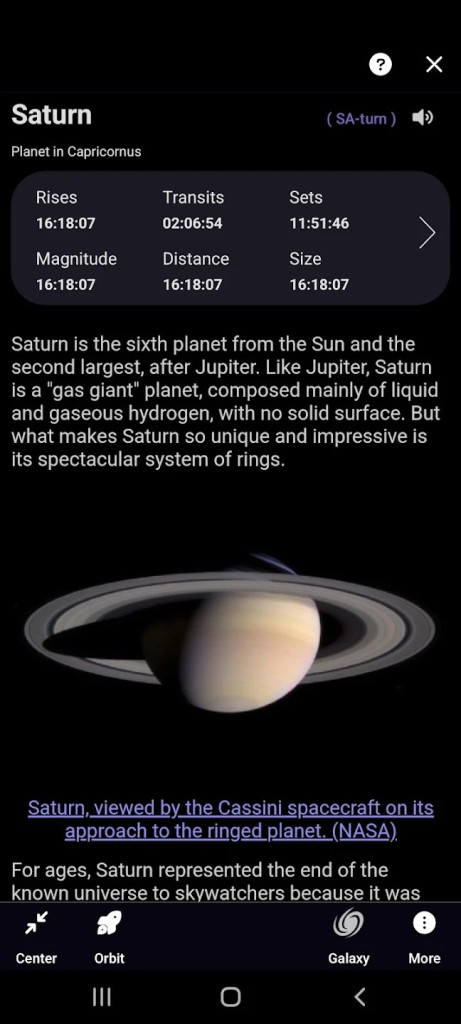
Timing is the next hurdle. You can move time forward or backward and preview how an event will look from your site, so you know when to step outside and where to face. Context completes the picture. You can open clear object pages with images and notes that explain what you are viewing without sending you away to other sources.
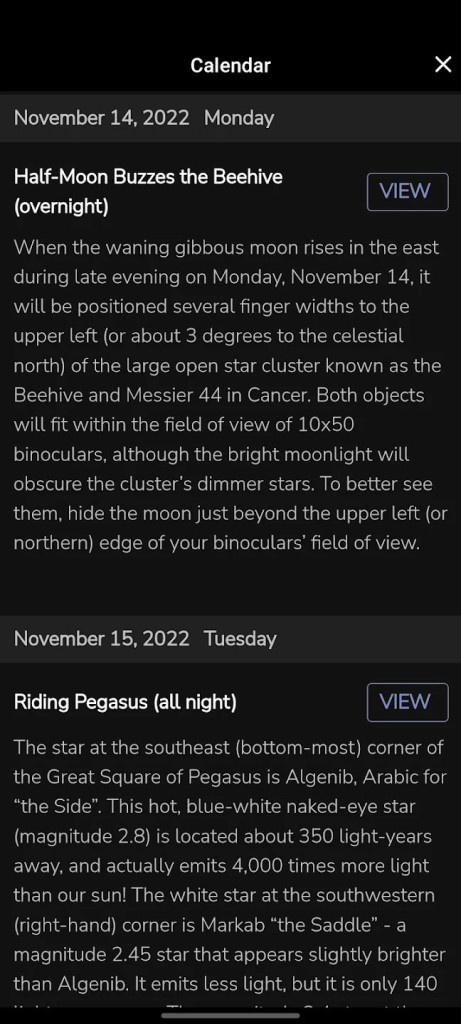
The Sky Tonight feature gives you a focused agenda for the evening so you do not waste a clear window deciding what to chase. You can keep simple observing lists to remember what you saw and what you want next time. You can rely on the same tool for many kinds of nights: a balcony check, a quick session in a park, or a longer plan under darker skies.
As your interest grows, you can lean on larger catalogs and hardware features in the Plus and Pro tiers, but the flow stays steady: find it, understand it, decide when to view it, and record what you did.
Is SkySafari Free?
SkySafari is not a free, fully unlocked app. You can purchase the core app for a proper path to learning the sky and planning simple sessions with a responsive chart and clear controls. If you want larger star catalogs, you can choose SkySafari 7 Plus or SkySafari 7 Pro. These versions include more deep-sky objects, updatable small-body data, and advanced telescope control for nights at the eyepiece. You can add an optional Premium subscription that layers ongoing content, curated events, connected features, and related services on top of whichever app you own.
You can keep things simple if you only want on-sky identification and a smart nightly view, or you can expand if your observing grows, and you need broader data and hardware control. Store terms vary by platform and region and can change with promotions, so official listings remain the place to check details. The key idea is scope. The base app covers learning and planning. Plus and Pro extend reach and control. Premium adds continuing content and connected layers that support regular use.
What Operating Systems Are Compatible with SkySafari?
SkySafari 7 is compatible with iOS and Android. You can download the current mobile release from the major app stores and use it on phones or tablets for live orientation, time control, Augmented Reality, and object data. SkySafari 6 Pro is compatible with macOS as a native desktop application, which suits longer planning, list building, and review on a larger screen with a desktop layout.
The mobile apps are ideal for pointing, camera overlays, and live charts. The macOS version fits desk-based workflows for research and preparation. Platform pages from the developer and the official stores are the references to check when you need current device support and requirements.
What Are the Alternatives to SkySafari?
Stellarium is its straightforward second choice, assuming you seek an alternative visual presentation as well as a time-consuming approach to simulating the sky. You can recognize stars, constellations, planets, and deep-sky objects, foresee upcoming events, and learn the sky using a proper chart, which many observers rely upon at the eyepiece. You may make experiments and see which one you feel calmer and clearer outdoors.
StarWalk 2 is an easier version that is designed to discover easily and learn. You can lift your phone, equal the sky, and read brief explanations with illustrations that do not need configuration. It can be applied to sunny urban areas and where a few clear targets suffice, and where the aim is to enjoy a couple of sights with family or friends. It maintains the concentration on orientation and on the simple context, and delegates more detailed catalogs and hardware control to other instruments. This is a good way to go in case you would like a light touch and guided tour fee.
Sky Tonight offers the same point-to-look feature, where you use your smartphone camera and virtual reality to know what’s in the sky. It also offers a way to see specific items in the sky, from planets to the ISS and more. For that, it includes an agenda of what is happening this evening. It takes just a couple of minutes to open up a timeline of what you can see at the moment, scan through a week ahead, and draw out a plan for what you want to see.