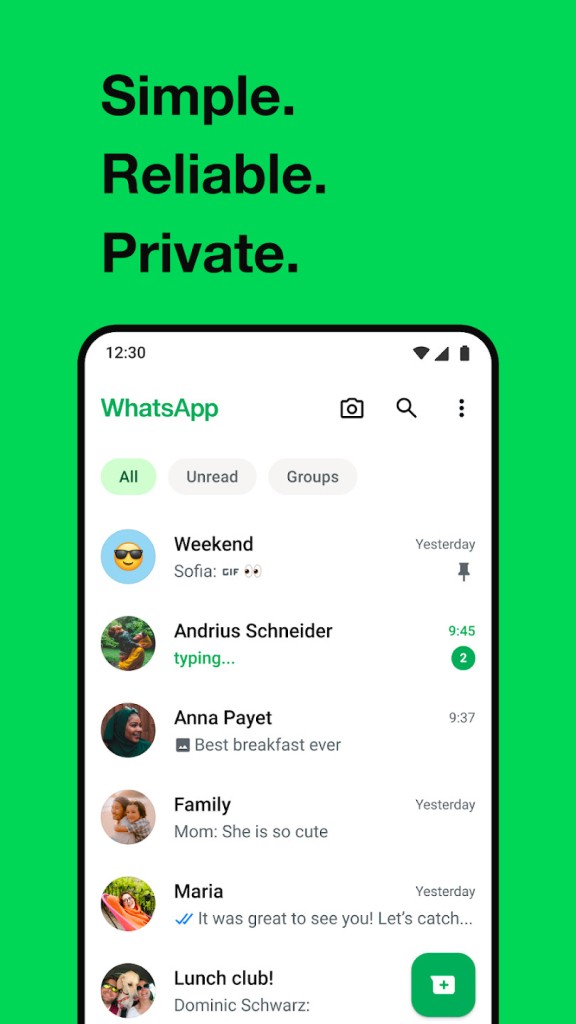
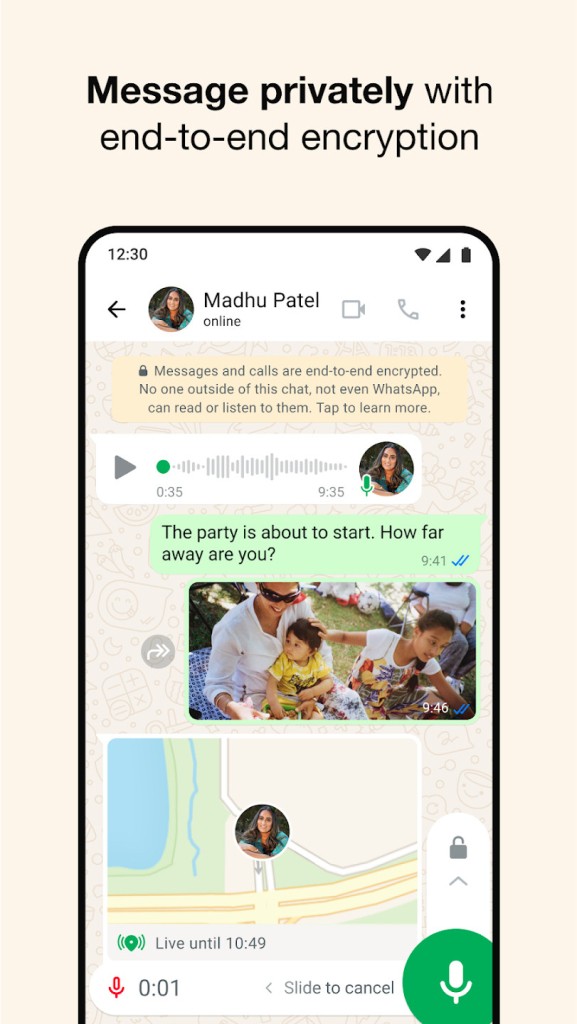
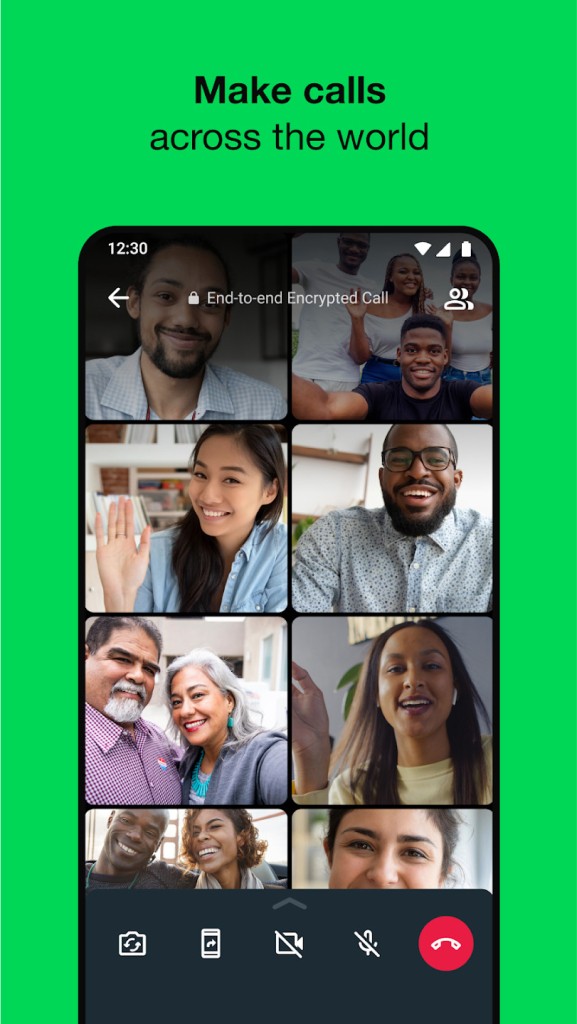
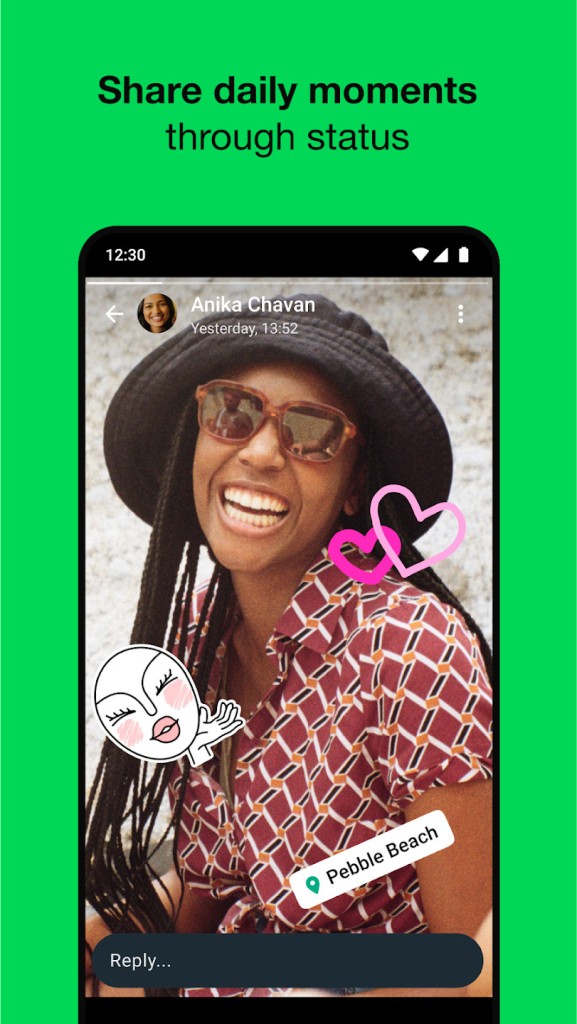
Beyond simple text messaging, WhatsApp lets you share photos, videos, voice messages, documents, and even real-time locations with just a few taps. For those who prefer live interaction, the app supports both voice and video calls.
WhatsApp is a messaging app for mobile and desktop devices that lets people communicate across platforms. To get started, you need to download WhatsApp and register with a valid mobile phone number. On a desktop, you can install the WhatsApp application for Windows or Mac and sync it with your mobile account. A web-based option, WhatsApp Web, is also available through any browser.
Founded in 2009 and now used by more than 2 billion active users worldwide, WhatsApp has grown into one of the most widely used communication platforms in the world. That massive reach was a key reason Meta acquired it in 2014, looking to expand and modernize its portfolio of services.
Over time, WhatsApp also became one of the most popular communication tools for small businesses. Through WhatsApp Business, small companies can share information about their stores, upload product catalogs, communicate directly with customers, and set up automated response bots, all from a mobile device.
Why Should I Download WhatsApp?
All of WhatsApp's messaging services are completely free. You just need an internet connection to get started, which means you can communicate with large groups of people without eating into a limited SMS plan.
End-to-end encryption protects every conversation on WhatsApp, whether you are sending text, images, links, or files. You can also enable self-deleting messages for conversations where you want content to disappear after a set period. Data processing policies are transparent and available for anyone to review directly within the app.
Privacy features go further than basic encryption. Anyone who opts to download WhatsApp can send one-time-view images or videos that automatically disappear after being opened. These messages are also protected against screenshots, so the recipient cannot save a permanent copy.
If you regularly switch between your phone and computer, WhatsApp keeps everything in sync. The desktop and mobile versions update simultaneously, showing the same messages regardless of which device you are using. You can also manage all active sessions from your phone, giving you control over where your account is logged in.
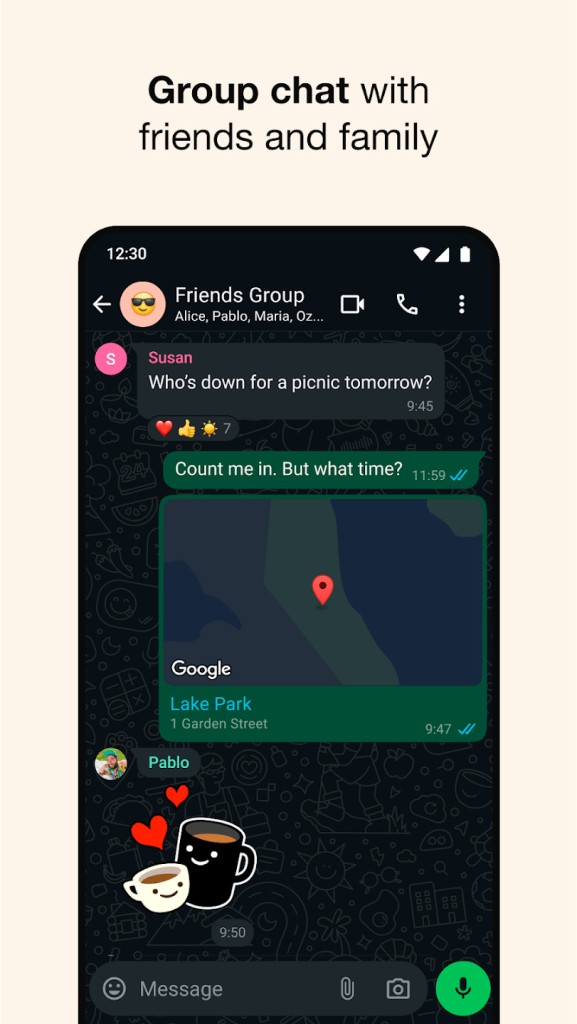
Group chats are one of the biggest reasons people choose WhatsApp over traditional SMS. You can communicate with multiple people at once, and group admins have tools to customize settings, manage members, and keep conversations organized for both personal and professional purposes.
Polls within group chats help with decision-making, and you can customize options like limiting the number of votes each person gets. Notification settings are flexible too. If a group chat gets too active, you can mute it for a set period or indefinitely, switching from sound and vibration alerts to visual-only notifications. Message reactions are supported in both individual and group chats, which can save time when a quick emoji response is all you need.
Chats are customizable in other ways as well. You can set different background images for individual conversations, and editing or deleting sent messages is simple. If you make a change by mistake, you can undo it to keep the conversation intact.
Is WhatsApp Free?
You can download WhatsApp and start using all of its features at no cost. There are no ads interrupting your conversations, and WhatsApp is free across all versions, including WhatsApp Business.
WhatsApp long promised it would stay free and ad-free, but that shifted in April 2026. Meta introduced WhatsApp Plus, a subscription option for users who want additional customization. Subscribing unlocks features like themes, new stickers, custom ringtones, and alternative app icons. You can also pin more chats and reorganize your conversation list with new sorting options. For now, WhatsApp Plus is running as a beta test and will become permanent if adoption is strong enough.
What Operating Systems Are Compatible with WhatsApp?
WhatsApp works across a wide range of mobile and desktop devices, making it a true multi-platform messaging app.
On Android, you can download WhatsApp from the Play Store with Android 4.0.3 or higher as the minimum requirement. iOS users can grab it from the App Store on devices running iOS 9.0 or above. Transferring data between operating systems is supported, and you can recover your full message history from your most recent backup.
Desktop versions are available for both PC and Mac. To set up the desktop app, you connect your account by scanning a QR code displayed by the mobile app. If you would rather not install desktop software, WhatsApp Web works through any modern browser and provides a similar experience.
What Are the Alternatives to WhatsApp?
Several other messaging apps offer similar features, including file sharing, voice and video calls, and group chats. Keep in mind that all of them also require a stable internet connection to function.
Telegram is one of the most popular alternatives for people who want something different from WhatsApp. It quickly rose to become the second most downloaded messaging app worldwide, trailing only WhatsApp on both Android and iOS. Telegram puts a strong emphasis on security, speed, and cloud-based storage. Features include end-to-end encrypted chats, the ability to send large files, customizable stickers, and multi-device synchronization that does not depend on your phone being online. Those qualities make it especially appealing to users who prioritize privacy and flexibility.
Messenger is Meta's other messaging app, tied directly to your Facebook account. It supports text messages, voice and video calls, file and audio sharing, group conversations, and interactive features like games and polls. If most of your contacts are already on Facebook, Messenger provides a convenient way to reach them without needing a separate phone number.
Signal is an open-source messaging app built with privacy at its core. Available on Android, iOS, Windows, and macOS, it offers a clean, simple interface alongside some of the strongest encryption protocols available. Signal stores minimal user data, runs no advertising, and has earned a reputation as the go-to choice among cybersecurity professionals and privacy advocates. If security is your top concern, Signal is hard to beat.