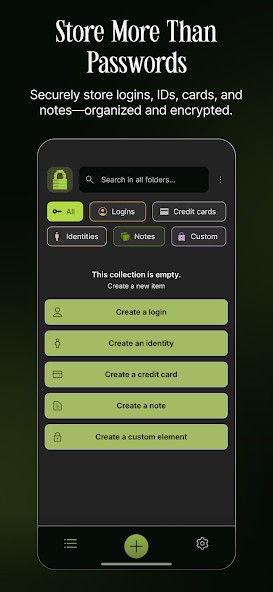
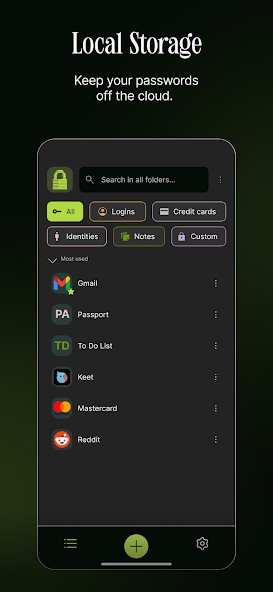
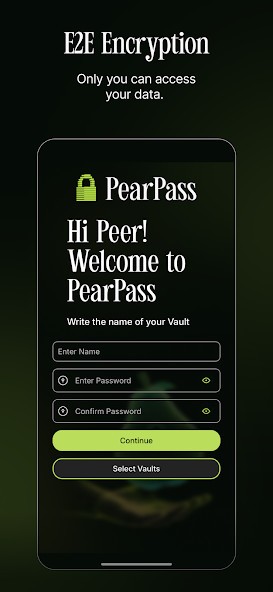
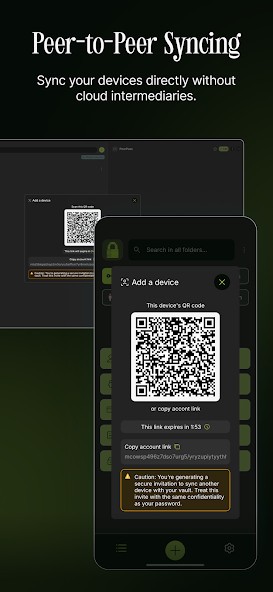
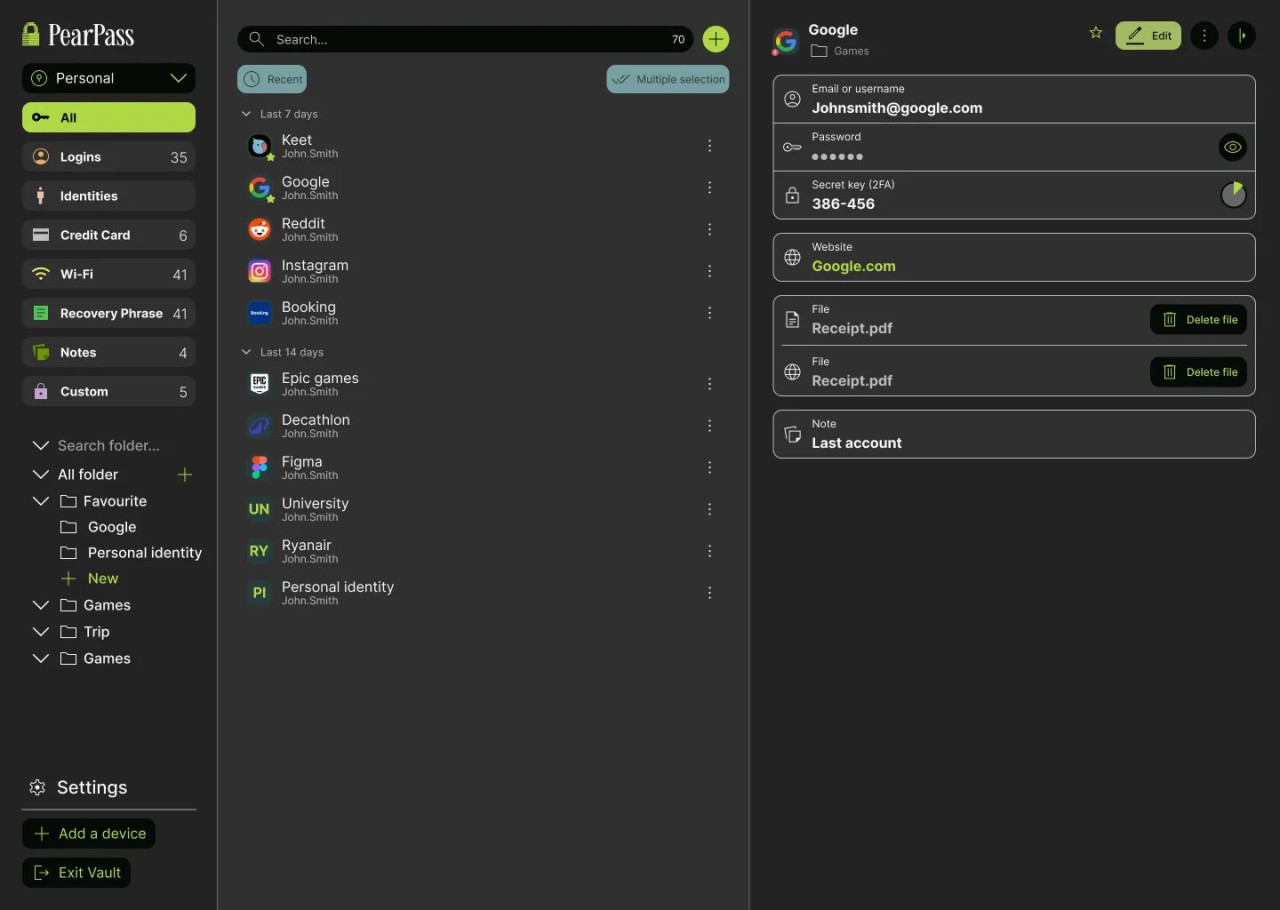
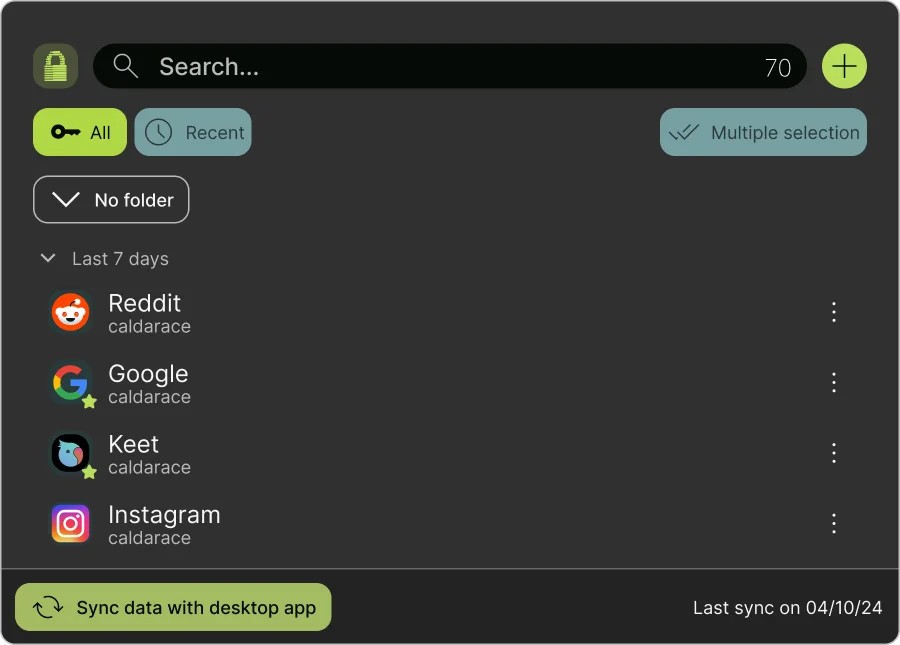
PearPass is a modern solution to the problem of forgetting your passwords. Keeping them written down in your notes app makes you susceptible to cyber attacks, and carrying a piece of paper around is just inconvenient. While most password managers store your passwords in a hidden cloud vault, PearPass keeps them local, so they never leave your device. If you need to sync between devices, you can do so through PearPass’s very own network—Pear Runtime. This way, your personal information doesn’t pass through any third parties.
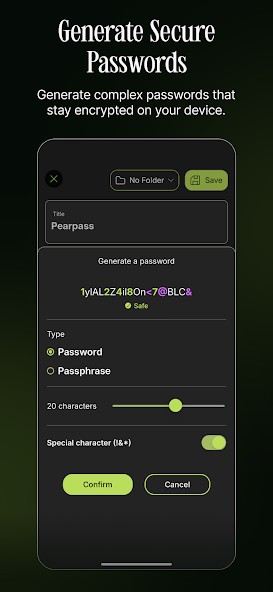
The tool keeps your passwords safe with the help of Libsodium cryptographic primitives. It also features a password generator that can come in handy when you register on a new website. You can also take advantage of two-factor authentication.
Download PearPass on your iOS or Android mobile device, or use it on your macOS, Windows, or Linux computer. There is also a Chromium extension.
Why Should I Download PearPass?
You should download PearPass if you are looking for a password manager that puts privacy and security above all else. Unlike most password managers on the market, PearPass stores your passwords locally on your device and doesn’t use cloud storage that can be hacked. As long as your device is safe and on your person, nobody can gain access to your sensitive information. If you wish to sync your account between devices, you can do so without having to resort to cloud syncing. PearPass transfers information directly through its own network, avoiding middlemen and third-party networks.
PearPass is completely free and open-source, which is very attractive to tech-savvy users. You can find the code online, as it is publicly accessible. You don’t need to pay subscription fees or buy a license to download and use the tool.
The software has additional capabilities like a built-in password generator that will help you come up with strong passwords for new accounts. You can use it on your iOS or Android mobile device, as well as on a macOS, Windows, or Linux computer. PearPass also offers its own Chromium extension.
Is PearPass Free?
Yes, PearPass is a free tool, so you can download and use it without making any payments. It has an open-source license, which enables full transparency. The code is publicly available for audits online.
What Operating Systems Are Compatible with PearPass?
PearPass is compatible with a wide range of operating systems, including Android, iOS, macOS, Linux, and Windows.
For Windows, you will need Windows 10 or newer. macOS users have to make sure their computer runs macOS 12.0 or newer.
Make sure your iOS mobile device runs iOS 16.6 or later. PearPass is compatible with Android 10 or later.
There is an official PearPass Chromium extension.
What Are the Alternatives to PearPass?
If you’d like to explore other open-source and free or low-cost alternatives, there are some to choose from.
LessPass is another secure open-source password manager. While PearPass doesn’t keep your passwords in cloud storage, LessPass doesn’t store your passwords at all. Instead, it uses a mathematical algorithm to calculate the password you need every single time. It uses inputs such as the website URL, login or username, and master password, which is what you use to access the tool. LessPass works offline, so you don’t need to rely on internet access. The only negative is that you have to remember your login details exactly, and you can’t lose your master password, as there is no recovery method.
KeePassXC is another free, open-source password manager for Windows, Linux, and macOS, as well as modern browsers like Chrome, Edge, and Firefox. This tool stores your passwords locally, so they never leave your device, thus eliminating the risk of a security breach. If you wish to sync your passwords across devices, you can use a USB drive. The program boasts additional features like password generation and one-time passwords.
Bitwarden is another open-source password manager, though it does have an optional paid tier that’s priced relatively low. All of your passwords are locked behind your master password, which is what you need to remember to access them. All of your sensitive data is encrypted, so even Bitwarden does not have access to your passwords. As a bonus, you can take advantage of the tool’s passkey support and password generation feature.