Keeping personal files private can be difficult when you regularly share your phone with friends, family members, or children. Photos, videos, documents, and other sensitive files can often be accessed through a device's standard file manager or gallery, making a dedicated folder-locking app useful for users who want more control over what others can see.
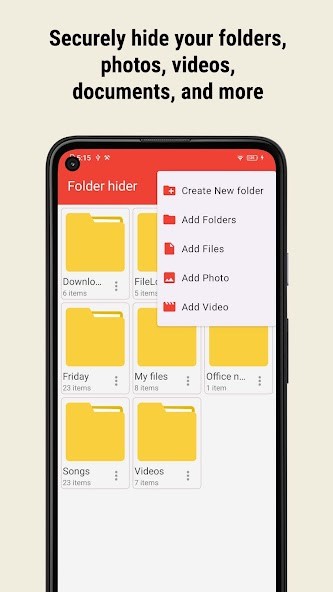
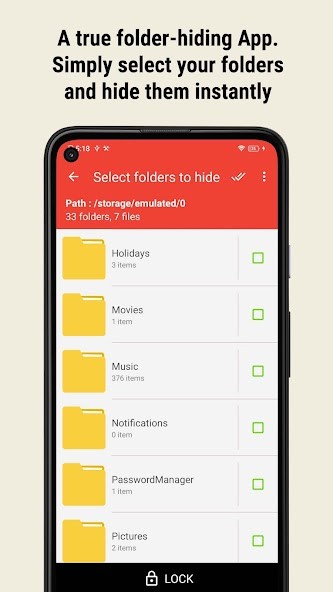
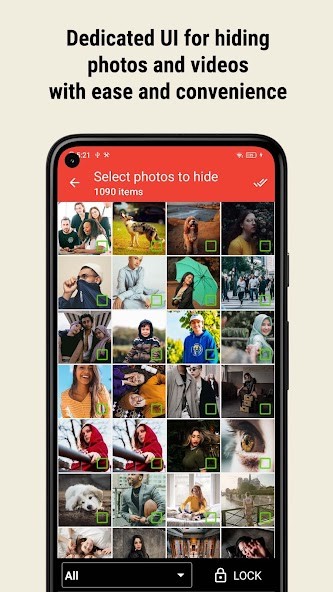
Lock my Folder - Folder hider is designed to create a more private space for files and folders on a mobile device. Rather than focusing only on individual photos or videos, the app can lock entire folders containing different types of content. This can include images, videos, audio files, documents, and other files stored on the device.
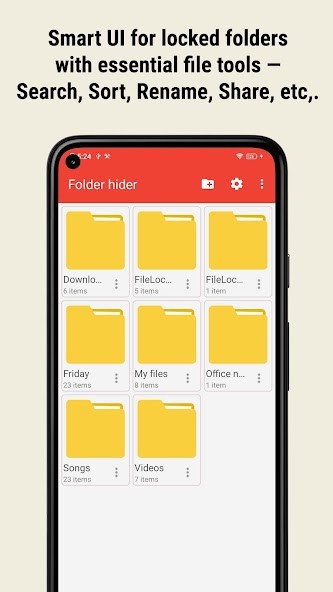
The app also includes several features designed to make accessing and organizing private content easier. Users can manage files within the app by copying, renaming, deleting, and sorting them, while built-in media players allow compatible video and audio files to be played without leaving the app. Multi-file importing also makes it possible to add large numbers of files at once.
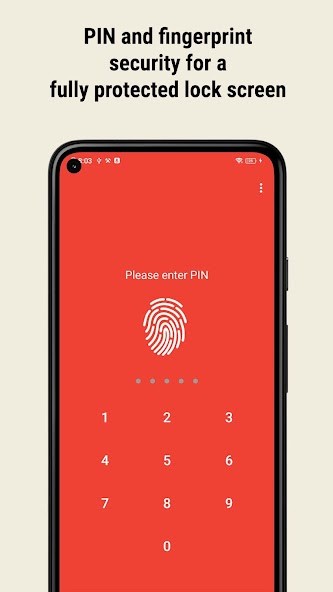
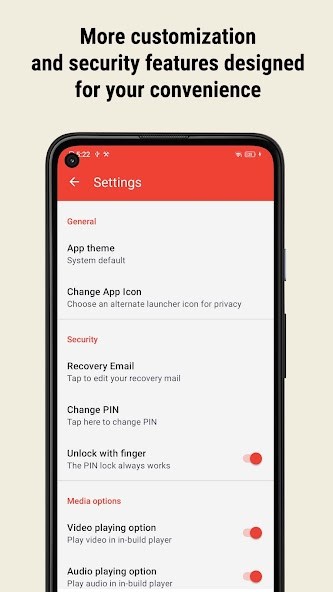
For additional privacy, Lock my Folder - Folder hider supports PIN protection and fingerprint unlocking on compatible devices. It also includes features such as intruder selfie capture after incorrect password attempts, stealth mode, automatic closing when the device goes to sleep, and an optional alternate app icon that can make the app appear as something else, such as a calculator or notes app.
Why Should I Download Lock my Folder - Folder Hider?
Lock my Folder - Folder hider is a useful app if you want to hide more than just a few individual photos. Its main advantage is the ability to work with folders and different file types, allowing you to organize private content in one place rather than relying on separate photo vaults, document lockers, and file-hiding tools.
The app supports folders containing photos, videos, audio, documents, and other files, and it can work with both internal storage and SD cards. This gives it a broader purpose than apps that are designed specifically for hiding images or videos. The file management tools are also useful if you want to keep your private content organized after moving it into the app. You can copy, rename, delete, and sort files, while the built-in media players allow you to view or play supported content from within the app.
Several privacy-focused features add another layer of protection. PIN access and fingerprint unlocking can help prevent casual access, while intruder selfie capture can record someone who repeatedly enters the wrong password. The app can also be removed from the recent apps list through its stealth mode and automatically close when your device goes to sleep.
Is Lock my Folder - Folder Hider Free?
Lock my Folder - Folder hider is free to download. It has a free app, although users may encounter advertisements while using the free version. An ad-free option is also available. This means you can try the app and its core folder and file-locking features before deciding whether you want to pay to remove advertisements.
What Operating Systems Are Compatible with Lock my Folder - Folder Hider?
You can download Lock my Folder - Folder hider for Android through the Google Play Store. It supports features including PIN protection, fingerprint unlocking on compatible devices, internal storage access, and SD card support.
The app is also available for iOS, allowing iPhone and iPad users to access a version of the folder-hiding service on Apple devices.
What Are the Alternatives to Lock my Folder - Folder Hider?
Secure Folder – Calculator Lock is an Android alternative for users who want to store private files in a more discreet vault. Like Lock my Folder - Folder Hider, it focuses on protecting personal content from casual access, but its calculator-style approach may appeal to users who specifically want the app itself to look less like a privacy tool.
Ente Locker is another option for storing sensitive files. It takes a broader approach to private storage and may be a better fit for users who want a dedicated space for important documents and personal content rather than primarily focusing on hiding folders already stored on their device.
Secret Photo Folder Keepsafe is a good alternative if your main priority is protecting photos and videos. While Lock my Folder - Folder hider supports multiple file types and entire folders, Keepsafe is more specifically focused on creating a private vault for visual media. This can make it a simpler choice for users who mainly want to hide personal images and videos rather than documents, audio, and other files.