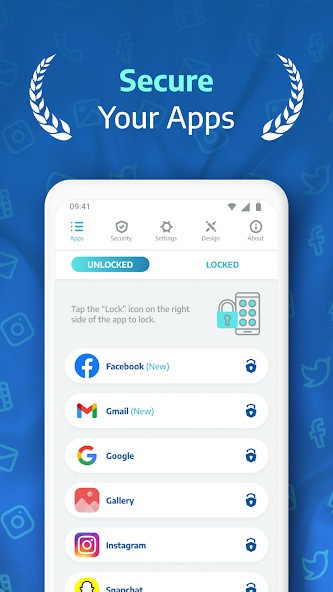
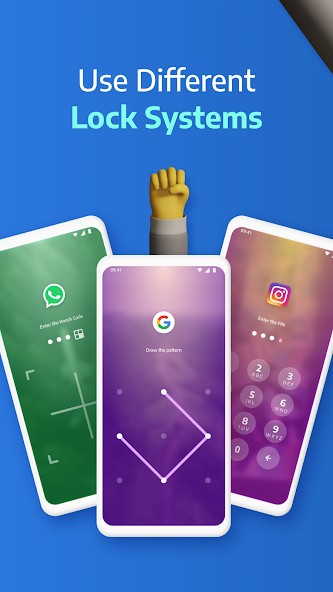
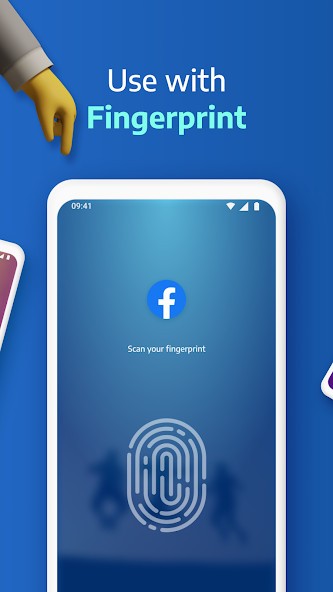
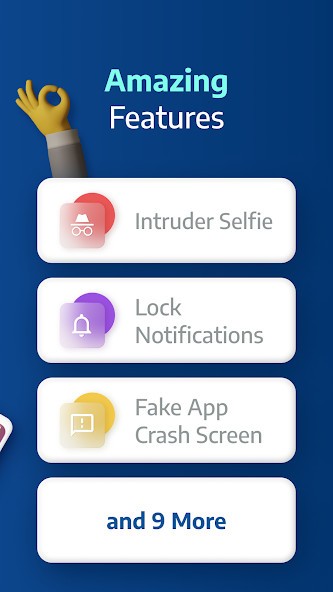
AppLock Pro is less about whole phone security and more about guarding specific apps you care about. You pick what to protect, like messaging, social media, gallery, email, or banking, and it drops a lock screen in front using PIN, pattern, fingerprint, or its KnockCode tap grid. A spy camera quietly snaps a selfie if someone enters the wrong password too many times, while a spy alarm can blast a custom sound after repeated failed attempts.
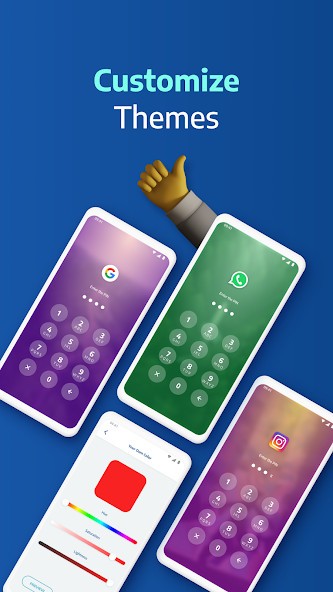
You can also hide notifications from locked apps, throw up a fake error message instead of a visible “this app is locked” screen, and hide the AppLock Pro icon or lock system settings to make uninstalling harder. Theme tools let you swap backgrounds, colors, and lock layouts so the lock screen can blend in or stand out. Extra options like random keyboards, invisible patterns, lock timers, and new app alerts keep the protection feeling flexible instead of one size fits all.
Why Should I Download AppLock Pro?
AppLock Pro is built for people who share their phone a lot but do not want that to mean open access to everything. Locking is fast: you toggle protection on for WhatsApp, Instagram, gallery, settings, or banking apps, and the lock screen appears before any content loads, so there is no moment where someone can glimpse messages or balance numbers. If your device supports fingerprint, it is the default unlock path, which keeps daily use quick while still preventing casual snooping.
It also gives you tools to see when someone has tried to get in. The spy camera feature captures a front camera photo after a set number of failed attempts and stores it inside the app. Uninstall protection and icon hiding make it harder for someone to remove the app lock and bypass your setup.
Is AppLock Pro Free?
AppLock Pro is free to download and use. It is a free privacy and security tool on Google Play and third-party stores. Core features, such as locking apps with PIN, pattern, fingerprint, KnockCode, using the spy camera, fake error screen, hidden notifications, and basic theme customization, are part of the standard install.
What Operating Systems Are Compatible with AppLock Pro?
AppLock Pro is an Android-only app. It is available on Google Play for phones and tablets and works with Android’s built-in biometric frameworks for fingerprint, so it does not need its own separate login system. Because it operates entirely on device, it does not require cloud accounts or online sync; your locked app list, PIN, and patterns live on local storage.
What Are the Alternatives to AppLock Pro?
AppLock by DoMobile is the long-standing alternative if you want a very full-featured locker with its own vault and extras. It locks apps with a password, pattern, or fingerprint, hides photos and videos in a private vault, adds an incognito browser, private social feed, and intruder selfie features, and offers advanced add-ons for deeper protection. Compared with AppLock Pro, DoMobile’s AppLock feels more like an ecosystem, with vault and browser, whereas AppLock Pro emphasizes fast locking, KnockCode, and customizable lock designs.
Lock My Folder – Folder Hider is for people who care more about securing files than individual apps. It focuses on hiding and password protecting folders so that photos, documents, or other files do not show up in galleries or file managers without a passcode. Compared with AppLock Pro, it is narrower: great if your priority is a hidden file stash, but it will not protect app entry points like messaging or social media.
Zenzy’s AppLock VIP is another alternative that mirrors many of AppLock Pro’s ideas. It protects apps with PIN, pattern, password, and fingerprint; disguises itself as a calculator; blocks uninstall attempts, takes intruder selfies; and offers rich theme and lock screen customization, including auto lock timers and facial unlock on supported devices. Compared with AppLock Pro, Zenzy leans harder into camouflage and “VIP” extra encryption and support, while AppLock Pro focuses on multi-style locks, spy tools, and a broad but straightforward feature set.