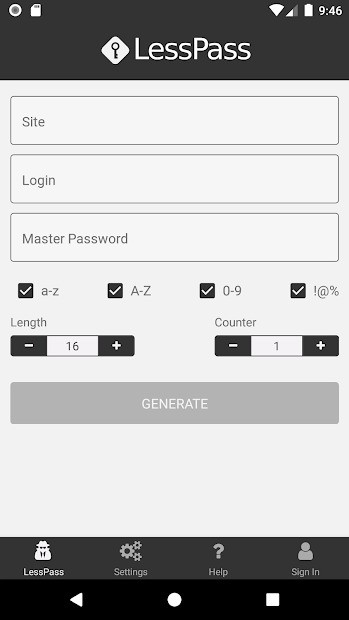
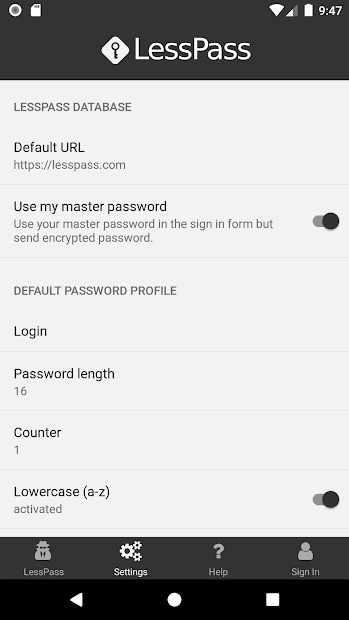
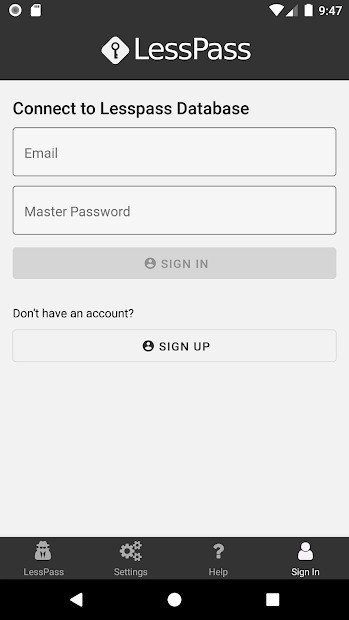
LessPass is not your regular password manager. It is not focused on simply storing passwords. Instead, it uses a combination of your login details and master password to come up with the correct password for any website you’re registered on. It is a free and open-source solution for securing your data.
The way LessPass works is quite interesting. Instead of keeping your passwords safe in a database (which could be breached), it uses a unique algorithm to generate any password you need when you need it. To do that, it needs the website address, your username, and the master password you use for LessPass. That way you are the only person capable of accessing your passwords.
LessPass is accessible and fully functional offline, as it doesn’t use the internet. If you’d like to check out its code, you can do so online, as it is an open-source platform. LessPass is accessible through a variety of platforms, including web browsers, browser extensions, and mobile applications.
Why Should I Download LessPass?
You will appreciate LessPass if you’re looking for a new password manager that offers increased security. LessPass can do that because it doesn’t actually store any of your data, so you are technically not susceptible to hacker attacks. Instead, it uses math to generate the appropriate password every single time. Whenever you need a password, make sure to give LessPass the website you are trying to enter, your username, and the master password; it will figure out the rest.
Notably, LessPass doesn’t need the internet to work, so you can access all of your passwords offline too. For that reason, there is also no need to sync your passwords, as the app can always generate them from scratch. If you’re not sure about the safety of this app, you can check out its code online; LessPass is open-source.
The greatest risk of using LessPass is forgetting the master password. If you forget it, you won’t be able to generate any of your passwords. The same goes for usernames. You need to provide the exact correct username for the app to generate your password. If you don’t remember the username, then LessPass won’t be able to help you.
Changing the master password is a hassle because it means having to change it on every single website you use and have an account on.
Is LessPass Free?
Yes, LessPass is a free and open-source password manager. Because it doesn’t store your passwords like a password vault, it is best described as a password generator that can come up with the exact right password with little input from you. There are no subscription fees or advanced features hidden behind paywalls. Because it is open-source, you can easily check the code online to make sure it is safe to use.
What Operating Systems Are Compatible with LessPass?
LessPass is accessible via web browsers and as a mobile application and browser extension. You can access the web app through any modern browser on your Windows, Linux, or macOS computer. Android and iOS device users can download a native LessPass application. There is a browser extension for Google Chrome, Mozilla Firefox, and Chromium-based browsers like Brave and Opera.
What Are the Alternatives to LessPass?
If LessPass is too experimental for you and you want to try a different password manager, there are a few to choose from.
PearPass is another free and open-source password manager. Unlike LessPass, it follows the more traditional approach of storing your passwords locally. If you’re using multiple devices, you can sync your passwords between devices. Nevertheless, all of your passwords stay on your devices and don’t enter any cloud storage. As a result, PearPass also works without an internet connection. The platform uses end-to-end encryption to keep your passwords safe.
KeePassXC works in much the same way as PearPass. It is a free and open-source solution that also works offline. All of your passwords are stored locally, in a safely encrypted database. KeePassXC works well with modern browsers like Google Chrome to autofill your login details whenever you need. You can also use the platform to create new passwords that are equally complex and secure.
Bitwarden is a secure storage not only for your passwords, but also credit cards and personal notes. Everything is kept in a vault behind one master password. The app is also free and open-source. To be able to access your passwords across all of your devices, you can sync all the information with the app’s help. The app’s open-source nature ensures that it is safe and secure through continuous reviews by users.