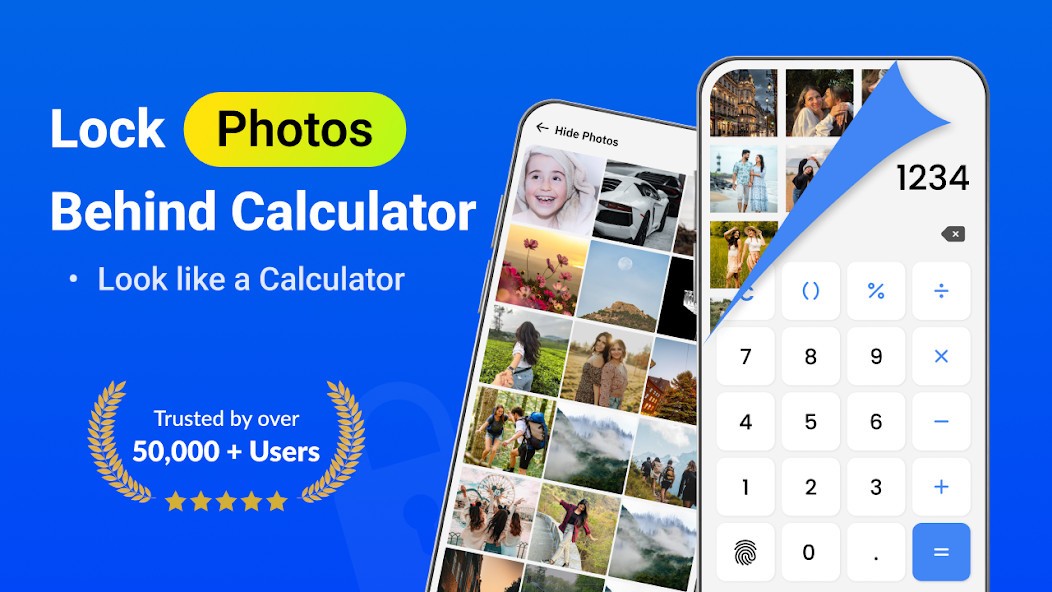
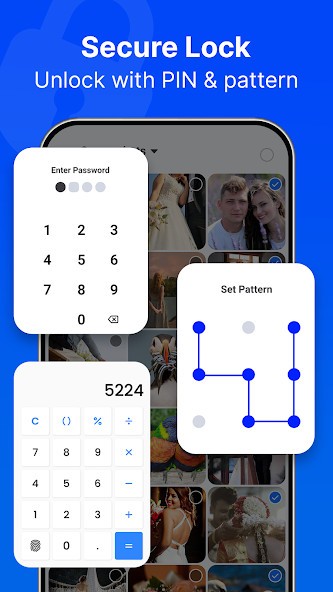
Secure Folder- Calculator Lock allows Android users to keep their sensitive media, files, and apps hidden in plain sight. It is a phone app that looks just like a calculator at first, until you click on it. For that reason, nobody would think to open it unless they really are looking for a calculator. The app stays in the background until you need to use it.
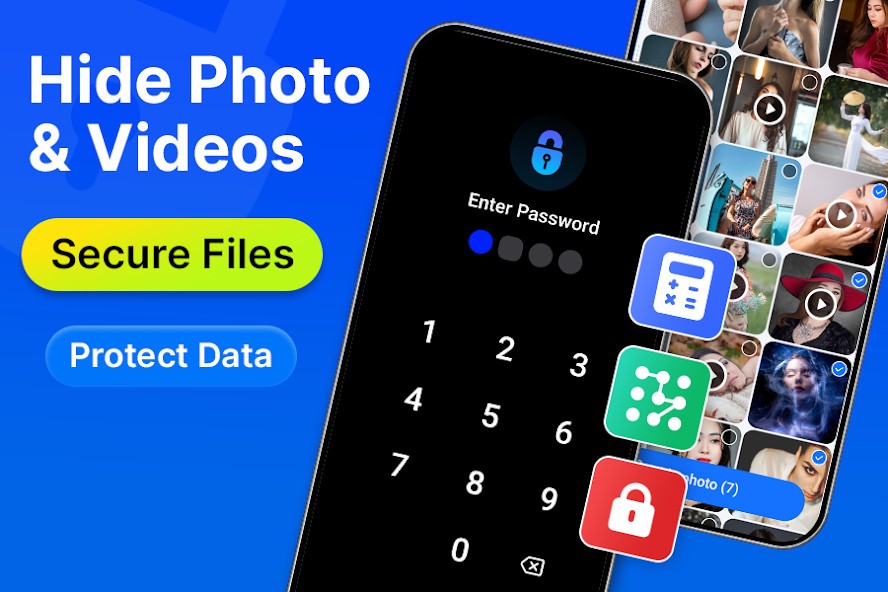
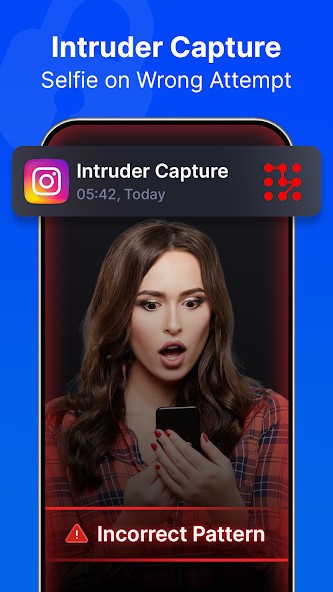
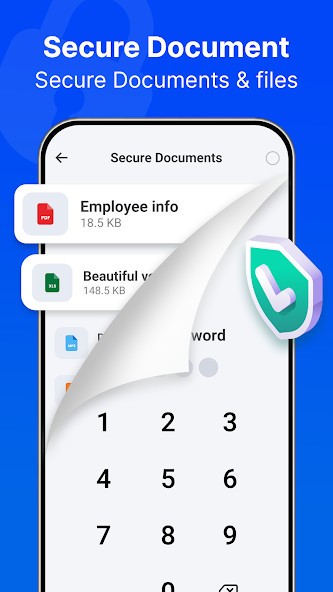
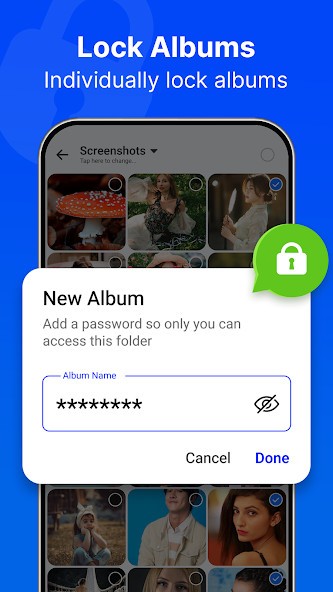
You can import photos and videos, and keep them there without letting them be seen in your phone’s gallery. Do the same with audios, documents, and even contacts. Lock the contents of Secure Folder away using a passcode or PIN only you know. If an unauthorized user tries to gain access to the app and fails, your phone will take a photo of them, so you can identify them later.
Another thing you can lock away is apps. Ensure only you can open messengers and other applications that contain sensitive data by locking them with a passcode. You can also create clones of the apps in question within Secure Folder-Calculator Lock.
Why Should I Download Secure Folder- Calculator Lock?
Secure Folder-Calculator Lock is a great app for people who are looking to hide certain media, documents, or applications and make them inaccessible to other people using their mobile device. You get to set up a passcode or some sort of lock that won’t let anyone but you (or someone who knows the passcode) in. Provided you never share the passcode and aren’t a victim of an advanced hacker, nobody will gain access to your files.
The app looks just like a calculator app, making it inconspicuous. Unless specifically instructed, nobody will think to open it, looking for personal photos or files. The photos and videos that you store in Secure Folder- Calculator Lock do not need to be available in the gallery on your phone. In fact, once you import these files into Secure Folder, they are deleted from other folders on your phone.
You can lock away documents, images, audio files, and contacts, but also entire apps. Many users choose to hide their messaging and emailing applications, for example. Prevent unauthorized access by setting the app up to require a fingerprint or passcode before entry. If somebody tries to gain unauthorized access to your hidden files or applications, Secure Folder will take a photo of them with the selfie camera of your phone, so you can identify them later.
Other unique features of the app include the panic switch, which allows you to open a different app within a moment if someone walks in. You can back up your files using Google Drive or your preferred cloud storage to prevent losing them in case of damage to your device.
Is Secure Folder- Calculator Lock Free?
You can use Secure Folder-Calculator Lock for free.
What Operating Systems Are Compatible with Secure Folder- Calculator Lock?
The app Secure Folder-Calculator Lock is compatible with Android devices only. Your device needs to run Android 10 or higher. You cannot download it on iOS devices, but you can find similar alternatives in the App Store.
What Are the Alternatives to Secure Folder- Calculator Lock?
Users looking for a platform that will allow them to store and hide secret files have many apps to choose from.
If you’re not quite satisfied with the functionality of Secure Folder- Calculator Lock, or it doesn’t work with your preferred operating system, you can try Ente Locker. Ente Locker is a vault platform available on Android and iOS mobile devices, and Windows, macOS, and Linux computers. It is marketed as a tool for the safe storage of important documents, such as tax returns and birth certificate copies. It can also work as a password manager. Unlike Secure Folder, this platform is designed with sharing in mind. You can safely share your private documents with authorized people, and you can even add emergency contacts who will gain access to your vault if you pass away.
Private Photo Vault - Keepsafe is an application for storing photos and other files, as the name suggests. You can download it on your Android or iOS mobile device. It follows the same system as Secure Folder, locking your files away behind a passcode or fingerprint lock. You can add photos and videos from your main gallery to the app, and consequently delete them from your phone’s gallery. Anyone who tries to enter with the wrong passcode will have their picture taken.
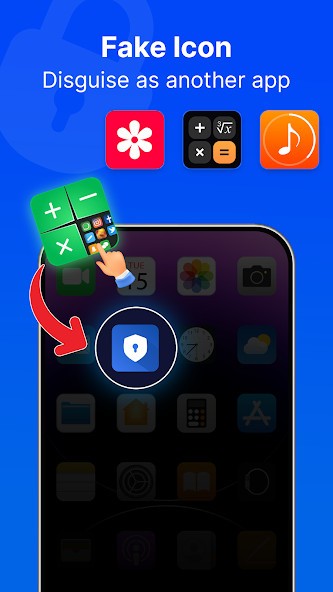
Finally, there is Lock My Folder - Folder hider for mobile devices. The app allows users to lock their personal photos and documents away with a fingerprint or pin code. You can hide audio and video files, images, and documents. As is customary with apps of this type, Lock My Folder will take a picture of anyone trying to access your personal files with an inaccurate pin code. As a bonus, stealth mode lets you hide the app from your background or give it the icon of a different app.