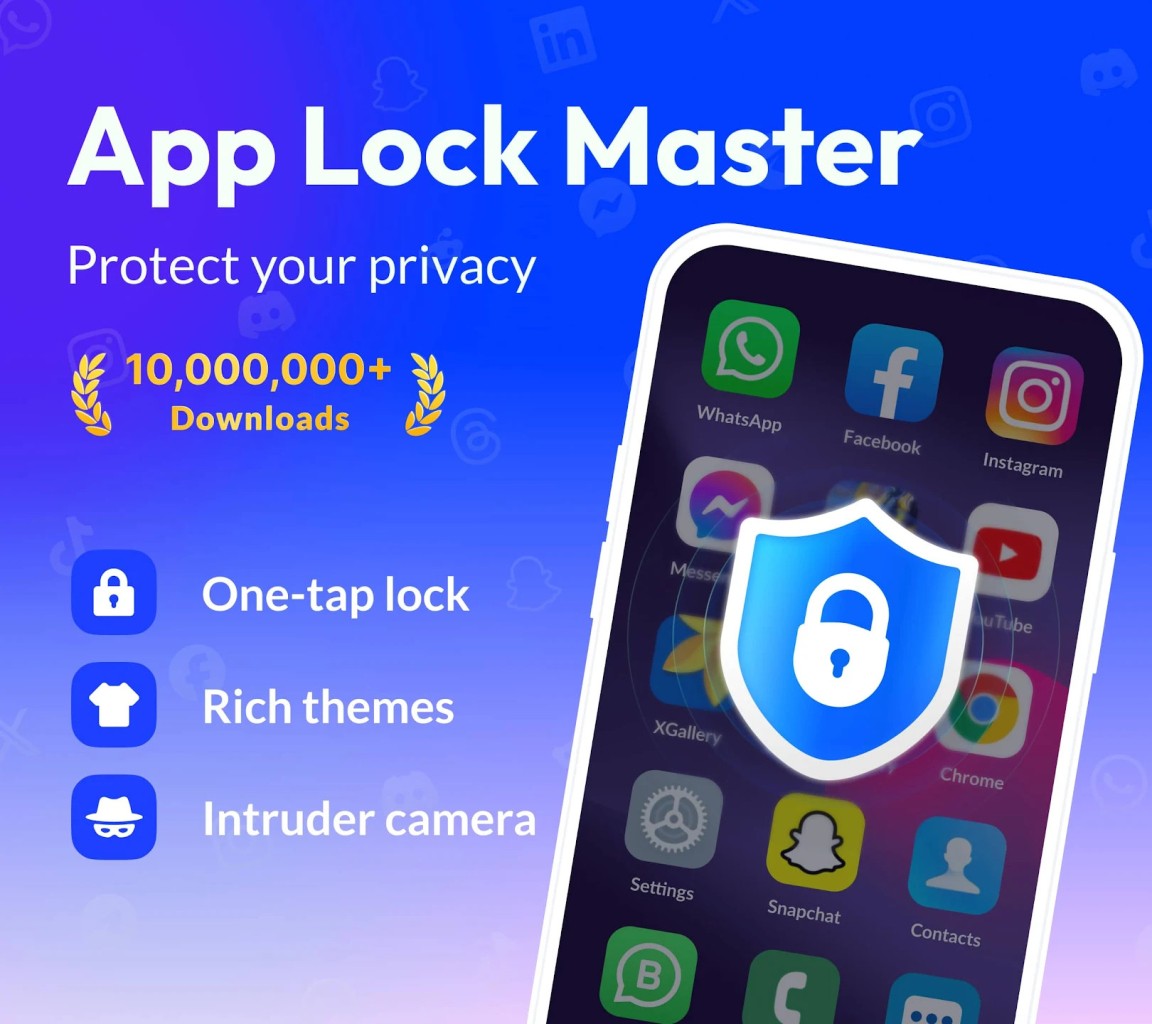
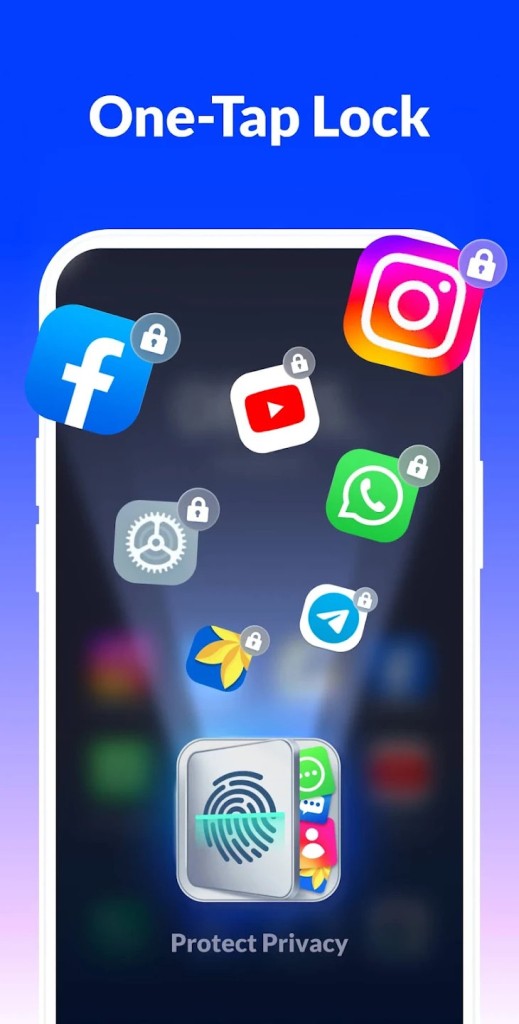
App Lock is designed to sit quietly in the background and only appear when it's needed. Once set up, you choose which apps to protect, such as social media, messaging, email, banking, gallery, settings, and they will prompt for your chosen unlock method whenever someone tries to open them.
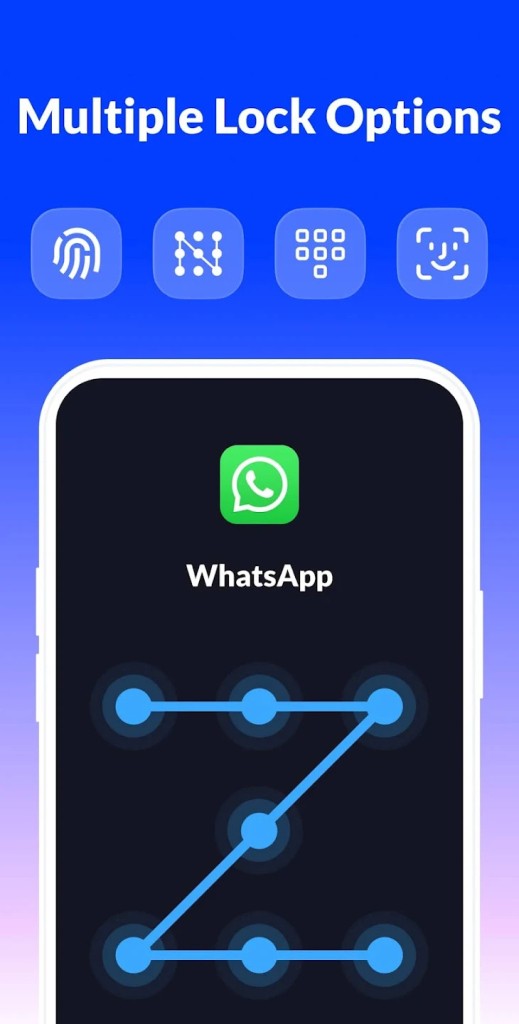
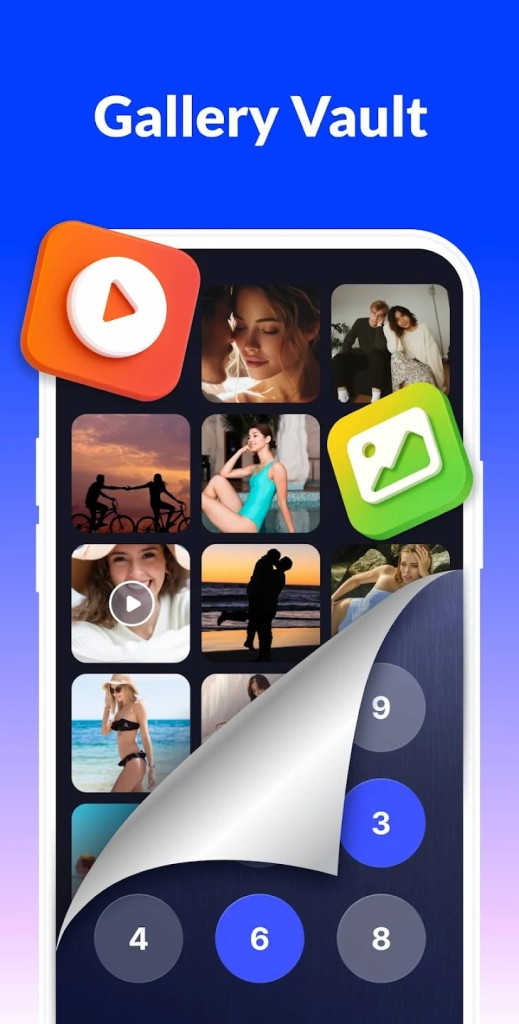
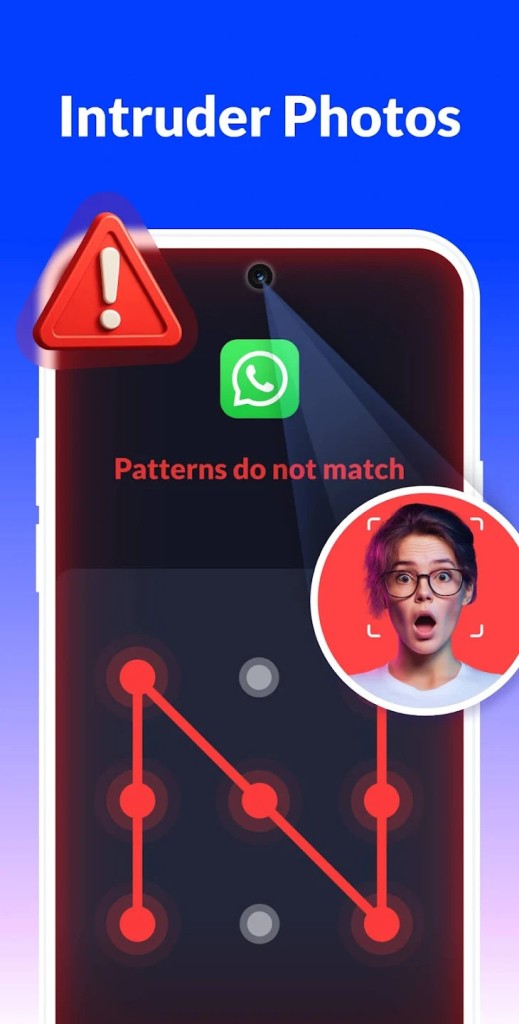
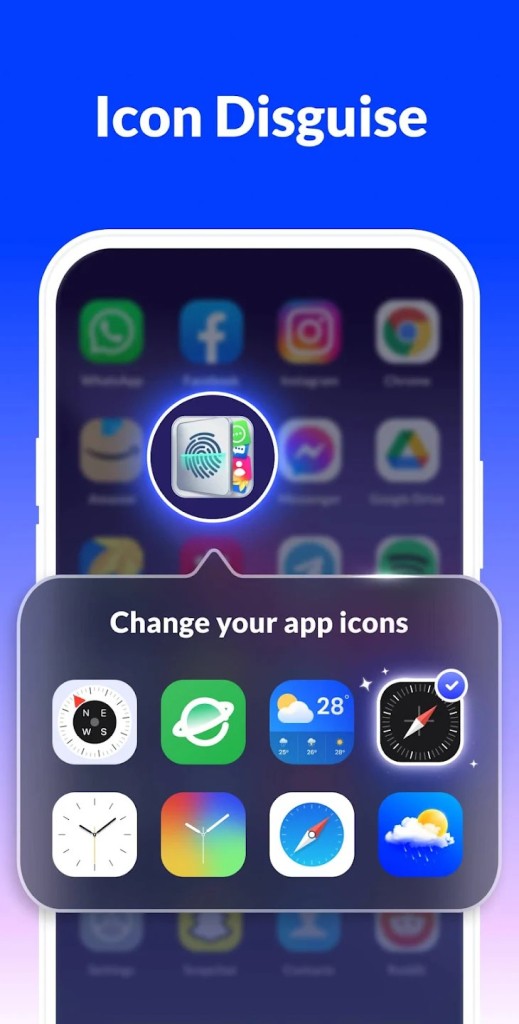
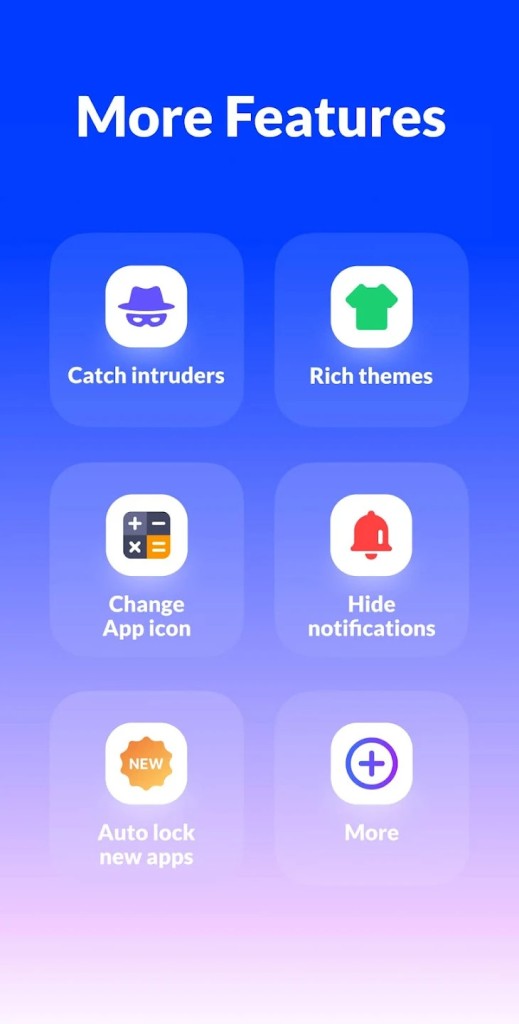
You can use a PIN, pattern, knock code, or fingerprint on supported devices, and options like an invisible pattern path or random keypad aim to make it harder for someone nearby to learn your code by watching the screen. Beyond app locking, there is a photo and video vault that encrypts selected items so they disappear from the standard gallery, plus an “intruder selfie” feature that takes a picture if someone repeatedly enters the wrong password. The app also includes small touches such as hiding itself from recent apps, disguising its icon, and automatically detecting new app installs so you can lock them with one tap.
Why Should I Download App Lock – Lock Apps, Password?
App Lock is mainly useful if you often hand your phone to other people but do not want to think about what they might see. Locking social apps, messages, and galleries means friends, kids, or coworkers cannot easily open conversations or photos that were not meant for them, even if they know your device unlock code. It can also help stop accidental changes when a child taps around in system settings or buys things in games.
The real‑time locking and re‑lock timer settings give you a bit of control over how strict the protection feels day to day. You can set locks to trigger immediately every time, or allow a short grace period after you unlock one protected app so you are not constantly re‑entering your password while multitasking. Features like a random keyboard, option to hide the app from recent apps, and reset via security questions are there for people who worry about shoulder surfing, snooping, or forgetting their code. Overall, it is a simple way to add a second layer of protection to specific apps without changing how you use the rest of your phone.
Is App Lock – Lock Apps, Password Free?
App Lock is free to download on Google Play, with the core locking functions available at no cost. You can protect apps with a PIN, pattern, fingerprint, or knock code, create a basic vault, and use features like intruder selfies and icon disguise without paying up front.
What Operating Systems Are Compatible with App Lock – Lock Apps, Password?
App Lock – Lock Apps, Password is an Android‑only app. It requires an Android device that supports app‑level usage access and, for fingerprint locking, a phone or tablet running Android 6.0 or later with a registered fingerprint sensor.
There is no iOS version listed, and the app is not available for desktop platforms. That places it firmly in the Android ecosystem, where third‑party app lockers are more common because different manufacturers offer different levels of built-in app locking.
What Are the Alternatives to App Lock – Lock Apps, Password?
Ente Locker is an alternative if your main concern is securing important documents and credentials rather than locking individual apps. It is an end‑to‑end encrypted vault for IDs, financial records, passwords, and notes, with features like collections, secure sharing, and “Legacy” access for trusted contacts in an emergency. Compared with App Lock, Ente Locker feels more like a secure filing cabinet and password vault, while App Lock focuses on blocking access to apps, photos, and notifications on a single device.
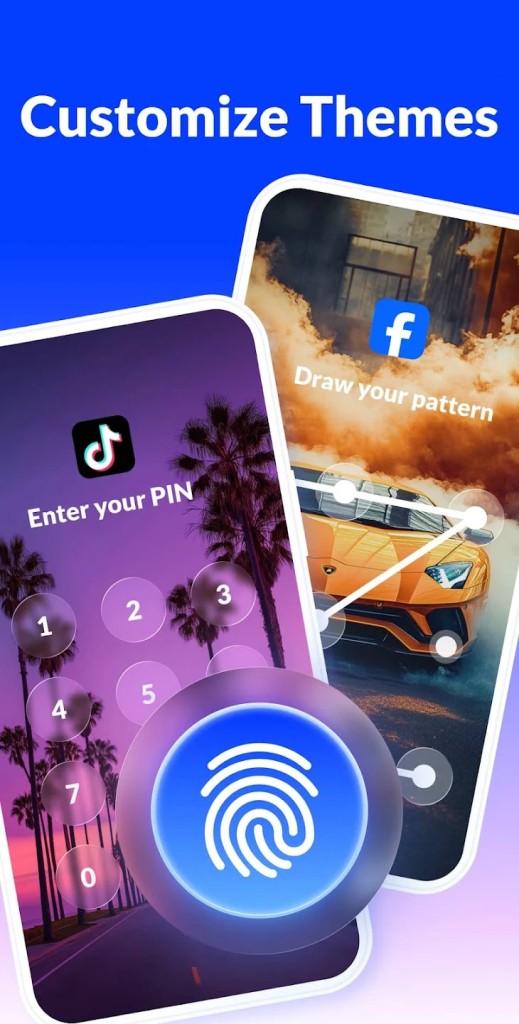
AppLock Pro is closer. It lets you lock any Android app with fingerprint, pattern, or PIN, hide photos and videos, capture intruder selfies, disguise its icon, and even lock system settings and newly installed apps by default. Compared with App Lock, it offers a similar mix of per‑app locking and vault features, with a slightly different interface and emphasis on theming and icon replacement.
AppLock by DoMobile is one of the longer‑running names in this category. It covers app locking with password, pattern, or fingerprint, includes a photo and video vault, and adds extras like an incognito browser, private social tabs, and notification locking. Compared with App Lock, DoMobile’s AppLock feels more feature‑heavy and bundled, while App Lock keeps closer to the core job of locking apps quickly, adding a vault, and offering a few privacy‑focused extras like random keyboards and icon disguise.