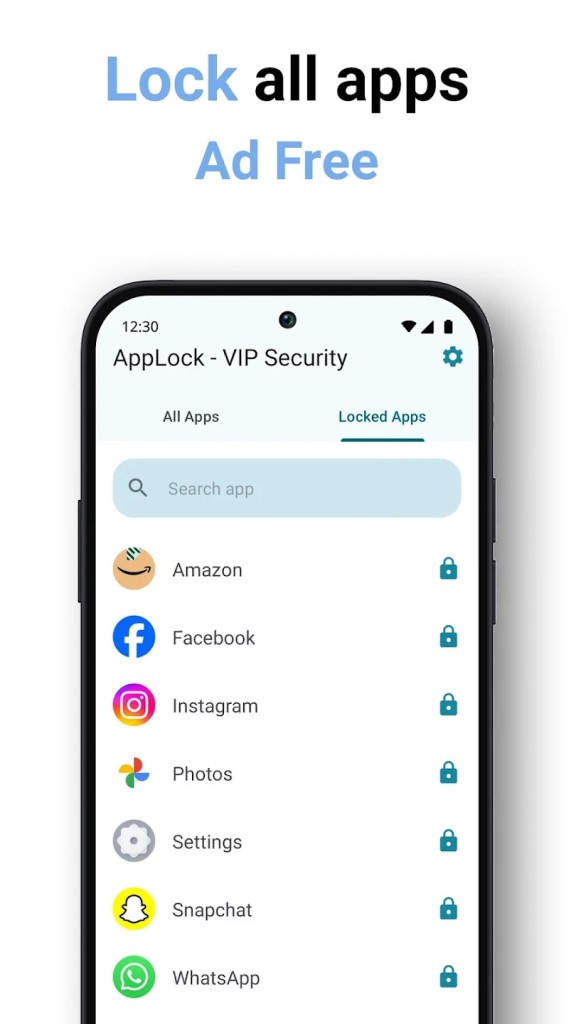
Handing someone your phone doesn't mean you want them opening up everything. Maybe you're showing a friend a photo, letting a child play a game, or just leaving your phone on the table. App Lock - AppLock VIP is designed to put an extra barrier in front of the apps and information you'd rather keep private.
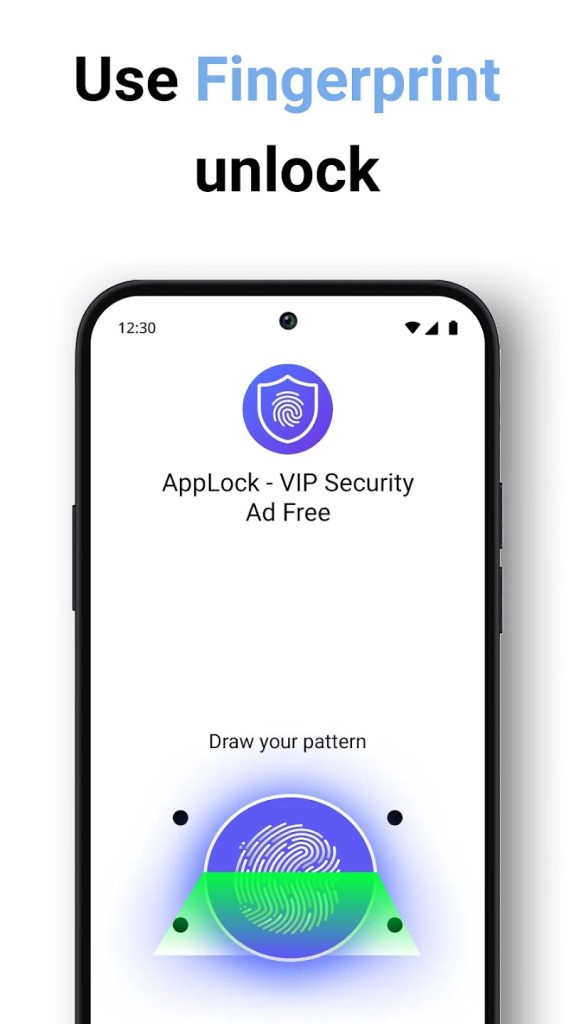
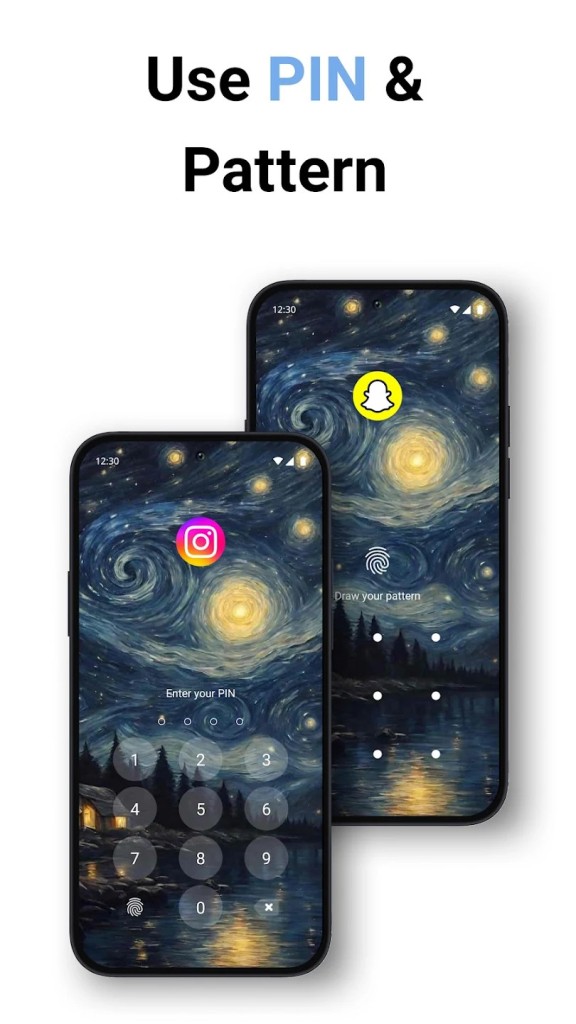
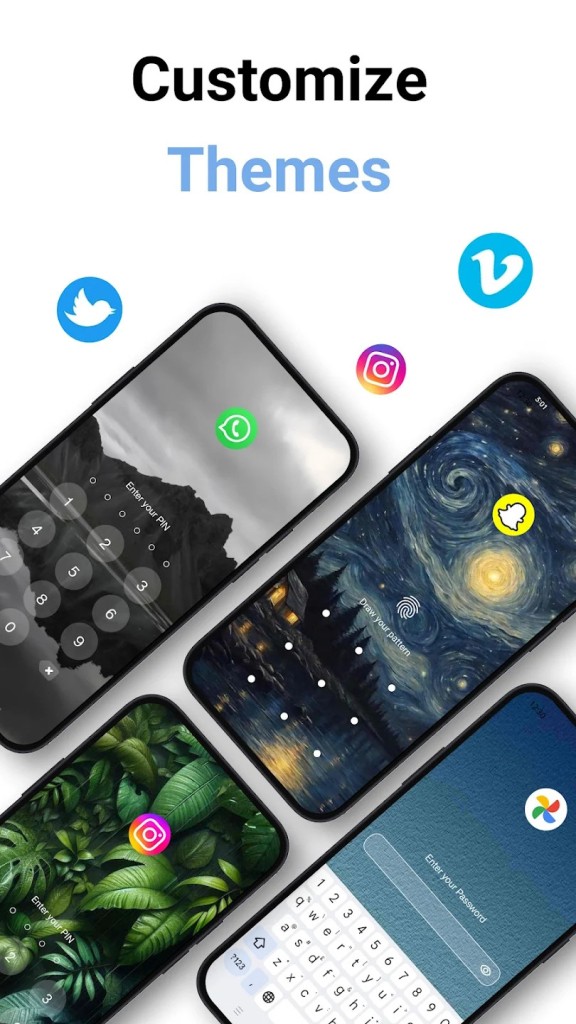
The app lets you lock individual Android apps instead of relying solely on your phone's main lock screen. You can protect social media, messaging apps, photos, banking apps, work tools, and other supported applications using a fingerprint, PIN, pattern, or password. Face unlock is also listed as an option on compatible devices.
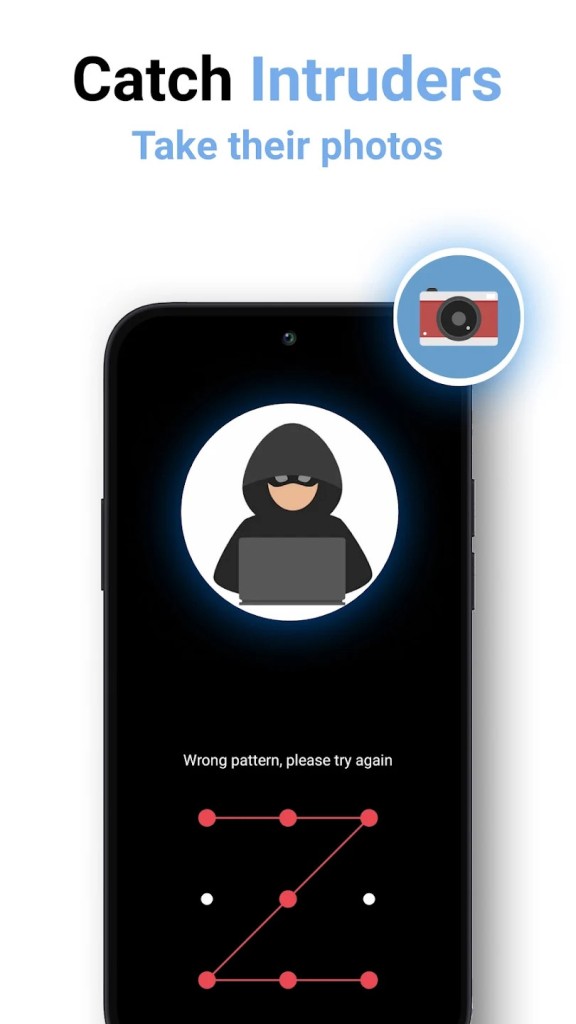
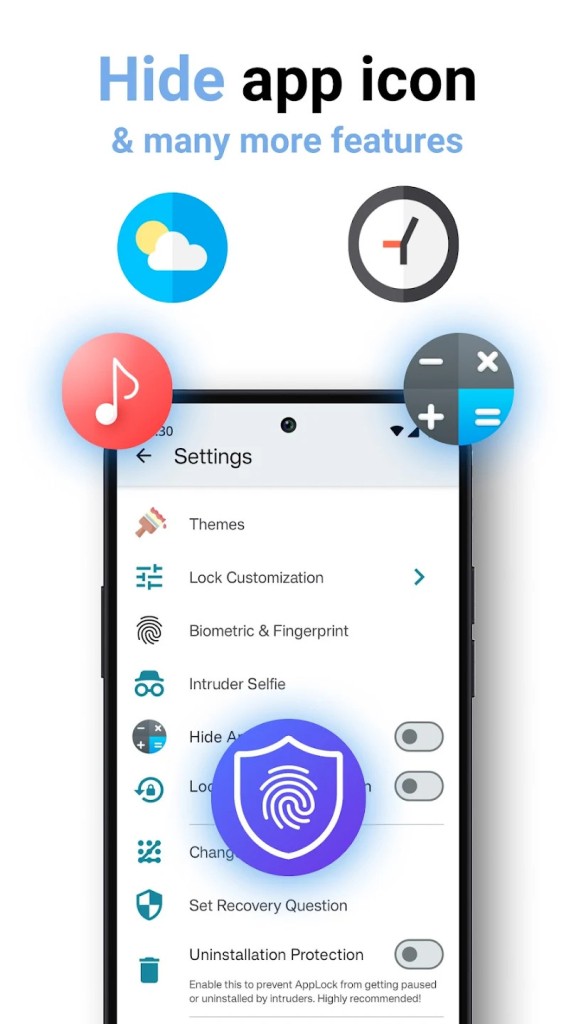
That gives you some flexibility. You might use a fingerprint when you want quick access, for example, or set up a PIN or pattern instead. AppLock VIP also includes a few features aimed at making the protection less obvious. Its hide feature can disguise the app as a calculator, so it isn't immediately clear that an app locker is installed. There's also an intruder selfie feature, which can automatically take a photo when someone unsuccessfully tries to access a protected app.
Why Should I Download App Lock - AppLock VIP?
The main reason to use App Lock - AppLock VIP is simple: you want more control over who can open specific apps on your phone. Android's regular lock screen protects your entire device, but once the phone is unlocked, anyone holding it may be able to open your apps. AppLock VIP adds another step by letting you protect selected apps individually.
You can choose between several unlocking methods, including fingerprints, passwords, PINs, and patterns. That means you can pick something that feels convenient for everyday use rather than having to enter the same password every time.
The fingerprint option is particularly useful for apps you open frequently. You can access them quickly while still preventing someone else from getting in. If your device supports it, the app also offers face unlock. The intruder selfie feature adds another layer to the app. If someone repeatedly tries to access a protected app, AppLock VIP can capture a photo of the person attempting to get in. It won't necessarily stop every attempt, of course, but it can help you notice when someone has been trying to access your phone without permission.
There's also the option to hide the app locker itself by disguising it as a calculator. For users who don't want an obvious security app sitting on their home screen, that's a handy extra. The AutoLock timer can lock protected apps again after inactivity, so you don't have to manually secure them every time you finish using them. Uninstall protection is intended to make it harder for someone to remove AppLock VIP and bypass the protection that way.
It's worth remembering that features such as fingerprint and face unlocking depend on your device's compatible hardware. Still, if you share your phone with family members, have children who occasionally use it, or simply want to keep certain apps private, AppLock VIP gives you more control than relying on the main phone lock alone.
Is App Lock - AppLock VIP Free?
App Lock - AppLock VIP is free to download. However, there are also premium and Pro features, including additional tools and priority support. Some features may therefore require a paid upgrade or subscription.
It's worth checking the current Google Play listing before downloading if you want to know exactly which features are included for free and which require payment.
What Operating Systems Are Compatible with App Lock - AppLock VIP?
App Lock - AppLock VIP is available for Android. It is not available on iOS or any other operating system.
Some features depend on the hardware available on your device. For example, fingerprint locking requires a compatible fingerprint sensor, while face unlock may also depend on supported device features.
What Are the Alternatives to App Lock - AppLock VIP?
App Lock is another Android app designed to protect individual applications with an additional lock. It's a good alternative if you mainly want a straightforward way to prevent other people from opening selected apps, whether those contain messages, photos, or other private information. Like AppLock VIP, it focuses on app-level protection rather than replacing your phone's main lock screen.
AppLock Pro offers a similar approach, allowing you to restrict access to apps and protect private content on your Android device. It's worth considering if you're looking for another dedicated app locker and want to compare the available locking methods and interface. AppLock VIP stands out with features such as intruder selfies, AutoLock, and the option to hide the app as a calculator.
Secure Folder – Calculator Lock takes the disguise idea a little further by focusing on hidden storage for private files and content. Rather than simply locking access to other apps, it can provide a separate protected space for files and media behind a calculator-style interface. That makes it a better fit if your main concern is hiding specific photos or files, while App Lock - AppLock VIP is more useful for controlling access to the apps already installed on your phone.