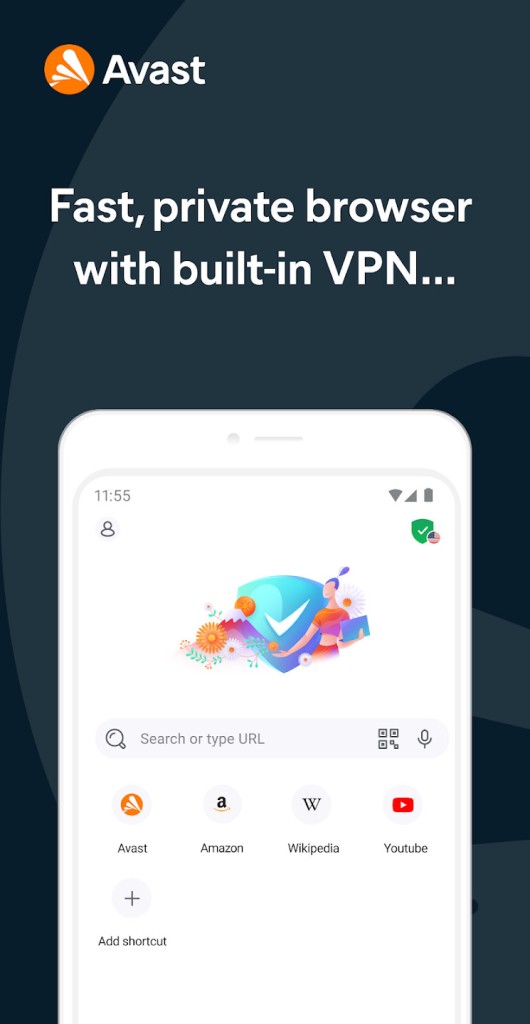
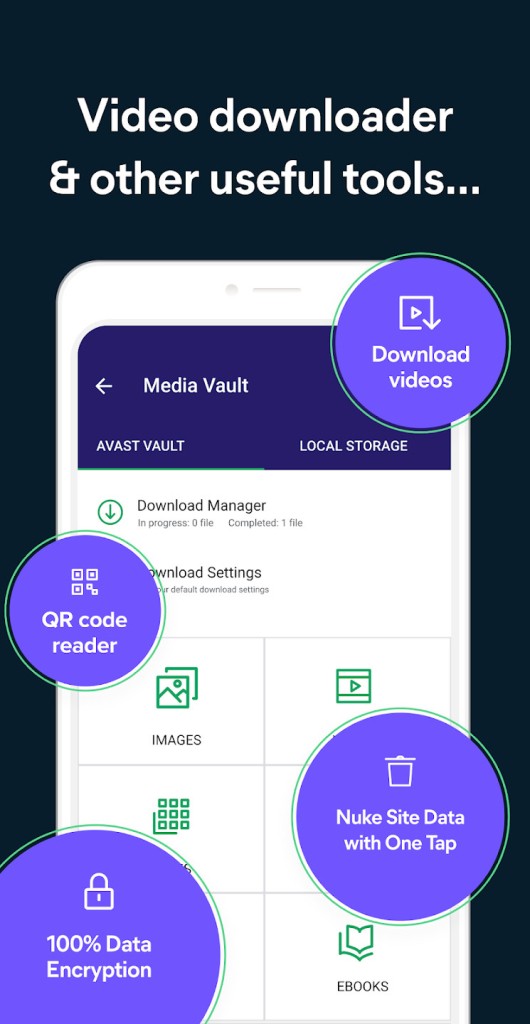
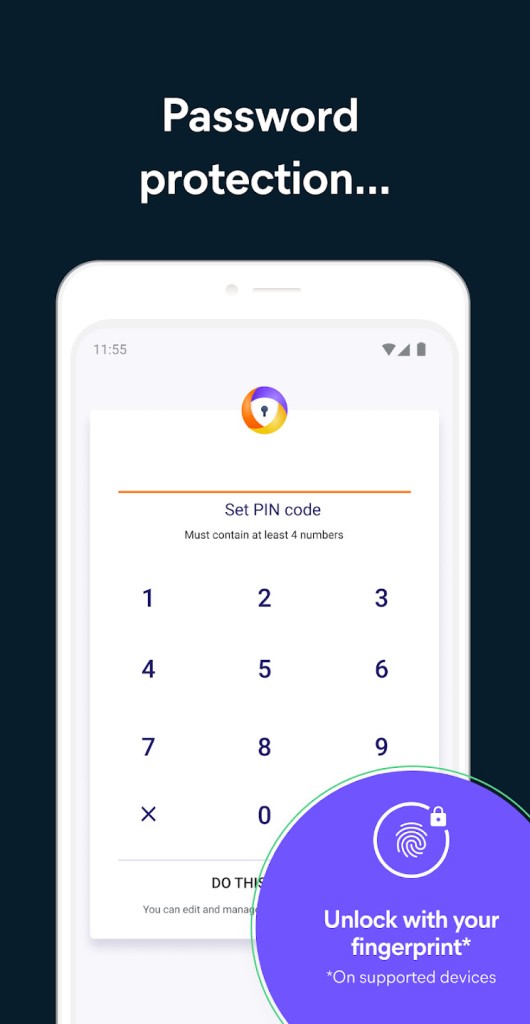
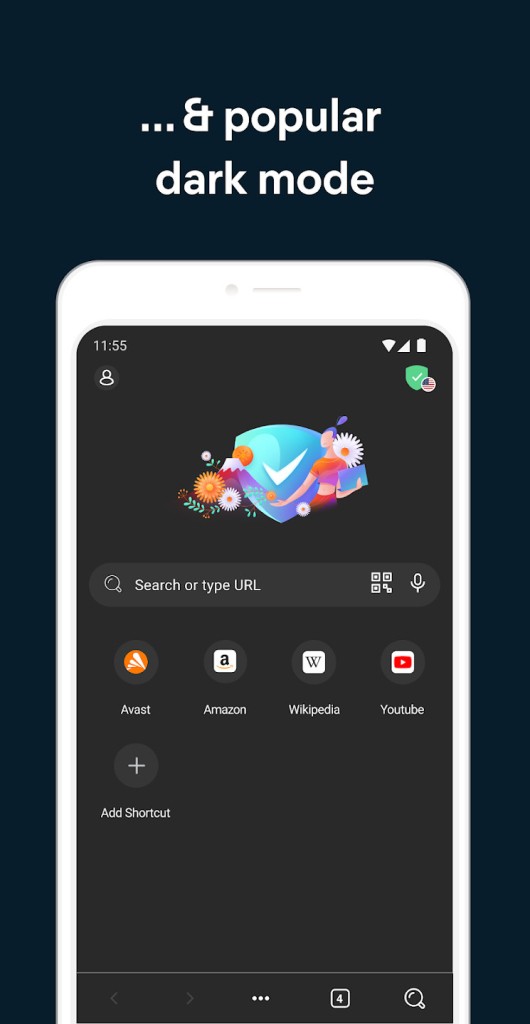
Avast Secure Browser is a privacy-focused web browser designed to make everyday browsing safer and less intrusive. Available for PC, Android, and iOS, it includes built-in security and privacy features to help protect your personal information while you shop, message, and visit websites. Rather than relying entirely on separate extensions, it brings several protective tools together in one application. The browser focuses on three main areas: security, privacy, and speed.
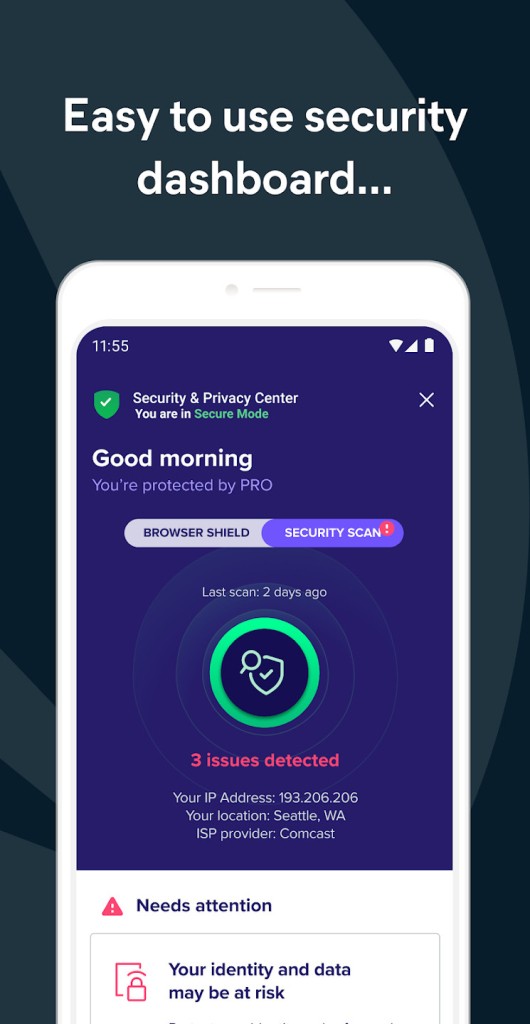
Its anti-phishing technology helps block malicious websites and downloads, while HTTPS encryption helps secure connections to websites that support it. Privacy tools limit online tracking and help prevent websites from identifying you through your browser profile. An integrated ad blocker also reduces advertising interruptions and can help pages load more smoothly. Avast Secure Browser includes a centralized dashboard for managing security and privacy settings. You can also synchronize bookmarks and browsing history between desktop and mobile devices, with encryption protecting the synchronization process. These features make it a convenient option if you want consistent browsing settings across multiple devices.
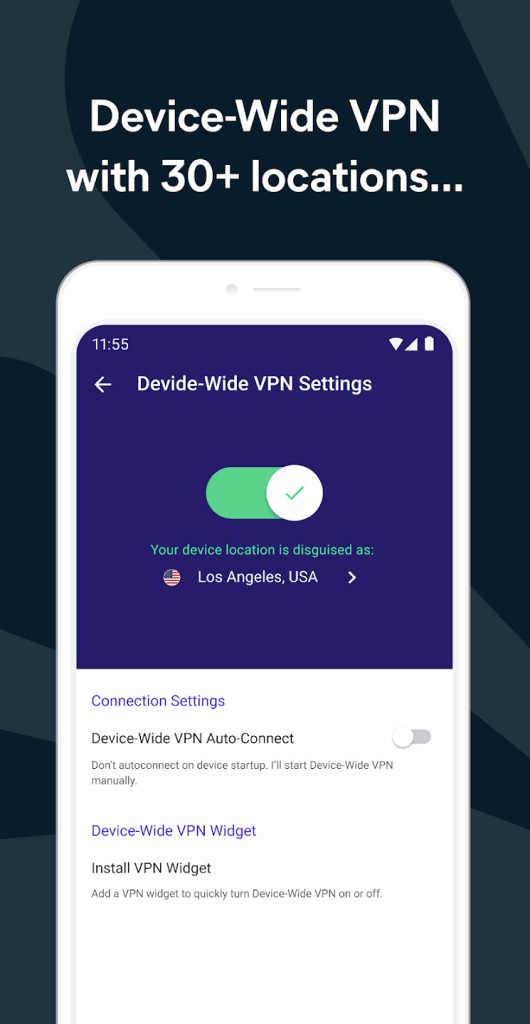
Although the browser is free to download, Avast also offers a paid PRO version with a built-in VPN and additional security and privacy features. The free version remains useful for people who want basic browsing protection and ad blocking without paying for a subscription.
Why Should I Download Avast Secure Browser?
Avast Secure Browser is worth considering if you want to improve your online privacy without spending time configuring multiple browser extensions. Its built-in tools address common browsing risks, including phishing attempts, malicious downloads, online tracking, and intrusive advertisements.
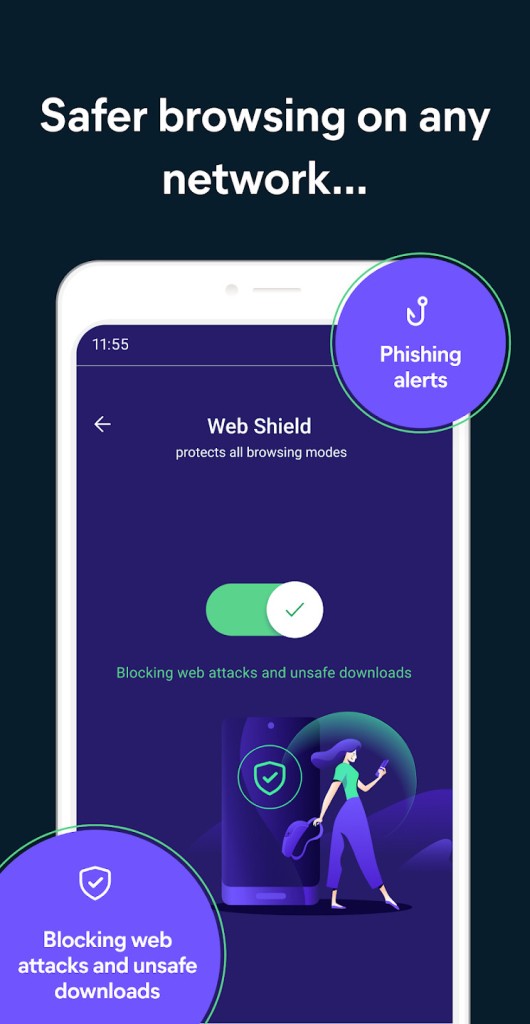
One of its main features is anti-phishing protection. The browser helps identify and block dangerous websites that may attempt to steal login credentials or other sensitive information. It can also block malicious downloads, providing an additional layer of protection when browsing unfamiliar websites. HTTPS encryption helps secure connections to websites that support the protocol, protecting information exchanged between your browser and those sites.
Privacy is another major focus. Avast Secure Browser includes tracking protection to limit the collection of information about your online activities. It also offers browser fingerprinting protection, which helps prevent websites from identifying you based on characteristics of your browser configuration. These tools can reduce some forms of online tracking, although they don't make you completely anonymous.
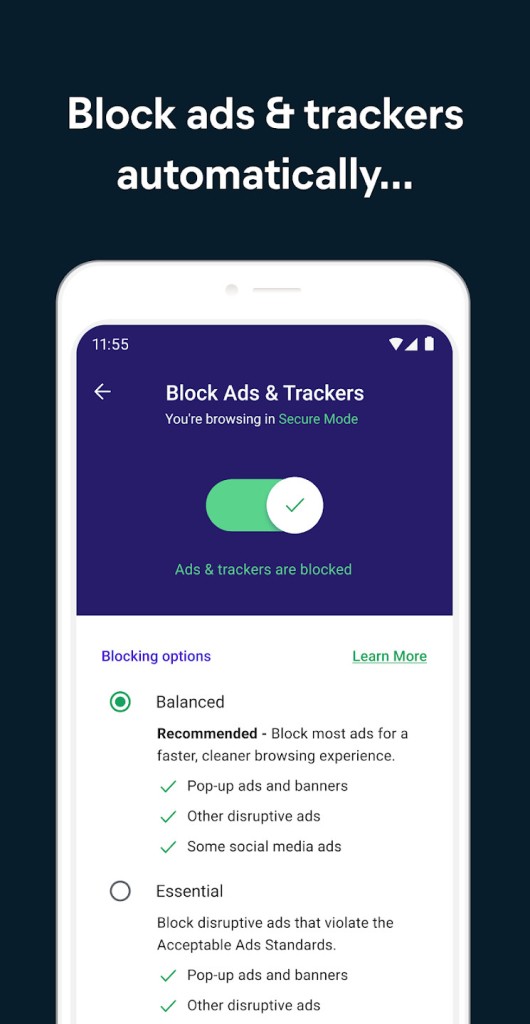
The built-in ad blocker removes many advertisements from websites, creating a cleaner browsing experience. Fewer ads can also reduce page clutter and potentially improve loading times. You can adjust ad-blocking settings to control how much advertising you see.
Is Avast Secure Browser Free?
Yes, Avast Secure Browser is free to download and use, with built-in ad blocking, anti-phishing protection, tracking prevention, and encrypted synchronization. A PRO version allows you to add more security features, such as a full VPN experience.
What Operating Systems Are Compatible with Avast Secure Browser?
Avast Secure Browser is available for Windows, macOS, Android, and iOS devices. This means you can use it on a compatible desktop computer, Android smartphone or tablet, or Apple mobile device (iPhone, iPad).
What Are the Alternatives to Avast Secure Browser?
DuckDuckGo Browser is a privacy-focused browser designed to reduce online tracking and make private browsing more accessible. It includes tools that block many third-party trackers and helps users manage website privacy without extensive configuration. DuckDuckGo also offers a feature that clears browsing data quickly, which is useful if you want to remove your recent activity from the browser. Like Avast Secure Browser, it prioritizes privacy through built-in protections rather than requiring users to install several extensions.
Brave Browser is another option for users who want privacy protection and ad blocking built into their browser. It blocks many advertisements and trackers by default, helping reduce interruptions and limit some forms of online tracking. Brave also includes additional privacy controls that let you adjust how websites handle scripts, cookies, and other elements. Its Chromium-based foundation provides compatibility with many websites and browser extensions designed for Chromium-based browsers. Compared with Avast Secure Browser, Brave may appeal to users who want more control over their browsing privacy without relying on a separate security suite.
Tor Browser takes a different approach to privacy by routing internet traffic through the Tor network. This makes it more difficult for websites to identify your original IP address and helps protect your browsing activity from some forms of surveillance. Tor Browser also limits certain tracking techniques and is designed to reduce the amount of identifying information your browser reveals. It's particularly useful for people who prioritize anonymity or need to access the web with greater privacy.