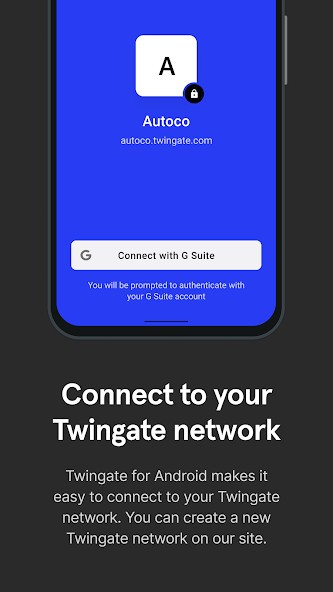
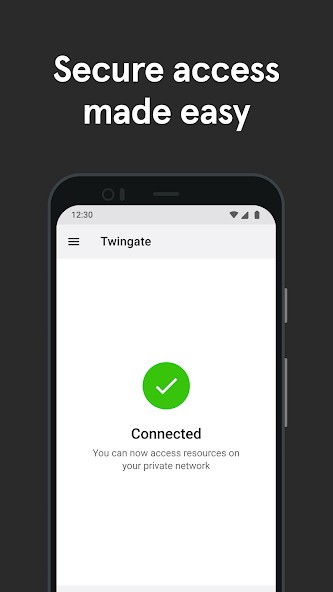
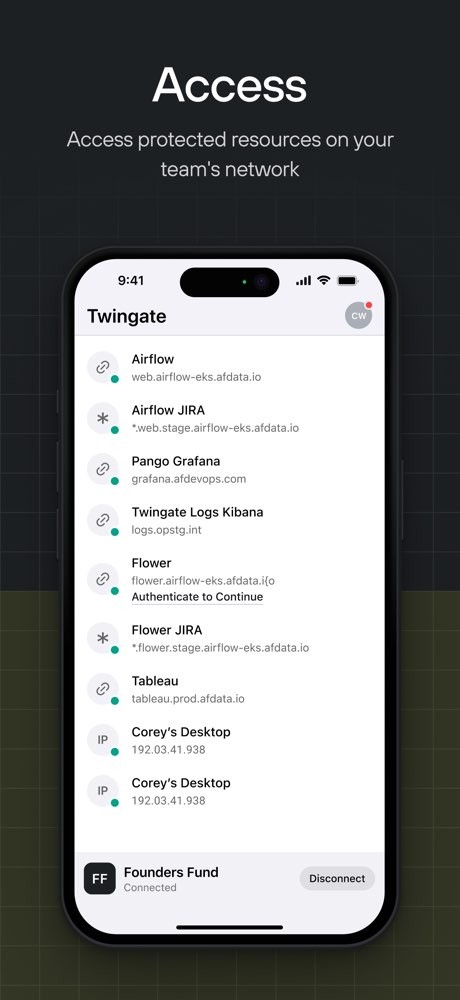
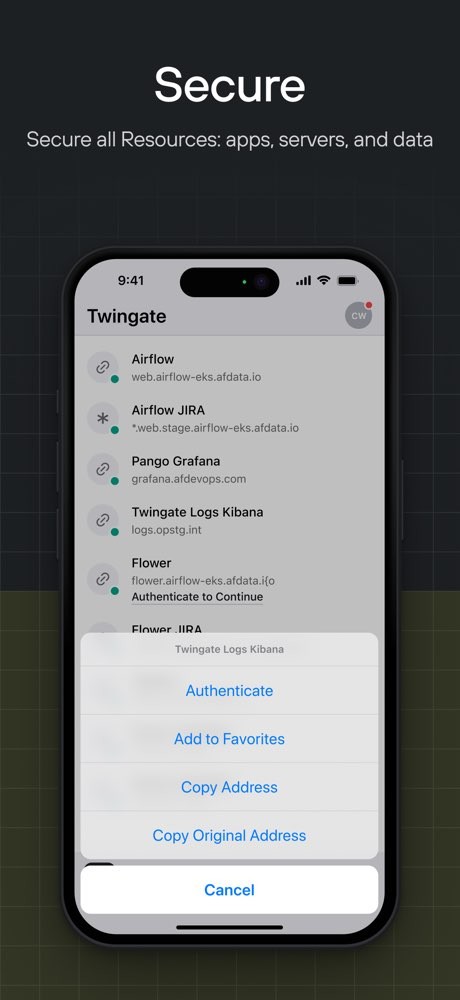
Twingate is designed as a modern alternative to traditional VPNs, giving users remote access to private resources while allowing administrators to control exactly who can access what. Instead of placing users directly on an entire network, Twingate uses identity-based access policies to connect them to specific resources. This makes it suitable for remote teams, developers, IT departments, and organizations managing cloud or hybrid infrastructure.
The platform uses a combination of users, devices, resources, and contextual security policies to decide whether to grant access. Twingate's architecture also uses Connectors inside private networks rather than requiring publicly exposed gateways or servers. These Connectors establish outbound connections, keeping the protected network hidden from direct public access.
Twingate also provides an administration console for managing access policies, users, devices, and resources. Its current platform extends beyond remote network access with features such as device security controls, DNS-based internet security, and integrations with identity and security tools.
Why Should I Download Twingate?
Twingate provides secure remote access to office networks, cloud VPCs, private applications, databases, and other resources without requiring users to connect to an entire network. Its Zero Trust Network Access approach lets administrators create granular policies around individual resources and users.
One of its main features is its Connector architecture. Rather than requiring a server or gateway that accepts inbound connections from the public internet, Twingate uses Connectors that sit within private networks and communicate with the Twingate service. This allows protected resources to remain hidden while authorized users connect through the Twingate Client. Twingate can also apply device-based requirements and least-privilege policies. Administrators can restrict access according to factors such as operating system, device security configuration, and the resource being accessed. Supported device posture checks include firewall, hard-drive encryption, screen-lock, antivirus, and minimum OS requirements, depending on the platform.
For organizations managing larger environments, Twingate supports integrations with identity providers and security platforms, while its API-first approach can be used with infrastructure-as-code tools such as Terraform and Pulumi. Twingate also includes internet security features for supported desktop platforms. Administrators can use DNS filtering to block malicious or unwanted domains, with options including threat intelligence feeds, Google Safe Browsing, cryptojacking protection, and typosquatting protection.
Is Twingate Free?
Yes. Twingate has a free Starter plan that supports up to five users and up to 50 protected resources. The free plan includes broad operating system compatibility, peer-to-peer connections, split tunneling, and conditional access controls.
Paid plans are available for teams that need additional users and administrative features. The Teams plan supports up to 100 users and adds features such as Google Workspace SSO, SaaS application gating, device posture checks, and automated least-privilege policies. Business and Enterprise plans provide additional identity, device, networking, and security controls for larger organizations.
What Operating Systems Are Compatible with Twingate?
Twingate provides clients for Windows, macOS, Linux, iOS, Android, and ChromeOS.
Mobile users can install Twingate on iOS and Android, while ChromeOS is also supported through the Android-based client. Twingate provides downloads for each supported platform through its official website.
What Are the Alternatives to Twingate?
Tailscale is a Zero Trust networking platform built around WireGuard. It creates encrypted, peer-to-peer connections between devices and uses identity-based policies to control which users and devices can communicate. Its approach can suit developers and teams that want to connect machines, services, cloud environments, and infrastructure without routing everything through a central VPN gateway.
NordLayer combines business VPN functionality with Zero Trust Network Access features. It can provide encrypted remote connections while also letting administrators verify users and devices and apply access controls to company resources. NordLayer also includes security features such as threat prevention, DNS filtering, and secure web access, making it broader than a basic remote-access VPN.
OpenVPN is another established option for secure remote access. Its Access Server product is a self-hosted VPN solution that can be deployed on Linux, cloud infrastructure, virtual machines, Docker, or other supported environments. Administrators manage the server through a web interface, while users connect through OpenVPN Connect. Access Server also supports authentication methods, access controls, and site-to-site configurations.