OpenVPN is both a VPN protocol and the software that implements it. OpenVPN has been one of the most widely used tools for secure network connectivity since its first release in 2001. Written by James Yonan and released under the GNU General Public License, it is free and open source, meaning its code is publicly available for anyone to inspect, audit, and contribute to. This transparency is a big part of why OpenVPN has built such a strong reputation in the security community over more than two decades.
At its core, OpenVPN works by creating an encrypted tunnel between a client and a server, routing traffic through that tunnel to keep it private from anyone who might be watching the connection. It uses the OpenSSL library and TLS to handle encryption and authentication, supporting strong algorithms including AES-256 and ChaCha20. Perfect Forward Secrecy is also supported, which means even if one session key were compromised, it would not expose any other sessions.
The protocol can operate over both UDP and TCP. UDP is generally faster and is the default choice for most use cases, while TCP provides more reliable delivery and is useful in situations where stability matters more than speed. This flexibility, combined with the ability to route traffic over port 443, makes OpenVPN particularly good at getting through firewalls and restrictive networks that might block other VPN protocols. It also handles NAT traversal well, which matters in environments with complex network configurations.
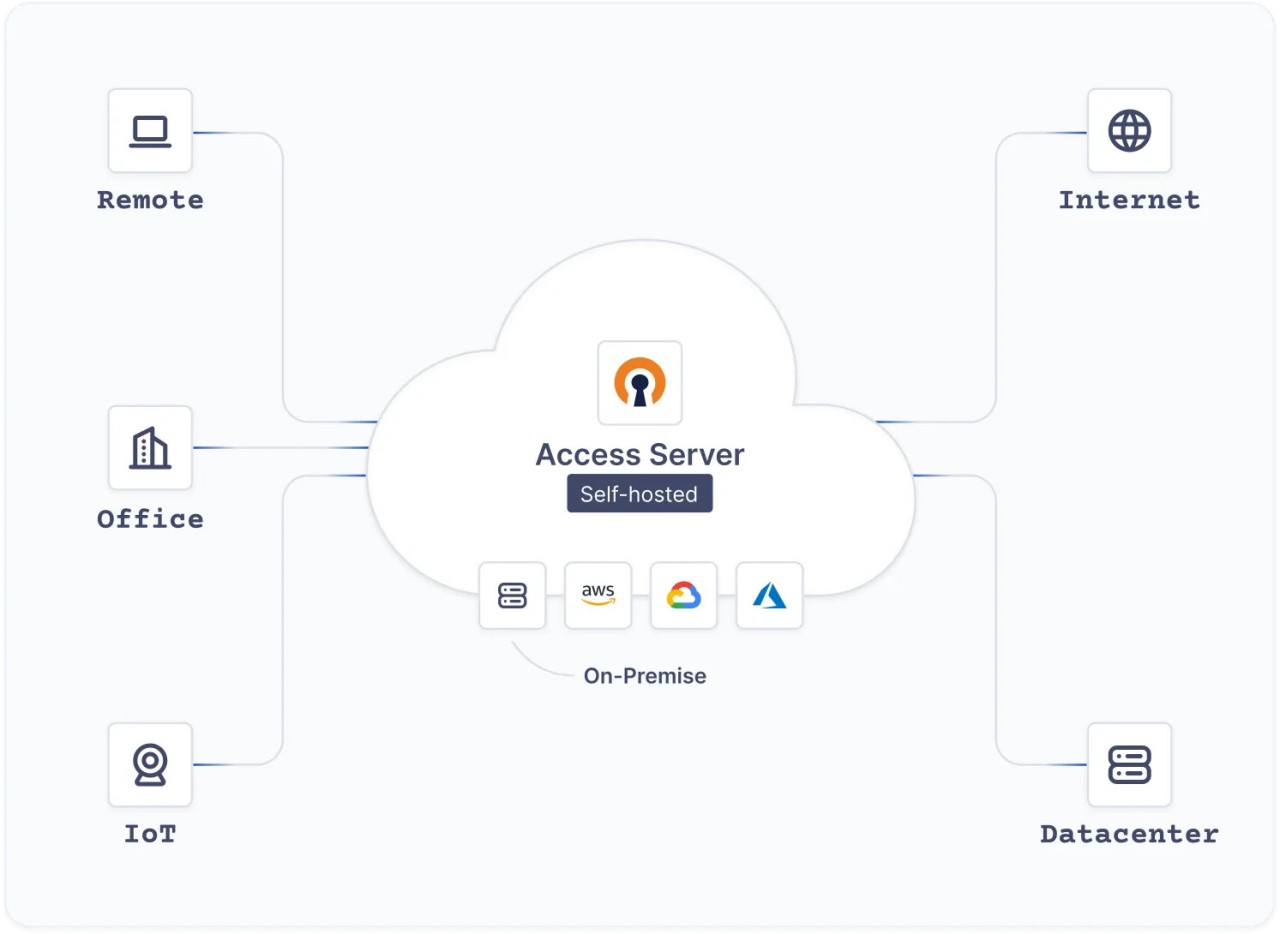
OpenVPN is used by individuals, businesses, and developers in a wide range of scenarios: protecting remote workers connecting to company networks, linking offices across different locations, securing traffic on public Wi-Fi, and enabling controlled access to internal resources from outside. OpenVPN can be self-hosted, giving organizations full control over their VPN infrastructure without depending on a third-party service.
Why Should I Download OpenVPN?
OpenVPN gives you full control over how your VPN is configured and operated. Unlike consumer VPN services, where the underlying configuration is hidden from you, OpenVPN exposes every setting, from encryption ciphers and key lengths to routing policies and authentication methods. This makes it the right tool for anyone who needs to build a VPN solution tailored to specific requirements rather than accepting a one-size-fits-all service.
OpenVPN’s security credentials are strong. The codebase has been independently audited multiple times, and the open-source nature of the project means vulnerabilities are typically identified and patched quickly by a community of developers actively working on it. For organizations that need to demonstrate due diligence in their security posture, using an independently audited, widely vetted protocol is a meaningful advantage.
Support for full tunneling and split tunneling gives administrators flexibility in how traffic is routed. Full tunneling sends all traffic through the VPN, while split tunneling allows only specific traffic to go through the encrypted tunnel, while the rest takes a direct route. This is useful for businesses that need VPN protection for internal resources without routing all employee traffic through a central server.
Authentication options are broad. OpenVPN supports pre-shared keys for simple setups, certificate-based authentication for more robust deployments, and username and password authentication for organizations that prefer it. For business environments, it also supports LDAP integration and web-based management through the Access Server edition, which simplifies deployment and user management at scale.
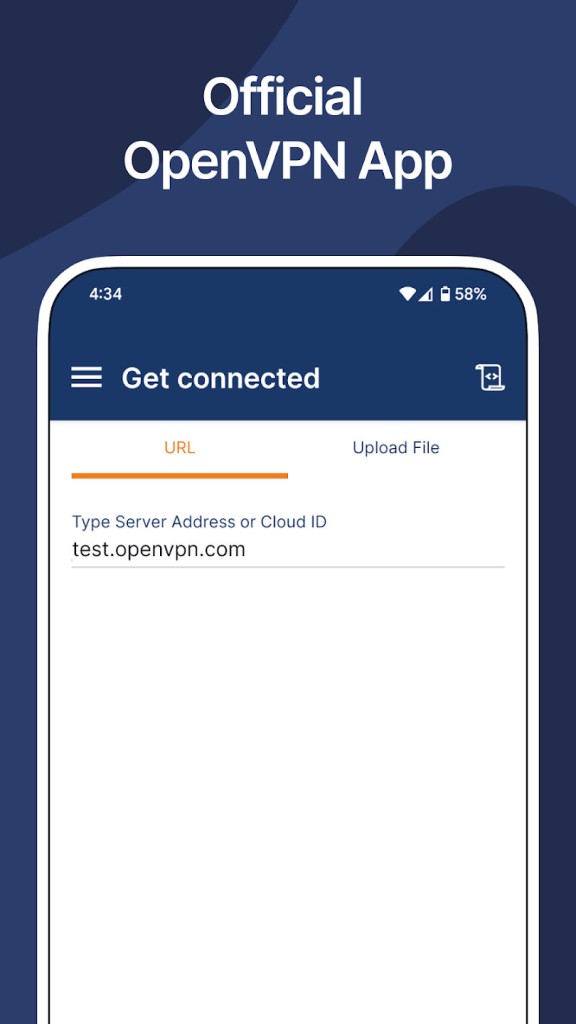
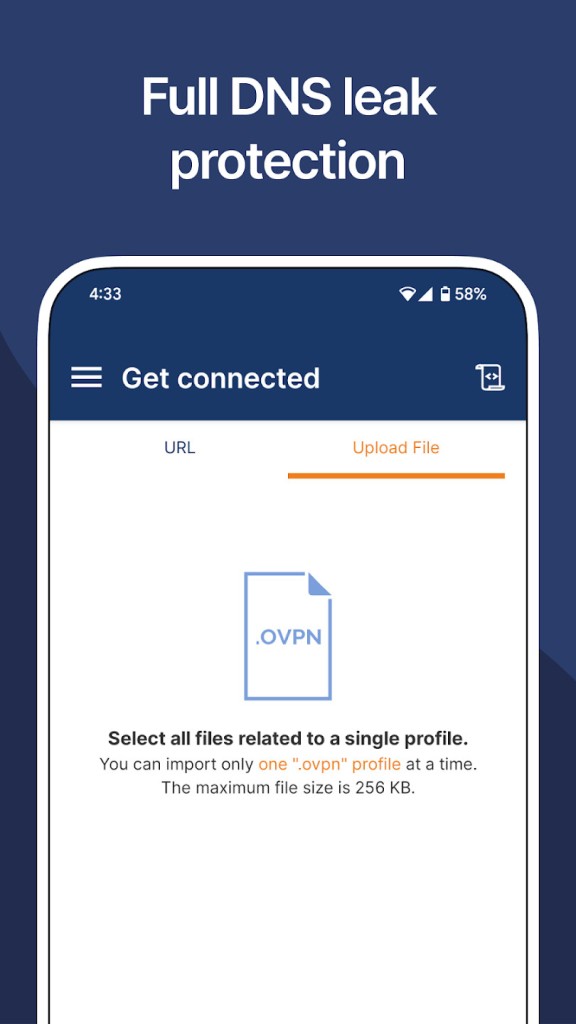
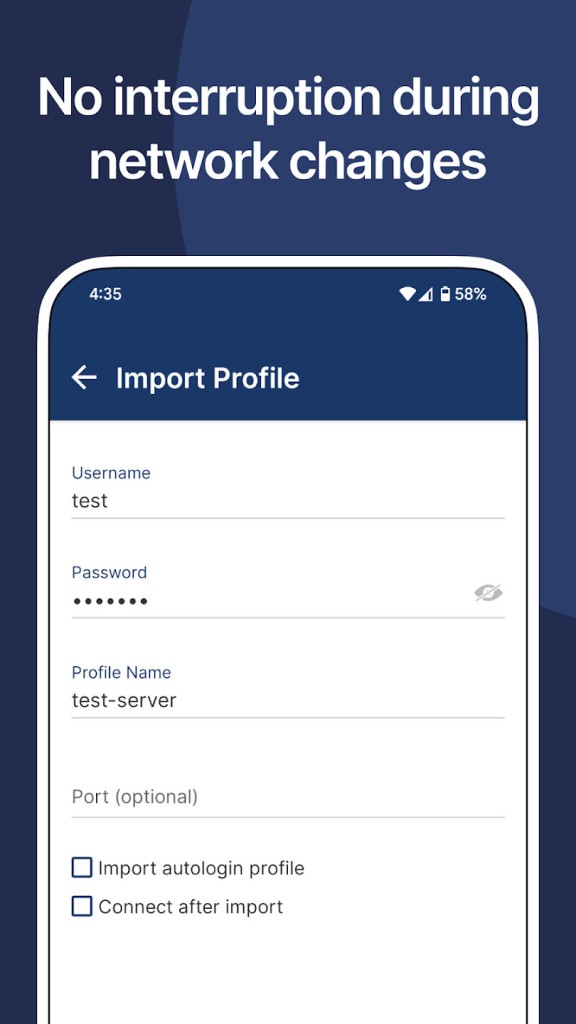
The software is supported by a large and active community, with extensive documentation, configuration guides, and third-party clients available online. OpenVPN Connect is the most widely used client and is available on all major platforms, making it straightforward to deploy across a mixed device environment.
Is OpenVPN Free?
The OpenVPN Community Edition is completely free to download and use. It includes the full protocol functionality and is sufficient for setting up secure VPN connections on your own infrastructure.
OpenVPN Access Server is a commercial product built on top of the Community Edition that adds a web management interface, LDAP integration, simplified client deployment, and official support. It is free for up to two simultaneous connections, with paid licensing required beyond that threshold. Organizations that want the flexibility of self-hosted OpenVPN with easier administration often opt for Access Server.
What Operating Systems Are Compatible with OpenVPN?
OpenVPN runs on Windows, macOS, Linux, Android, and iOS. On desktop platforms, the Community Edition can be configured and run directly, while the OpenVPN Connect client provides a more user-friendly interface for connecting to existing servers. Linux support is particularly strong, with packages available across most major distributions. Mobile support on Android and iOS is available through the OpenVPN Connect app, though the mobile implementations are less feature-complete than the desktop versions.
What Are the Alternatives to OpenVPN?
Twingate is a zero-trust network access platform that takes a fundamentally different approach from traditional VPN protocols. Rather than creating a broad network tunnel, Twingate grants access to specific resources on a per-user and per-device basis, enforcing least-privilege principles at the network level. It deploys in minutes and does not require inbound firewall ports to be opened, since connectors within the network establish outbound connections that are then matched with authenticated clients. Twingate integrates with major identity providers, including Okta, Google Workspace, and Microsoft Entra ID, and supports device posture checks before granting access. For teams wanting to move away from the perimeter-based security model that traditional VPNs represent, Twingate offers a cloud-native alternative that is considerably easier to manage at scale.
Tailscale is a mesh VPN built on the WireGuard protocol that makes connecting devices directly to each other without requiring a central VPN server easy. Each device in the network gets a stable IP address and can communicate securely with every other device on the tailnet, regardless of where those devices are physically located or what network they are on. Setup takes minutes, and Tailscale handles NAT traversal and firewall configuration automatically. It supports access control lists for defining who can reach what, and integrates with identity providers for authentication. There is a free tier for personal use and paid plans for teams and businesses. Developers and home lab users in particular tend to find Tailscale significantly simpler to operate than a self-hosted OpenVPN setup.
NordLayer is a business-focused network security platform from the team behind NordVPN. It combines a business VPN with Zero Trust network access, threat protection, and threat intelligence features in a single managed platform. It supports split tunneling, dedicated IP addresses, site-to-site connections, and always-on VPN configurations, and integrates with identity providers and cloud environments, including AWS, Google Cloud, and IBM Cloud. NordLayer deploys quickly, is SOC 2, ISO 27001, PCI-DSS, and HIPAA compliant, and is aimed at organizations that want enterprise-grade network security without the overhead of building and maintaining their own infrastructure. It is a subscription-based service available on Windows, macOS, Linux, iOS, Android, and as a browser extension.