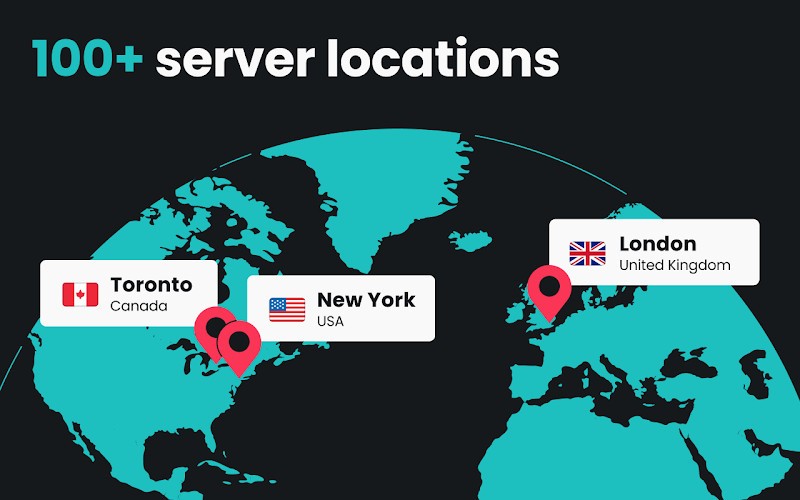
Surfshark is a virtual private network (VPN) service that helps you protect your privacy, secure your web traffic and content all over the world with no limitations. It runs in the background as you are surfing, streaming, or downloading, ensuring that your personal information remains concealed from trackers, hackers, and even your internet provider. You’re not limited to a single location. Surfshark allows you to connect to several countries and lets you switch your virtual location with a single tap.
It doesn’t only involve concealing your IP address. Surfshark will also allow you to bypass geo-restrictions, that is, watch geo-blocked shows, access services blocked in your country, or use services as if you lived in another part of the world. It is also convenient when you are on public Wi-Fi, i.e., in a café, hotel, or airport, where the chances of data theft are much greater. When Surfshark is enabled, your data remains hidden and encrypted, even on non-secure networks.
The interface is simple, and the app stays in the background without distracting notifications. Whether you're a first-time user or someone who's tried a couple of VPNs, Surfshark finds the balance between ease of use and advanced features. It does not overwhelm you with technical settings unless you seek them. It simply works, and it works well.
Why Should I Download Surfshark?
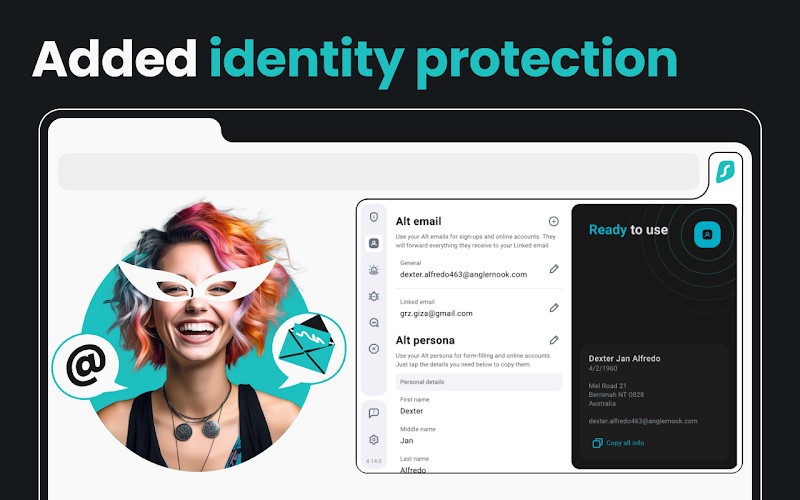
Surfshark is worth downloading if you are concerned with online privacy, desire to circumvent digital boundaries, or simply prefer to spend your time on the internet safely and freely. Not everything on the internet is private, and numerous sites record your every move, gather information about you, and expose it or sell it. Surfshark assists in closing that off. It keeps your IP address hidden, encrypts your communication, and blocks many of the trackers following you across the web. It gives you back control.
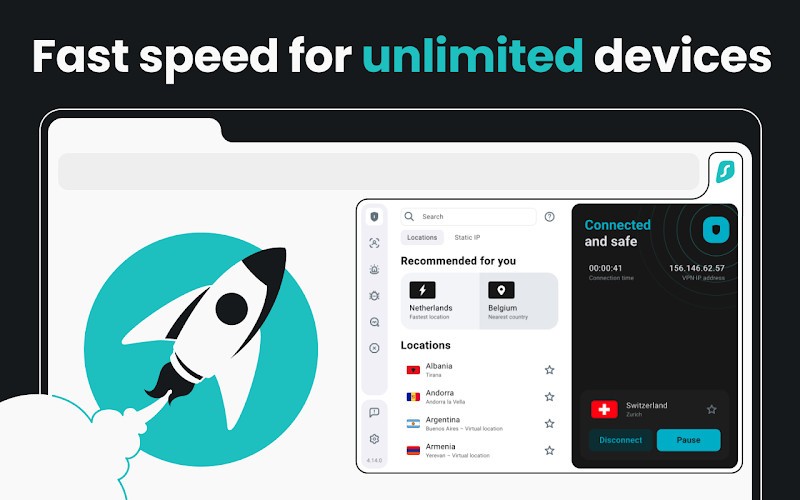
The unlimited number of devices is one of the significant reasons you should consider Surfshark. There is no need to purchase extra licenses for your phone or tablet. A single subscription works on all your devices, and they can be secured simultaneously. This is what sets Surfshark apart from other VPNs, which will only allow you to make a couple of connections. You can protect all your work, gaming, streaming, and browsing together or separately.
Another area where Surfshark fares well is speed. It employs modern and high-speed protocols such as WireGuard, which does not affect the speed of your connection; it keeps the connection secure. This implies that you are able to watch high-definition videos, take part in video conferencing, or even download materials without slowdowns. You may not even realize it is on. All you have to do is enjoy peace of mind knowing your connection is secure.
There is also content access. Depending on the country you live in, there are many platforms that present certain shows or services that other countries don’t. Using Surfshark, one is able to log into servers in other nations and gain access to content that could not be accessed previously. It does not matter if it is a movie in a streaming library of another country or a site that is available in particular areas only. Surfshark will assist you in reaching it.
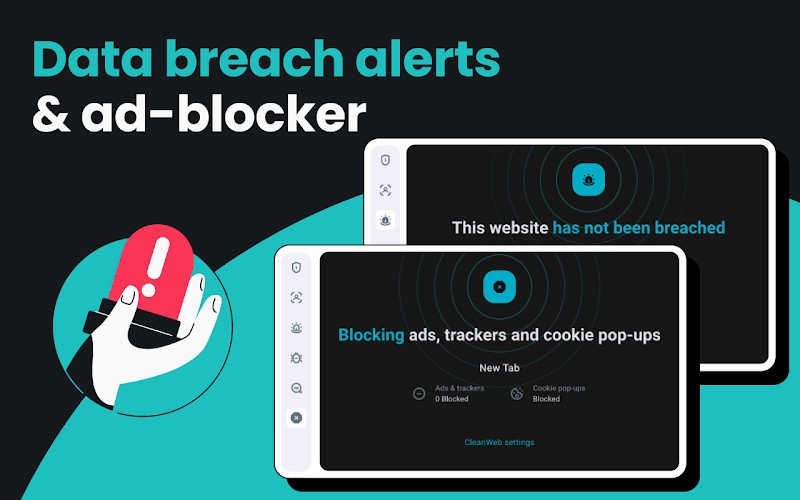
Surfshark offers CleanWeb, which blocks ads, malware, and phishing. It is an added security measure in case you are irritated by pop-ups or concerned about malicious links. Also, Surfshark has a kill switch (to halt internet traffic when the VPN connection drops), split tunneling (when you want certain apps to remain on your regular connection), and rotating IP addresses to further enhance anonymity.
Even tech-savvy users are not the only ones to use it. It will suit families, travelers, freelancers, remote workers, and anyone who uses the internet and would prefer secure and unrestricted access.
Is Surfshark Free?
No, Surfshark is not a free service. It is a paid subscription, provided that substantial discounts on long-term plans may be offered. There is no permanent free version, but new customers are offered a money-back guarantee, so you can try it risk-free.
What Operating Systems Are Compatible with Surfshark?
Surfshark is compatible with Windows, macOS, Linux, Android, and iOS. There is also a browser extension for Chrome, Firefox, and Edge, and apps for smart TVs and routers. Even such devices as Fire TV Stick or game consoles can get it via manual configuration. The app’s interface remains consistent across platforms, and it works effectively on both new and old hardware. Surfshark scales well across different devices, including computers, phones, and home entertainment systems.
What Are the Alternatives to Surfshark?
One of the most powerful alternatives is Proton VPN, particularly for users who value open-source technology and transparency. It provides a free service plan that has some servers, which is a rare offering among VPN providers. It is constructed by the ProtonMail team, and, as such, its servers do not keep any logs and emphasize privacy above all. Although it does not provide unlimited connections like Surfshark, it suits users who value independent auditing and casual free access to a worthwhile VPN.
Another market leader that has long been in the industry is NordVPN. Its big server network, effective security, and stable speed are well known. It also has such functions as threat protection, dual VPN (traffic is rerouted through two servers), and Dark Web Monitoring. The interface of NordVPN is basic, yet it has many sophisticated options beneath. Although NordVPN can only support a few simultaneous connections, its credibility and long-standing reliability have endeared this provider to most customers.
HMA VPN (Hidemyass) offers a convenient and large selection of servers. It is compatible with several gadgets and features a clear interface that helps in rapid connections. HMA has experienced a number of revisions to enhance privacy and performance. It does not contain quite as many advanced settings as Surfshark, or enjoy the open-source support offered by Proton VPN, but it is effective when used in everyday scenarios. It also maintains a friendly, humorous brand tone.