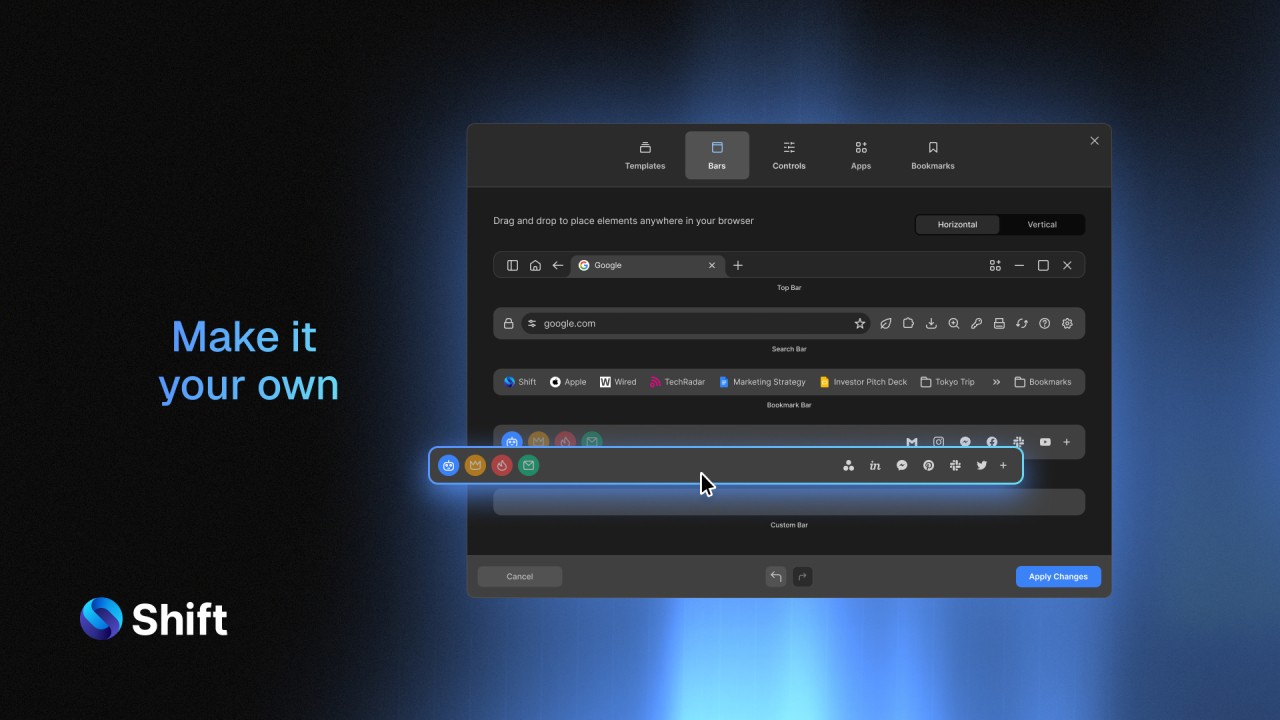
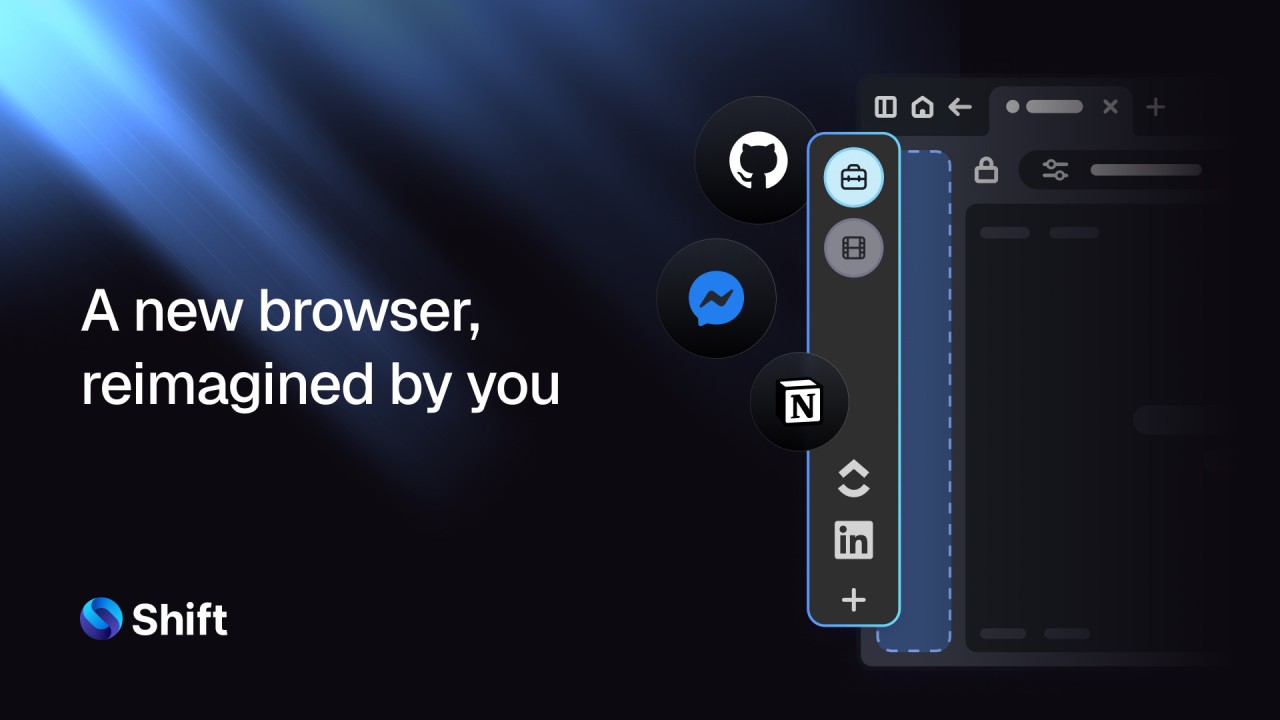
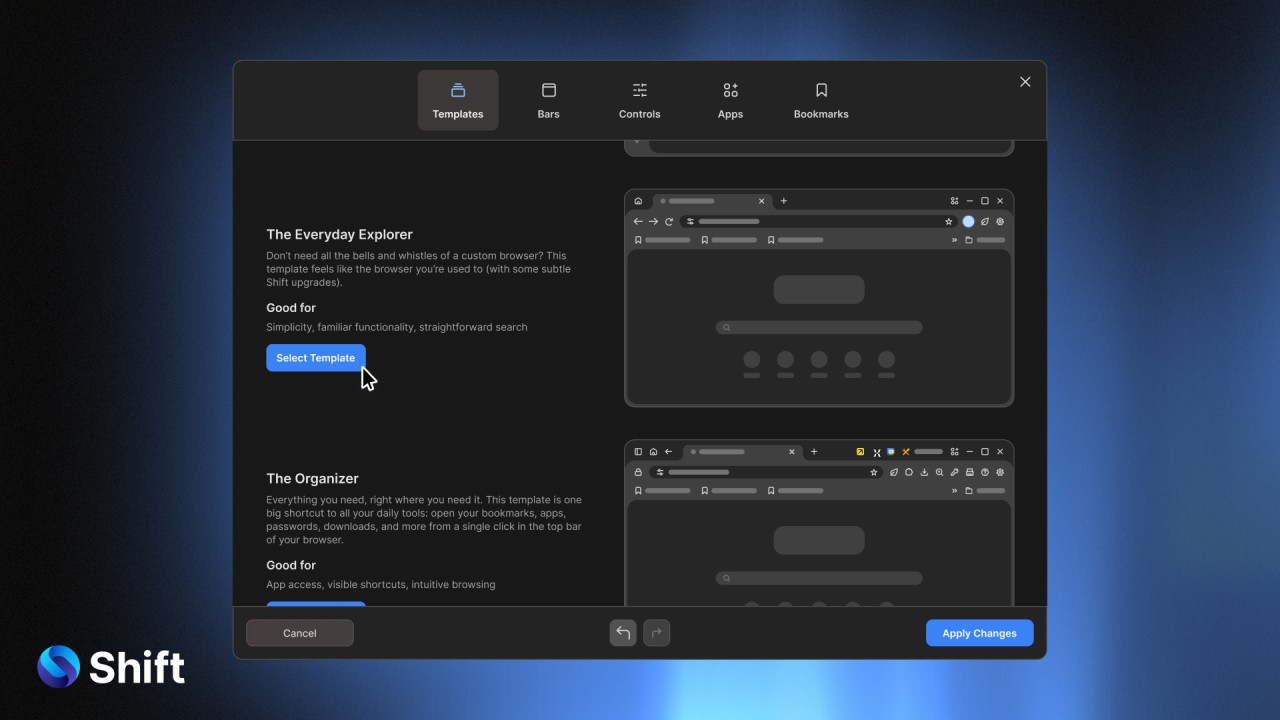
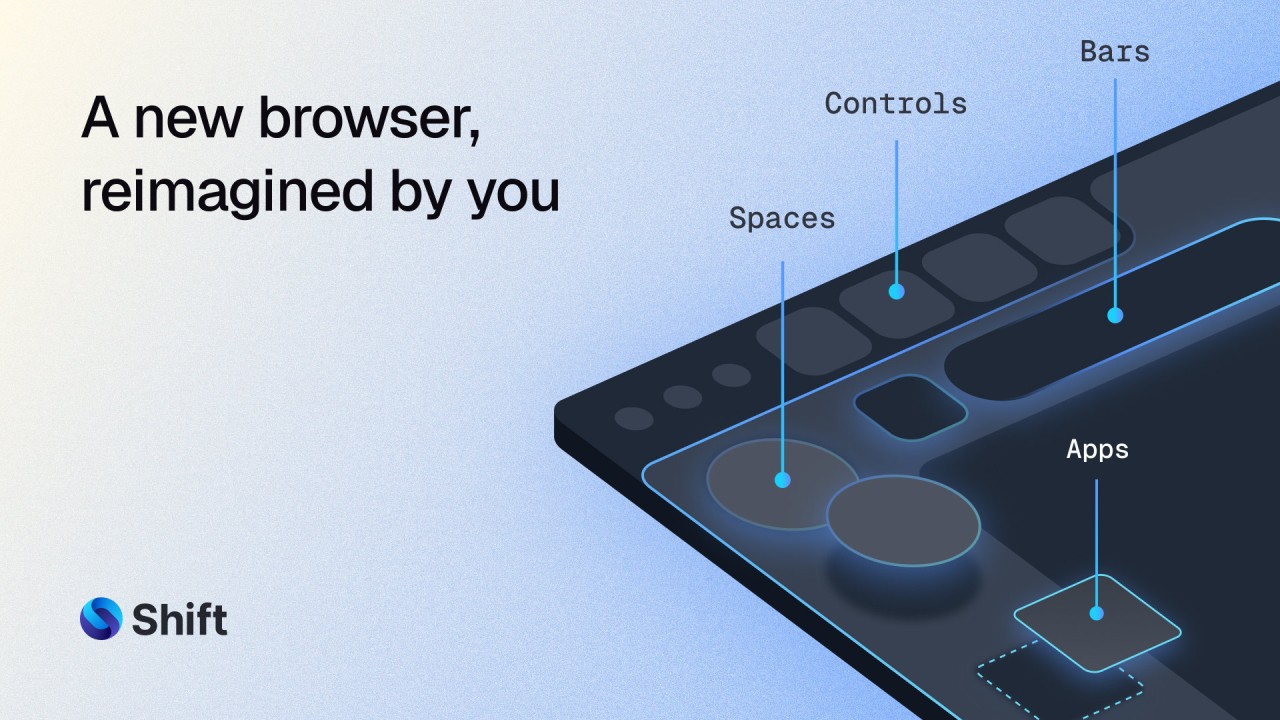
Your email accounts, apps, extensions, and tools are brought together into one organized space by the all-in-one desktop app Shift. Shift prevents you from constantly switching between windows, tabs, and many logins. After installing the app, all your apps like Gmail, Slack, Google Drive, Trello, Outlook, Zoom, and many more are available instantly.
It is not trying to do something radically new. It is simply making all of your activities focused on one thing. Shift is different because it focuses on understanding your workflow, so important tools stay close by. When working on different apps and sites, Shift becomes such a comfortable habit that it feels like it is wired into your mind.
It works so that you don’t get distracted and can manage your browser in a clear way. There is no need to look through your desktop or try to recall which tab had the tool you need using Shift. It becomes the main place for everything digital. All those benefits begin to show gradually, and as you move to Shift, you notice just how messy things were before.
Why Should I Download Shift?
Many people don’t see that much of their time goes into moving from app to app. In the next instant, Gmail leads to Slack, is followed by a reminder from Google Calendar, and you immediately need to visit Dropbox or Asana. Ten times a day, and you’ve wasted several hours, which isn’t wrong, but it does cost you time. Shift jumps-in so that your apps can be moved to the right spot.
It does not make you switch to a completely new way of thinking. You use your usual daily habits to build these habits. Using Gmail three times every hour is something Shift will not limit. So, rather than using a browser, copying URLs, or juggling with too many tabs, now it’s only a quick click, all set up and authenticated. There are no distractions and the tasks are completed quickly.
A lot of people find that the search feature is very useful. You don’t have to know which app contains an item, because Shift searches everywhere at once. The weekly email you received? You could get the email in Gmail, Outlook, or a Slack message. All this information is poured through by Shift, and it finds the facts.
You can manage the way that notifications appear. Shield yourself from all the disruptive alerts every app tries to send by customizing Shift. You could tell Slack to ping, but Gmail not to. You could use Asana once you have had lunch. Small adjustments such as those slowly make the way we work more efficient and easier to get used to.
Shift is very useful for anyone who needs to manage different client accounts as well as their own. No need to log out or use some other type of private window. Simply pick an account with a click, and the site switches fast. A feature like that can really help people busy with digital work, freelancers, marketers, and anyone on a remote team.
An extension manager is a feature built right into Shift. Such as Grammarly, LastPass, and the Zoom scheduler, without needing to open your regular browser. Being separate from your regular web browsers, it stays more focused, feels cleaner, and has less of a tab jungle.
Shift doesn’t promise to take away all your work, but it gets rid of things in your day that waste your time and add stress. As soon as you start your work day, you open the software, and you keep it open until your day ends. Finding someone who offers that quiet support is not common, and you soon become attached to it.
Is Shift Free?
Users can use the free version of Shift, which includes the core features. There are paid plans if you want to use more advanced account switching, use app integrations, or add extensions. Even so, the free version lets you try out how using it will change your routine.
What Operating Systems Are Compatible with Shift?
Shift works correctly on both Windows and macOS. You should download the app from the main site, and it works in the same way as any other installed application, not on the web. Because updates are sent out regularly, your computer is able to work well with recent system changes. It provides the best experience to people with recent machines, though it remains usable on older machines as well if they have the minimum needed.
What Are the Alternatives to Shift?
For many users, Ferdium is the main solution when they want something they can customize, and that’s open-source. It is cost-free, not heavy on system resources, and lets you have many services running side by side. What makes Ferdium different is that the user base shapes its features and keeps the interface user-friendly. If configuring settings, notifications, and privacy is important to you, Ferdium would better fit your needs. And you aren’t locked into a subscription, so users and developers who value flexibility find this useful.
Wavebox sticks with a more recent design option. It has a modern design, is simple and bright and includes advanced tools like the ability to group workspaces, put tabs to sleep, and work with apps in many ways. It works more like a work-focused browser, so you have effective performance without unnecessary features. Many people like Wavebox because it is premium but helps them use their browsers faster, conserve memory, and gain a clean and professional look. It works well for workers or entire teams dealing with a good deal of different SaaS software.
Rambox is a good balance between being simple and being powerful. Many web apps work here, you can easily customize your own workspace, and it organizes everything for you without asking you to set up much on your own. People who use different operating systems and are away from the office will like Slack because of its smooth notifications and cross-platform syncing. The software allows you to set up your workspace personally, but you don’t need to learn many technical things.
Because it comes with useful productivity features, Opera is worth mentioning as an alternative to regular browsers. This new version comes with WhatsApp and Facebook Messenger, a sidebar area for working, a free VPN, and ads are blocked. Shift’s email-merging capabilities are missing here, but Opera can be a dependable main hub for people who use online apps and prefer good organization. It is free, it takes little space, and doesn’t call for additional software to run properly.